


Barcoding News
Data tracking news, product updates, tips, and more
Enterprise Mobility Strategies Get Easier with Expanded iPhone Barcode Scanning Support
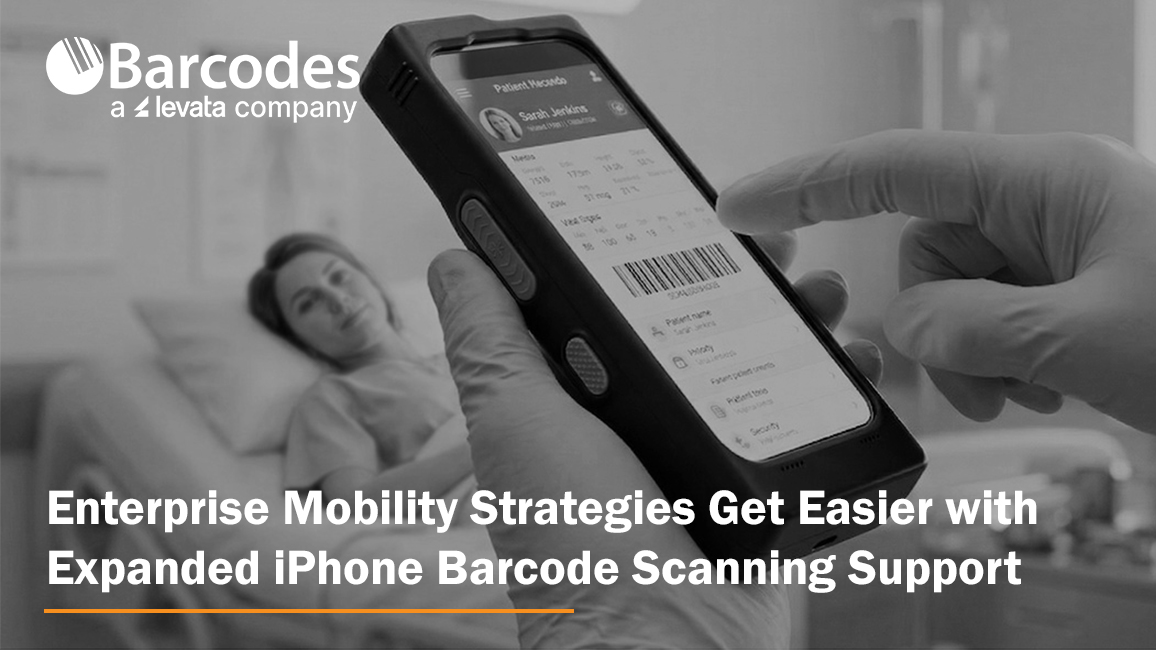
Organizations across retail, healthcare, hospitality, warehousing, and logistics continue investing in mobile technologies that help frontline workers capture data faster, improve workflow accuracy, and stay connected in real time. As many businesses standardize on Apple devices for their ease of use and employee familiarity, the challenge becomes extending consumer-grade smartphones into enterprise-ready tools capable of supporting demanding operational workflows.
Mobile barcode scanning, RFID data capture, mobile point-of-sale, inventory management, patient identification, and asset tracking all require more than a standard smartphone. They require ruggedized solutions that can withstand daily use while delivering the performance, battery life, and reliability needed for business-critical operations.
At the same time, organizations are under increasing pressure to simplify device management, reduce deployment complexity, and protect existing technology investments. Enterprise mobility leaders want solutions that allow them to adopt newer smartphone generations without replacing accessories, retraining employees, or redesigning workflows.
To support these evolving mobility strategies, IPCMobile has expanded compatibility for its Linea® Pro Rugged™ platform to include the new iPhone® 17e and iPhone® 17. The update enables organizations to continue leveraging enterprise-grade barcode scanning, RFID capabilities, rugged protection, and mobile payment functionality while maintaining consistency across device generations. The result is a more flexible path for businesses looking to modernize frontline mobility programs, streamline device rollouts, and maximize the value of their existing mobility infrastructure.
Simplified Mobility Management with Cross-Generation Support
Organizations already deploying compatible Linea® Pro Rugged™ accessories can transition to newer iPhone hardware without overhauling their mobility infrastructure. Existing charging setups, accessories, and workflows remain consistent, helping reduce downtime and streamline device rollouts.
The IPCMobile Linea® Pro Rugged™ platform now supports the iPhone 17e using the same SKU already designed for the iPhone 16e, helping organizations upgrade devices without replacing their existing rugged scanning infrastructure. IPCMobile also offers a dedicated Linea® Pro Rugged™ SKU for iPhone 17, while maintaining accessory compatibility across iPhone 15 and newer generations.
This flexibility helps businesses:
- Reduce SKU complexity
- Simplify procurement
- Minimize deployment disruptions
- Protect existing accessory investments
- Standardize workflows across device generations
This compatibility approach is especially valuable for enterprises managing large mobile fleets across multiple locations or shifts.
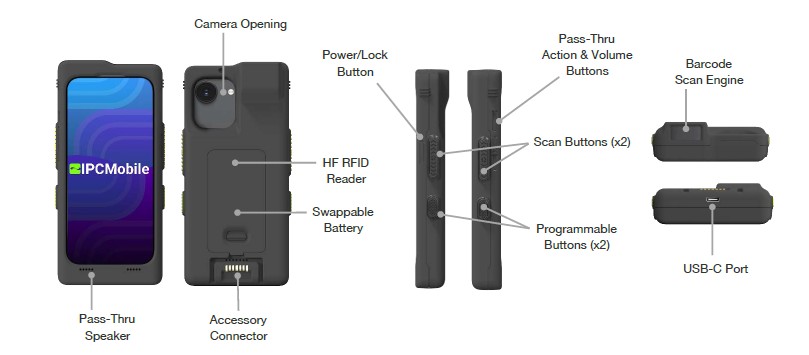
Consumer Simplicity. Enterprise Performance.
One of the biggest advantages of the Linea® Pro Rugged™ platform is its ability to combine familiar iOS usability with enterprise-grade performance. Employees already know how to use iPhones, reducing training time and accelerating adoption.
At the same time, the Linea® Pro Rugged™ platform delivers the durability and scanning performance businesses expect from industrial mobility hardware.
Key capabilities include:
- Advanced 1D/2D barcode scanning
- Optional long-range scanning up to 40 feet
- Contactless HF RFID support
- Programmable workflow buttons
- Swappable smart battery for multi-shift operation
- IP65-rated protection against dust and moisture
- MIL-STD-style drop protection
- Lightweight, compact ergonomic design
The built-in scanning engine is designed to capture damaged, low-contrast, or poorly printed barcodes quickly and accurately, helping workers maintain productivity even in high-volume environments.
Designed for Around-the-Clock Operations
The Linea® Pro Rugged™ platform is engineered for continuous workflows where downtime is not an option. A swappable 2330mAh smart battery supports uninterrupted multi-shift operations, allowing teams to replace batteries without stopping work or removing devices from service.
This is especially valuable for organizations operating:
- 24/7 healthcare facilities
- Busy retail environments
- Large distribution centers
- Hospitality venues with extended operating hours
Combined with real-time connectivity and enterprise software integration tools, the platform enables workers to send and receive updates instantly while maintaining operational visibility across locations.
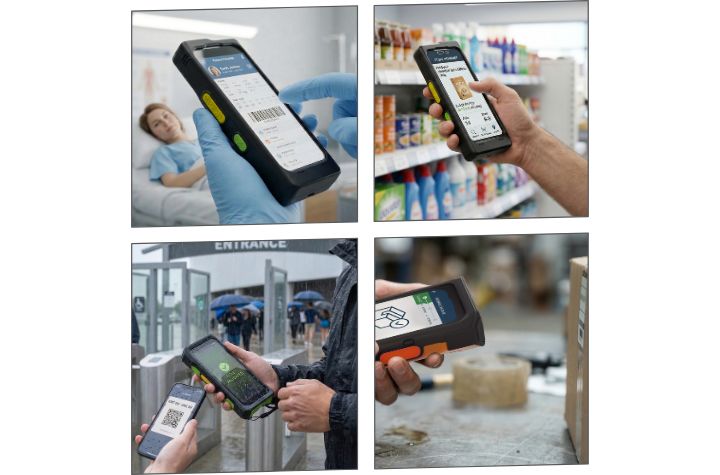
Industry Use Cases
The flexibility of the Linea® Pro Rugged™ platform makes it well-suited for a wide range of enterprise applications.
Healthcare
Healthcare providers can use the platform for:
- Patient identification
- Medication verification
- Mobile documentation
- Asset tracking
Its rugged housing and disinfectant-resistant design make it ideal for clinical environments where reliability and sanitation matter.
Hospitality
Hospitality teams benefit from:
- Mobile check-in/check-out
- Tableside ordering and payment
- Ticket validation
- Loyalty scanning
- Housekeeping management
- Inventory tracking
The compact design helps staff remain mobile while delivering faster guest service experiences.
Retail
Retail operations can streamline:
- Inventory management
- Shelf audits
- Mobile POS
- BOPIS workflows
- Price verification
- Stock replenishment
By combining barcode scanning with familiar iPhone functionality, associates can move seamlessly between customer engagement and operational tasks.
Warehousing and Logistics
Warehouse and logistics teams can improve:
- Package tracking
- Shipment verification
- Inventory movement
- Cross-docking workflows
- Asset management
- High-volume scanning operations
The rugged design and long battery life support reliable performance in demanding industrial environments.
Enabling Smarter, More Sustainable Enterprise Mobility
As organizations continue modernizing frontline mobility strategies, they need solutions that do more than support the latest devices. They need platforms that simplify upgrades, protect existing technology investments, reduce deployment complexity, and empower workers with reliable access to real-time data. By combining enterprise-grade barcode scanning, RFID capabilities, rugged durability, extended battery performance, and cross-generation accessory compatibility, IPCMobile’s expanded support for the iPhone 17e and iPhone 17 helps businesses create a more flexible and future-ready mobility ecosystem. The result is a streamlined approach to enterprise mobility that improves productivity, accelerates device adoption, and enables organizations to evolve their technology strategies without disrupting day-to-day operations.
Master Enterprise Labeling and Supply Chain Traceability with BarTender 12
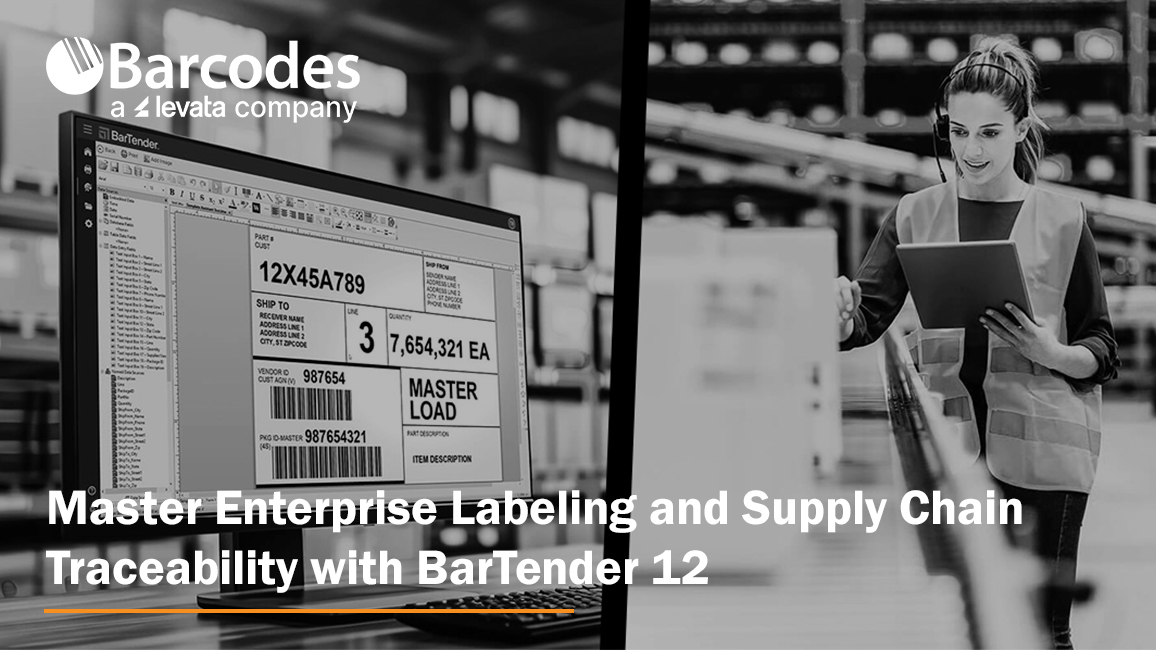
In supply chain environments, labeling plays a far greater role than simply identifying products or packages. Accurate, standardized labeling serves as the foundation for operational visibility, inventory accuracy, traceability, and workflow efficiency across manufacturing, retail, healthcare, logistics, food production, automotive, and warehouse operations. From barcode and RFID labels used in receiving and fulfillment to compliance and shipping labels required for retailer and carrier standards, effective labeling enables organizations to move products faster, reduce manual errors, improve scanning accuracy, and maintain real-time visibility throughout the supply chain.
BarTender is a leading enterprise labeling and traceability platform for organizations that need to design, manage, print, and automate barcode labels, RFID tags, compliance labels, and shipping labels across complex supply chains. For businesses in manufacturing, warehousing, retail, healthcare, food production, logistics, and other regulated industries, BarTender helps improve labeling accuracy, support compliance, reduce manual errors, and strengthen end-to-end visibility. This article highlights how BarTender 12 combines hybrid cloud and on-premises deployment, browser-based label design, centralized management, intelligent automation, ERP connectivity, stronger security, and cloud-based printing innovations to help modernize labeling operations and turn traceability into a competitive advantage.
- What BarTender does: Supports enterprise barcode labeling, RFID labeling, compliance labeling, shipping labels, and supply chain traceability
- Why it matters: Helps reduce labeling errors, improve scanning accuracy, increase operational efficiency, and maintain real-time supply chain visibility
- Where it fits: Ideal for manufacturing, warehousing, retail, healthcare, food production, logistics, and other regulated operations
- Key capabilities: Designer Online, Intelligent Forms, File Drop integrations, ERP connectors, centralized management, and secure access controls
- Deployment options: Cloud, on-premises, and hybrid environments that support distributed teams and multi-site operations
- Traceability advantage: Improves product identification, authentication, compliance, and item-level visibility with barcode, RFID, and cloud-connected workflows
As operations become increasingly automated and omnichannel fulfillment expectations continue to rise, businesses rely on intelligent labeling systems to support seamless data capture, improve coordination between systems and frontline workers, and ensure products, assets, and shipments can be accurately tracked from origin to final destination.
This is where solutions like BarTender 12 become increasingly valuable. As organizations work to improve supply chain visibility, automate workflows, and support faster, more accurate operations, labeling software has evolved into a critical operational platform rather than a simple printing utility. Organizations now have even greater flexibility to manage labeling operations across both on-premises and cloud environments while gaining new tracking and automation capabilities that improve visibility throughout the supply chain.
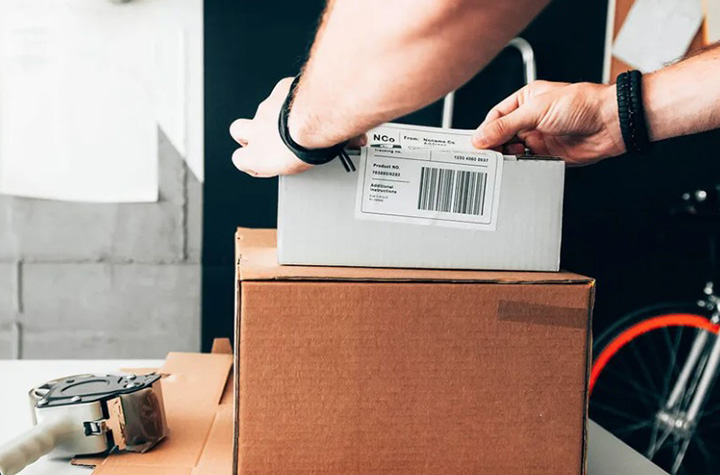
Why Labeling Matters More Than Ever
Every product moving through the supply chain depends on accurate identification. Barcode labels, RFID tags, compliance labels, shipping labels, and tracking identifiers all play a role in ensuring products arrive where they should, when they should, and in compliance with industry regulations.
The challenge for many organizations is balancing accuracy, scalability, and operational simplicity. Manual labeling processes increase the risk of costly errors, production delays, and compliance issues. At the same time, many businesses operate across multiple facilities, remote teams, contract manufacturers, and distributed warehouses that all require consistent labeling standards.
BarTender helps solve these challenges by combining powerful label creation tools with centralized management and scalable printing capabilities.
Flexible Deployment for Every Environment
One of the biggest advantages of BarTender 12 is its ability to support on-premises, cloud deployments, and even hybrid environments. Some organizations require local infrastructure for security, compliance, or operational control, while others need the flexibility and accessibility of cloud-based systems.
This flexibility helps IT and operations teams support:
- Multi-site warehouse operations
- Distributed retail environments
- Manufacturing facilities
- Remote workforce printing
- Enterprise labeling standardization
- Secure supply chain labeling workflows
With centralized label management and cloud accessibility, teams can create, manage, and print barcode and RFID labels from virtually anywhere while maintaining operational consistency across the organization.
BarTender 12 embraces a hybrid future by unifying these environments. Businesses can now deploy labeling operations in the way that best fits their IT strategy while maintaining consistent workflows across facilities and teams.
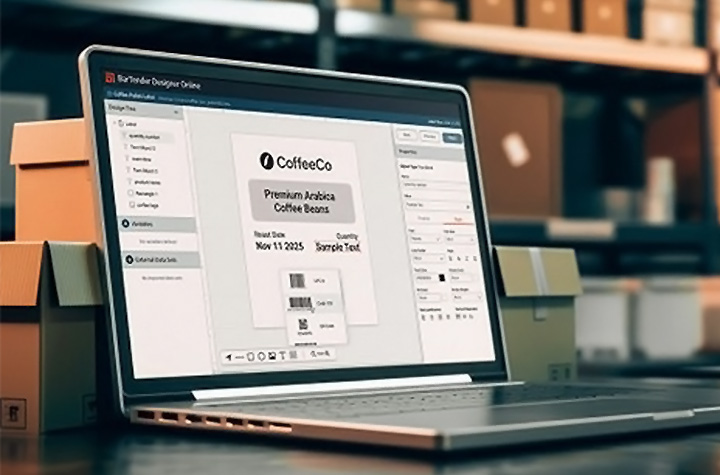
Easier Label Design and Collaboration
A major highlight of BarTender 12 is the all-new BarTender Designer Online. This refreshed, web-based designer allows users to create and edit labels directly from a browser without specialized software installation or advanced development skills.
This capability improves collaboration between internal teams, suppliers, and external partners. Instead of relying on a single workstation or local environment, teams can now design and update labels from anywhere, accelerating approvals and reducing downtime.
The platform also simplifies compliance by providing pre-built tools and templates that support current industry regulations and labeling standards, including updated automotive templates that meet the latest VDA requirements.
Intelligent Automation Reduces Complexity
Many organizations struggle with disconnected systems and repetitive manual processes. BarTender 12 introduces several new automation capabilities that simplify printing and improve operational efficiency.
Intelligent Forms allow print operators to select and print the correct labels through customizable web-based forms without ever opening a label template. This reduces training requirements and minimizes the chance of selecting the wrong label. BarTender now supports multi-page forms allowing users to break down complex forms into easy-to-use manageable sections.
File Drop integrations provide another major advantage. Users can now trigger print jobs simply by dropping JSON, CSV, or XML files into designated folders. This eliminates the need for complex API development and makes integration easier for organizations of all sizes.
BarTender 12 also strengthens connectivity with pre-built print connectors for major ERP systems such as Microsoft Dynamics, SAP, and Workday, helping businesses integrate labeling directly into existing workflows without extensive programming.
Stronger Security and Enterprise Control
As labeling becomes increasingly connected to enterprise systems, security and access control are more important than ever.
BarTender 12 expands single sign-on support with compatibility for Microsoft EntraID, PingID, and other OIDC providers. This helps organizations strengthen authentication policies while simplifying deployment for IT teams.
Additional enhancements to print history logging, authorization controls, and Printer Maestro performance provide greater visibility and oversight across enterprise print environments. These capabilities are especially important for industries with strict compliance requirements, including healthcare, pharmaceuticals, food production, and manufacturing.
Cloud Innovation for Modern Operations
The new Cloud Enterprise tier further demonstrates how BarTender is evolving for modern supply chain environments. Organizations gain enhanced labeling control, simplified ERP integration, and future-ready cloud security features designed to support enterprise growth.
Cloud-specific innovations such as Direct Cloud Printing for Zebra printers eliminate the need for driver installations and dramatically simplify printer deployment. New Amazon Transparency integration capabilities also help brands protect product authenticity and improve traceability throughout the supply chain.
A Platform Built for Growth
As retail, manufacturing, warehousing, healthcare, and logistics operations continue evolving, labeling has become a foundational component of real-time data accuracy, inventory visibility, product traceability, and connected frontline execution. Businesses can no longer rely on disconnected printing systems or manual labeling processes that create inefficiencies, errors, and operational blind spots.
With flexible cloud and on-premises deployment options, intelligent automation capabilities, advanced security features, ERP and WMS integrations, and enhanced collaboration tools, BarTender 12 helps organizations modernize how information flows throughout the supply chain. From barcode and RFID labeling to enterprise-wide print management and traceability, the platform transforms labeling into a strategic operational advantage.
How to Choose Affordable Rugged Mobility Devices Designed for Performance
Operations across warehousing, manufacturing, retail, healthcare, and logistics are being asked to do more with less. Labor shortages continue to challenge operations, while budget costs require every technology investment to produce strong measurable outcomes. For many organizations, the question is no longer whether to modernize workflows, but how to do it without overspending.
The difficult balance is selecting a premier hardware solution at budget-friendly pricing. This can be determined by a simple comparison of device features, functionality, and durability to price. That sweet spot is where Wasp Barcode Technologies excels.
Affordable Mobile Computers Built for Demanding Workflows
Wasp has earned a reputation for delivering dependable barcode and mobility technology at a price point that serves budget-conscious businesses. Instead of forcing companies to choose between affordability and performance, Wasp focuses on providing rugged, feature-rich hardware backed by strong support and fast delivery. The result is enterprise-ready technology that helps organizations improve productivity without stretching budgets.
One of the biggest misconceptions in the barcode and mobility industry is that lower-cost hardware means sacrificing durability or functionality. Wasp challenges that idea with a growing portfolio of mobile computers, scanners, tablets, and industrial printers designed for real-world business environments.
Let’s Review Budget-Friendly Mobility Devices
Mobile computers play a critical role in inventory management, warehouse operations, and field mobility. Wasp offers rugged options that deliver enterprise performance without enterprise-level pricing.
Product Review: Affordable Wasp Mobile Computers
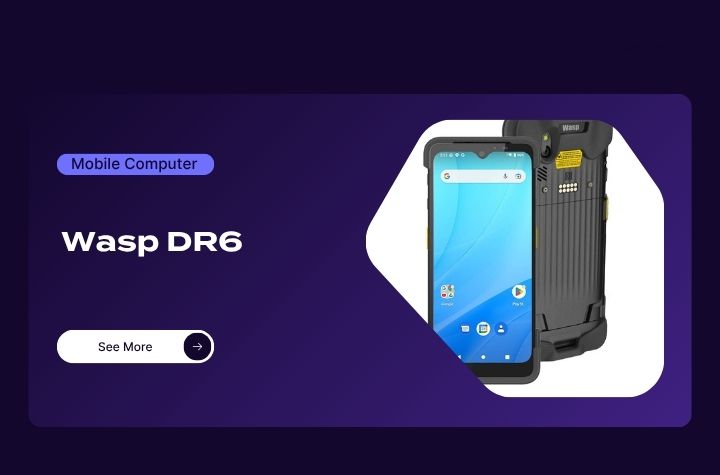
- 5G mobile computer with Android 12 and GMS certification
- Reads barcodes from up to 10 feet away
- Multi-scan functionality captures up to 10 barcodes simultaneously
- Scans 1D, 2D, DPM, DOT code, and smartphone barcodes
- Supports Wi-Fi 6E and Bluetooth connectivity
- IP65/IP67 sealed with 5-foot drop protection
- 5100mAh hot-swap battery minimizes downtime
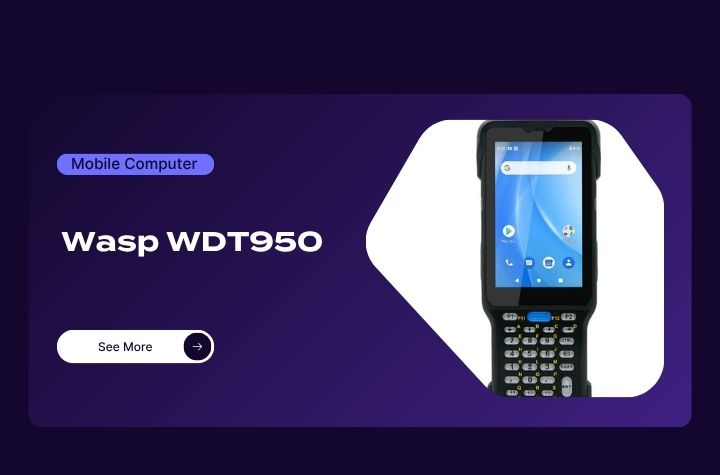
- Android 10 mobile computer with GMS certification
- High-performance 2D scanning with ergonomic tilt angle
- Durable 38-key keypad designed for heavy daily use
- Bluetooth 5.1 and advanced wireless networking support
- Hot-swap battery design for uninterrupted operation
- Rugged IP65/IP67-rated housing
Product Review: Affordable Wasp Rugged Barcode Scanners
Barcode scanning remains essential for fast and accurate workflows. Wasp scanners are designed to deliver dependable performance in warehouses, retail, and industrial environments while helping businesses control costs.
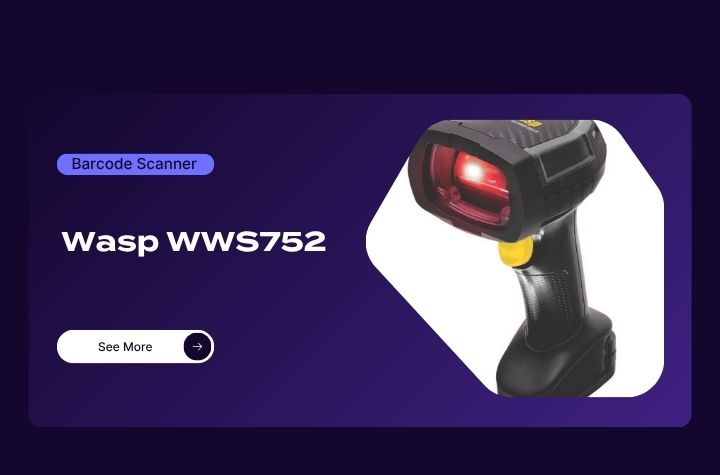
Wasp WWS752 Wireless 2D Scanner
- Ultra-rugged wireless scanner for industrial environments
- Reads 1D and 2D barcodes from inches away up to 65 feet
- Handles damaged, shrink-wrapped, and poorly printed labels
- IP65/IP67 protection with 6.6-foot drop resistance
- Bluetooth 5.0 wireless range up to 328 feet
- Battery supports more than 80,000 scans per charge
- Ergonomic design reduces user fatigue
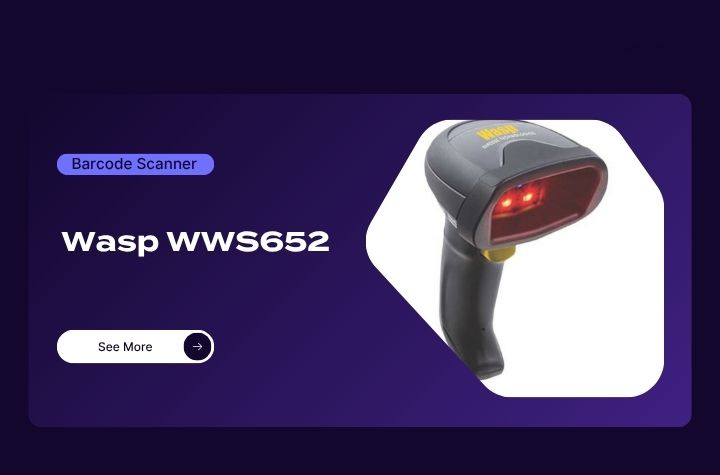
Wasp WWS652 2D Barcode Scanner
- Omnidirectional scanning for 1D, 2D, postal, and DotCodes
- 1 MP sensor for fast, accurate scanning
- LED-based precision aiming system
- Green Spot visual good-read feedback
- Motion-sensing automatic mode switching
- Bluetooth 4.0 wireless connectivity
- Multiple interface options including USB-C and RS-232
Product Review: Affordable Wasp Rugged Tablets
Rugged tablets continue to gain popularity for enterprise mobility in warehouse, transportation, and field service applications. Wasp provides a durable, feature-rich option designed for mobility and reliability.
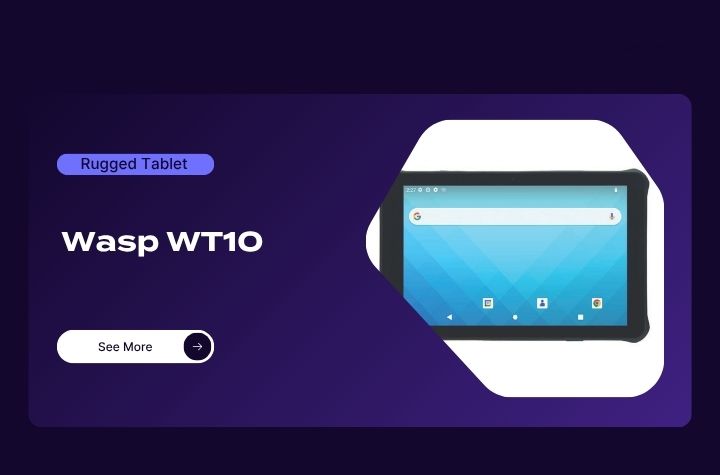
- Android 13 rugged tablet upgradeable to Android 15
- 10.1-inch Gorilla Glass display with glove and wet touch support
- Integrated 1D/2D barcode scanner
- IP67-rated and MIL-STD-810H certified durability
- Qualcomm Snapdragon Hexa Core processor
- Removable 8800mAh battery with up to 17 hours runtime
- Wi-Fi 6E and Bluetooth 5.2 connectivity
Product Review: Affordable Wasp Industrial Barcode Printers
High-volume printing operations require reliability, speed, and durability. Wasp industrial printers provide those capabilities while remaining cost-effective for growing businesses.
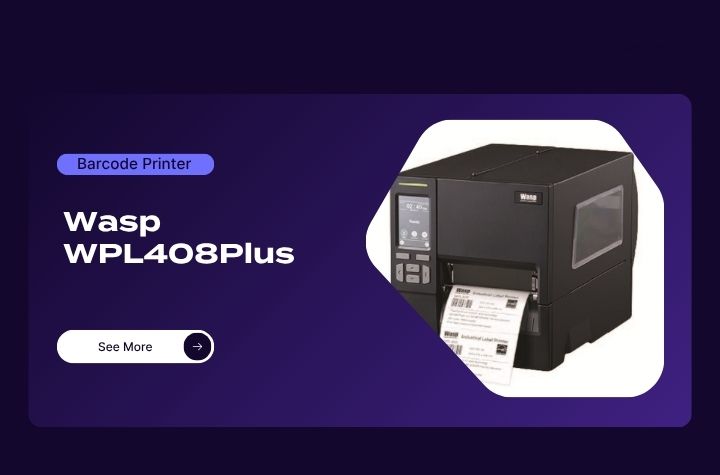
WPL408Plus Industrial Barcode Printer
- Compact industrial printer with all-metal print mechanism
- Supports thermal transfer and direct thermal printing
- Prints at speeds up to 12 IPS with 300 DPI resolution
- Handles label rolls up to 8 inches OD
- Supports WPL, EPL, ZPL, ZPL II, DPL, and TSPL-EZD
- Ethernet, USB, RS-232, and USB host connectivity
- Recyclable packaging and printer casing
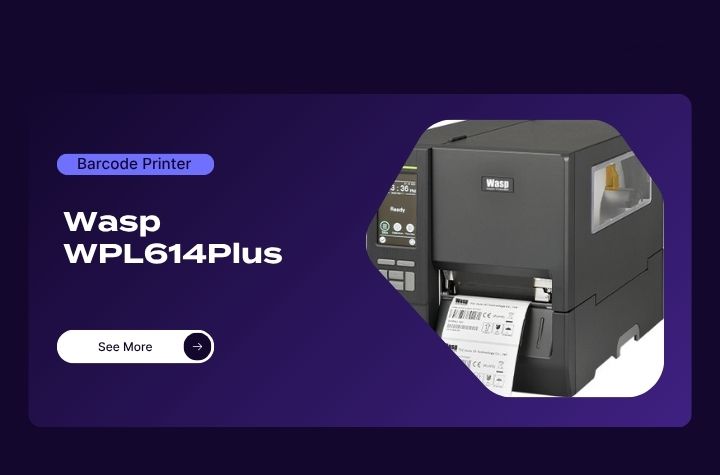
Wasp WPL614Plus Industrial Barcode Printer
- Designed for long-lasting, high-volume print environments
- Dynamic remote printer management capabilities
- Selectable media sensor settings
- GPIO support for applicators and emulations
- Wi-Fi and Bluetooth connectivity options
- Media near-end sensor detection
- Simplified printhead and platen roller replacement
The Secret to Cost-Effective Enterprise Mobility Deployment
Beyond the hardware itself, device lifecycle services and support is a critical component to successful enterprise mobility. Wasp differentiates itself with fast delivery, dependable customer support, and a 30-day return policy that allows businesses to invest with confidence. While some lower-cost hardware manufacturers sacrifice service and reliability, Wasp continues to focus on delivering both affordability and long-term value.
Partnering with Barcodes, Inc., offers further piece-of-mind and value with robust pre-deployment site survey and configuration services, followed by trusted post-deployment device management and warranty services. For organizations looking to reduce expenses without compromising operational efficiency, Wasp hardware offers a practical balance of rugged durability, modern features, and strong support. In a market where every dollar matters, choosing technology that delivers both performance and value can have a direct impact on productivity and profitability.
Healthcare Barcode Scanning: The Technology Helping Improve Accuracy, Safety, and Efficiency
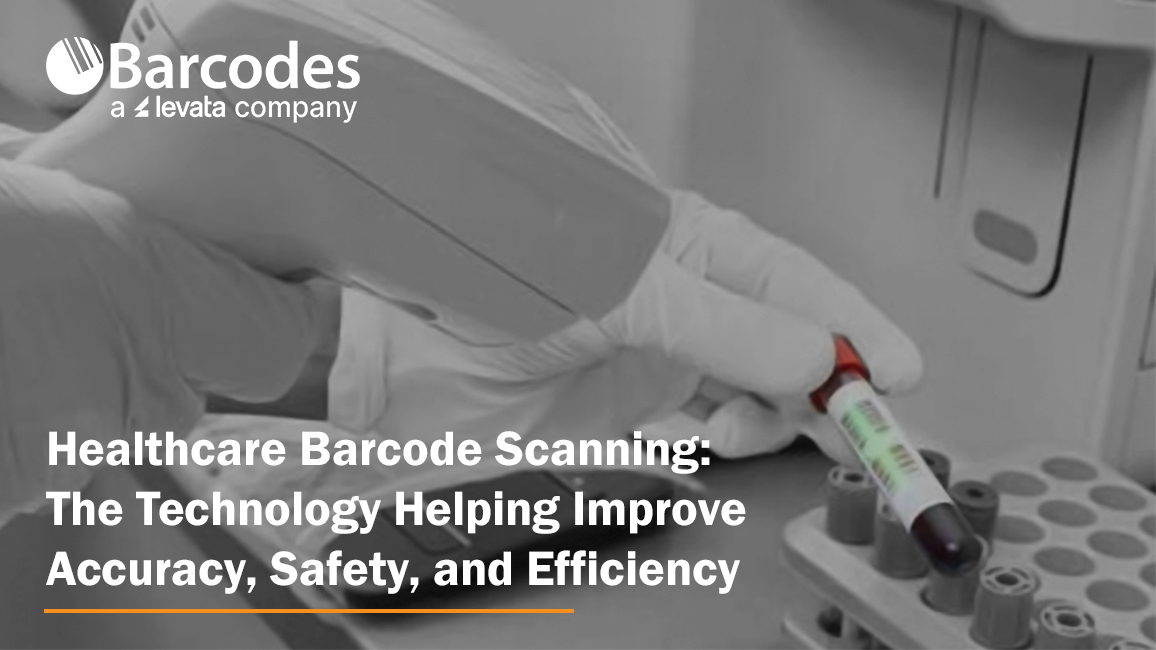
In healthcare, every second and every scan matters. From patient identification and medication administration to laboratory workflows and inventory tracking, healthcare barcode scanning technology plays a critical role in reducing errors, improving operational visibility, and supporting safer patient outcomes. But healthcare workflows demand more than standard barcode scanners.
Devices used in hospitals, clinics, and laboratories must be purpose-designed for healthcare settings — built to withstand constant disinfecting, support fast-paced clinical workflows, and deliver dependable scanning performance in patient-facing environments. As healthcare organizations continue modernizing operations and digitizing workflows for clinical mobility, reliable barcode scanning has become a foundational technology for improving both care delivery and operational efficiency.
Elevating Patient Safety with the Gryphon 4600 HC Scanner
Healthcare environments demand technology that can keep pace with a fast-moving environment while providing comfort for extended daily use. Designed specifically for these demanding healthcare settings, the Datalogic Gryphon 4600 HC series delivers the durability, scanning precision, and clinician-friendly design needed to help caregivers work more efficiently and confidently across patient care, pharmacy, laboratory, and administrative workflows.
Let’s review the core features of this popular healthcare barcode scanner.
Designed for Healthcare Workflows
Unlike standard barcode scanners, the Gryphon 4600 HC is engineered for clinical environments where devices are constantly cleaned and used throughout long shifts.
Key healthcare-ready features include:
- Disinfectant-ready housing designed to withstand harsh cleaning chemicals
- Antimicrobial protection to support infection control initiatives
- Quiet operation modes ideal for bedside patient care
- Ergonomic, lightweight design for all-day clinician comfort
- Corded and cordless options for flexible healthcare workflows
These features make the Gryphon 4600 HC well-suited for:
- Bedside patient care
- Nursing stations
- Laboratories
- Pharmacies
- Patient admissions and administrative areas
Accurate Barcode Scanning for Patient Safety
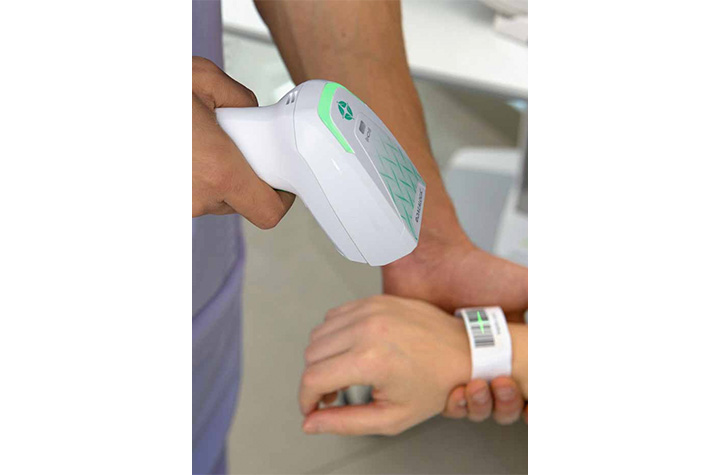
In healthcare environments, damaged wristbands, smudged labels, and barcode glare from screens are common challenges. The Gryphon 4600 HC is designed to accurately capture barcodes in these real-world conditions.
Advanced Healthcare Barcode Scanning Features
- Fast decoding of both 1D and 2D barcodes
- Reads damaged or poorly printed labels
- Captures barcodes from smartphones, tablets, and monitors
- Reliable scanning of curved patient wristbands
- Reduced manual entry and fewer scanning errors
Accurate barcode scanning helps support critical healthcare workflows, including:
- Patient identification verification
- Barcode medication administration (BCMA)
- Specimen tracking and laboratory workflows
- Pharmacy dispensing accuracy
- Electronic health record (EHR) data capture
Quiet Scanning for Better Patient Experience
The Gryphon 4600 HC includes Datalogic’s Green Spot technology, which provides visual scan confirmation without loud beeping noises. Silent scan modes and vibration feedback help clinicians work efficiently while creating a quieter, less disruptive patient environment.
Cordless Mobility and Reliable Charging
Healthcare staff need devices that remain operational throughout demanding shifts. The Gryphon 4600 HC cordless models provide mobility for caregivers moving between patient rooms and departments.
Traditional charging contacts can wear down or corrode from repeated disinfecting. The Gryphon 4600 HC uses inductive charging technology to eliminate exposed charging contacts that reduce charging failures and extend scanner lifespan.
Sustainable Healthcare Technology
Healthcare organizations are increasingly prioritizing sustainability alongside operational efficiency. The Gryphon 4600 HC supports these initiatives with environmentally conscious design improvements.
Sustainability Highlights:
- Up to 25% lower power consumption
- Built with more than 70% recycled materials
- Lightweight construction for improved usability
- Energy-efficient operation without sacrificing performance
A Smarter Approach to Healthcare Scanning
As healthcare systems continue to evolve, the demand for reliable, hygienic, and high-performing data capture solutions will only grow. The Gryphon 4600 HC is built to meet these demands head-on, delivering the accuracy clinicians need and the durability healthcare environments require.
More than just a scanner, it’s a tool designed to support better decision-making, safer patient outcomes, and smoother clinical workflows. For healthcare organizations looking to modernize their operations while maintaining the highest standards of care, the Gryphon 4600 HC represents a smart and future-ready investment.
To learn more about all our Healthcare solutions for clinical mobility and patient care, contact Barcodes, Inc.
The Human Element of Warehouse Automation: Why Innovation Must Start with Workers
The warehousing industry continues to evolve at a rapid pace, driven by rising customer expectations, supply chain complexity, and the steady march toward automation. By 2027, more than a quarter of warehouses are expected to be automated, signaling a major shift in how goods are stored, picked, and shipped. But while warehouse automation promises efficiency gains, it also introduces new challenges, especially when it comes to workforce stability, safety, and satisfaction.
One of the biggest risks companies face today isn’t a lack of technology, but overlooking the people who make that technology work.
Recent industry data highlights a growing disconnect. While automation is accelerating, workforce turnover in manufacturing and warehousing remains high, hovering around 40%. At the same time, millions of jobs are projected to be impacted by automation. This creates a tension that many organizations are still learning to navigate. How do you embrace innovation without alienating the workforce?
The answer lies in re-centering operations around the human element.
Safety and Ergonomics as Business Imperatives
Warehouse safety has always been critical, but it is now taking on greater strategic importance. Workplace injuries cost employers billions each year, many stemming from repetitive motion, poor ergonomics, and overexertion. These are not isolated incidents. They are systemic issues tied to how work is structured on the floor.
Simple but intentional improvements can make a measurable difference. Ongoing safety training, clear signage, and proactive hazard detection help reduce accidents before they occur. Scheduled micro breaks and better workflow design can prevent fatigue-related errors and injuries.
But perhaps the most impactful changes come from ergonomic investments.
Ergonomic tools are designed to work with employees, not against them. Whether it is reducing unnecessary bending, minimizing heavy lifting, or improving posture, these solutions directly address the physical demands of warehouse work. Companies that prioritize ergonomics often see strong returns, not just in reduced injury costs, but in higher productivity and employee retention.
Small Changes, Big Impact
It is easy to focus on large scale automation projects, but many operational inefficiencies come from smaller, everyday tasks.
Take walking time, for example. Warehouse employees can spend miles each day moving between workstations, scanners, and inventory locations. Over time, this contributes to fatigue, lost productivity, and increased risk of injury.
Similarly, repetitive processes like picking and scanning can introduce inefficiencies and errors. Even a few seconds lost per task can add up to significant time over the course of a shift. Technologies like voice picking and wearable scanners have proven effective in reducing errors and improving speed by freeing up workers’ hands and attention.
Anti fatigue flooring is another example of a relatively simple upgrade with meaningful benefits. Studies show that proper matting can improve circulation and reduce strain on joints, helping workers stay comfortable and productive throughout long shifts.
Individually, these improvements may seem incremental. Collectively, they reshape the daily experience of warehouse employees.
Rethinking Automation: Augment Workers, Don’t Replace Them
As automation becomes more prevalent, forward-thinking organizations are shifting their approach. Instead of viewing technology as a replacement for labor, they are using it to enhance human capability.
This is where the concept of the human element of automation becomes critical.
Rather than removing workers from the equation, the goal is to empower them. This means eliminating inefficiencies, reducing physical strain, and enabling them to focus on higher value tasks. When done right, this approach improves operational performance and strengthens employee engagement and satisfaction.
In a labor market where attracting and retaining talent is increasingly difficult, that becomes a clear competitive advantage.
Bringing the Work to the Worker
One of the most effective ways to bridge the gap between automation and ergonomics is by rethinking where and how work happens.
Instead of requiring workers to constantly move between fixed stations, leading organizations are bringing technology directly to the point of task.
This is where mobile-powered workstations stand out.
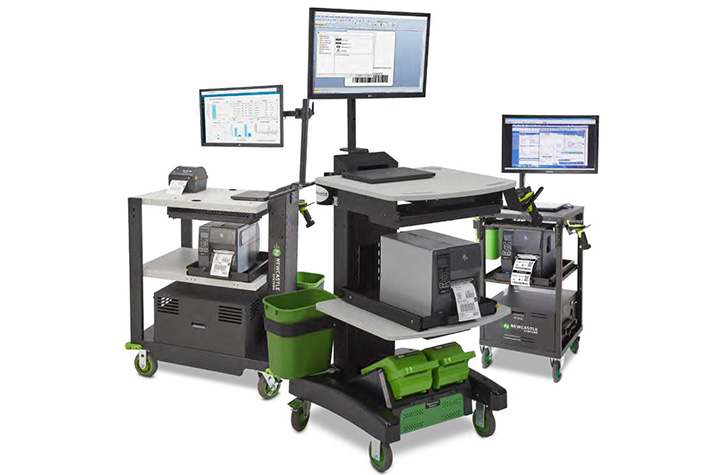
A leading expert in warehouse automation purpose-built for workers, Newcastle Systems’ mobile-powered workstations are designed to eliminate unnecessary movement and streamline workflows. By integrating computing, scanning, and printing capabilities into a single mobile solution, these workstations allow employees to complete tasks on the spot, reducing excessive walking and saving valuable time.
Just as importantly, they address key ergonomic challenges. By minimizing the need for lifting and offering adjustable height work surfaces, these solutions help reduce physical strain and support a healthier posture throughout the workday.
The result is a more efficient, safer, and more employee friendly environment.
The Future of Warehousing Is Human Centered
The next phase of warehouse innovation will not be defined by automation alone. It will be shaped by how well organizations balance technology with human needs.
Companies that invest in their workforce through safety, ergonomics, and thoughtful technology integration will be better positioned to adapt, compete, and grow.
Because in the end, the most advanced warehouse is not just automated. It is designed around the people who keep it running.
To learn how to incorporate essential workflow automation solutions in your warehouse operations, contact Barcodes, Inc. today.
Keep Orders Moving with Smarter, Liner-Free Labeling
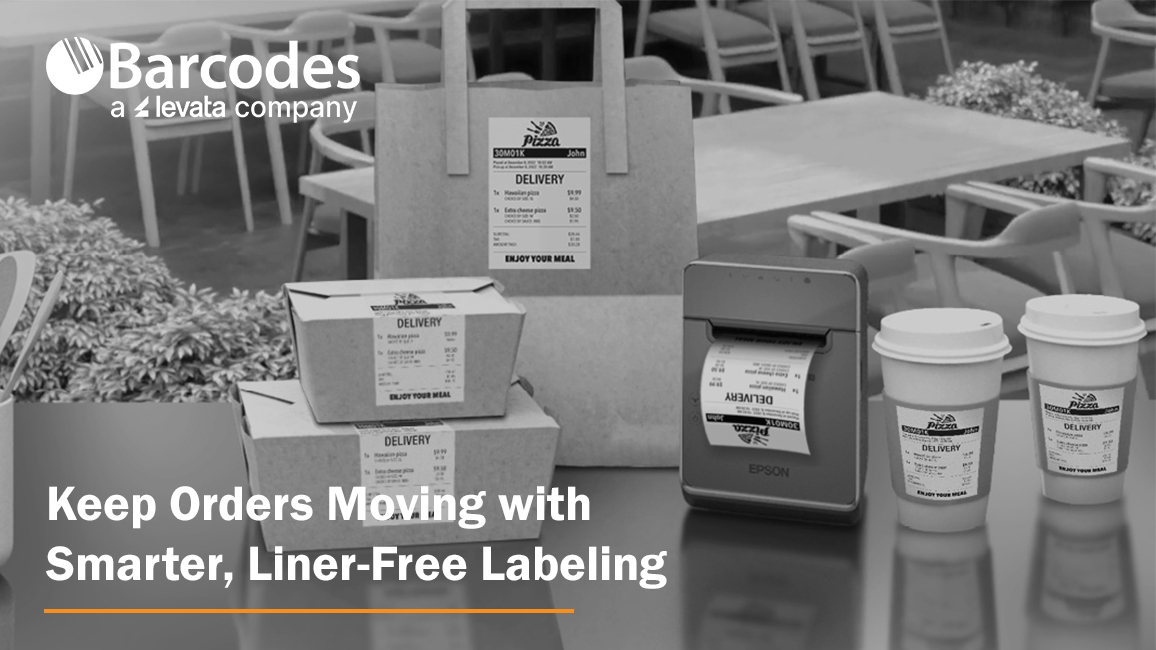
High-volume labeling environments don’t slow down, so your label printer can’t afford to, either. From quick-service restaurants and grocery stores to retail pharmacies and delivery operations, speed, accuracy, and flexibility are essential to keeping orders moving and customers satisfied. That’s where the Epson® OmniLink® TM-L100 Liner-Free Thermal Label Printer stands out as a modern solution built for today’s fast-paced, multi-channel workflows.
The Importance of Optimized Point-of-Sale and Labeling Solutions
When POS technology is well connected and built-for-purpose, a number of frontline productivity and customer experience benefits are attained, including:
- Pricing accuracy & compliance confidence: Real-time updates ensure shelf labels, food labels, and POS pricing stay aligned—reducing risk and protecting margins
- Faster checkout & fulfillment: High-speed, reliable printing keeps lines moving and supports efficient in-store and omnichannel order processing
- Labor efficiency gains: Store associates spend less time troubleshooting or reprinting and more time focused on customers and value-added tasks
- Improved inventory visibility: Accurate labeling supports better stock tracking, fewer discrepancies, and more informed replenishment decisions
- Stronger customer experience: Consistent pricing, clear labeling, and smooth transactions build trust and satisfaction
- Operational agility: Quickly roll out promotions, update product information, or adapt workflows across locations with minimal effort
A Label Printer Built for the Way Business Happens Today
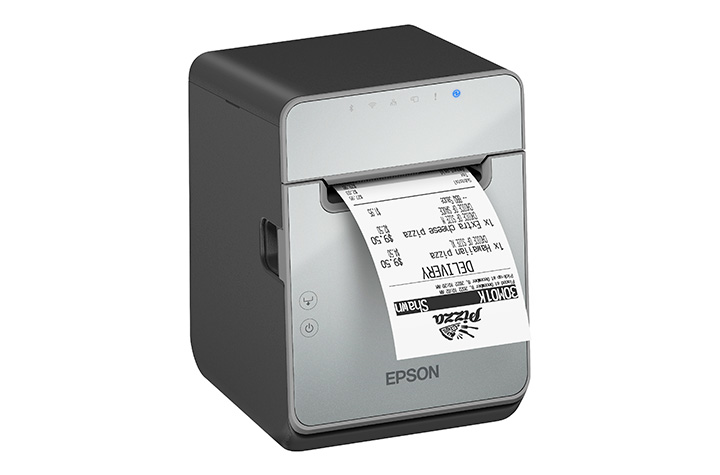
The Epson® OmniLink® TM-L100 is designed to support the realities of omnichannel operations. Whether you’re managing buy online, pick up in store (BOPIS), curbside pickup, or delivery orders, this printer integrates seamlessly into your workflow. With a network-connected printer, Server Direct Print technology can retrieve and print orders directly from web-based applications—no POS integration required. That means faster deployment, fewer IT dependencies, and a smoother path to supporting online ordering at scale.
Equally important, the TM-L100 can dynamically connect to multiple systems at once. It can be shared across traditional PC-based POS terminals, tablets, mobile devices, and even cloud servers simultaneously. This level of flexibility ensures that no matter how your operation evolves, your labeling infrastructure keeps up.
Liner-Free Labeling That Reduces Waste
One of the most impactful features of the TM-L100 is its support for liner-free media. Traditional labels create excess waste through backing liners, which can clutter workspaces and require additional disposal. Liner-free labels eliminate that problem, helping reduce environmental impact while improving operational efficiency.
Beyond waste reduction, the printer also includes advanced paper-saving features like white space and character height reduction, cutting media usage by up to 47% depending on the text and graphic printed on the receipt. For businesses printing hundreds—or thousands—of labels daily, that translates directly into cost savings.
Engineered for Accuracy and Speed
In environments where labeling errors can lead to incorrect orders or unhappy customers, precision matters. The TM-L100 helps eliminate common issues associated with handwritten labels or poorly printed tags. With crisp, high-speed thermal printing—up to 170 mm per second—you get clear, professional labels every time.
The built-in label-taken sensor adds another layer of accuracy. It ensures that labels are printed one at a time, pausing output until the previous label is removed. This prevents labels from sticking together or being misapplied, a common challenge in high-volume food service and retail environments.
Connectivity Without Compromise
Modern operations rely on a wide range of devices, and the TM-L100 is built to connect with all of them. It includes built-in USB and Ethernet, along with options for Serial, Wi-Fi, and Bluetooth connectivity. This makes it easy to deploy in virtually any setup, from fixed POS stations to mobile tablet-based systems.
One standout feature is USB Network Tethering, which allows the printer to provide a wired network connection to a connected tablet. This simplifies connectivity in environments where stable wireless access may be a challenge. For iOS devices, the printer can deliver both data communication and device charging through a single USB connection, reducing cable clutter and improving workstation efficiency.
Reliability You Can Count On
Downtime isn’t an option in high-demand environments. The TM-L100 is engineered with a long-lasting printhead and auto cutter, ensuring consistent performance even under heavy use. It’s built specifically for liner-free labeling, which can be more demanding on hardware, and is backed by a one-year limited warranty with extended service plans available for added peace of mind.
A Versatile Fit Across Industries
From labeling drinks and food containers in quick-service restaurants to managing order fulfillment in retail and grocery environments, the TM-L100 adapts easily to a wide range of applications. Its support for multiple media widths—80mm, 58mm, and 40mm—adds further flexibility, allowing businesses to standardize on one device across different use cases.
Final Thoughts
The Epson® OmniLink® TM-L100 Liner-Free Thermal Label Printer isn’t just another label printer—it’s a purpose-built solution for modern, connected operations. By combining liner-free media support, advanced connectivity, and intelligent features that improve accuracy and efficiency, it helps businesses reduce waste, streamline workflows, and deliver better customer experiences.
If your current labeling process slows you down or introduces errors, contact Barcodes, Inc. to discuss a solution upgrade designed to keep business rolling.
How Barcode Technology for Healthcare Transforms Patient Safety & Clinical Mobility
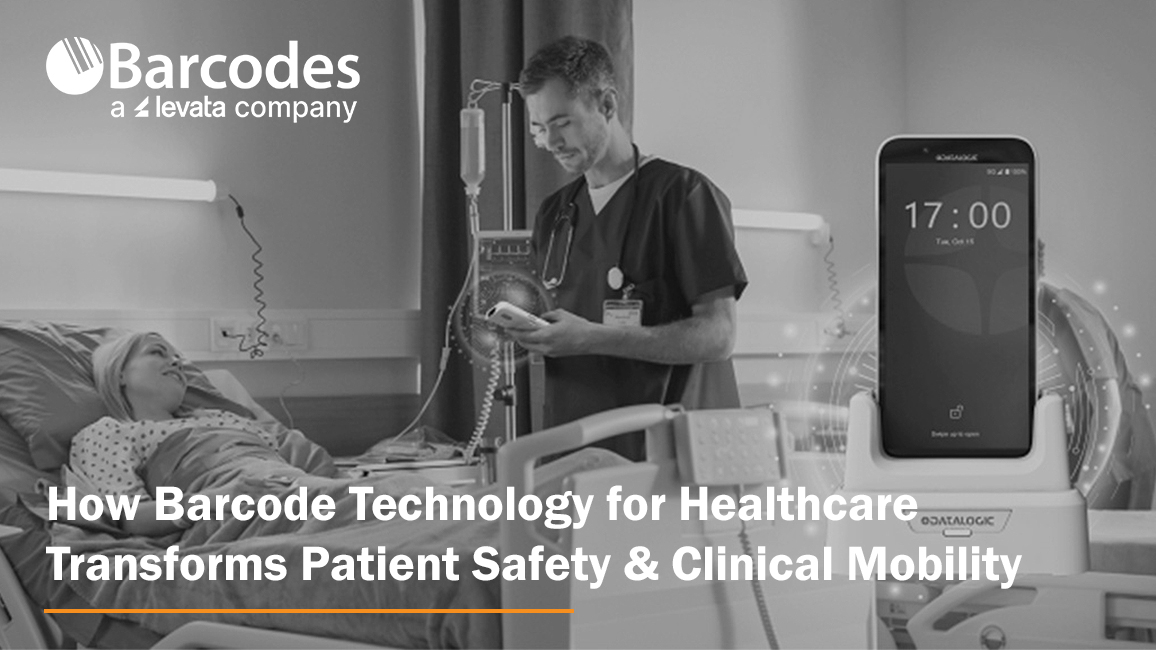
Patient safety remains one of the most critical priorities in modern healthcare. From medication administration to surgical instrument tracking, even minor errors can have serious consequences. As hospitals and care facilities continue to digitize operations, barcode technology for healthcare has emerged as a foundational tool in clinical mobility for reducing risk, improving accuracy, and streamlining workflows. Handheld mobile computing devices, like Datalogic healthcare scanners, are at the forefront of this transformation, helping healthcare providers deliver safer, more efficient patient care.
Barcoding in Healthcare: Frequently Asked Questions
What is the role of barcoding in hospital operations?
Barcode technology is used across hospitals to capture and validate data in real time, improving accuracy, efficiency, and patient safety from admission through discharge.
Common applications include:
- Patient identification and admissions
- Point-of-care workflows
- Sterile processing and surgical tracking
- Inventory management and supply chain operations
- Shipping and receiving
By replacing manual data entry, barcode systems reduce errors and allow healthcare staff to focus more on patient care.
How does barcoding improve patient identification and safety?
Barcode-enabled wristbands and medical records allow healthcare providers to instantly verify a patient’s identity before delivering care.
This helps:
- Prevent patient misidentification
- Ensure correct treatments and medications
- Specimen identification and labeling
- Access to electronic medical records (EMR/EHR)
- Reduce manual documentation errors
- Support compliance with safety protocols
In addition, barcode-enabled kiosks and check-in systems improve the patient experience by simplifying navigation and reducing wait times.
How is barcode technology used in surgery and sterile processing?
In surgical environments, barcode systems track instruments and supplies to ensure sterility, accuracy, and compliance.
Hospitals use barcode technology to monitor:
- Sterilization cycles
- Instrument usage history
- Expiration dates
- Movement from storage to operating room
When paired with disinfectant-ready scanners, these systems support strict hygiene standards without slowing workflows.
What is Barcode Medication Administration (BCMA) and why is it important in healthcare?
Barcode Medication Administration (BCMA) is a system that uses barcode scanning to verify medications at the bedside before they are given to a patient. BCMA enforces the “five rights” of medication safety: right patient; right drug; right dose; right route; right time.
By scanning both the patient’s wristband and the medication, clinicians improve patient safety in real-time while also supporting clinical compliance and documentation accuracy.
What are the operational benefits of barcoding in hospitals?
Hospitals that implement barcode systems effectively see improvements in both clinical outcomes and operational performance.
Key benefits include:
- Increased patient safety
- Reduced medical errors
- Improved staff productivity and faster workflows
- Real-time inventory and asset visibility
- Enhanced regulatory compliance
- Better patient experience
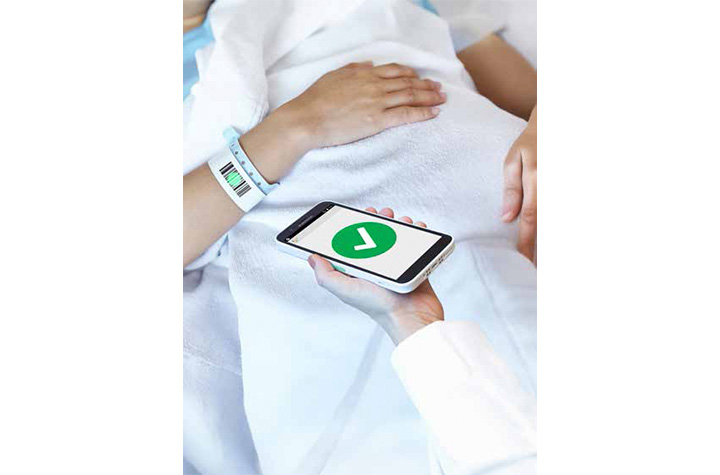
Empowering Frontline Staff with Mobile Technology
Modern healthcare environments demand mobility, reliability, and constant connectivity. Healthcare scanning devices like the Datalogic Memor 17 HC mobile computer are designed specifically for frontline professionals who need to stay connected both inside and outside the hospital.
With advanced connectivity options such as Wi-Fi 6E and 5G, healthcare workers can maintain uninterrupted communication whether they are moving between departments or visiting patients remotely. These devices are also built to withstand continuous disinfection, ensuring they remain safe for use in hygiene-critical environments.
Ergonomics and usability are equally important. Lightweight designs, durable displays, and customizable emergency features—such as programmable alarm buttons—help staff respond quickly in high-pressure situations. Combined with fast, accurate barcode scanning capabilities, these devices become indispensable tools in delivering high-quality care.
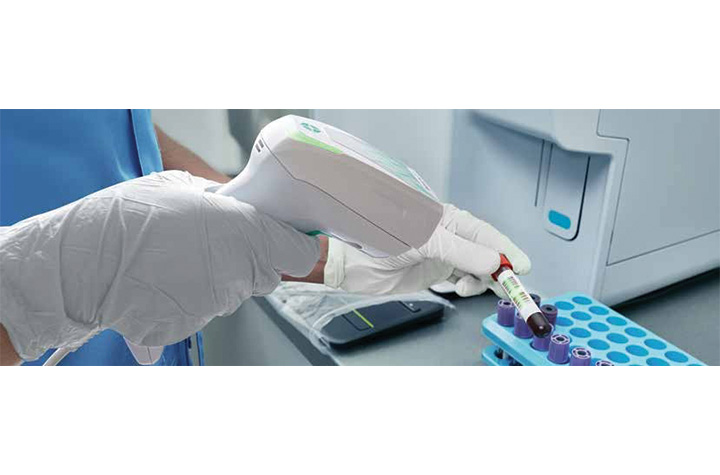
Reliable Scanning for Clinical Environments
Healthcare settings require barcode scanning solutions that are not only accurate but also durable and easy to sanitize. The Datalogic Gryphon 4600 HC handheld scanner is engineered for clinical demands, offering disinfectant-ready enclosures and antimicrobial protection.
These scanners excel in reading difficult barcodes, including those that are small, curved, reflective, or poorly printed—common challenges in healthcare environments. Whether used at a nurse’s station, laboratory, or bedside, they provide consistent performance and reliability.
Corded and cordless options offer flexibility, while features like silent operation and vibration feedback make them ideal for patient-facing environments where noise must be minimized. Additionally, inductive charging eliminates the risk of corrosion, reducing maintenance needs and extending device lifespan.
Sustainability is also a growing focus. With reduced power consumption and materials that incorporate recycled content, modern scanning devices are designed to support both operational and environmental goals.
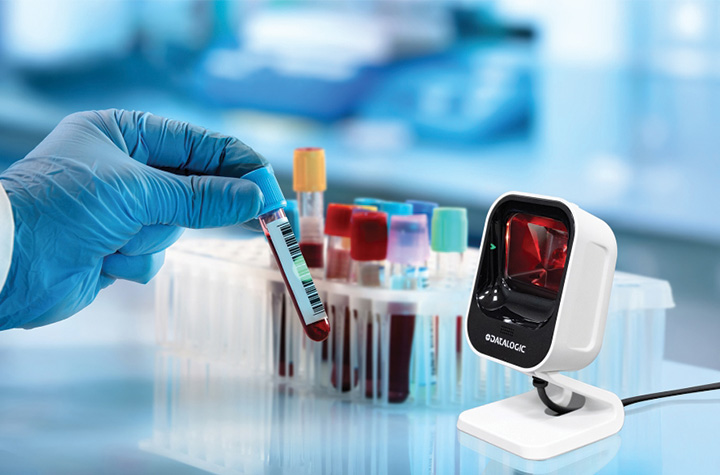
Improving Workflow Efficiency with Presentation Scanning
Beyond mobile and handheld devices, presentation scanners play an important role in streamlining workflows across healthcare environments. The Datalogic Magellan 900i brings powerful, omnidirectional scanning into a compact form factor that fits seamlessly into point-of-care, pharmacy, laboratory, and administrative settings.
Designed with advanced digital imaging technology, the Magellan 900i quickly and accurately reads both 1D and 2D barcodes—whether printed on labels or displayed on mobile devices. This versatility makes it ideal for scanning patient information, medication labels, lab samples, and even digital records such as mobile IDs or appointment confirmations.
Its compact, ergonomic design allows for both hands-free and handheld use, making it easy to integrate into crowded workspaces like nurse stations or lab counters. Subtle, adaptive illumination enhances user comfort, while Datalogic’s Green Spot technology provides clear visual confirmation of successful scans—especially valuable in quieter healthcare environments.
With flexible mounting options, including kiosk and OEM integration, the Magellan 900i can be embedded into self-service stations or check-in points, helping reduce bottlenecks and improve patient throughput. Combined with enterprise-ready features like remote management and broad system compatibility, it offers a scalable solution for healthcare providers looking to enhance efficiency without adding complexity.
A Smarter, Safer Future for Healthcare
As healthcare systems continue to evolve, the importance of accurate data capture and real-time information access cannot be overstated. Healthcare technology – like barcode technology, mobile computing and interactive platforms by Datalogic, is enabling a new standard of care—one that prioritizes patient safety, quality of care, and clinical mobility.
By reducing errors, streamlining operations, and empowering healthcare professionals with the tools they need, these solutions are not just improving workflows—they are helping save lives.
To learn more about our Healthcare technology solutions, contact Barcodes, Inc.
Why Choose Zebra Technologies for Your Barcode and Labeling Needs?
For enterprises, efficiency is no longer a business advantage, it’s a requirement to staying afloat. From busy retail stores to hospital labs and warehouse operations, barcode labels keep operations moving.
Every label tells a story: what a product is, where it’s going, and how it gets there. Behind that story is advanced technology that must work perfectly every time. That’s why choosing Zebra Technologies barcoding solutions for your barcode and labeling needs is the right solution for any organization aiming to improve operational efficiency.
At Barcodes Inc., we’ve spent over 40 years proving how the right hardware, software, and professional services can transform a business. And through decades building a trusted partner relationship, Barcodes, Inc. knows Zebra consistently delivers reliable performance and a long-term durability ecosystem of barcode and labeling solutions, featuring Zebra printers, barcode scanners, mobile computers, RFID tags, and accessories.
Let’s explore how Zebra helps improve inventory management, boost productivity, and create seamless, connected workflows across industries.
The Power of Barcodes and Labels
Barcodes and labels may seem simple, but they’re essential for modern business success. They connect data capture to real-world movement, keeping inventory tracking accurate, shipments timely, and patient care safe. A reliable barcode system can make or break operational efficiency.
When labeling systems fail, the impact is immediate. Smudged labels delay deliveries, peeling tags cause lost inventory, and misprinted wristbands disrupt patient care.
Avoiding these problems requires the right combination of durable materials, industrial printers, and dependable software. Zebra printers, supplies, and devices are engineered to ensure clarity, reliability, and high performance in every print.
A Complete Ecosystem: Zebra’s Connected Advantage
Zebra isn’t just about printers; it’s about creating a unified ecosystem of devices, systems, and solutions that simplify complex operations. Its lineup of mobile computers, desktop printers, industrial printers, tablets, and scanners works together to streamline workflows across industries.
Zebra’s Ecosystem Includes:
- Zebra Barcode Printers: Compact desktop models and industrial workhorses designed for high-volume, high-performance printing.
- Zebra Mobile Computers: Empower employees to stay connected and productive anywhere, improving real-time inventory tracking and communication.
- Zebra Scanners and Tablets: Engineered for accuracy, speed, and durability across tough environments.
- Smart Software and RFID Tags: Provide automation, visibility, and control for data capture and tracking across entire operations.
- Antennas: Essential for effective communication and signal transmission in RFID and wireless data capture systems, ensuring seamless connectivity between devices such as RFID readers, scanners, and mobile computers.
Every element of Zebra’s ecosystem works together to improve operational efficiency, increase accuracy, and deliver consistent quality across every form of labeling and tracking.
Print Quality That Speaks for Itself
A Zebra printer is only as good as the supplies that feed it. That’s why Zebra offers genuine supplies, labels, ribbons, and tags, engineered to ensure long-lasting print quality. Using Zebra’s official materials helps reduce maintenance, extend printhead life, and guarantee crisp, readable barcodes.
You can choose from hundreds of label materials, including RFID tags for advanced automation, synthetic labels for industrial use cases, and removable options for retail applications. Zebra printers, paired with genuine supplies, ensure consistent output, fewer reprints, and reliable performance in every environment.
Mobile Printing: Productivity in the Palm of Your Hand
The ability to print labels and receipts wherever the work happens is a game-changer. Zebra Technologies brings productivity to the palm of your hand with its robust lineup of mobile printers and Zebra mobile computers.
Designed for reliable performance in tough environments, Zebra’s mobile printing solutions empower workers across industries to print on the go, right at the point of application.
Zebra’s mobile printers are compact, lightweight, and engineered for durability, making them ideal for employees who need to move quickly and efficiently throughout their shift.
Whether it’s restocking shelves in a retail store, labeling products on a manufacturing line, or managing shipments in a busy warehouse, Zebra’s mobile solutions help businesses improve inventory management and reduce costly errors.
With seamless integration into existing systems, these devices enable real-time printing and data capture, boosting productivity and operational efficiency across the board.
By equipping your workforce with Zebra’s mobile printers and mobile computers, you create a more agile, responsive operation, one that can adapt to changing demands and deliver exceptional service. The result is a streamlined workflow, improved inventory accuracy, and a noticeable increase in customer satisfaction and revenue.
RFID Solutions: Beyond Barcodes
For businesses looking to take inventory tracking to the next level, Zebra Technologies offers advanced RFID solutions that go far beyond traditional barcodes. Zebra’s RFID tags and readers provide real-time visibility into inventory, assets, and shipments, enabling businesses to automate inventory tracking and improve inventory management with unmatched accuracy.
Zebra’s RFID solutions are designed to work seamlessly with Zebra printers and mobile computers, creating a unified system that enhances operational efficiency across retail, manufacturing, and logistics environments.
With RFID, businesses can track inventory automatically as it moves through the supply chain, reducing manual processes and minimizing errors. This level of automation not only boosts productivity but also provides valuable insights that help optimize stock levels, reduce shrinkage, and improve overall efficiency.
By leveraging Zebra’s RFID technology, businesses gain a powerful tool for improving accuracy, reducing costs, and increasing revenue. Whether you’re managing a retail store, a manufacturing plant, or a logistics operation, Zebra’s RFID solutions deliver the real-time data and reliability you need to stay ahead in today’s competitive landscape.
Durability and Performance: Built for Tough Environments
From warehouse docks to healthcare labs, Zebra printers and mobile devices are built for tough environments. Their durable design resists dust, heat, humidity, and constant use, making them ideal for demanding operations in logistics, manufacturing, and hospitality.
Zebra’s industrial printers, mobile printers, and desktop models are engineered for nonstop reliability, delivering quality prints even in extreme conditions. This durability reduces downtime, extends equipment life, and ensures your workers can focus on getting the job done.
Integration That Grows With You
Zebra devices are designed to integrate seamlessly with major ERP, POS, and WMS systems. Plug-and-play setup with USB and wireless connectivity makes it easy to scale your operations without complicated installation. As your business grows, Zebra’s hardware, software, and accessories adapt right alongside you.
Zebra’s solutions improve inventory management and allow teams to adapt quickly to changing demand. Real-world use cases, from logistics hubs to retail backrooms, show how Zebra mobile computers and industrial printers streamline workflows and reduce labeling errors. The result: improved accuracy, faster processes, and greater efficiency.
Long-Term Value: A Smarter Investment
Zebra’s technology is designed for longevity and cost efficiency. With reduced maintenance, reliable components, and durable construction, Zebra printers deliver excellent total cost of ownership. Businesses save money by avoiding unnecessary downtime, replacements, and supply waste.
Reliable performance and smart design make Zebra a long-term investment. Over time, this means more uptime, better accuracy, and lower overall costs, proof that quality pays off.
Proven Across Industries
Zebra’s innovation powers a wide range of industries:
Retail: Fast, Accurate, and Customer-Focused
Zebra printers and mobile computers make shelf labeling, price changes, and stock updates effortless. Retail workers gain visibility and control, improving operational efficiency and customer satisfaction.
Healthcare: Safe and Efficient Patient Care
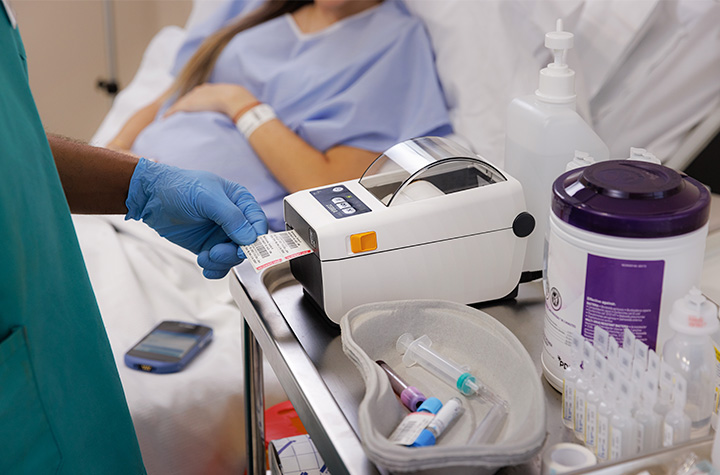
In hospitals, clarity saves lives. Zebra’s wristband printers and RFID tags support accurate patient care, specimen tracking, and medication management. With reliable performance and durable supplies, Zebra ensures compliance and safety.
Logistics: Precision in Motion
Zebra’s industrial printers and mobile computers handle high-volume labeling and shipping across complex supply chains. Real-time inventory tracking boosts productivity, accuracy, and customer trust.
Manufacturing: Reliable by Design
Zebra technologies drive efficiency and accuracy in manufacturing. From part identification to automation with autonomous mobile robots, Zebra industrial printers and rugged tablets help workers track assets, reduce waste, and improve workflow.
Across these use cases, Zebra continues to set the standard for innovation, reliability, and efficiency.
Finding the Right Zebra Solution
Every business has unique labeling and tracking needs. Whether you’re looking for mobile printers, desktop models, or enterprise-grade industrial printers, Zebra and Barcodes Inc. can help you find the right solution.
Considerations for Your Zebra Solution:
- Printing volume and form factor
- Environment and durability requirements
- Connectivity options like USB, Wi-Fi, or Bluetooth
- Integration with ERP and WMS systems
Popular Models:
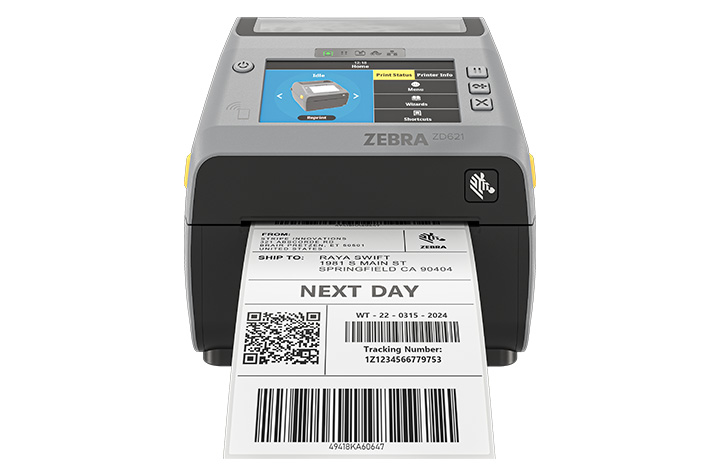
- Zebra ZD421 – Compact, versatile desktop printer for retail and healthcare.
- Zebra ZT231 – Rugged industrial printer for manufacturing and logistics.
- Zebra QX630 – Mobile printer for fast, flexible labeling on the go.
With expert guidance from Barcodes Inc., you can select, configure, and deploy the perfect Zebra setup to meet your unique operational goals.
Innovation and Technology: Guiding the Future of Labeling
Barcodes Inc. is a premier distributor of Zebra Technologies solutions, offering the widest portfolio that includes Zebra’s high-performance industrial printers, versatile desktop printers, and mobile printers.
Barcodes, Inc. and Zebra have a shared commitment toward innovation that not only improves inventory management but also enhances operational efficiency and productivity. Zebra’s solutions are designed to adapt to evolving business needs, ensuring you always have the right tools to meet new challenges and opportunities.
By choosing Barcodes, Inc. as a technology partner, businesses gain access to cutting-edge technology from manufacturers like Zebra that drive efficiency, reduce errors, and support growth. From rugged industrial printers built for nonstop performance to mobile printers that keep workers productive on the move, Barcodes, Inc. has the innovative solutions that help you stay ahead of the curve and maximize your bottom line.
Support That Keeps You Moving
Even the best hardware needs great support. Barcodes, Inc. keeps your Zebra devices properly configured, installed properly, and supported through the lifecycle with its professional services.
Why the Right Technology Partner Makes All the Difference
Technology is only as strong as the team and support behind it. Barcodes, Inc. offers the largest offering of Zebra Technologies solutions for barcode labeling, combining innovation, reliability, and scalability to keep your operations running smoothly. Whether you manage a retail store, healthcare facility, or manufacturing plant, Barcodes, Inc. aligns with Zebra to provide integrated hardware and software that work together effortlessly.
With decades of industry leadership, Barcodes, Inc. is a trusted name in barcode and labeling systems. Businesses choose Barcodes, Inc. for their Zebra devices because of their proven reliability, focus on automation, and strong global support network.
Choosing Barcodes, Inc. means choosing consistent performance, advanced technology, and dependable services designed to help your team adapt and grow.
FAQs
What makes Zebra printers stand out from other brands?
Zebra printers are known for their reliable performance, durable design, and high-quality printing across diverse industries. They integrate easily with business systems and support a wide range of label materials and RFID tags.
How does Zebra ensure label durability and accuracy?
Zebra’s genuine supplies are engineered to provide long-lasting quality. Each label and ribbon is designed to deliver precise, smudge-free prints, even in tough environments.
Can Zebra printers integrate with my existing ERP or warehouse systems?
Yes, Zebra devices, including mobile computers, mobile printers, and industrial printers, offer seamless integration with ERP, POS, and WMS systems through USB, Wi-Fi, and Bluetooth connections.
What kind of support and services does Zebra provide?
Zebra and Barcodes Inc. offer professional services, extended warranties, and lifecycle management to ensure your equipment operates at peak performance. You also gain access to expert guidance for setup, maintenance, and troubleshooting.
Which Zebra products are best for industrial or healthcare environments?
Zebra’s industrial printers, mobile computers, and RFID systems are ideal for manufacturing and logistics. In healthcare, Zebra wristbands and desktop printers help improve patient care and data accuracy.
How does Zebra help improve operational efficiency and reduce costs?
By combining durable hardware, intelligent software, and reliable supplies, Zebra Technologies minimizes downtime, boosts productivity, and lowers the total cost of ownership.
Are Zebra solutions scalable for growing businesses?
Absolutely. Zebra’s modular systems and adaptable software make it easy to scale labeling and tracking as your business expands.
Conclusion: Reliability, Precision, and Partnership You Can Trust
With durable hardware, innovative software, and dependable support, Zebra solutions available through Barcodes, Inc. create labeling and data capture solutions designed for the real world.
Backed by Barcodes Inc.’s expertise, Zebra technology solutions help organizations improve operational efficiency, enhance patient care, and adapt to new challenges. Together, we empower workers, streamline operations, and strengthen the connection between technology and results. Ready to boost productivity and simplify your labeling? Contact Barcodes Inc. to explore Zebra’s industry-leading printers, mobile computers, and professional services.
Creating Custom Sticker Labels for Your Business Branding
Unboxing a product isn’t just a moment, it’s an experience. That first glimpse of the label can stir excitement, tell a story, or instantly connect you to the brand. When done right, custom sticker labels don’t just sit on a package, they speak, they sell, and they stick in memory.
Creating custom sticker labels for your business branding is one of the smartest, most affordable ways to make your brand more recognizable. Custom sticker labels play a key role in your business’s overall branding strategy by reinforcing your brand identity at every customer touchpoint.
Whether you’re managing a small startup or scaling a bigger operation, thoughtful sticker and label design can turn ordinary packaging into a powerful branding tool.
Let’s explore how to create custom sticker labels that are more than just pretty, they work hard for your business.
Define What Your Label Needs to Do
Before you dive into colors and fonts, take a step back and ask: what’s the goal here?
Different types of stickers serve different purposes. A product label on a jar isn’t the same as a promotional giveaway sticker. Each has its own mission.
Here are a few common uses:
- Product Labels: Stickers for jars, bottles, boxes, or bags that include product names, ingredients, and branding.
- Promotional Stickers: Think fun, free logo stickers you include in packaging or hand out at events.
- Shipping & Return Labels: These can include your brand’s logo, return address, or even a short thank-you message.
- Instructional or Compliance Labels: Required for safety, ingredients, or usage guidelines, but still a chance to stay on-brand.
- Barcode labels: Print asset labels, inventory labels, shipping labels and other label needs with barcode labels.
Understanding the purpose of your label will help you determine the best label printing method for your needs.
Start by identifying where your stickers will go, what they’ll say, and what action you want your customers to take. Aligning your label’s purpose with your brand identity ensures consistency and helps customers recognize your business.
Know Your Brand Inside and Out
Your label should be an extension of your brand. The tone, look, and feel need to match what customers already see on your website, social media, or in your store. Maintaining a consistent visual identity across all label designs is essential for reinforcing your brand image.
These are key branding elements that should be reflected in every label.
Here’s what to keep consistent:
- Colors: Stick with your brand palette to keep everything cohesive.
- Fonts: Choose typography that reflects your brand’s personality, serious, playful, modern, or classic.
- Logo: Make it a focal point or background element. Either way, make sure it’s easy to spot.
Everything, from the spacing around your text to how the sticker peels off, affects how people perceive your business. Custom design isn’t just about aesthetics; it builds trust.
Pick the Right Material and Finish
Here’s where we talk about the feel of the label, and how well it holds up.
Not all labels are created equal. You’ve got a range of materials, and choosing the right one depends on what your product is and how it’s used.
- Paper Stickers: A great low-cost option for dry indoor use.
- Vinyl or BOPP Labels: Water-resistant and durable, ideal for lotions, cold drinks, or any product that needs a longer-lasting solution.
- Clear Labels: Perfect for creating a minimalist, seamless look on transparent packaging.
As for finish:
- Gloss: Shiny and vibrant, best for eye-catching designs.
- Matte: Understated and modern, perfect for boutique or organic brands.
- UV or Laminated Coatings: These protect your labels from scratches and moisture.
Think about where the label will be used. Will it face moisture? Heat? Rough handling?
Match the material to the product’s location and shipping environment. Also, consider the type of adhesive used, as it affects how well the label stays attached to different surfaces and under various conditions.
Choose Size and Shape Wisely
Your label’s shape and size can make or break the design. Too small, and you can’t fit important details. Too large, and it overwhelms your product.
Start by measuring your container or box. Then choose: Using label templates can help you visualize and select the right size and shape for your product.
- Standard shapes: Circles, rectangles, and ovals are easy to design and print.
- Custom die-cut shapes: These add flair and can help your product stand out. Think hearts, stars, leaves, or logos.
Don’t forget label placement. A sticker on the front draws attention. One on the top seals the product. Side labels are perfect for instructions or ingredients. Maintaining consistent label sizes and shapes across your product line helps reinforce branding consistency.
Design That Gets Noticed
Now for the fun part, designing your stickers. You don’t need to be a professional to make a strong impression. With the right tools and some clear goals, you can create something memorable.
Start with user-friendly tools like Canva, or go pro with Adobe Illustrator or barcode label design software from Barcodes Inc.
Refer to your branding guidelines to ensure design consistency across all your stickers. For the best results, use vector graphics to ensure your sticker designs are crisp and scalable for high-quality printing. Make sure to:
- Include key brand elements: logo, tagline, and brand colors.
- Use fonts that are readable at a small size.
- Create good contrast between text and background.
- Add extras like QR codes for special offers, how-to videos, or location-specific deals.
Decide How to Print
This is where many small business owners hit a fork in the road. Do you print in-house or use a professional service?
Here’s how they compare:
- In-House Printing: Best for frequent printing to support workflows and to maintain complete control. A thermal label printer (like the ones from Barcodes Inc.) lets you print fast and on-demand.
- Professional Printing: Great for large orders or premium finishes. Many services offer free proofs and quick turnaround times. Digital printing is a popular choice for custom sticker labels because it offers flexibility and high-quality results.
Think about:
- Order size
- Cost per label
- Quality needs
- Turnaround time
Barcodes Inc. carries a wide range of thermal printers and custom label rolls. You can get exactly what you need without overcommitting.
Nail the Application Process
You’ve designed, printed, and received your stickers. Now it’s time to apply them.
Application matters more than you might think. A crooked or wrinkled label can cheapen your product.
There are two approaches:
- Manual Application: Great for small batches. Just make sure you perform proper surface preparation, surfaces should be clean and dry for optimal label adhesion.
- Machine Application: Ideal for larger runs. Label applicators help with alignment and speed.
Use a squeegee or cloth to smooth out air bubbles. Do a few test applications before going all in.
Don’t Skip the Legal Stuff
Depending on your industry, certain label elements aren’t optional. Ensuring regulatory compliance is essential when creating custom sticker labels for certain industries, as failing to meet these standards can result in legal issues or product recalls.
Here are some things you might be required to include:
- Ingredients or materials
- Allergy information or safety warnings
- Country of origin
- Manufacturing date or expiration
- Barcode or UPC (placed clearly and scannable)
You can still meet these requirements and stay on-brand. Barcodes Inc. offers barcode label software to help you keep it professional, easy, and compliant.
Smart Places to Use Custom Labels
Stickers aren’t just for products. There are endless ways to use them in your marketing.
Some of our favorites:
- Packaging: Use labels to seal boxes, highlight product features, or give care instructions.
- Promotions: Include free stickers with every order.
- Shipping Boxes: Add your logo and return address for brand consistency.
- Retail Displays: Label signs, shelves, and sample stations.
- Swag & Gifts: Add stickers to event giveaways or small thank-you items. Custom stickers are also effective for event branding, making your giveaways stand out at conferences or trade shows.
If your customer sees it, there’s an opportunity to stick your brand on it.
Measure What’s Working
Wondering if your custom labels are actually helping your business grow? It’s easier than you think to find out.
Here are some simple tracking methods:
- Add QR codes or unique discount codes to your labels.
- Track website visits, downloads, or purchases tied to those codes.
- Ask customers where they first saw or used your product.
Tracking label performance can provide valuable insights into customer engagement with your brand.
Even simple feedback like “I loved your packaging” is a great indicator that your branding is resonating.
FAQs
What materials are best for durable custom sticker labels?
Vinyl and polypropylene (BOPP) are your best bet for long-lasting, water-resistant use. Great for products that face moisture or friction.
How do I design a custom label that reflects my brand?
Start with your logo, colors, and fonts. Use free or professional design tools to create a layout that’s easy to read and looks polished.
Can I print custom stickers using a thermal label printer?
Yes, especially for short runs or fast updates. Barcodes Inc. has thermal printers perfect for small businesses.
How can small businesses save on custom label printing?
Print in-house, order in bulk, or use free design templates. Thermal printers and label rolls also reduce long-term costs.
Should I outsource sticker label printing or do it in-house?
Do it in-house for small runs and flexibility. Outsource if you need high volume or complex finishes.
What sizes and shapes are available for custom stickers?
You can order standard shapes or get custom die-cut stickers made to match your brand.
Are custom sticker labels waterproof or weather-resistant?
Yes, just choose the right material, like laminated vinyl or BOPP, for your label’s location and usage.
Wrapping It Up
Creating custom sticker labels for your business branding is a cost-effective way to tell your story, delight customers, and boost sales. With the right approach, even small businesses can design stickers that compete with the big names.
Focus on good design, choose quality materials, and test what works. It doesn’t have to be complicated, or expensive. With tools and products from Barcodes Inc., you can get started fast, print at any scale, and keep improving as you grow.
Ready to create your custom labels? Explore printers, supplies, and software at Barcodes Inc. today.
How to Set Up Your Zebra Thermal Printer for Fast and Efficient Labeling
There’s nothing more frustrating than a printer that just won’t cooperate, especially when your business depends on it. Whether you’re shipping products, managing inventory, or labeling retail items, time is money. And your Zebra thermal printer? It’s built for speed, if it’s set up right.
That’s where we come in. This guide walks you through how to set up your Zebra thermal printer for fast and efficient labeling. From unboxing to calibration and everything in between, we’ll help you skip the guesswork and get straight to printing high-quality labels. You’ll find helpful information here for setting up and optimizing your Zebra thermal printer.
Unboxing and Initial Setup: Your Zebra Printer Out of the Box
The moment your Zebra label printer arrives, it’s tempting to plug it in and start printing. But first, let’s make sure you’ve got all the right pieces.
Inside the box, you’ll typically find:
- The Zebra label printer unit
- Power cord and adapter
- USB and/or Ethernet cable (depending on the model)
- User manuals and quick-start guide
- A sample roll of labels (sometimes included)
Note: Included accessories may vary by model.
Now, let’s connect it properly. If you’re using USB, plug the cable directly into your PC or laptop. For Ethernet, connect it to your network hub or router. If your model supports Wi-Fi, we’ll handle that in the advanced section.
Power on the printer and wait for it to initialize. You should see lights or a status display that confirms it’s ready.
Installing Printer Drivers & Zebra Setup Utilities
Before anything prints, your computer needs to speak the same language as your printer. That’s where drivers and software come in.
Visit the Zebra Drivers & Support section of the Barcodes, Inc. website to download the correct drivers for your model. We recommend installing Zebra Setup Utilities, which helps configure the printer quickly. The software displays a list of all supported Zebra printer models, making it easy to select the right one for your setup.
Pro tip: Use Zebra Setup Utilities for driver installation, port selection, and printer configuration all in one place. You can get it here.
Whether you’re on Windows, macOS, or Linux, Zebra has documentation for each OS. Be sure to choose the version that matches your system and printer model.
Once installed, open Zebra Setup Utilities to test connectivity and begin configuration.
Loading Labels and Ribbons: Do It Right the First Time
This step is crucial. Improper media loading can cause misprints, alignment issues, and wasted labels.
After loading the labels, check that the label width is set correctly in your printer setup to ensure proper alignment and avoid misprints.
For Direct Thermal Printing:
No ribbon is needed. Just open the media compartment, drop in your label roll, and feed the labels under the guides and through the sensor path. Make sure the labels face up.
For Thermal Transfer Printing:
You’ll need to load both a label roll and a ribbon roll. The ribbon goes on the top spindle, and it should wrap around the printhead and onto the take-up spindle. Be sure the ribbon feeds smoothly without wrinkles.
Confused about which type you need?
Explore Zebra printer supplies to find labels and ribbons compatible with your model.
Once loaded, close the cover and allow the printer to run a few labels to check feed alignment.
Calibrating the Printer: Say Goodbye to Skipped or Misaligned Labels
Calibration ensures your printer correctly detects label gaps or marks.
With Zebra printers, you can run Zebra Smart Calibration directly from the control panel or via Zebra Setup Utilities.
To auto-calibrate:
- Hold the feed button until the status light flashes twice.
- The printer will feed a few labels and stop.
Alternatively, open Zebra Setup Utilities, click “Calibrate Media,” and follow the on-screen instructions.
If you’re seeing misprints, adjust the media sensor settings via the software to fine-tune label detection. Calibration eliminates ghost printing, jams, and wasted stock.
Configuring Label Settings: Get Crisp, Accurate Prints
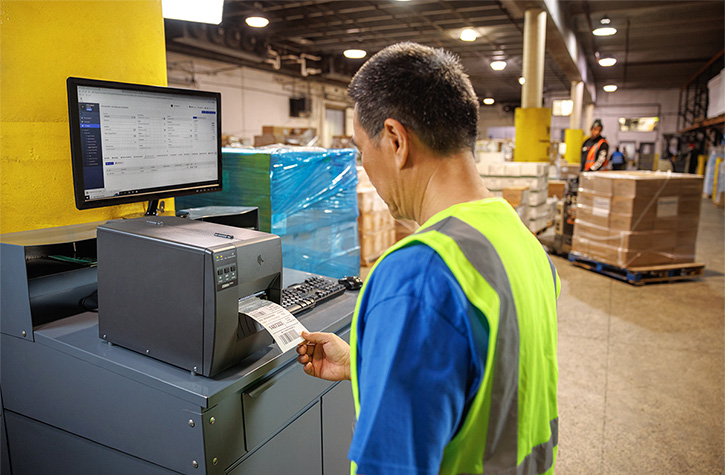
Now it’s time to tell your printer what kind of labels you’re using.
Inside Zebra Setup Utilities, you’ll find options to configure:
- Label size and orientation
- Print darkness and speed
- Media type: continuous vs. gap
Important: If using ZPL label printing configuration, ensure your label format code matches your label size and type. Incorrect ZPL commands can cause skewed output.
For best results, print a test label and check:
- Are the labels centered?
- Is the print sharp?
- Are labels advancing properly?
If not, revisit your settings before moving forward.
Connecting to Shipping Software or Labeling Platforms
Your Zebra printer can integrate with nearly every major platform in e-commerce, retail, and logistics.
Compatible platforms include:
- Shopify
- Amazon Seller Central
- ShipStation
- FedEx Ship Manager
- UPS WorldShip
For professional labeling, tools like BarTender or NiceLabel let you design and manage labels at scale. These programs also support Zebra printers out of the box.
In enterprise settings, you might opt for API or network printing via a Zebra print server or cloud-based system.
Once connected, perform a print test from your chosen platform to verify formatting and label output.
Troubleshooting Common Issues
Even with a perfect setup, hiccups can happen. Here’s how to fix the most common ones.
Label Jams
Check for obstructions inside the media path. Power off the printer before removing jammed labels.
Faded prints
Usually caused by low darkness settings or worn ribbon. Try increasing print darkness or replacing the ribbon.
Connectivity issues
If the printer isn’t detected, reinstall the driver and check the USB/Ethernet cable. Confirm the port is enabled in Zebra Setup Utilities. Sometimes, network security settings such as firewalls or security software can block printer connections, so check these settings to ensure access is not restricted.
Misaligned labels or ghost printing
Run another calibration or adjust label size settings. Ghost printing can also mean the printhead is dirty or worn.
If issues persist after troubleshooting, Learn how Levata Repair Services for Barcodes Inc. can help. Be sure to include any error messages or a trace id if available, as this information can help diagnose and resolve the problem more efficiently.
Maintenance Tips for Long-Term Efficiency
Routine care keeps your printer running like new. Here’s what to focus on:
- Clean the printhead every time you replace a roll of labels or ribbon. Use Zebra cleaning supplies to safely remove residue.
- Replace worn parts like the platen roller when labels start to slip or print quality degrades.
- Perform Zebra firmware updates regularly to ensure compatibility with new software and devices.
You can check for updates and install them using Zebra Setup Utilities or by visiting Zebra’s firmware page.
Advanced Setup Tips: Take It to the Next Level
Ready to go beyond the basics? These pro tips help you scale your labeling operations.
Batch printing: Configure bulk printing settings within ZebraDesigner or your shipping software. Make sure your PC’s spooler settings support large jobs. You can also use the send feature to transfer configuration files or batch templates directly to the printer, making it easier to update settings in the field.
Custom templates: Use ZebraDesigner or BarTender to create templates for recurring labels, like SKUs, barcodes, or QR codes. When managing templates, consider making configuration changes based on specific conditions, such as adjusting security or performance settings for different environments.
Wireless setup: If your printer supports it, configure Wi-Fi or Bluetooth via the control panel or Zebra Setup Utilities. For Bluetooth models, pair the device with your PC or tablet, then select it as the default printer.
For advanced integration, developers can use API access or developer tokens to authenticate, manage, and troubleshoot Zebra printer configurations. This allows for automated changes and monitoring under various conditions, streamlining complex deployments.
FAQs
How do I install Zebra Setup Utilities and drivers?
Visit Barcodes Inc Zebra Drivers & Support, download the software for your model, and follow the install wizard prompts.
What’s the best way to load media and ribbon in a Zebra printer?
Direct thermal printers require only labels. Thermal transfer models need both labels and a ribbon, load the ribbon above the printhead and ensure smooth feeding.
How do I calibrate my Zebra thermal printer for label accuracy?
Hold the feed button until the light flashes twice, or run calibration through Zebra Setup Utilities.
Why isn’t my Zebra printer showing up after I plug it in?
Check the USB or Ethernet connection, reinstall the drivers, and make sure your OS recognizes the printer in Device Manager or Print Settings.
How can I connect my Zebra printer via USB, Ethernet, or Bluetooth?
Use Zebra Setup Utilities to select your preferred connection type and follow the setup steps. Bluetooth models may require pairing through your device’s Bluetooth settings.
How often should I clean my printhead for fast, efficient labeling?
Clean the printhead every time you change labels or ribbons to maintain crisp print quality and avoid misprints.
Conclusion: Set It Up Right, Label Smarter
Setting up your Zebra thermal printer correctly makes a huge difference. You’ll print faster, waste fewer labels, and avoid the pain of mid-shift troubleshooting.
From software installs to calibration and maintenance, every step contributes to a smooth labeling experience. Remember to revisit the basics, use the right supplies, run auto-calibration regularly, and update your firmware. Need more help? Reach out to Barcodes Inc for expert guidance.
Strengthening Manufacturing Security with WAVE ID® Authentication
The foundation of secure manufacturing starts at the endpoint. As production environments become more connected and digital technologies extend across the factory floor, manufacturers must balance strong access control with uninterrupted operations.
Cyberattacks targeting manufacturers are not just increasing — they are accelerating. Recent industry research shows attacks against manufacturing rose 105% in the first half of 2024 compared to 2023, with the sector accounting for roughly 41% of all reported cyber incidents during that period. Manufacturing has now ranked as the most attacked industry for multiple consecutive years, and its share of global cyberattacks has more than doubled since 2018. Nearly half of manufacturers report experiencing a breach. Why? Because cybercriminals know of a significant weakness : manufacturers cannot afford downtime.
The Hidden Cost of Weak Credentials
Several key vulnerabilities continue to put manufacturing operations at risk:
- Compromised credentials account for nearly 80% of hacking incidents.
- 44% of manufacturers have proprietary information accessible to all employees.
- Unplanned downtime costs the industry approximately $50 billion annually.
Passwords are at the center of this problem. They are reused, shared, written down, and frequently reset. In environments with shared workstations—such as HMIs, PLCs, and SCADA systems—employees may log in and out dozens of times per shift. The result is wasted time, increased frustration, and heightened cybersecurity risk.
To eliminate this vulnerability, manufacturers are turning to passwordless authentication solutions like WAVE ID® from rf IDEAS.
Passwordless Access Built for the Production Floor
WAVE ID® readers empower authorized employees with secure, tap-and-go authentication using their existing physical access badges—or even smartphone-based credentials. Instead of typing usernames and passwords, employees simply present their credential to log in.
This touchless, hardware-based authentication supports:
- Single sign-on (SSO)
- Multi-factor authentication (MFA)
- Logical access control across shared workstations and industrial systems
By leveraging nearly any existing physical access credential worldwide, WAVE ID® enables secure logical access anywhere in the plant—without requiring new badge deployments.
The impact is immediate:
- No more shared passwords
- No more open workstations
- No more wasted time resetting credentials
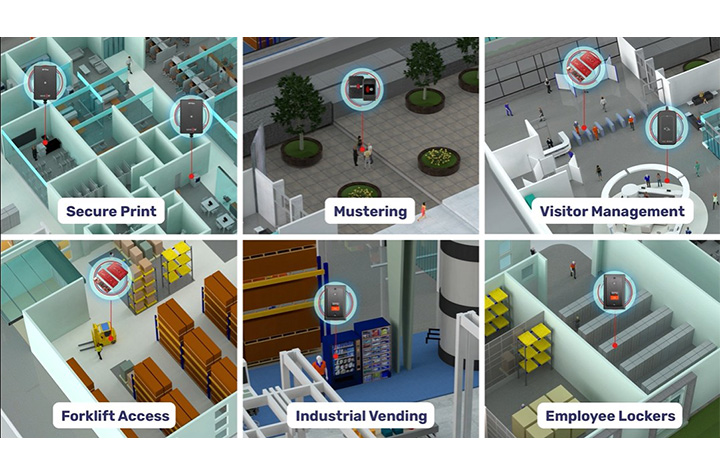
Secure Every Endpoint Across the Plant
Manufacturing environments are complex ecosystems of connected devices and systems. WAVE ID® readers fit into existing workflows and processes for a variety or application uses, as well as bringing added value to device authentication with OEM integrations. Examples include:
- Human Machine Interfaces (HMIs)
- Programmable Logic Controllers (PLCs)
- SCADA systems
- Shared workstations
- Multi-function printers
- POS systems
- Industrial vending
- Time clocks
- Lobby turnstiles and parking garages
- Forklifts and tool crib dispensing systems
The readers are engineered to withstand demanding industrial environments while maintaining reliability and performance.
Boost Productivity While Strengthening Security
Manufacturers often hesitate to introduce new security measures for fear of slowing production. WAVE ID® eliminates that trade-off.
Constantly re-entering passwords at shared stations wastes valuable production time. With tap-and-go authentication, operators can securely access systems in seconds. The streamlined sign-on process reduces administrative burden and minimizes human error, allowing employees to focus on throughput rather than IT tasks.
Nearly all existing manufacturing systems are compatible with WAVE ID® readers, and the platform supports common protocols such as USB, RS232 ASCII, Ethernet/IP, Modbus, and PROFINET. With desktop, surface-mount, and embedded form factors available, deployment is flexible across facilities.
Compliance, Safety, and Accountability
Regulatory requirements continue to evolve, from OSHA safety mandates to GDPR data protections and expanding MFA standards. Maintaining compliance across a large workforce—especially in multi-shift operations—can be difficult when relying on passwords.
Integrating WAVE ID® readers into your manufacturing facility helps to increase workflow efficiency and strengthen regulator compliance by:
- Providing secure, auditable authentication records
- Restricting access to sensitive areas and systems
- Enhancing workforce accountability
- Supporting multi-factor authentication initiatives
One Technology. Endless Manufacturing Possibilities.
Manufacturing’s low tolerance for downtime makes it uniquely vulnerable to ransomware, phishing, IP theft, supply chain attacks, and equipment sabotage. The most effective way to reduce risk is to eliminate the greatest vulnerability: manually entered passwords.
By implementing WAVE ID® authentication across endpoints—PLCs, clean rooms, secure printers, tool cribs, and production workstations—manufacturers can:
- Fortify operations against cyberthreats
- Reduce unplanned downtime
- Protect proprietary data
- Improve workforce efficiency
- Maintain compliance and safety standards
Trust begins with knowing exactly who is accessing your systems. With WAVE ID® from rf IDEAS, manufacturers gain secure, seamless authentication that enhances both cybersecurity and operational performance—without sacrificing productivity.
On the factory floor, delays add up quickly. Passwordless authentication removes friction from system access, turning security into an operational advantage rather than a bottleneck.
Contact Barcodes, Inc. today to learn how to start implementing secure access that counters modern security risks.
Streamlining Shipping: How RFID and Zebra Printers Can Help
Shipping is more than just moving boxes, it’s the backbone of modern logistics and a vital link in the global supply chain. Every label, every scan, every shipment reflects how well a business meets customer expectations and maintains operational efficiency.
But anyone who’s managed shipping operations knows how quickly things can go wrong. A single mislabeled box or missing scan can throw off entire warehouse operations and impact customer satisfaction.
That’s why more businesses are embracing RFID technology and Zebra printers to transform how goods move.
Together, they streamline operations, reduce human error, and enable real-time tracking, creating a smarter, faster, and more accurate way to manage inventory and ensure compliance with shipping standards.
Why Shipping Is a Critical Area for Supply Chain Optimization
Shipping is often the most demanding part of the supply chain, where timing, accuracy, and cost savings all collide. From labeling pallets to verifying loads, manual processes leave plenty of room for mistakes. When employees rely solely on barcode scanners and traditional barcodes, every scan takes time and time is money.
These inefficiencies can lead to delayed order fulfillment, incorrect items being shipped, or stock being stored incorrectly. The result? Wasted labor, reduced productivity, and lost customer loyalty. By integrating RFID systems into warehouse operations, businesses gain enhanced visibility, faster data capture, and automated verification at every dock door.
RFID-driven automation tools use radio frequency identification to read and transmit data from RFID tags without needing a direct line of sight.
This means hundreds of tagged items can be read in seconds, allowing distribution centers to move large volumes quickly while maintaining accuracy. In today’s competitive landscape, that speed translates directly to higher customer satisfaction and stronger brand integrity.
What Is RFID Technology and How Does It Differ from Traditional Barcode Labels
RFID or Radio Frequency Identification, represents a leap forward from barcode technology. Instead of relying on printed lines or visible scans, RFID tags store and transmit data wirelessly through radio waves.
Each RFID tag contains a microchip and antenna that communicate with an RFID reader to send real-time data about a product’s identity, location, or condition.
Unlike barcodes that require line-of-sight scanning, RFID can read multiple codes at once. This provides distinct advantages in tracking shipments, improving inventory accuracy, and maintaining optimal stock levels.
There are three main frequency types, LF RFID (low frequency), HF RFID (high frequency), and UHF RFID (ultra-high frequency), each offering different read ranges and performance characteristics based on environmental conditions and durability requirements.
RFID technology isn’t limited to shipping; it’s also used for receiving, asset tracking, inventory management, cycle counting, access control, animal tracking, and quality control. In logistics, though, its biggest benefit lies in enhanced visibility and automation.
With real-time insights into inventory levels and shipment status, businesses aiming to improve decision-making can achieve measurable efficiency gains across their entire supply chain.
Types of RFID Systems
RFID systems come in several types, each tailored to specific operational needs and environments within the supply chain. The most common categories are Low Frequency (LF), High Frequency (HF), Ultra-High Frequency (UHF), and Microwave RFID systems.
LF RFID systems operate at frequencies below 134.2 kHz and are well-suited for applications like animal tracking and access control, where short-range, reliable data capture is essential. These systems are valued for their ability to function in challenging environments, such as those with metal or water, making them ideal for tracking livestock or managing secure facility entry.
HF RFID systems, operating around 13.56 MHz, are commonly used in applications requiring moderate read ranges and high data security, such as smart cards, ticketing, and library systems. Their high frequency allows for efficient tracking and data exchange in environments where precise identification is critical.
UHF RFID systems, which function between 860 MHz and 960 MHz, are the backbone of modern logistics, inventory tracking, and supply chain management. Their longer read range and faster data transfer rates make them perfect for tracking large volumes of inventory, managing warehouse operations, and streamlining logistics processes.
Microwave RFID systems, operating above 2.4 GHz, are used in specialized applications that demand high-speed data transfer and long-range tracking, such as toll collection and certain industrial automation scenarios.
By selecting the right RFID system for your business, whether for inventory management, animal tracking, access control, or large-scale logistics, companies can ensure optimal tracking, data accuracy, and operational efficiency across their supply chain.
RFID Tags and Labels
RFID tags and RFID labels are the foundation of any RFID system, enabling seamless inventory management, real-time tracking, and efficient data capture throughout the supply chain.
Each RFID tag consists of a microchip and an antenna, allowing it to receive and transmit data via radio waves to an RFID reader. This wireless communication means that tagged items can be identified and tracked without direct line of sight, unlike traditional barcodes.
RFID labels integrate this technology into adhesive packaging materials, making it easy to apply them to products, pallets, or containers. Both RFID tags and labels offer distinct advantages, such as the ability to store more product data, support real-time tracking, and withstand various environmental conditions.
This leads to improved inventory accuracy, faster order fulfillment, and better decision-making for businesses.
There are several form factors available: passive tags, which are powered by the RFID reader’s signal and are cost-effective for large-scale inventory tracking; active tags, which have their own power source for longer read ranges and are ideal for high-value asset tracking; and semi-active (or battery-assisted passive) tags, which combine the benefits of both.
By choosing the right type of RFID tag or label for your operational needs, you can enhance supply chain visibility, reduce errors, and ensure products are stored and shipped correctly.
How Zebra Printers Power RFID Shipping Solutions
Zebra Technologies offers a full lineup of RFID printers designed for modern shipping operations. These printers combine thermal printing with integrated RFID encoding, producing shipping labels that can be read and verified instantly. Whether you’re printing in an office or across an industrial warehouse, Zebra’s range ensures high-quality output and consistent performance.
Zebra’s leading models include:
- Zebra ZQ630 Plus RFID Mobile Printer – ideal for mobile label printing where flexibility and real-time visibility are essential.
- Zebra ZT421R Industrial Label Printer – a versatile printer with flexible label size and print resolution recently replaced by the popular Zebra RZ600 RFID Printer.
- Zebra ZT411R RFID Industrial Printer – a smart printer that balances encoding speed, read range, and precision.
- Zebra ZT610R RFID Printer – built for heavy-duty environments and high-volume workflows.
- Zebra ZD621R RFID Desktop Printer – compact and efficient for light-duty label production.
Each printer simplifies the process of printing, encoding, and verifying RFID tags in one step. Businesses benefit from faster cycle times, reduced labeling errors, and better real-time tracking of products as they move through the supply chain.
How RFID and Zebra Printing Streamline Shipping Workflows
RFID-enabled Zebra printers help businesses streamline operations from label creation to delivery. Labels are printed and encoded simultaneously, ensuring each shipping label carries accurate product data and RFID encoding. As packages pass through dock door portals, RFID readers automatically validate them, verifying that the correct items are loaded and shipped.
Because these printers integrate easily with ERP, WMS, and TMS systems, companies gain real-time visibility into every shipment. This eliminates manual verification and allows for automatic updates on inventory levels, helping teams maintain optimal stock levels and ensure compliance with regulatory requirements.
The combination of RFID printers, scanners, and management software provides a complete ecosystem that enhances operational needs. RFID scanners can efficiently read multiple RFID tags simultaneously without requiring line of sight, which is especially advantageous for high-volume inventory management and operational efficiency. With fewer time-consuming tasks and better data accuracy, warehouse operations run more efficiently, minimizing delays and reducing errors.
Dock Door Scanning Solutions
Dock door scanning solutions are a game-changer for shipping operations, providing automation tools that streamline operations and minimize human error at one of the most critical points in the supply chain.
By deploying RFID readers, barcode scanners, or vision-based technologies at dock doors, businesses can automatically capture data from packages, pallets, or containers as they move in and out of the warehouse.
These solutions deliver real-time visibility into inventory levels, ensuring that every shipment is tracked accurately and that inventory is updated instantly. This not only supports regulatory compliance and quality control but also helps maintain optimal stock levels and enhances customer satisfaction by reducing shipping errors and delays.
Dock door scanning solutions integrate seamlessly with warehouse management systems and other enterprise software, enabling better decision making and providing a competitive edge.
They can be customized to fit specific operational needs, whether you require high-speed RFID readers for large volumes, barcode scanners for mixed shipments, or automation tools to further reduce manual intervention. By leveraging these technologies, businesses can boost efficiency, ensure compliance, and deliver the correct items to customers, every time.
Implementation Considerations and Best Practices for Success
Adopting RFID technology starts with thoughtful planning. Businesses must assess environmental conditions, select the right RFID tags and packaging materials, and ensure their systems support high-frequency or ultra-high-frequency RFID as needed.
It is also crucial to choose the appropriate form factor for RFID tags, considering size, shape, mounting options, and the specific application environment, to ensure optimal functionality and seamless integration within different industries and operational requirements.
A solid setup includes strategically placed RFID readers at critical points, such as conveyor belts, storage areas, and dock doors- to maximize read range and ensure complete coverage. Zebra’s RFID printers, combined with software tools like Print DNA and Link-OS, make it easier to monitor performance, conduct quality control, and ensure every encoded tag meets compliance standards.
Training is another critical component. Teams need to understand how to calibrate printers, verify data accuracy, and troubleshoot common issues. Barcodes, Inc. supports these efforts by simplifying maintenance through device lifecycle services that include help desk support, RMA management, repair service, Advanced Exchange replacements during repair, and decommissioning services.
Measuring Success: Key Metrics and ROI Benchmarks
The effectiveness of RFID systems can be measured using clear performance indicators. Businesses can track shipment accuracy, label verification rates, and overall throughput. These metrics demonstrate how RFID improves efficiency and drives cost savings over time.
Quantifiable results include fewer mis-shipments, faster order fulfillment, and lower rework costs. RFID technology also enhances decision-making through access to real-time data and analytics, giving teams the confidence to optimize workflows and allocate resources effectively.
By integrating RFID with inventory management systems, companies gain improved supply chain visibility and better control over inventory accuracy. These outcomes not only streamline operations but also strengthen long-term customer satisfaction.
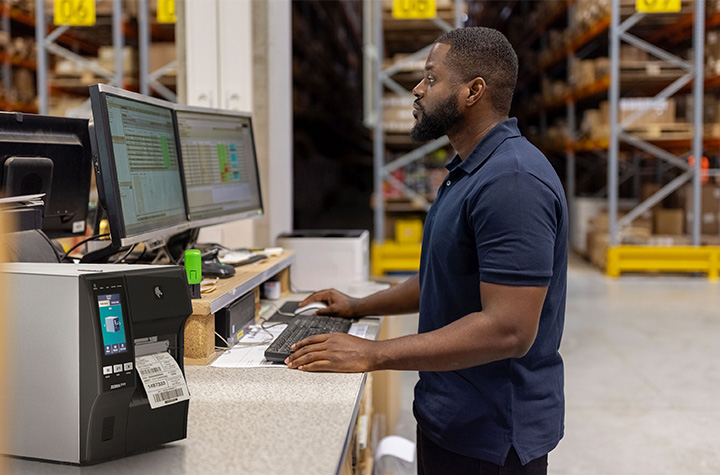
Challenges and How Zebra RFID Printers Help Overcome Them
Like any new system, RFID implementations can face obstacles, from signal interference to complex network integration. Zebra printers help businesses overcome these challenges through precise encoding, adaptive calibration, and rugged form factors built to perform in tough environments.
Their reliability under demanding warehouse operations ensures that RFID tags are read correctly even when exposed to harsh environmental conditions or dense product data. Barcodes, Inc. professional services and automation tools also help ensure compliance and maintain smooth operations from day one.
By minimizing downtime and maintaining consistency, Barcodes, Inc. provides a competitive edge for businesses aiming to increase productivity without compromising accuracy.
Future Trends: What’s Next for RFID in Shipping?
As RFID technology evolves, it’s merging with IoT and AI to create smarter, self-learning logistics systems. Autonomous mobile robots now use RFID-tagged pallets to navigate warehouses, while predictive maintenance tools analyze printer data to anticipate servicing needs before breakdowns occur.
Future innovations will further enhance real-time insights, allowing businesses to monitor inventory and shipments anywhere in the world. RFID printers will continue to improve encoding speed, data capture accuracy, and system connectivity, paving the way for end-to-end visibility across the entire supply chain.
Real-World RFID Case Study
A leading distribution center processing large volumes of shipments recently implemented Zebra ZT411R RFID printers. Before the rollout, the facility struggled with time-consuming manual barcode checks, mis-shipments, and inconsistent inventory management.
After the transition, shipping operations improved dramatically. RFID labels were printed and encoded in one step, dock doors validated pallets automatically, and real-time data flowed directly into warehouse management systems. The outcomes were clear:
- Labeling errors dropped by 90%
- Order fulfillment time decreased by 40%
- Throughput improved by 25%
The organization quickly realized significant cost savings and improved decision-making, setting a new standard for efficiency in modern logistics.
FAQs
What does “Streamlining Shipping: How RFID and Zebra Printers Can Help” mean in practice?
It refers to using RFID-enabled Zebra printers to automate shipping workflows, improve tracking, and reduce human error in logistics and warehouse operations.
Can Zebra RFID printers print and encode in one step?
Yes, Zebra RFID printers can print and encode RFID tags simultaneously, saving time and improving accuracy in shipping operations.
Which Zebra printers work best for logistics environments?
Industrial models like the ZT411R and ZT610R are built for demanding warehouse environments and high-volume operations.
How does RFID speed up shipping versus barcodes?
RFID technology allows multiple RFID tags to be read at once, without direct line-of-sight scanning, significantly increasing speed and efficiency compared to traditional barcodes.
What challenges occur when integrating RFID printers?
Common challenges include ensuring proper tag placement, managing read range accuracy, and integrating RFID systems with existing ERP or WMS platforms.
What ROI can businesses expect from Zebra RFID solutions?
Businesses often experience measurable cost savings within months, through faster order fulfillment, fewer errors, and reduced labor costs.
Can older Zebra printers be upgraded for RFID?
Some Zebra printer models can be upgraded with RFID modules, while others can be replaced with RFID-capable printers for modernized workflows.
How do Zebra RFID printers connect with warehouse systems?
They integrate easily with existing systems using Zebra’s Print DNA and Link-OS software, ensuring real-time data exchange and smooth connectivity.
What are the best practices for deploying RFID-enabled printing in shipping zones?
Plan infrastructure placement carefully, choose suitable RFID tags and packaging materials, train your team, and use Zebra’s management tools to ensure long-term success.
Conclusion: Moving Toward Smarter, Faster Shipping
Streamlining shipping: how RFID and Zebra printers can help is more than a topic, it’s a roadmap for operational transformation. By combining RFID printers, scanners, and management software, Zebra gives businesses the tools to improve real-time tracking, inventory accuracy, and overall supply chain visibility.
For companies ready to modernize their shipping operations, starting small is key. Pilot RFID in one area, refine your process, and then scale with confidence. Discover the full range of Zebra RFID Printers and Shipping Label Printers at Barcodes Inc to take your logistics strategy and customer satisfaction to the next level.
QR Codes for Restaurants: Menus, Payments, and Promotions

There’s something quietly magical about scanning a small black-and-white square and instantly pulling up a full menu, placing an order, or even paying your bill, all without flagging down a server. In a world where convenience rules and customer expectations are sky-high, QR codes for restaurants have evolved from a pandemic necessity into a permanent part of modern dining.
This isn’t just another digital fad. It’s a full-blown transformation changing the way the restaurant industry operates, engages with guests, and grows. These small but mighty QR codes are helping restaurants deliver smoother restaurant operations, stronger connections, and a more efficient dining experience.
What Are QR Codes and Why They Matter Now
Quick Response (QR) codes are 2D barcodes that store data accessible through a smartphone or mobile device. When customers scan them, they can instantly open a web page, display information, or trigger an app function.
In restaurants, they’ve become digital workhorses, powering QR code menus, online ordering systems, and mobile payments. Their appeal lies in simplicity: one quick scan, and your guest is connected.
They’re fast, reliable, and flexible. Whether linking to an online menu, digital platform, payment portal, or promotion, QR codes effortlessly bridge the gap between physical and digital dining. In today’s mobile-first world, they’ve become as common as the tables they sit on.
Why Restaurants Are Adopting QR Codes
The restaurant industry has always been adaptable, but never has it changed as quickly as in recent years. The rise of contactless menu options and digital convenience during the pandemic permanently shifted guest expectations.
Here’s why so many restaurants, from fine dining venues to cafés, are embracing QR codes:
- Cost savings: No more reprinting physical menus every time prices or menu items change. QR code menus eliminate the need for printing, reducing both expenses and environmental impact.
- Safety and hygiene: Guests love contactless interactions that feel cleaner and safer.
- Operational efficiency: Digital platforms streamline the ordering process and reduce wait time.
- Smart data: QR codes provide valuable insights into engagement, orders, and customer retention.
Simply put, QR codes aren’t a passing trend; they’re a business game-changer.
Use Case 1: Menus Go Digital
Printed menus used to define the dining experience. Now, QR code menus are doing it faster and smarter. With a contactless menu QR code, dine-in guests can scan to access a beautifully designed digital menu that updates instantly. They can see photos, filter by dietary preferences, and check allergy info, all from their phones.
Displaying QR codes on restaurant windows or doors makes the menu easily accessible to both passersby and dine-in guests, providing maximum convenience and visibility.
For restaurant owners, this flexibility is a dream. Updating menu items, prices, or specials takes seconds. Menu updates are instant, and new dishes can be launched without delay. It’s efficient, cost-effective, and eco-friendly.
Smart Placement Ideas
- Table tents and napkin holders
- Restaurant window decals for easy access
- Takeout boxes, delivery vehicles, and food packaging
- Posters near entrances or waiting areas
Digital menus also offer accessibility features like translation and voice-over compatibility, ensuring every guest feels included.
Use Case 2: Ordering & Payments Made Easy
Once guests browse your QR code menu, the next step is seamless. After the QR code is scanned by the guest, they can order and pay directly from their mobile devices.
A key feature of many table-side QR menu systems is integration with POS systems or bill splitting, allowing diners to browse, customize, and place orders straight to the kitchen. Pair that with QR code payments, and guests can pay when ready using Apple Pay, Google Pay, or other mobile wallets, no waiting for a check, no touching payment terminals.

This improves restaurant operations dramatically. Orders flow faster, tables turn quicker, and staff can focus on hospitality instead of handling transactions.
Behind the Scenes
QR codes integrate easily with most POS systems and digital platforms. They connect data from the table to the kitchen to the receipt with fewer errors. Diners can even split bills via QR code table payments, keeping the ordering process simple and smooth.
Less friction equals happier guests and more reviews from satisfied customers.
Use Case 3: Promotions, Loyalty, and Engagement
QR codes for restaurant promotions are becoming an essential marketing tool. They give restaurants direct access to boost customer retention and increase sales.
Picture this: a diner scans a QR code on a receipt and lands on a loyalty program page offering a free QR-based coupon for their next visit. Or a tabletop QR code links to a digital voucher encouraging guests to leave more reviews or refer friends.
Some advanced features, such as dynamic QR codes or enhanced real-time analytics, may require a paid subscription or upgrade.
Ways to Use QR Codes for Promotions
- On posters showcasing special events or seasonal restaurant menus
- On receipts linking to surveys or rewards
- On packaging for “Scan to Reorder” campaigns
- On social media or your website, linking to exclusive offers
Using a dynamic QR code allows real-time analytics, tracking scans, testing offers, and editing links without reprinting. These digital tools turn a simple scan into an opportunity to engage and retain customers.
Menu Items and Food Packaging
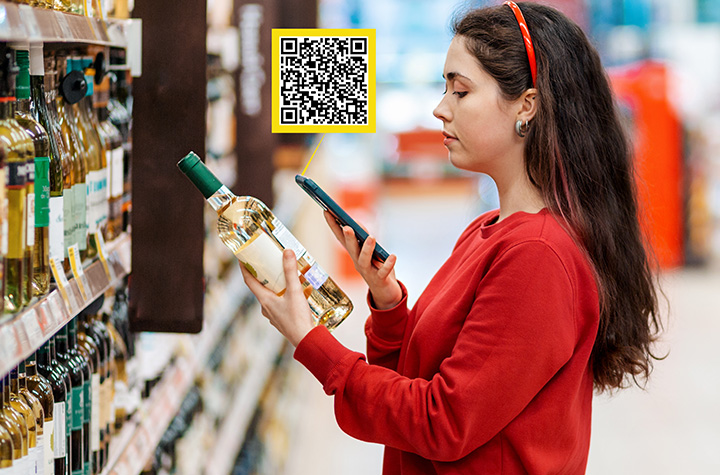
QR codes are transforming not only how customers view restaurant menus, but also how they interact with menu items and food packaging, ushering in a new era of convenience and transparency in the restaurant industry.
By integrating QR code menus and digital menus directly onto food packaging, restaurants can provide instant access to nutritional information, ingredient lists, and allergy warnings, giving guests the confidence to make informed choices with just a quick scan from their mobile devices.
Adding QR codes to food packaging is a smart way to enhance the dining experience, whether customers are dining in, taking out, or ordering delivery. With a simple scan, guests can access a digital platform that offers detailed product information, online ordering options, and even special promotions.
This not only streamlines the ordering process but also reduces the need for physical menus and printed materials, resulting in significant cost savings and a more eco-friendly approach to restaurant operations.
One of the biggest advantages of using QR code menus is the ability to update menu items, prices, and nutritional details in real time. No more waiting for new printed menus; restaurants can make menu updates instantly, ensuring customers always have access to the most accurate and up-to-date information.
This flexibility is a game-changer for menu design and customer experience, allowing restaurants to respond quickly to trends, seasonal changes, or guest feedback.
QR codes also play a crucial role in boosting customer retention. By making the menu interactive and engaging, restaurants can collect valuable data on customer preferences, gather guest feedback, and tailor menu updates to better meet guest expectations.
This data-driven approach helps restaurants increase sales and improve customer satisfaction, setting them apart in a competitive market.
Strategic placement of QR codes is key to maximizing their impact. Displaying codes on table tents, restaurant windows, delivery vehicles, and food packaging ensures customers have easy access to menus and promotions wherever they are. This seamless access encourages more orders, increases sales, and enhances the overall dining experience.
Integrating QR codes with online ordering and payment systems like Apple Pay and Google Pay takes convenience to the next level. Guests can place orders and make payments quickly and securely from their phones, reducing wait times and creating a truly contactless menu experience for dine-in guests and takeout customers alike.
By creating a robust digital platform for menu items and food packaging, restaurants can stay ahead of the curve, increase sales, and establish themselves as leaders in the digital age.
The use of QR codes is more than just a tech upgrade; it’s an essential tool for boosting customer retention, streamlining restaurant operations, and delivering a modern, engaging dining experience that keeps guests coming back.
Implementation Best Practices
Getting started with restaurant QR codes is easy, but smart implementation matters.
- After creating your QR code, you can easily download the QR code image or menu design for quick printing or digital use.
1. Choose the Right Type
- Static QR codes: Fixed URLs that work well for simple menus or short-term offers.
- Dynamic QR codes: Editable and trackable, perfect for ongoing promotions and menu updates.
2. Design with Intention
Use your brand colors and logo. Frame your QR code with a clear message like “Scan for Menu” or “Scan to Pay.” Great menu design adds trust and encourages use.
3. Test Across Devices
Ensure your codes scan properly across multiple phones and mobile devices. What works on one phone should work for all.
4. Be Clear About the Action
A QR code without context is just a shape. Use strong CTAs: “Scan to Order,” “Scan for Specials,” or “Join Our Loyalty Club.”
Pitfalls, Challenges & How to Avoid Them
Even the best tech can falter without the right setup. Avoid these common issues:
- Poor Wi-Fi: If guests can’t access your online menu, they can’t use it. Optimize your web page for speed.
- Bad placement: QR codes hidden behind condiments or printed too small frustrate customers. Place them where customers can easily scan.
- Outdated links: Always keep your links up to date and test regularly.
Some guests may prefer a printed menu, so always have a few available. Train staff to assist customers who aren’t familiar with QR systems. Secure platforms protect customer data and boost trust.
Measuring Success & ROI
With dynamic QR codes, you can track every scan and measure engagement. Look at scan rates, conversions, and average order values to measure ROI. Digital menus also reduce print costs and improve efficiency.
Key Metrics
- Scan rates per menu QR code
- Orders and payments generated
- Customer engagement trends
- Reduction in wait time and staff workload
The cost savings and efficiency gains make this a clear win for restaurants ready to innovate.
Future Outlook: The Next Chapter in Digital Dining
The future of QR codes in restaurants is dynamic. They’ll soon integrate with loyalty apps, AR-based menu design, and personalized menu QR systems. Imagine scanning a QR code to preview a dish in augmented reality or to order directly from a table tent via your mobile app.
As digital platforms evolve, QR code technology will continue increasing sales and enhancing the overall customer experience.
Restaurants that adopt these innovations now will lead the charge in redefining modern dining.
FAQs
1. What are QR Codes for Restaurants: Menus, Payments, and Promotions?
They’re scannable digital tools that connect diners to restaurant menus, ordering systems, and payment options using a mobile device.
2. How can a restaurant use a QR code to replace a printed menu?
Display a menu QR code that links to an online menu, allowing customers to browse and place orders easily.
3. Can QR codes in restaurants be used for payments and ordering?
Yes. Guests can use Apple Pay, Google Pay, or mobile apps to pay securely after they place orders.
4. What are the benefits of using QR codes for restaurant promotions?
They help increase sales, boost customer retention, and drive online engagement.
5. What should restaurants watch out for when implementing QR codes?
Test your QR codes, avoid broken links, and use a trusted QR code generator to ensure reliability.
6. Do QR codes improve service speed and efficiency?
Absolutely. They reduce wait times and simplify the ordering process.
7. How do dynamic QR codes differ from static QR codes?
Dynamic QR codes can be edited and tracked, while static QR codes are fixed and can’t be changed.
8. How can a restaurant measure the success of its QR code strategy?
Track scans, conversions, and ROI using built-in analytics from your QR code generator or website platform.
9. Are there guest experience downsides to using QR codes?
Some guests still prefer physical menus. Offering both ensures inclusivity and a great customer experience.
10. What’s next for QR codes in the restaurant industry?
Expect tighter integration with apps, more advanced digital menus, and innovative features that elevate the dining experience.
Conclusion: The Small Code Creating Big Change
QR codes for restaurants are transforming the dining experience, simplifying operations, improving payments, and enhancing restaurant marketing.
From digital menus to loyalty programs, they’re helping restaurants create modern, memorable, and efficient service that keeps customers coming back.
Embrace these simple steps, and you’ll not only save time but also increase sales, improve service, and build a future-ready business.
Contact Barcodes Inc. today to learn more about a fully integrated POS environment.
Best Inkjet Printers for Offices and Small Businesses
Small offices often run into printing challenges, either choosing devices that are too inexpensive and compromise quality, or machines that are too costly for their budgets. Inkjet printers offer an ideal balance for a small office environment. They provide vibrant color output, support a variety of document types, and fit well into small or medium-sized workspaces.
Inkjet technology performs well with moderate print volumes such as invoices, marketing materials, and occasional labels. Many models now include wireless connectivity, mobile printing, and productivity features that make them far more capable than traditional home-use devices. Having enough ink is crucial to ensure continuous printing and avoid workflow interruptions.
Cost efficiency is an important consideration for small business owners. Inkjets use less energy, offer affordable color printing, and take up minimal space, which makes them an appealing alternative to larger laser printers.
It’s also important to compare the cost per color page to monochrome pages, as color pages can be more expensive, and knowing the cost per color page helps in managing printing expenses effectively.
Print Quality and Resolution: What to Expect from Modern Inkjets
Modern inkjet printers have set a new standard for print quality and resolution, making them a top choice for small businesses and home offices that demand professional results. Today’s inkjet printers, such as the HP OfficeJet Pro series, deliver crisp text, vibrant graphics, and photo-quality images that rival even the best laser printers.
This leap in printing quality is largely due to advancements in printhead technology and higher resolution capabilities, with many models offering up to 4800 x 1200 dpi for detailed, sharp output.
One of the standout features of modern inkjet printers is their versatility with different media types. Whether you’re printing on plain paper, glossy photo paper, or specialty materials like labels and cardstock, inkjet printers consistently produce excellent print quality. The right paper can further enhance printing quality, so it’s worth matching your media to your project, plain paper for everyday documents, glossy for photo printing, and heavier stock for marketing materials.
Photo printing is another area where inkjet printers excel. Many small business printers, including models like the Canon Pixma and Brother MFC-L3780CDW, use advanced ink systems that combine dye-based and pigment-based inks.
This allows for a wide color gamut, smooth gradations, and true-to-life images, perfect for printing photos, marketing collateral, or presentations. Features such as borderless printing and automatic duplex printing add convenience and help create polished, professional-looking materials.
For businesses concerned about cost per page, modern inkjet printers offer several solutions. High-capacity ink tanks and subscription services like HP Instant Ink help keep ink costs predictable and manageable, ensuring you get the most out of every cartridge. Many inkjet printers are designed for efficiency, with fast print speeds and large paper trays to support busy office workflows without constant refills.
Connectivity is also a key advantage. With Wi-Fi Direct and mobile device compatibility, you can print directly from smartphones, tablets, or laptops, streamlining the process of printing images and documents on the go. This flexibility is especially valuable for small businesses and home offices that rely on multiple devices.
In summary, today’s inkjet printers combine excellent print quality, high resolution, and versatile media handling to meet the diverse needs of small businesses.
By considering factors like print speed, printing quality, cost per page, and connectivity, you can select a good printer that delivers professional results, whether you’re printing photos, business documents, or marketing materials.
With options like the HP OfficeJet, Brother MFC-L3780CDW, and other business printers, small offices can enjoy reliable, high-quality printing without compromise.
Best Inkjet Printers for Offices and Small Businesses
Below is a curated list of some of the best printers and best business printers currently available on Barcodes Inc.
This selection covers everything from the best budget printer and affordable budget printer options for cost-conscious buyers, to high-end photo printers and dedicated photo printer models for creative professionals.
These devices are suitable for a wide range of business printing tasks, ranging from compact multifunction printers to large-format models designed for professional and creative environments.
HP Officejet 200 and OfficeJet 250 Wireless Inkjet Multifunction Printer
The HP OfficeJet 200 and OfficeJet 250 is a portable printer that is ideal for remote teams and mobile professionals. Its compact design is a key feature, allowing it to print, scan, and copy with reliable wireless connectivity.
The portable design and optional long-lasting battery make it convenient for businesses that need flexibility. Small offices appreciate how it handles everyday tasks without requiring much space, and its size makes it an excellent desktop printer for small workspaces.
HP DesignJet Z9+ PostScript Inkjet Large Format Printer
The HP DesignJet Z9+ is a color printer known for its exceptional image quality, making it ideal for businesses that require outstanding color output on large-format materials. It delivers precise color accuracy, sharpness, and smooth gradients, ensuring high fidelity in printed images.
This makes it a favorite for agencies that produce posters, banners, and high-quality client visuals. Its advanced PostScript capabilities ensure consistent results across complex design files.
HP DesignJet T630 Inkjet Large Format Printer
The DesignJet T630 offers strong color output and flexible media handling, featuring advanced paper handling capabilities for efficient management of various paper sizes and types. It is ideal for technical drawings, architectural plans, and detailed layouts. Its compact footprint makes it a practical choice for smaller offices needing professional wide-format output.
HP DesignJet Z9+dr PostScript Inkjet Large Format Printer
The dual-roll configuration of DesignJet Z9 printers allows quick switching between media types, which is helpful for fast-paced design environments. Creative teams value the printer’s fast printing speed and consistency. PostScript support ensures accurate color reproduction across complex graphics.
HP DesignJet T2600dr PostScript Inkjet Large Format Printer
As a HP multifunction large-format printer, the T2600dr, is designed for collaborative teams that require both printing scanning and print scan capabilities in a single device. It features an automatic document feeder for efficient processing of multi-page documents.
The T2600dr supports automatic duplex scanning and single pass duplex scanning, allowing users to quickly and efficiently scan double-sided documents without manual intervention.
The intuitive touchscreen interface makes it easy to scan documents to email or network folders, streamlining workflow in engineering, architecture, and construction environments where teams frequently revise and share drawings.
HP DesignJet T1700dr PostScript Inkjet Large Format Printer
The T1700dr is designed for technical drawings, posters, and detailed office documentation, making it ideal for producing both physical and digital documents. Strong security features make it suitable for government, engineering, and enterprise environments. Its stability and precision appeal to teams that depend on consistent output.
HP DesignJet T1600dr PostScript Inkjet Large Format Printer
HP DesignJet T1600dr PostScript Inkjet Large Format Printer is a compact, professional-grade large-format printer balances size, performance, and speed. Its quiet operation suits open office environments. It is an excellent option for teams upgrading from older large-format equipment, and is also a strong choice for medium business environments needing reliable large-format output.
Brother MFC-J1170DW
The Brother MFC-J1170DW is a versatile Brother printer that stands out for everyday office printing. While it offers impressive speed and efficiency, a Brother laser printer may provide even faster monochrome output and higher volume capacity for small business use.
Its fast first-page output and automatic duplex printing keep teams productive, making it a strong contender for the best budget printer category. Strong Wi-Fi connectivity and mobile printing support make it suitable for handling invoices, forms, and internal reports. Overall, it is a reliable small business printer.
Epson GP-M831 Inkjet Label Printer
This durable label printer is ideal for businesses that need high-quality, color-rich labels for retail, logistics, and printing shipping labels. It produces smudge-resistant and fade-resistant labels that work well for packaging, compliance tags, and warehouse labeling.
While thermal printers are often used for fast and efficient shipping label production, the Epson GP-M831 stands out by offering wide-format and color label printing, making it especially useful in industrial environments.
TROY 200 Mobile MICR Printer
This mobile inkjet printer is designed for printing secure business documents on the go. With MICR ink, it is suitable for printing checks and other sensitive documents, making the TROY 200 ideal for producing secure black and white documents that require banking-level security. It is an excellent option for finance teams, field operations, and mobile service providers.
Key Factors to Consider When Buying an Office Inkjet Printer
Choosing the right printer requires understanding your print environment and workload. For example, a larger paper tray can reduce the need for frequent paper refills, improving efficiency in high-volume settings. When evaluating cost per page, it’s important to factor in the price of replacement ink and ink cartridges, as these ongoing expenses significantly impact total cost of ownership.
When comparing printer types, most inkjets and most inkjet printers differ in speed, print quality, and maintenance. Ink tank systems offer a low cost per page and are ideal for high-volume printing, while toner cartridges in laser printers provide high yields and longer replacement cycles.
In terms of refill efficiency, ink tank systems stand out for their low cost per page and ease of maintenance compared to traditional ink cartridges.
For multifunction printers, consider not only print performance but also scan speeds and scan quality, as both are crucial for office productivity and the accuracy of scanned documents.
Print Speed, Duty Cycle, Tray Capacity, and Duplex Printing
Busy offices cannot afford slow or inefficient printers. Printing speed is crucial for maintaining productivity, especially in high volume printing environments where large numbers of pages need to be produced quickly.
Print speed determines how quickly documents are produced, especially when multiple team members share the device. The duty cycle indicates how many pages a printer can handle each month without issues, making it an important consideration for high volume printing. Exceeding this limit often leads to jams and mechanical problems.
Tray capacity is another key factor. A larger tray reduces interruptions and supports more efficient workflows. Automatic duplex printing saves time and reduces paper waste by allowing double-sided printing without manual flipping.
Total Cost per Page and Refill Efficiency
Ink is often the biggest long-term expense. Even an inexpensive printer can become costly if it uses ink quickly. Understanding cost per page is essential. High-yield cartridges or refillable tanks significantly reduce costs and lower the frequency of replacements.
Some printers also offer free ink for a limited time when you sign up for a subscription plan, which can help lower initial printing costs, though these offers may require using specific ink brands or ongoing subscriptions.
Printers with efficient refill systems reduce downtime, allowing teams to work without constant interruptions from low-ink alerts.
Wireless Connectivity and Network Security
A good office printer must integrate smoothly with your network. Wireless and Ethernet options give teams flexibility without cluttering the workspace, and also allow easy printing from mobile devices such as smartphones and tablets.
The HP Smart app enables remote printer management and monitoring, letting users check ink levels, access printer settings, and manage print jobs from anywhere. Strong security features, including encrypted connections and administrative passwords, help protect your network from unauthorized access.
Inkjet vs. Laser Printers for Small Business Operations
Choosing between a color printer and a laser printer depends on your business needs. Understanding the strengths of each option, including whether you require a color laser for high-speed color output or prefer inkjet color printers for vibrant marketing materials, helps you avoid unnecessary costs.
When Inkjet Wins
Inkjet printers are versatile and ideal for businesses that print a variety of documents. An AIO printer (all-in-one printer) can print documents, scan, and copy in one device, making it a practical choice for offices needing multifunctionality.
The convenience of print scan features is especially beneficial for small offices, allowing users to handle multiple tasks efficiently. Their vibrant color output makes them excellent for presentations, marketing materials, and branded content. They use less energy and take up less space, which is helpful for small offices.
Inkjet printers also support a wide range of media types, such as labels, envelopes, and specialty paper. This flexibility is valuable for businesses that produce visual or promotional materials.
When Laser Might Be Better
Laser printers excel in speed and volume. If your office prints thousands of black-and-white pages each month, laser printers are more cost-effective and are often preferred for business printing tasks due to their reliability and efficiency.
They have higher duty cycles and faster engines, making them suitable for high-demand environments. For offices with limited space, a desktop printer can be a good fit, offering compact size without sacrificing essential features.
Top Features of Business-Grade Inkjet Printers
Today’s business printers include productivity and connectivity features that go beyond basic home models. Advanced options such as an automatic document feeder (ADF) and a flatbed scanner allow for efficient handling of multipage documents, as well as scanning large or delicate items like book pages and loose documents.
Connectivity and Integration
Modern office printers should integrate with existing workflows. Look for Wi-Fi, Ethernet, mobile printing, and cloud features. Scan-to-email and scan-to-cloud capabilities help teams move information quickly.
Some printers offer remote management tools that track ink levels and usage patterns, helping administrators reduce downtime.
All-in-One Capabilities
Multifunction printers that scan, copy, and fax offer convenience and save office space. Large flatbed scanners and fast automatic document feeders help teams process documents quickly and efficiently.
High-Yield Tanks, Duplex Printing, and Multi-Tray Options
High-yield ink tanks reduce cartridge changes, while duplex printing saves paper. Multi-tray options allow offices to load different paper types simultaneously, reducing the need for constant manual adjustments.
Cost Considerations and Total Cost of Ownership (TCO)
The initial printer cost is only part of the equation. Long-term expenses determine the true value of the device.
Upfront Cost vs. Ongoing Ink Costs
Some printers cost less initially but are expensive to maintain. Others have higher upfront prices but lower operating costs. Understanding your monthly print volume helps predict expenses.
Refillable Ink Tanks
Tank-based systems hold more ink and reduce the frequency of refills. They provide predictable costs and minimize interruptions.
Reliability Reduces Hidden Costs
A reliable printer reduces the need for repairs and minimizes downtime. Business-grade printers offer sturdier construction and longer-lasting components, saving money in the long run.
Best Usage Scenarios for Office and Small Business Inkjets
Different work environments benefit from inkjet printers for various reasons.
Home Offices and Startups
Inkjets offer an affordable and compact solution for small teams. Their color accuracy helps produce professional marketing materials without outsourcing.
Creative Agencies
Design teams rely on high-quality color. Large-format inkjet printers deliver the precision and tonal range required for client-facing visuals.
Retail and Small Stores
Inkjet label printers help businesses produce pricing tags, signage, and packaging labels. Their durable output improves branding and operational efficiency.
Setup and Maintenance Best Practices for Office Use
Proper setup and maintenance help keep your printer running smoothly.
Network Installation Steps
- Place the printer in a central location for easy access.
- Connect via Wi-Fi or Ethernet.
- Install drivers on all shared devices.
- Set default print settings that match your workflow.
- Enable mobile and cloud printing.
- Update firmware regularly.
Maintenance Tips
Printing regularly prevents ink from drying in the nozzles. Clean the printheads only when print quality declines. Use the correct media to avoid jams. Replace ink before it is completely empty to prevent clogs.
When Not to Choose an Inkjet Printer
Inkjets are not the best choice for every office. Consider alternatives if you:
- Need very high monthly volumes where durability is essential
- Work in fast-paced environments that require bulk monochrome printing
- Produce specialized labels better suited for thermal or industrial printers
FAQs
What makes an inkjet printer suitable for offices?
Inkjet printers offer reliable color output, moderate volume capacity, and flexible connectivity.
How do I choose the best inkjet printer?
Select a printer that aligns with your expected monthly volume, the types of documents you produce, and the connectivity your team requires. Use measurable factors such as duty cycle, print speed, ink yield, and cost per page to compare models.
Is inkjet more cost-effective than laser?
Inkjet printers are typically more cost-effective for color printing and moderate mixed-use environments. Laser printers may be more economical for high-volume monochrome printing.
What volume is reasonable for an inkjet?
Most small businesses print several hundred to a few thousand pages per month. Inkjets perform well within this range.
What features matter for shared office networks?
Look for strong security options, Ethernet and Wi-Fi connectivity, mobile printing support, and cloud integration.
How important are ink costs?
Ink costs directly affect long-term operating expenses. Evaluating cost per page ensures predictable ongoing costs.
Can inkjets handle heavy color printing?
Business-grade and large-format inkjet models are designed to handle intensive color workloads with consistent quality.
What maintenance is required?
Routine printing, occasional printhead cleaning, firmware updates, and proper media use help keep an inkjet printer running reliably.
When should a business avoid inkjets?
Inkjets are not ideal for businesses that print extremely high monochrome volumes or require fast, bulk document processing.
Are all-in-one inkjets good for business use?
Yes, all-in-one inkjet printers are excellent for small teams needing multifunction capabilities in a single device.
Conclusion
Choosing the right inkjet printer for your office or small business does not need to be overwhelming. When you focus on the essentials such as print quality, cost efficiency, connectivity, and long-term reliability, the best options stand out clearly.
Barcodes Inc. offers a wide range of printers, from compact multifunction units to advanced large-format models, ensuring there is a solution for every type of business.
When your printer aligns with your workflow, you save time, reduce costs, and maintain consistent productivity. By understanding your print volume, color needs, media requirements, and total cost of ownership, you position your office for smoother operations and fewer interruptions.
Mobilizing Patient Care with IPCMobile Linea Pro Rugged
Healthcare teams are under constant pressure to deliver safer, faster, and more efficient patient care—often while overcoming obstacles including outdated technology, workflow disruptions, and mobile communication gaps. IPCMobile’s Linea Pro Rugged (LPR) was designed to meet these challenges head-on, empowering professionals with a mobile, all-in-one solution built specifically for the realities of modern healthcare.
Solving Today’s Patient Care Challenges
Many healthcare organizations continue to operate with aging equipment that struggles to keep up with evolving software, security requirements, and clinical workflows. The Linea Pro Rugged addresses these challenges with a modular, scalable design that adapts as needs change—future-proofing your investment while maintaining compatibility with the latest iOS updates and security protocols.
Protecting patient privacy is non-negotiable. With enterprise-grade, highly accurate barcode scanning on a secure device, LPR helps reduce manual entry errors and ensures patient data is captured correctly the first time—supporting compliance while enhancing trust at the point of care.
Frequent technical issues and inconsistent hardware across departments can slow care delivery and frustrate staff. LPR enables standardized hardware and software across units, minimizing downtime and creating a more consistent, reliable clinical experience.
Concern that a device will hold power during critical work tasks and through an entire shift is another common barrier to mobile care. The Linea Pro Rugged features a hot-swappable battery designed to last multiple 24-hour shifts, allowing clinicians to stay focused on patients—not power outlets.
And when communication is critical, especially in remote or fast-moving environments, LPR delivers. Its all-in-one, mobile form factor enables real-time communication and access to patient information wherever care is happening.
Built for Healthcare, Designed for Mobility
The Linea Pro Rugged is an enterprise-grade healthcare mobile scanning solution that transforms the iPhone® 15, 16, or 16e into high-performance data capture devices. Users benefit from the familiar iOS interface, reducing training time and accelerating adoption, while IT teams gain a rugged, secure platform built to last.
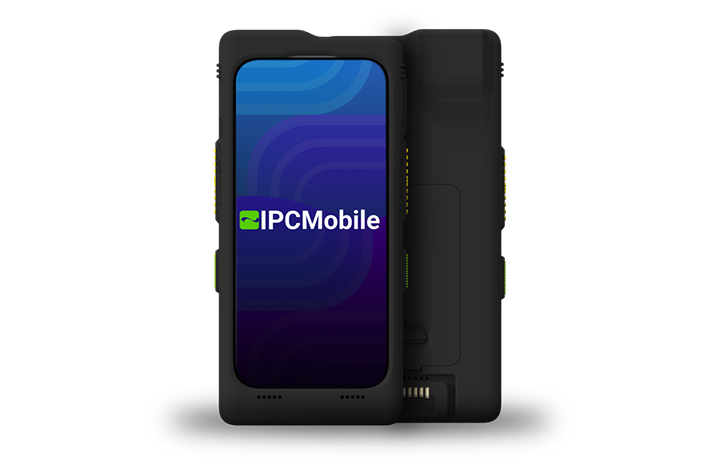
Designed for healthcare environments, LPR is disinfectant-ready, engineered to withstand strong cleaners like Super Sani-Cloth without compromising performance. With IP65 protection and MIL-STD-810G drop ratings, it’s certified rugged for the toughest conditions.
Advanced features like programmable buttons, Apple Intelligence™ support, and contactless technologies (including Apple VAS and Google Smart Tap) streamline workflows and automate data capture. Integration is simple with QWedge, available on the App Store, enabling quick scanning or seamless use within existing applications.
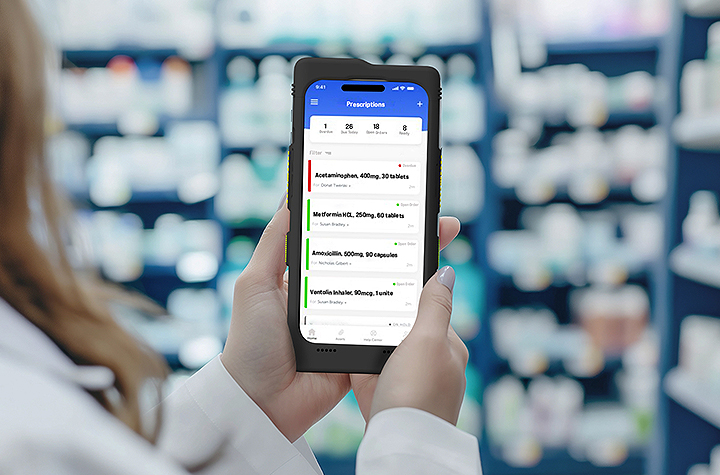
Frequently Asked Questions About Linea Pro Rugged
1. What is the Linea Pro Rugged (LPR)?
The Linea Pro Rugged is a healthcare-ready mobile solution from IPCMobile that transforms an iPhone® 15, 16, or 16e into an enterprise-grade scanning and communication device. It combines rugged protection, advanced barcode scanning, extended battery life, and secure data capture into one all-in-one platform designed specifically for healthcare environments.
2. What iPhone models are compatible with Linea Pro Rugged?
LPR is compatible with iPhone 15, iPhone 16, and iPhone 16e models, allowing healthcare organizations to leverage the latest iOS capabilities while maintaining enterprise durability and security.
3. How does Linea Pro Rugged improve patient safety?
LPR features highly accurate enterprise-grade barcode scanning that reduces manual data entry errors. By ensuring accurate patient ID and medication scanning at the point of care, it helps support compliance initiatives and strengthens patient safety protocols.
4. Is Linea Pro Rugged suitable for hospital disinfecting protocols?
Yes. LPR is disinfectant-ready and engineered to withstand frequent cleaning with healthcare-grade disinfectants, including Super Sani-Cloth. It is built specifically to meet infection control standards in clinical environments.
5. How rugged is the Linea Pro Rugged?
The device is certified with IP65 protection and MIL-STD-810G drop ratings. This means it is protected against dust, water spray, and repeated drops—making it ideal for demanding healthcare settings.
6. How long does the battery last?
LPR features a hot-swappable battery designed to last multiple 24-hour shifts. Clinicians can replace the battery without powering down the device, minimizing workflow interruptions and eliminating “battery anxiety.”
7. Does Linea Pro Rugged integrate with existing healthcare applications?
Yes. LPR integrates easily with existing applications using QWedge (available in the App Store), allowing barcode data to flow directly into EHR, pharmacy, and clinical workflow systems without complex development.
8. What communication capabilities does LPR support?
Because it operates on iPhone hardware, LPR supports secure messaging, voice, video, and real-time access to patient data. This ensures clinicians stay connected wherever care is delivered—whether bedside, remote, or in fast-moving environments.
9. How does LPR support IT standardization?
IPCMobile Linea Pro Rugged allows healthcare organizations to standardize hardware and software across departments using a familiar iOS platform. This reduces training time, simplifies device management, and minimizes downtime caused by inconsistent equipment.
10. What advanced features does Linea Pro Rugged offer?
LPR includes programmable buttons for workflow efficiency, Apple Intelligence™ support, and contactless capabilities such as Apple VAS and Google Smart Tap. These features streamline data capture, automate tasks, and enhance the overall clinical experience.
11. Is Linea Pro Rugged future-proof?
Yes. Its modular and scalable design allows healthcare organizations to adapt as technology and security requirements evolve. LPR supports ongoing iOS updates, helping protect your investment while staying aligned with modern healthcare IT standards.
Healthcare organizations cannot afford technology that slows clinicians down or compromises patient safety. As care environments become more mobile, data-driven, and security-focused, the tools supporting frontline teams must evolve as well. IPCMobile’s Linea Pro Rugged delivers that evolution for healthcare teams, not only upgrading devices, but strengthening the foundation of modern, mobile patient care.
Conclusion
Contact Barcodes Inc. today for help planning a modern healthcare operation ready for the future.
Transform Kitchen Operations Through Digital Workflow Automation
Whether you are running a quick-service restaurant (QSR) or a small restaurant operation, nothing impacts business success more than efficiency, accuracy, and clear communication. Relying on paper tickets and manual processes are outdated operating workflow that slow down service and introduce costly errors. Modern kitchen operations require digitization solutions—like the Epson® TrueOrder™ Kitchen Display System (KDS) offered by Levata—that deliver an affordable, easy-to-install, and highly configurable solution designed to improve overall kitchen operation performance.
From order entry through food preparation and fulfillment, TrueOrder KDS helps restaurants reduce mistakes, minimize paper usage, and keep teams aligned during peak service times. Built specifically for demanding restaurant environments, it combines intuitive software with flexible hardware support to fit a wide range of kitchen layouts and workflows.
Designed for Real-World Kitchen Operations
At the core of TrueOrder is its ability to adapt to how your kitchen actually works. The system supports up to nine stations, allowing orders to be intelligently routed to the right prep areas for parallel processing. This enables kitchens to optimize throughput, reduce bottlenecks, and ensure each station focuses on what it does best.
Customizable display views are available for kitchen staff, expediters, and customer-facing displays, all operated through intuitive touch controls or traditional bump bars. Flexible grid layouts make it easy to highlight key order details, prioritize items, and keep teams focused on what matters most during service. For restaurants that want to reinforce their brand, logos can be added directly to displays for a consistent, professional look.
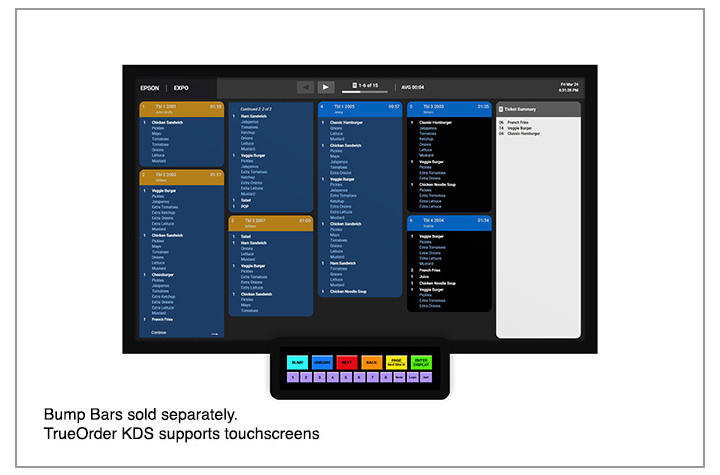
Epson® TrueOrder™ KDS: Key Features & Specifications At-a-Glance
Designed specifically for fast-paced restaurant environments, Epson TrueOrder KDS delivers flexible configuration, reliable performance, and intuitive operation without adding IT complexity.
Core System Capabilities
- Supports up to 9 kitchen stations for optimized, parallel food preparation workflows
- POS-agnostic design works with traditional and tablet-based POS systems—no software modifications or special licenses required
- Digital order routing sends tickets directly to the correct prep, expo, or customer-facing stations
- Local network operation ensures reliability with no Internet connection required
Customizable Workflow & Display Options
- Configurable views for prep stations, expo stations, and customer-facing displays
- Flexible grid layouts help prioritize items, highlight modifiers, and improve visibility
- Touchscreen and bump-bar support to match staff preferences and kitchen environments
- Brand customization allows logos to be added to multiple displays for a polished, professional look
Hardware & Device Compatibility
- Versatile device support including all-in-one touchscreens and media player devices
- Compatible with Epson receipt and label printers to enhance kitchen communication
- On-demand labeling for order numbers, modifiers, bag contents, customer names, QR codes, and branding
Simple Setup & Management
- Easy installation with support for multiple hardware configurations
- Browser-based configurator utility accessible from most devices with a web browser
- Quick staff onboarding thanks to an intuitive, easy-to-learn user interface designed for QSR and small restaurant environments
Built for Accuracy & Efficiency
- Eliminates lost or illegible paper tickets by digitizing the entire kitchen workflow
- Improves order accuracy by clearly displaying real-time order information at each station
- Reduces paper usage while increasing speed, consistency, and communication during peak hours
This combination of flexible configuration, reliable performance, and easy deployment makes Epson TrueOrder™ KDS an ideal solution for restaurants looking to modernize kitchen operations without added complexity or cost.
A Complete Epson POS Ecosystem
TrueOrder integrates seamlessly with Epson’s industry-leading Point-of-Sale (POS) printing solutions. Epson label printers enable personalized, on-demand labeling for virtually any hospitality environment, while Epson receipt printers deliver high-performance thermal printing for PC POS, mPOS, and cloud POS systems. Backed by decades of reliability, these solutions help create a cohesive, dependable kitchen workflow.
Optimize Your Kitchen with Confidence
The Epson TrueOrder Kitchen Display System delivers an affordable, reliable, and fully customizable way to digitize kitchen operations. By improving accuracy, streamlining workflows, and simplifying setup, TrueOrder helps restaurants operate more efficiently today—while staying flexible for the future.
A Smarter Approach to Labeling: How the SATO FX3-LX Transforms Frontline Operations
Every operational environment requires a degree of inventory labeling, but each application depends on its accuracy, speed, and flexibility for a positive impact on productivity, compliance, and customer satisfaction. Whether in a commercial kitchen, warehouse, manufacturing floor, or retail store, outdated or manual labeling processes introduce unnecessary complexity and risk. Read on for a label printer review of the SATO FX3-LX label printer and learn how this all-in-one printer addresses these challenges by combining intelligence, mobility, and ease of use into a single, adaptable device.
At-a-glance features that deliver:
- Intuitive 7″ touchscreen interface for easy operation
- Wireless connectivity with AEP for mobile functionality
- Battery operation option for hours of mobility
- Robust design with wall mounting capability
- Multiple media types compatible with various applications
- 305 dpi high resolution printing
- Multiple connectivity options
- Support both 1D and 2D barcode formats
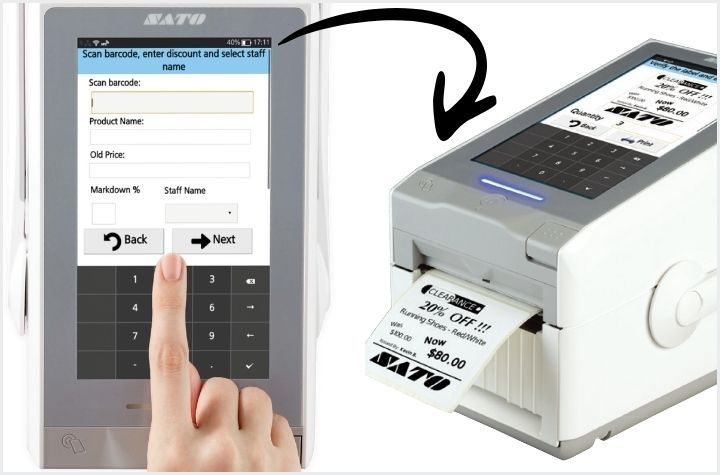
SATO FX3-LX: One Device, Fewer Errors, Greater Efficiency
The FX3-LX is a smart, programmable, standalone label printer designed to operate exactly where work happens. With its integrated 7-inch full-color touchscreen and Application Enabled Printing (AEP) platform, the FX3-LX eliminates the need for external PCs, reduces device sprawl, and enables custom workflows tailored to specific operational needs.
At its core, the FX3-LX minimizes solution complexity by consolidating tablet and printer functionality into one compact unit. Employees interact with a familiar, smartphone-like touchscreen interface, significantly reducing training time. Custom-built interfaces guide users step by step, while features like label preview help prevent misprints and wasted supplies.
Wireless connectivity, optional battery operation, and an integrated handle allow the printer to move seamlessly throughout an operation. Instead of walking back and forth to a fixed workstation, staff can print labels at the point of application—saving time, reducing manual input, and minimizing human error. The FX3-LX also integrates easily with scanners, scales, and keyboards to further improve data accuracy.
The Importance of Accurate Labeling Across Industries
Accurate labeling underpins safety, compliance, and trust in every sector, because labels communicate critical information to producers, regulators, workers, and end users. Let’s review critical value introduced by the SATO FX3-LX across multiple industries to improve labeling accuracy, speed, and compliance in everyday workflows.
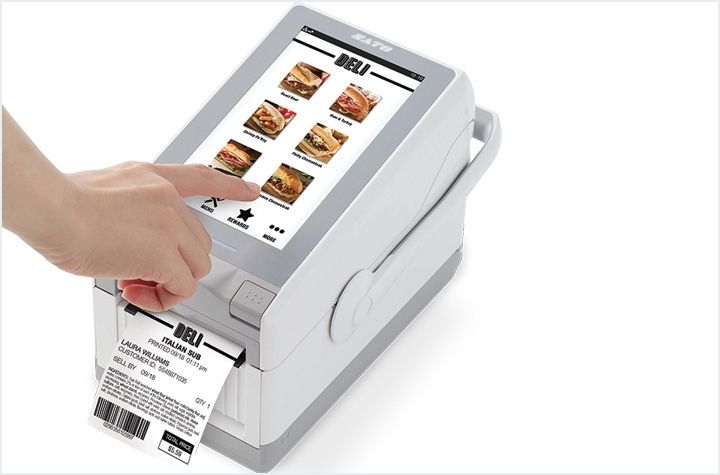
Food Service and Food Safety: Reducing Risk and Waste
- Improves food safety and compliance by replacing handwritten labels with accurate, on-demand printed labels at the point of food prep, receiving, and packaging, helping ensure proper shelf-life tracking and allergen identification.
- Supports key kitchen workflows including date marking, ingredient and allergen labeling, receiving and put-away labels, carryout labels, and price labels, so staff can instantly print the exact format required.
- Built for kitchen environments with an IPx2 splash-resistant, antimicrobial, easy-to-clean design that helps minimize cross-contamination risk in busy food service operations.
- Fits many food service formats such as convenience stores with in-house food programs, central commissaries, caterers, stadiums, and ghost kitchens, where high-volume, accurate labeling is critical.
- Delivers operational benefits by boosting productivity, reducing labeling errors and food waste, and simplifying compliance—without adding complexity to staff workflows.
Manufacturing and Logistics: Enabling Traceability and Flow
- Enhances operational visibility by replacing manual labeling with mobile, on-demand printing, reducing errors that can disrupt manufacturing and logistics workflows.
- Supports real-time process labeling for date marking, quality and process control, receiving and put-away, and mobile picking, so products and data stay synchronized through the supply chain.
- Label items at the point-of-action, improving accuracy, traceability, and confidence that materials are correctly identified at every step.
- Built for demanding environments with a robust design and IK06 mechanical impact certification, making it suitable for warehouses, factories, and distribution centers.
- Adapts to custom workflows through support for tailored AEP applications, allowing manufacturers and logistics providers to deploy labeling solutions that match their existing processes and boost productivity.
Retail: Empowering Staff at the Shelf
- Enables agile store operations with mobile price labeling, markdowns, returns management, pharmacy labeling, and in-store picking, so staff can react quickly to changing retail conditions.
- Improves pricing clarity and trust by allowing associates to replace missing, damaged, or incorrect tags on demand, reducing confusion at the shelf and checkout.
- Reduces labeling errors, which enhances customer experience and frees staff to focus on service, selling, and other higher-value activities.
- Supports diverse retail formats including fulfillment warehouses, 3PLs, specialty retailers, grocery stores, pharmacies, light assembly operations, agriculture, and retail sites with in-house food service.
Print and Apply Labels Where Work Happens
Turns labeling from a back-office chore into a powerful, front-line control point. The SATO FX3-LX allows staff to print on-demand at the shelf, in the kitchen, on the line, or at the dock door, so products and data stay synchronized. More than a label printer, the SATO FX3-LX is a flexible intelligence platform designed to adapt to the unique demands of modern operations. When labeling works where you work, productivity and compliance naturally follow.
Create, Manage, and Print Labels from Anywhere—No IT Required
Labeling has long been one of the most time-consuming and error-prone parts of the supply chain. Traditional, on-premise labeling processes create constant friction for operations—slowing teams down and utilizing valuable IT team bandwidth. Without centralized control, companies struggle with inaccurate labels, compliance risks, manual data entry errors, and limited visibility into who printed what. The painful truth: traditional label management is a major barrier to efficiency, accuracy, and growth.
BarTender offers multiple deployment paths to solve these issues. BarTender Software delivers secure, enterprise-grade, always-on printing for organizations that want complete control over their labeling environment. BarTender Cloud, on the other hand, provides maximum flexibility, allowing teams to access the latest labeling capabilities from anywhere without adding IT infrastructure or resources. With this always-on solution, you gain the ability to design, manage, and print labels anywhere—without the need for constant IT support.
Traditional Label Management: The Most Frustrating Pain Points
- Small Changes Require Big Effort – label templates that live on local machines create bottlenecks for even the slightest change to data fields or product info. Commonly, every need involves an IT service ticket.
- Version Chaos Across Sites – with no centralized version control, several templates may exist, leading to compliance issues or mislabeling.
- No Single Source of Truth – when label data isn’t synced, manual entry introduces errors, inconsistencies, and duplicate efforts.
- Low Scalability, High Cost of Maintenance – multi-site deployments are time consuming and often lack standardization. Servers, backups, security patches, and upgrades require constant upkeep.
- Limited User Access and Control – only users physically on the network—or using VPN—can access templates. From a security lens, it is harder to enforce role-based access, and sensitive data stored locally increases risk.
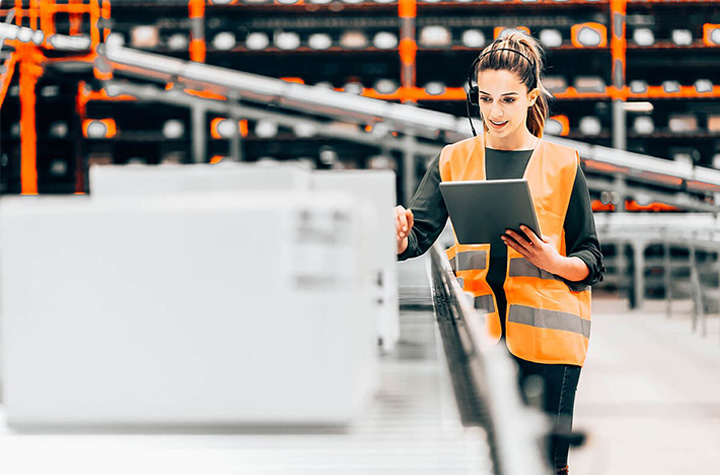
BarTender: Value Benefits of Cloud-Based Labeling Software
Deploy Labels Faster—with Less Effort
Cloud-based labeling from BarTender centralizes and standardizes your entire labeling environment, allowing you to deploy accurate, compliant labels in minutes instead of days. With reduced reliance on IT, fewer labeling errors, and lower programming costs, teams can respond instantly to product changes, regulatory updates, or production scale-ups—accelerating time-to-market and simplifying rollouts across sites and suppliers.
Smarter, More Consistent Label Design
With BarTender Cloud’s intuitive design tools and intelligent templates, you’ll eliminate the need for specialized skills or custom coding. Labels auto-populate with the right data from connected sources, reducing the number of templates you need to manage while minimizing manual errors. A single, centralized library ensures every team and location uses the same approved design for improved quality, consistency, and operational throughput.
Print Anywhere, on Any Device
Cloud-based printing lets users print from any browser, workstation, or mobile device without installing drivers or configuring hardware. BarTender’s automatic printer discovery and support for thousands of printer models make it easy to print labels at the point of work—whether on a production line, warehouse floor, or retail environment.
Embedded Compliance and Full Transparency
When it comes to compliance standards, BarTender Cloud has you covered. Leverage built-in support for GS1, RFID, UDI, GHS, FDA, and other global standards to ensure your labels always meet regulatory requirements. Pre-built, compliant templates and automated data handling help eliminate errors and simplify complex programs like Transparency labeling for major retailers. Every printed label becomes part of a complete digital audit trail, enhancing authenticity, traceability, and accuracy across your supply chain.
Easy Automation and Seamless Integration
Cloud-based labeling by BarTender directly connect to your ERP, WMS, MES, or cloud databases with simple wizards and pre-built connectors—no custom development required. Automated triggers streamline repetitive tasks like updating fields, sending notifications, and initiating print jobs.
The Smarter Way to Manage Labeling
BarTender software is a trusted brand known for revolutionizing labeling workflows. Now, its cloud-based solution brings flexibility, speed and scale of deployment, and user control to unmatched levels. By removing the need for on-premises servers and custom coding, businesses can standardize labeling operations across every site, supplier, and partner—achieving consistent results, fewer errors, and a more agile supply chain.
Learn More About BarTender Cloud ›
5 Reasons to Put Your Industrial Barcode Printer on a Newcastle Mobile Powered Cart
In warehouses, manufacturing plants, and distribution centers, efficiency directly impacts the bottom line. Here, mobility isn’t just a convenience, it’s a necessity.
Barcode printing remains a cornerstone of warehouse and production operations—but the way most facilities handle it hasn’t changed in decades. Traditional fixed workstations are an antiquated model riddled with inefficiencies. Workers spend valuable time traveling back and forth between their work areas and centralized printing stations, leading to significant productivity losses and chances for errors that compound throughout the day. Not to mention the bottlenecks created if multiple workers need to access the same fixed equipment—deadlines slip, and frustration builds.
Meanwhile, labor is scarce, accuracy expectations are rising, and operations leaders are being asked to do more with less. That’s where Newcastle Mobile Powered Carts come in.
The fastest path to productivity on your warehouse or production floor
By placing your industrial barcode printer on a powered mobile workstation, you bring labeling directly to the point of work. When workers can print labels, tags, and barcodes exactly where they’re needed—whether at a receiving dock, on a production line, or in a storage aisle—they maintain continuous workflow momentum. The result: fewer steps, faster throughput, higher accuracy, and measurable ROI—without adding headcount or changing your existing systems. Let’s review the top five benefits of mobilizing your industrial label printer on a Newcastle Mobile Powered Cart.
1. Powered Mobility for Effortless Movement
Static printing stations require workers to walk back and forth between tasks and printers—often logging miles each shift just to label pallets or products. With a Newcastle Mobile Powered Cart, they take the printer with them. Printing happens exactly where the work is happening, reducing walking by up to 50% and keeping your team focused on moving product, not moving their feet.
Why it matters:
- Free up thousands of labor hours each year
- Reduce fatigue and foot-traffic congestion
- Speed up workflows without altering existing systems
2. Improve Label Accuracy at the Source
When labels are printed away from the point of application, mistakes happen—wrong SKU, wrong pallet, or mislabeled shipments. With mobile printing, workers print and apply labels in real time, directly where verification occurs. This not only reduces human error but also strengthens data integrity across your WMS and ERP systems.
Key outcomes:
- Fewer labeling errors and compliance issues
- Better scan accuracy and data confidence
- Less rework, fewer returns, and smoother audits
3. Accelerate Core Warehouse Workflows
From receiving and put away to picking, packing, and shipping, mobile barcode printing helps every process move faster and more accurately. The Newcastle design allows businesses to configure carts with exactly the equipment and accessories needed for specific workflows, from label printers and scanners to computer terminals and supplies storage.
Immediate gains:
- Cut dock-to-stock times by up to 50%
- Increase picks per hour and order accuracy
- Improve on-time shipments and throughput
4. Boost Labor Efficiency—Without Adding Headcount
Doing more with the same workforce is one of the biggest challenges in today’s operations. Mobile workstations empower teams to accomplish more per shift without expanding payroll or adding overtime.
Why Newcastle helps you scale smarter:
- Lower labor cost per task
- Redeploy employees to higher-value work
- Avoid disruption and expense from installing new fixed stations
5. Deploy Fast and Scale Easily
Unlike major system overhauls, deploying mobile powered carts is simple, fast, and flexible. Newcastle carts arrive preassembled and ready to roll—literally. Just add your printer, connect your devices, and start printing at the point of work. As your operation grows, you can easily add carts by shift, department, or facility.
Built to deliver:
- Full-day onboard power for printers and peripherals
- Industrial durability for demanding environments
- Configurations to fit your existing tech stack
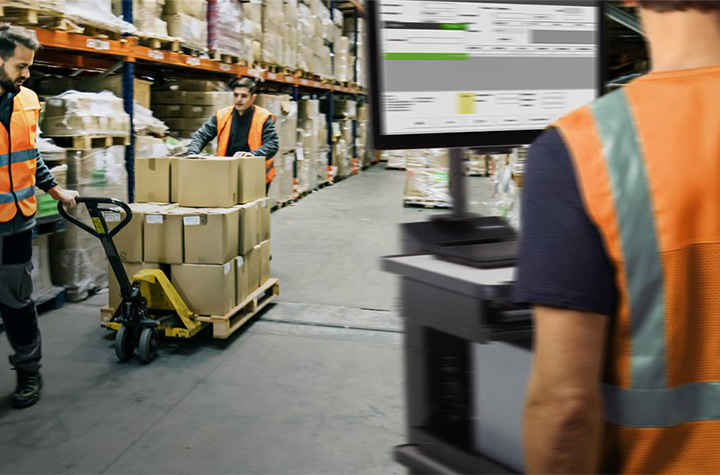
Mobile Powered Carts: Application Use by Industry
Warehousing and Distribution Centers: Mobile label printing enables workers to label shipments at receiving docks, print shipping labels while picking orders, and handle returns on the spot—eliminating constant trips to fixed stations and accelerating inventory accuracy.
Manufacturing and Assembly Operations: Production teams can print component labels, batch tracking tags, and quality control documentation directly at workstations, supporting lean manufacturing while ensuring compliance and preventing defective products from advancing through the line.
Retail and E-Commerce Fulfillment: Mobile carts allow staff to print shelf labels as they unpack shipments, generate pickup labels for click-and-collect orders, and process returns immediately—speeding up fulfillment and keeping inventory accurate without leaving the work area.
Healthcare and Pharmaceutical Operations: Medical facilities can print patient-specific labels at preparation points, generate required serialization documentation for regulatory compliance, and label specimens where they’re collected—improving patient safety and reducing identification errors.
Food and Beverage Production: Mobile printing enables date codes and lot numbers to be printed at packaging lines, allergen warnings to be generated at receiving, and HACCP documentation to be produced at critical control points—all while maintaining sanitation standards and reducing cold storage entry/exit cycles.
Unlock Faster, Smarter Labeling Now
The integration of industrial barcode label printers on Newcastle Mobile Powered Carts represents more than just an equipment upgrade—it’s a strategic investment in operational excellence. By eliminating inefficient workflows, reducing errors, improving worker satisfaction, and enabling rapid adaptation to changing demands, these solutions deliver measurable returns that impact the bottom line. Join leading warehouses, production facilities, and logistics providers by adopting mobile printing as a path towards continuous improvement.
Digital Label Intelligence for a Smarter Supply Chain
Efficient supply chain management hinges significantly on how assets are labeled, marked, and tracked. From barcodes and compliance labels to RFID tags, a single inaccuracy can lead to costly delays, regulatory penalties, or even product recalls. Beyond errors, manual labeling is a drain on productivity, putting teams in the dark when it comes to operational insights and asset tracking.
High-performing organizations rely on automated, digitized labeling software like BarTender, a globally trusted solution for intelligent label design, printing, and compliance.
Why Should Businesses Automate Label Design & Printing?
With BarTender, businesses gain the intelligence and tools they need to move goods faster, more accurately, and with fewer compliance risks across every link in the supply chain. From manufacturing to retail and any industry in-between, BarTender’s capabilities streamline workflows, minimize risk, and future-proof your labeling operations. Let’s review the top features users love most:
Fast Deployment
Implement the BarTender solution in hours—or even minutes—without weeks of costly custom development. Once installed, users enjoy an intuitive interface and reliable support to start working quickly. Thanks to a predictable cost structure, organizations can budget accurately and keep costs under control.
Flexibility
As your business grows, BarTender scales with you. Its adaptable platform easily integrates with existing systems and emerging technologies, allowing you to respond quickly to new labeling regulations or format changes without major IT overhauls.
Always-On Reliability
Protect your brand’s reputation and your customers with BarTender’s always-on solutions. From preventing labeling errors to avoiding downtime, BarTender ensures your users have reliable system access—critical for consumer safety and brand reputation.
Standardize and Centralize Your Labeling Workflow
Labeling consistency is the cornerstone of supply chain efficiency. BarTender empowers users of all skill levels to design accurate, compliant labels using easy-to-use design tools or pre-built templates for common applications. By centralizing label management, you gain full control over versioning, approvals, and access—ensuring every label meets company and regulatory standards.
Print Anywhere, Anytime, from Any Device
BarTender allows users to print at the source of work—whether that’s a production floor, a warehouse dock, or a retail store. With over 10,000 printer drivers, including support for leading printer brands, BarTender makes it simple to print from any browser or mobile device. The result: faster turnaround, fewer errors, and more flexibility.
Built-In Compliance for Every Industry
BarTender’s built-in compliance supports all major barcode and labeling standards, including GS1, RFID, UDI, GHS, and FDA requirements. This ensures your operations stay up to date with the latest industry mandates, helping you avoid disruptions, maintain visibility, and safeguard your supply chain’s integrity.
Convenient Integrations
BarTender integrates seamlessly with ERP, WMS, and MES systems—automating label population and reducing manual entry errors. Whether you’re connecting through APIs, database integrations, or custom scripts, BarTender adapts to your business logic and processes. The result is greater quality assurance, cost-efficiency, and productivity throughout your label lifecycle.
Implement Your Way
BarTender offers flexible deployment options tailored to your organization’s needs:
- BarTender Software – Achieve enterprise-wide printing that’s secure, reliable, and scalable. Ideal for organizations seeking full control over their labeling environment with advanced automation and integration capabilities.
Explore BarTender Software › - BarTender Cloud – Access the latest labeling features without adding IT overhead. Ideal for distributed teams that need to design, manage, and print labels from anywhere.
Learn More About BarTender Cloud ›
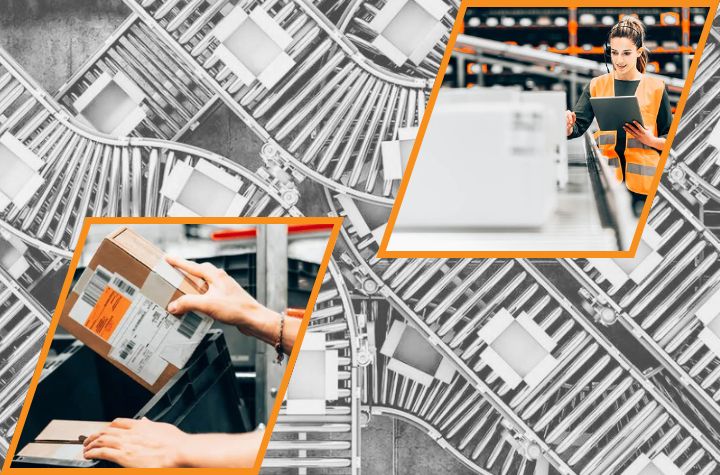
Why Businesses Across Industries Trust BarTender for Labeling, Marking, and Coding
Manufacturing – Track materials, parts, and finished goods throughout production. BarTender enables real-time visibility into assets and processes, driving greater control and operational efficiency.
Warehouse – Maintain accurate inventory counts, location data, and traceability from receiving to shipping. BarTender supports mobile workflows that help warehouse teams meet demand and improve fulfillment accuracy.
Transportation & Logistics – Simplify logistics documentation, including bills of lading and ASNs. With BarTender, your team can print compliant barcodes and RFID tags anywhere, ensuring real-time data sharing with partners and customers.
Retail – Enhance the retail experience from backroom to checkout. BarTender improves product labeling accuracy, supports omnichannel operations, and helps ensure every item is placed and priced correctly, creating a smoother customer experience.
Powering the Future of Labeling
As supply chains become more connected, digital labeling intelligence is essential to stay competitive. Scalable from a single site to global distribution networks, the BarTender solution accelerates throughput, enhances traceability, and improves operational accuracy—empowering organizations to move product faster, reduce risk, and gain end-to-end visibility across their supply chain. Gain total label automation to create, manage, and print compliance labels, barcode labels, and RFID tags.
The Epson ColorWorks C4000: Compact Powerhouse for On-Demand Color Label Printing
Any business will agree that labels are not an afterthought—they are a critical component of branding, communication, and safety compliance. But when you rely on external vendors or slow, generic monochrome processes, you sacrifice speed and control. Imagine having the power to instantly produce high-quality, vivid color labels precisely when and where you need them.
From enhancing the shelf appeal of product and package labels to ensuring regulatory accuracy with pharmacy and compliance labels, the business benefits are immense: cut costs and waste while drastically reducing lead times. Read on to discover how an on-demand color label printer like the Epson ColorWorks C4000 delivers precision, flexibility, and reliability in one small footprint.
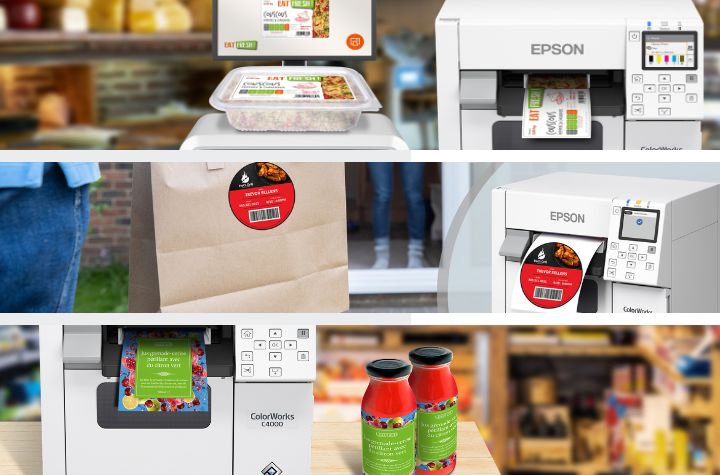
A Powerful and Compact On-Demand Label Solution
The ColorWorks C4000 is purpose-built to give businesses of any size the ability to print professional-quality color labels in-house and on-demand. Here is how the ColorWorks C4000 turns technology into operational excellence:
- Exceptional Quality: Produces crisp, photo-quality images, fine text, and barcodes with up to 1200 dpi resolution.
- Seamless Integration: Easily fits into existing workflows thanks to compatibility with ZPL II®, SAP®, major middleware, Windows®, Mac®, and Linux, minimizing disruption during setup.
- Maximize Uptime and Reliability: Engineered with technology that supports continuous use and prevents print defects.
- Compact and Robust Design: Small for workspace convenience, but big on toughness that resists dust and water for commercial use.
- Reduced Printing Costs: Offers a low cost of printing, comparable to existing thermal transfer printers.
- Enhanced Productivity: Get the job done quick – the ColorWorks C4000 warms up lightning-fast and prints up to four inches per second.
- Durable and Compliance-Ready Labels: Ultimate durability that meet BS-5609 certification for demanding applications, including GHS chemical labeling and immersion in seawater.
- Easy Operation and Maintenance: Don’t lose time on the basics – enjoy simple media and ink loading, easy-to-read operating screen, and Windows drivers.
- Flexible Connectivity: Includes optional Wi-Fi® connectivity and Software development kits (SDKs) and remote printer management tools make it easy for IT teams to deploy, monitor, and update printers, essential for managing large fleets over a network and supporting mobile printing.
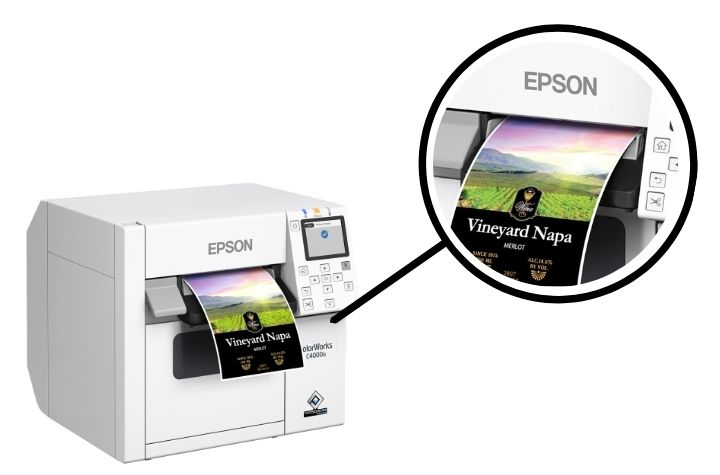
Exceptional Image Quality and Versatility
The C4000 is available in Gloss and Matte printing capabilities, using durable pigment-based inks designed for different media types. The gloss black ink works best for glossy substrates and provides a wider color gamut, while the matte version offers rich, deep blacks and crisp detail on matte materials. Both inks deliver outstanding resistance to water and chemicals, making the C4000 a great fit for chemical labeling, shelf tags, wristbands, or packaging applications that require long-lasting durability.
Enterprise-Ready Reliability
For enterprise users, Epson’s remote management tools allow IT teams to manage large printer fleets from a single dashboard. Administrators can perform mass configurations, push firmware updates, generate usage reports, and set automatic alerts for maintenance or consumable levels.
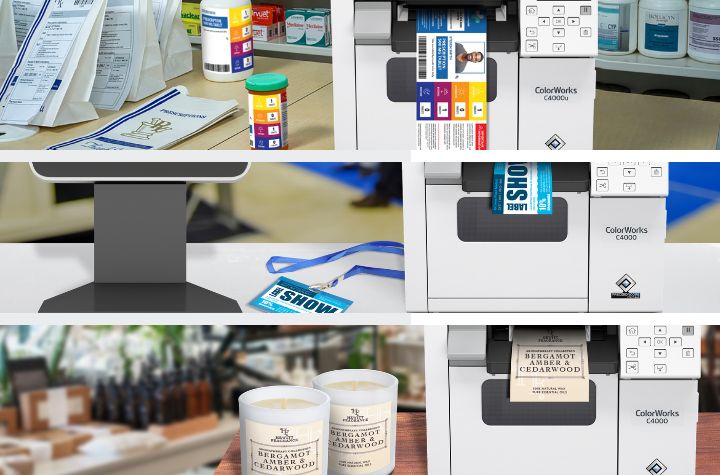
Customizable Application Use
The Epson ColorWorks C4000 comes standard with an auto cutter, making it simple to produce labels of varying lengths without manual trimming. This flexibility supports a wide range of applications, including but not limited to:
- Shelf and retail labels
- Cosmetic and personal care labels
- Pharmacy labels
- Chemical and GHS-compliant labels
- Shipping and logistics labels
- Click-and-collect retail order labels
- Visitor and event badges
High Performance, Low Total Cost
Stacked with advanced capabilities, the ColorWorks C4000 offers a low total cost of ownership when compared to many thermal transfer printers. By producing labels on demand and eliminating preprinted stock, it reduces waste, shortens lead times, and empowers businesses to respond faster to market changes while maintaining full control over branding and design.
Capture the Potential Behind Every Label
At a time when cutting through the noise has never been harder, vivid color labels present a competitive advantage—an opportunity to ensure your product stands out—that directly impact sales, compliance, and loyalty. With the Epson ColorWorks C4000, businesses can print professional-grade, durable labels whenever they need them—without sacrificing quality, speed, or reliability. Always ready to produce stunning, high-resolution color output from anywhere, the C4000 is much more than a printer—it is a production-ready tool designed to help your business communicate through color and operate more efficiently.
Learn more about the Epson ColorWorks C4000 and explore its full capabilities here.
The Advanced Data Capture Technology You Need to Future-Proof Your Operations
In hectic logistics and operations environments, every second counts. Whether managing assets, tracking shipments, or communicating between teams spread across multiple sites, efficiency and data accuracy reign supreme. It starts with connected mobility on the warehouse floor, with smart scanning devices digitizing time-consuming but essential tasks. Spoiler alert: not all data capture solutions are future-ready for unique customizations that leverage AI to keep your operations competitive.
Introducing the Linea Pro G S1 from IPCMobile, developed in partnership with Google Pixel for Business. This next-generation data capture solution is a cut above from the inside out. The LPG S1 keeps operations moving 24/7 with AI-driven intelligence, seamless connectivity, and rugged construction that can withstand tough environments.
Linea Pro G S1: Smart, Accurate Data Capture
Every logistics and operating ecosystem involves unique data capture application use. Progressive technology providers like Linea prioritize flexibility with value-added features:
- Trigger key workflows instantly with programmable buttons—scan barcodes, validate forms, or access system data in a single tap.
- Boost productivity with Google Tensor processing and advanced AI that recognizes images, objects, speech, and handwriting for faster, more accurate tasks.
- Automate verification—inspect camera frames, validate VINs or TINs, capture forms, and confirm IDs without switching between apps.
- Simplify field operations with integrated NFC technology to read payment, access, and loyalty cards or update assets via NFC tags on-site.
- Reduce manual errors and data entry time across warehouses, logistics hubs, and multi-site operations with intelligent automation.
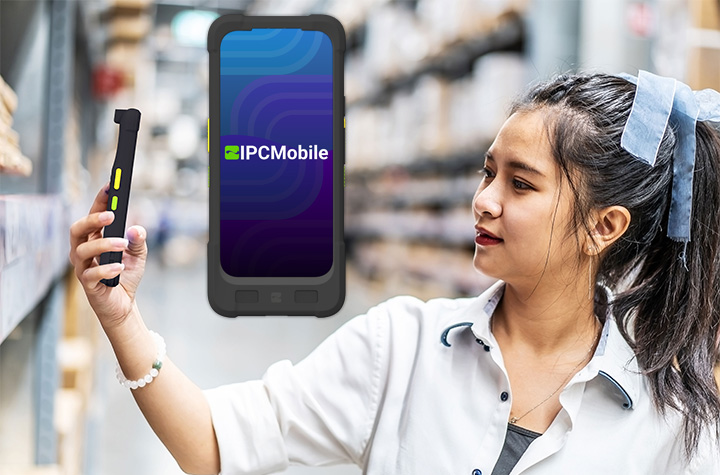
Use the LPG S1 to Streamline Inventory and Asset Management
Efficient processes are the key to smooth operations for logistics and warehousing teams. Here’s how the LPG S1 streamlines inventory and asset management:
- Enhance inventory management with AI-powered automation for counting, locating, and tracking items in real time.
- Instantly process replenishment orders and capture up-to-date stock levels for accurate inventory control.
- Update maintenance histories automatically through NFC-enabled tags for seamless asset management.
- Reduce paperwork and eliminate system discrepancies, freeing up valuable time for higher-priority tasks.
- Save resources by minimizing manual checks and errors, supporting more efficient and reliable operations.
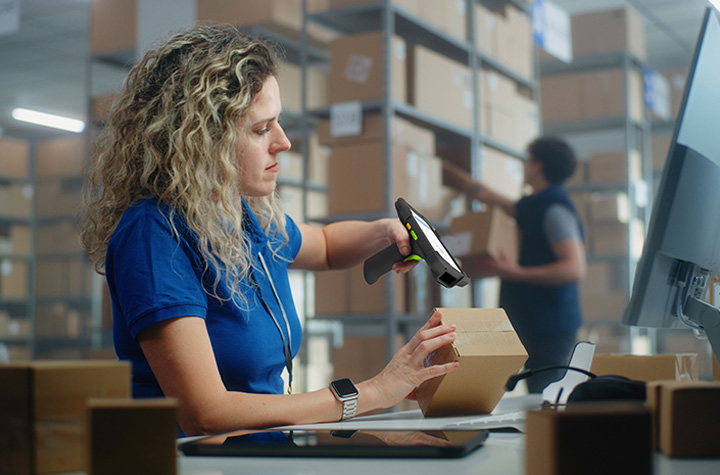
LPG S1 Push-to-Talk Turns on Real-Time Communication
Instant communication can make the difference between a smooth operation and a costly delay. Let’s review the LPG Slim communication features most valued by customers.
- Integrated Push-to-Talk (PTT) compatibility with leading carriers like T-Mobile, AT&T, and Verizon for instant team-wide communication.
- One-touch connectivity between drivers, field technicians, and warehouse coordinators—keeping everyone in sync.
- Real-time updates and rapid response, ensuring teams can act immediately to unforeseen situations.
- Live operational insights that empower leaders to make faster, more accurate decisions based on current data, not outdated reports.
- Productivity and coordination across dispersed teams, strengthening communication from the field to the command center.
The LPG S1 is Built for Rugged Reliability
Some environments pose more risks than others; the LPG S1 keeps working in the most taxing situations. These are the top features that allow the LPG S1 to always endure:
- Hot-swappable smart battery design supports continuous operation across multiple shifts with zero downtime.
- Built to withstand harsh conditions with MIL-STD-810G certification and an IP67 protection rating against drops, dust, water, and extreme temperatures.
- Ensures uninterrupted performance in demanding environments like transportation, warehousing, and field services.
- Delivers long-term reliability that reduces maintenance costs and minimizes workflow disruptions.
- Boosts overall productivity and equipment uptime, keeping teams fully operational in any condition.
Smarter Enterprise Mobility, Without the Complexity
IPCMobile brings over 31 years of mobility expertise to the table, helping organizations modernize without adding complexity or long-term commitments. With no contracts, licenses, or development work required, businesses can deploy the LPG S1 and IPCMobile’s AIWedge App right out of the box. The AIWedge App acts as a zero-cost data toolkit, allowing instant integration with your existing applications and workflows.
The Future of Data Capture Is Here
The Linea Pro G S1 offers the intelligence and adaptability of a smartphone, and the durability and precision of a purpose-built enterprise data capture and computing device. Where real-time data insights and nonstop performance meet, the Linea Pro G S1 by IPCMobile keeps operations moving, anywhere.
Even the toughest and smartest devices can use a helping hand, and that’s where the experts at Barcodes, Inc. come in. Contact our experts to learn how we can support your team through the entire device lifecycle – from planning and procurement, to device configuration and ongoing maintenance support.
Next Gen Rugged Power: Getac’s AI-Ready F120 Tablet and V120 Laptop
As the demand for productivity beyond traditional office settings continues to rise, mobile computing has become essential for completing work in the field and on the go. However, many industries operate in challenging environments—such as construction sites, manufacturing plants, utility services, military and public safety, and automotive garages—where standard devices often fail to perform due to exposure to dust, water, vibrations, or extreme temperatures. In these conditions, the limitations of consumer-grade hardware hinder efficiency and reliability, increasing downtime and costs. Beyond durability, unique work environments require technology that is intelligent and adaptable, not only keeping work moving, but enhancing possibilities.
Getac has long been recognized for engineering fully rugged computing solutions purpose-built to not only withstand harsh conditions but to excel in them. Now, with the launch of the F120 fully rugged tablet and the V120 fully rugged laptop, Getac leads innovation with next-generation AI PCs that deliver cutting-edge performance enhanced with AI capabilities—truly redefining what’s possible in the field.
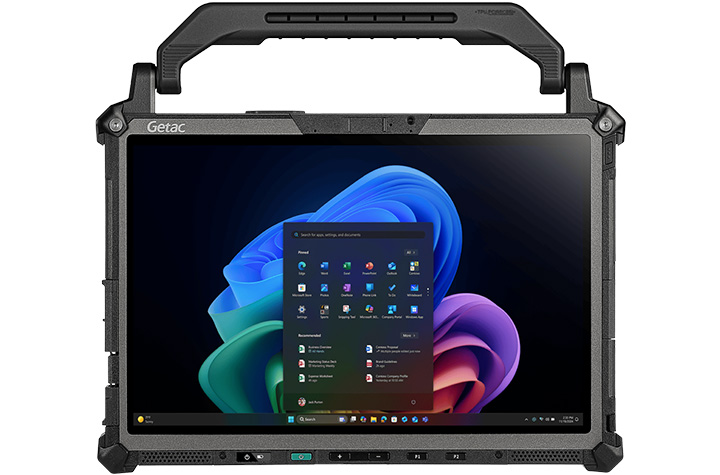
F120: The World’s First Fully Rugged Copilot+ Tablet
The Getac F120 marks a breakthrough as the world’s first fully rugged Copilot+ PC in tablet form. Powered by the Intel® Core™ Ultra 200V Series Processor and Intel® AI Boost, the F120 offers up to 48 TOPS of real-time AI acceleration. This makes it the ideal companion for field teams that need advanced analytics, automation, and instant insights directly at the point of work.
- Uninterrupted visibility anywhere – The 12.2-inch LumiBond display with 1,200 nits brightness ensures crystal-clear readability even in direct sunlight, eliminating screen glare issues in outdoor fieldwork.
- Seamless touch control – Smart Touch technology adapts automatically to gloved hands, stylus, or bare fingers, enabling uninterrupted use in dusty, wet, or unpredictable environments.
- Built for extreme durability – MIL-STD-810H and IP66 certifications protect against drops, shocks, vibrations, moisture, and temperature extremes, reducing downtime from equipment failures.
- Corrosion-resistant in coastal work – Optional salt fog resistance safeguards performance in marine, offshore, and coastal environments where standard devices degrade quickly.
- Always connected in the field – Wi-Fi 7, Bluetooth 5.4, 4G LTE, 5G Sub-6, and integrated GPS deliver fast connectivity and precise location tracking, even in remote job sites.
- High-speed data and flexibility – Dual Thunderbolt™ 4 ports enable lightning-fast transfers and support multiple peripherals for seamless workflow integration.
- Extended operations without power interruptions – Hot-swappable batteries allow continuous use during long shifts, eliminating downtime for recharging.
- Enterprise-grade data security – TPM 2.0, Windows Hello biometric login, Intel® vPro® options, and add-ons such as RFID and fingerprint readers provide multiple layers of protection for sensitive information.
For industries like utilities, automotive, transportation, and logistics, the F120 is more than just a rugged device—it’s a fully capable AI-powered tool that accelerates diagnostics, enhances decision-making, and ensures productivity no matter the conditions.
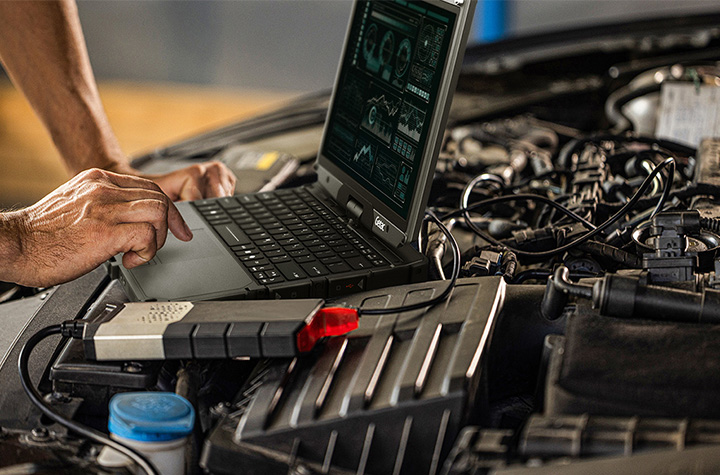
V120: The Fully Rugged AI Laptop Built for Versatility
Building on years of customer feedback from its widely adopted V110 model, the Getac V120 Rugged AI Laptop introduces significant upgrades in a slim yet rugged form factor. Its convertible-hinge design offers the flexibility of both a laptop and a tablet, adapting seamlessly to the task at hand.
- AI-ready performance in the field – Powered by Intel® Core™ Ultra 200H Series processors with Intel® Arc™ GPUs, the V120 delivers advanced AI acceleration, superior graphics, and efficient multitasking for demanding applications.
- Seamless field productivity – Dual Thunderbolt™ 4 ports provide high-speed data transfer and versatile peripheral connectivity, while hot-swappable batteries keep operations running without interruption.
- Enhanced field documentation – A built-in 13MP rear camera enables sharp image and video capture, supporting inspections, reporting, and evidence collection directly from the laptop.
- Mission-ready durability – Certified to military-grade rugged standards, the V120 withstands drops, dust, moisture, and extreme temperatures, ensuring reliability in any environment.
With advanced connectivity, security features, and uncompromising performance, the V120 is tailored for public safety, military, utilities, and manufacturing professionals who need dependable computing power wherever they operate.
Real-World Impact
The possibilities with the F120 and V120 extend far beyond specifications. Defense professionals can use the F120 to transform vehicles into mobile command centers, thanks to its powerful data processing and AI capabilities. Automotive engineers can perform intricate diagnostics on the spot, reducing downtime. Public safety teams can leverage the V120 with Getac Voice to transcribe interviews in real-time, turning spoken words into signed digital reports instantly.
Both devices showcase how Getac is not just building rugged hardware but also pioneering intelligent tools that redefine productivity in the harshest environments.
Rugged Excellence Meets AI Innovation
With the F120 tablet and V120 laptop, Getac has set a new benchmark for rugged computing. By combining AI-driven performance, durable engineering, and versatile usability, these devices empower professionals to tackle their toughest challenges with confidence.
Whether you’re in the field, on the road, or in high-stakes industrial environments, Getac’s new rugged AI PCs deliver the endurance, intelligence, and adaptability needed to stay ahead.
Explore more about the Getac F120 and Getac V120 today.
The Hidden Cost of Receipts – And How Epson Helps Businesses Save
Every day, millions of receipts are printed in stores and restaurants. Receipt printing may seem insignificant — just slips of paper moving from clerk to customer — but the cost is very significant. Receipt printing represents hundreds of millions of dollars in annual spend, mountains of paper waste, and hours of lost productivity.
For retailers and hospitality businesses looking to save money while also advancing sustainability initiatives, Epson offers high-performing receipt printers designed to use reduce paper usage. With its easy-to-use Paper Savings Estimator tool and patented Advanced Paper Savings technology, Epson is making it easier than ever for businesses to see just how much they could save by optimizing receipt printing.
Why You Should Assess How You Print Receipts
It’s easy to underestimate the true cost of printed receipts. In 2025 alone, U.S. businesses are projected to spend more than $540 million on receipt paper. Now factor in storage, logistics, and time spent replacing receipt rolls, and the expense becomes even greater. On a national scale, Americans use an estimated 620 million pounds of receipt paper every year — an enormous figure for something most customers discard within minutes of receiving it.
For businesses with hundreds or thousands of registers, this is more than a supply-line issue; it’s a direct hit to operating margins. But the good news is that nearly half of this paper use can be avoided with the right technology.
How Epson Cuts Receipt Waste Without Compromise
Condensing receipt information to save valuable paper space can create more problems than they solve — especially when they shrink logos to the point of being unreadable, compress text until it becomes illegible, or prevent barcodes from being scanned. Epson takes an innovative approach—it’s Advanced Paper Savings feature, available across Epson point-of-sale printers, trims receipts intelligently without affecting usability or brand clarity.
How Epson receipt printers reduce paper waste:
- Margin Optimization: Reduces empty space at the top and bottom of each receipt.
- White Line Reduction: Detects and removes unnecessary blank areas between sections.
- Line Spacing Control: Slightly condenses the spacing between lines of text while keeping everything legible.
- Typeface Adjustments: Uses subtle font size changes to take up less space without hurting readability.
- Barcode Height Reduction: Decreases barcode height while ensuring scanners still capture it accurately.
Epson printer technology can reduce paper usage by up to 49%, helping businesses save money and reduce waste — without compromising performance or presentation.1
Free Paper-Saving Estimator Calculator
To help businesses quantify the opportunity, Epson has launched an online Paper Savings Estimator. This interactive tool allows retailers and hospitality operators to input information including average receipt length, printing volume (receipts per day), total number of printers used, and cost per roll. The estimator will calculate an estimated amount of paper and money that a business could save using Epson’s Advanced Paper Savings feature.
For example, a fleet of just 5,000 printers printing 100 standard 12-inch receipts per day could burn through over $1 million in receipt rolls and nearly 1 million rolls annually. Epson’s estimator helps visualize how quickly those costs add up — and how much businesses stand to recover by making receipts shorter and smarter.
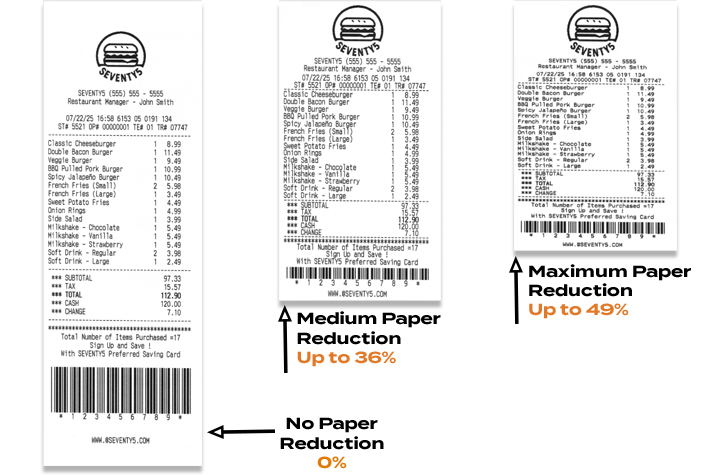
Savings That Scale
Even at the store level, the math is meaningful. A single receipt printer can consume more than $200 worth of paper per year. Across a chain with thousands of printers, trimming receipt length could mean millions of dollars in savings annually. That’s before considering the reduced labor of swapping fewer rolls and the sustainability benefits of using less paper overall.
The Smart Choice for Modern Retail
One of Epson’s latest solutions, the OmniLink™ TM-m50II, showcases these features in a compact, modern design that’s easy to integrate into fast-paced retail or hospitality environments. Supporting multiple connectivity options, from USB and Serial to Ethernet and wireless, it delivers flexibility alongside Epson’s proven paper-saving tools.
By combining powerful hardware with intelligent software, Epson helps businesses do more than print receipts — it helps them reclaim budget, streamline operations, and meet their sustainability goals.
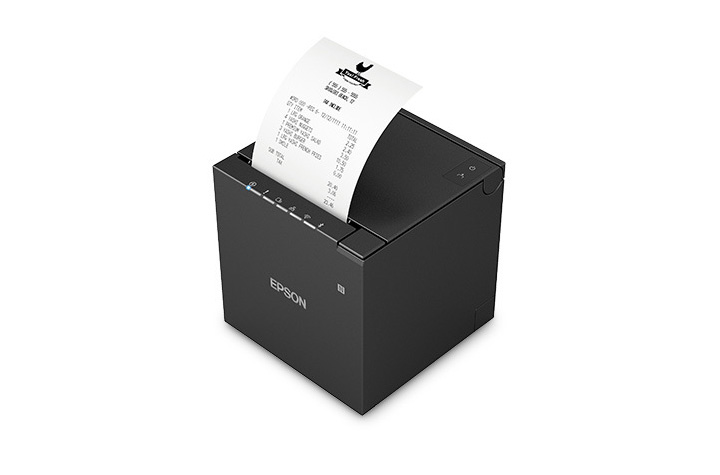
Final Takeaway
Receipts may seem like small details in the customer journey, but they represent a big opportunity for operational savings – see how in this infographic. With printers like the OmniLink™ TM-m50II engineered with Epson’s Advanced Paper Savings features and the new Paper Savings Estimator, businesses can see exactly how much they’re spending, how much they’re wasting, and how quickly they can turn receipts into a source of efficiency instead of cost.
1Paper-saving feature up to 49% on the TM-T88VII model. Paper-savings percentage varies by model and printer settings. Full paper savings functions are available only for text-based receipts. For image-based receipts only the top and bottom white space reduction is available.
eBook: Transforming the Modern Warehouse with Total Technology Solutions
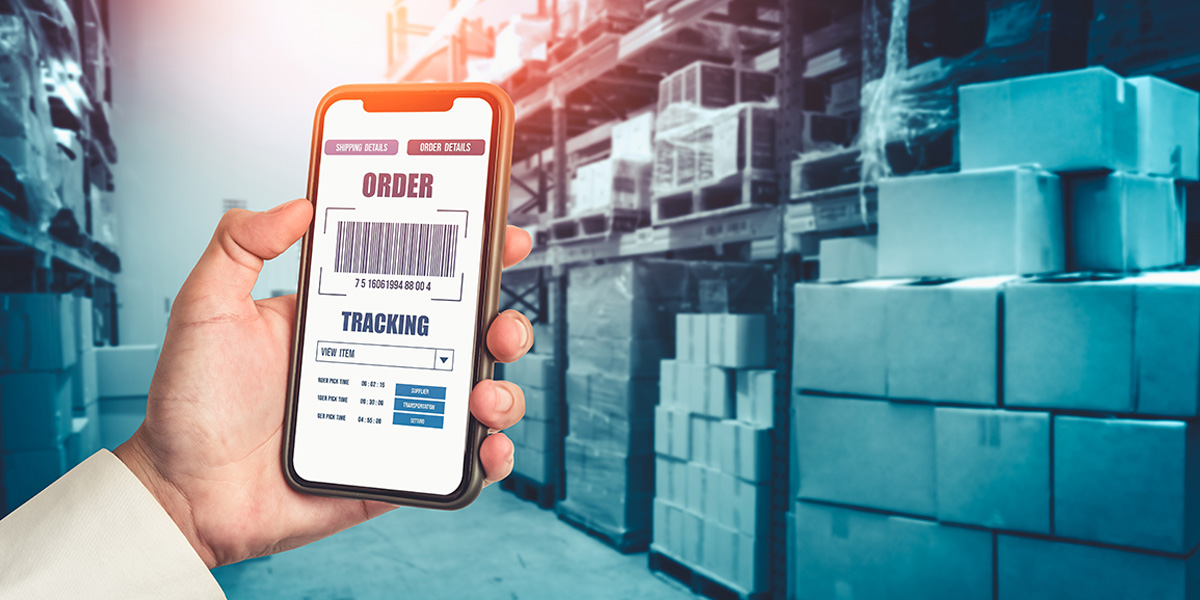
Warehouses today are fast-paced operational centers—moving goods, data, and processes at high speed. But as facilities expand, managing separate vendors, outdated systems, and unsupported devices often slows efficiency and creates unnecessary risk.
Where Gaps in Operations Hurt the Most
When critical technologies aren’t connected or supported, the ripple effects can impact every corner of the warehouse. As a Levata company, Barcodes, Inc. shares the guide, Total Warehouse Solutions: Transforming the Connected Warehouse, where we outline five common areas where gaps cause measurable setbacks:
- Wireless Connectivity: Weak WLAN coverage leads to downtime, scanning delays, and poor inventory accuracy.
- Technology Alignment: Disconnected systems and legacy IT raise costs and expose vulnerabilities.
- Mobile Devices: Unsupported or aging hardware frustrates workers, reduces throughput, and introduces errors.
- Labeling & RFID: Compliance failures result in rejected shipments, chargebacks, and lost visibility.
- Training & Support: Without proper onboarding and continuous tech support, downtime and mistakes multiply.
Building a Unified Technology Ecosystem
Rather than piecing together solutions from multiple providers, a total warehouse approach delivers an integrated environment across:
- Infrastructure & Networking: Wi-Fi, private 5G, structured cabling, servers, UPS, and smart storage.
- Data Capture & Mobility: Rugged tablets, handhelds, barcode scanners, powered carts, vehicle-mounts, wearables.
- RFID & Labeling: Fixed and handheld readers, dock door portals, conveyor tunnels, tags, and industrial printers.
- Automation & Handling: Vision systems, dimensioning and weighing stations, yard management solutions.
- Safety & Security: Cameras, kiosks, access control, and worker-assist exosuits.
Why Total Warehouse Solutions Matter
Disparate technologies create inefficiencies. A comprehensive warehouse platform brings:
- Simplified planning and rollout
- Seamless device and software integration
- Infrastructure built to scale
- A single point of contact for support
- Clear productivity and cost savings
The Value of a Full-Service Partnership
True optimization comes not just from equipment, but from services that support it across the lifecycle:
- Strategic IT Alignment to match technology with business transformation goals
- Managed Device Services for monitoring, maintenance, and secure operations
- Field Expertise from 600+ service professionals handling installations, repairs, and training
- Flexible Financing to balance operational needs with budget requirements
With Levata, you’re not just purchasing technology—you’re gaining a partner with deep warehousing expertise and the services to keep your operation future-ready.
Download the Full Guide
This article highlights insights from Levata’s Total Warehouse Solutions Guide. Discover how to unify your technology ecosystem and prepare your warehouse for tomorrow.
How to Best Prepare Your Retail and Warehouse Operations for the Holidays with Mobile Technology
The holiday season is the most critical time of year for retailers and eCommerce businesses. Sales opportunities are high—but so are the challenges. From increased demand to labor shortages and supply chain factors, unprepared operations risk lost sales, frustrated customers, and costly inefficiencies.
This year, success will hinge on more than just stocking up and hiring temporary staff. Innovative technologies that mobilize your workers can make the difference between struggling to keep up and thriving through the busiest shopping period. Two game-changing solutions—mobile POS stations for the store and mobile powered carts for the warehouse—are helping forward-thinking businesses prepare now.
Transforming the Retail Floor with Mobile POS stations
Long checkout lines remain one of the biggest causes of lost sales and customer frustration during the holidays. Customers are quick to abandon purchases if the wait feels too long. Traditional fixed registers limit how quickly retailers can scale capacity and decrease congestion in checkout areas.
What’s an effective solution to solve retail checkout bottlenecks? The Newcastle CheckMate 1000 Mobile POS Station is a compact, flexible mobile retail checkout cart built for seasonal surges. The CheckMate 1000 allows retailers to optimize the checkout experience. Instead of being tied to static registers, managers can deploy mobile POS units where and when they’re needed most in stores.
- Line-busting power: Place units near entrances, fitting rooms, or popular sections to keep lines moving and reduce customer frustration.
- On-demand capacity: Add POS stations during peak shopping days, then reclaim the space afterward without costly buildouts.
- Never-quit swappable power: Each unit supports printers, cash drawers, tablets, card terminals, and more—running all day with hot-swappable batteries.
- Customizable branding: With plenty of space for logos and design elements, units reinforce brand identity while serving customers quickly.
The result: faster service, higher conversion rates, and less reliance on floor space expansion. For store operations leaders, the ROI is undeniable—prevent walkouts and maximize sales during the most critical weeks of the year!
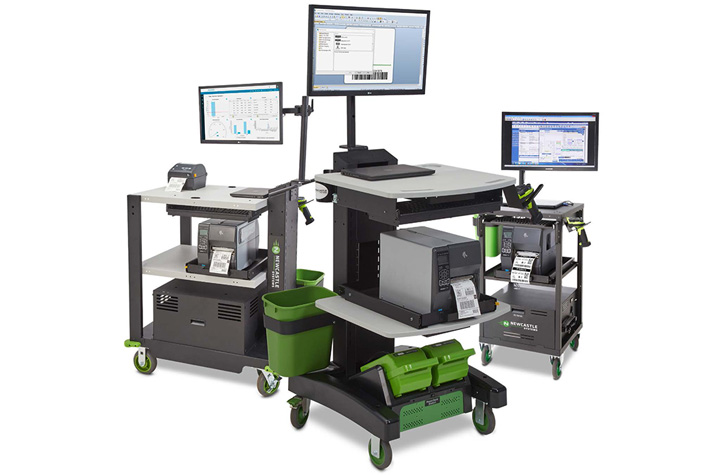
Unlocking Warehouse Productivity with Mobile Powered Carts
Retail readiness doesn’t stop at the front of the store. Warehouses and distribution centers face their own challenges during the holiday surge: higher order volumes, tighter deadlines, and limited staffing. Every wasted step on the warehouse floor adds up to lost time, reduced productivity, and potential for errors.
Newcastle Mobile Powered Equipment Carts are transforming workflows in the warehouse. Mobile powered carts connect power, computing, and scanning—and put it on wheels to go where workers go—eliminating repeated trips to fixed stations.
- 2x worker productivity: Each associate can complete more tasks without additional headcount.
- 92% fewer errors: Workers can scan, print, and apply labels right at the dock, warehouse aisle, or storage location.
- Fast ROI: Many companies achieve payback in as little as 6–10 months.
- Ergonomic, worker-friendly design: Adjustable height and mobile work surfaces reduce fatigue while improving accuracy.
- Real-time visibility: Integrated tech ensures instant updates to inventory systems and more reliable order fulfillment.
For warehouses already feeling the strain of labor shortages, these carts deliver efficiency gains that would otherwise require hiring and training more staff—a difficult achievement in today’s tight labor market.
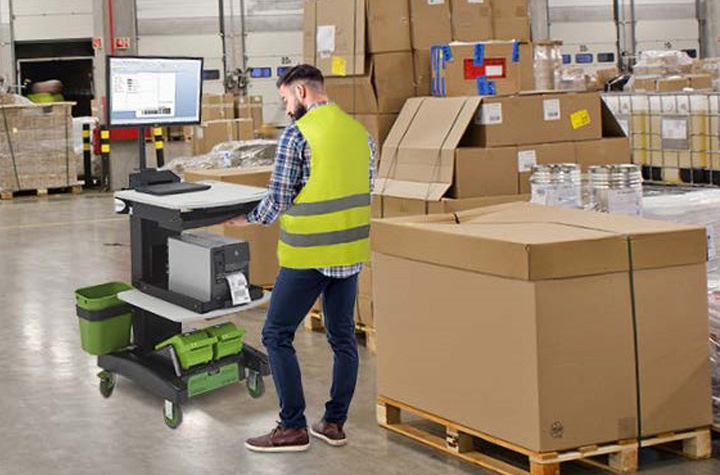
More Tips to Strengthen Holiday Operations
While new technology is a powerful advantage, businesses still need to prepare for the holiday retail season holistically. A few key strategies include:
- Forecast smarter: Use predictive analytics to anticipate demand based on more than just last year’s numbers. Consumer behavior is shifting rapidly.
- Staff strategically: Begin planning for seasonal hires now, even if you don’t bring them on until closer to the holidays.
- Diversify carrier partners: Don’t rely on a single provider; logistics bottlenecks can derail delivery promises.
- Communicate openly with customers: Set expectations around shipping cutoffs and share how you’re preparing for the holiday rush.
Ready Now, Prepared for Later
The holiday rush will always bring challenges—but retailers and eCommerce businesses now have better tools to stay ahead. By embracing flexible mobile POS stations on the retail floor and powered carts in the warehouse, businesses can reduce friction, increase throughput, and turn seasonal chaos into sustained growth.
Businesses that invest early will not only be ready for this year’s holiday surge—they’ll also be building more resilient, efficient operations for the long term.
Contact us to start getting prepared now with powered mobile carts and other technology solutions that will elevate your retail and warehousing operations.
Centralized Procurement: Your Guide to Streamlined IT Purchasing

Within your organization, each team, department, or location has its own technology needs to get work done—ranging from laptops and mobile devices to accessories and specialized tools. Without a structured protocol, IT device purchasing can quickly go askew, with employees shopping across different vendors, guessing at product specs, or waiting on lengthy approvals. The result? Delays, overspending, compliance risks, frustrating confusion, and wasted time.
That’s why many companies turn to a centralized procurement solution. By using a dedicated e-procurement solution, businesses gain clarity, speed, and consistency in how they equip their workforce. Below are answers to some of the most common questions about IT device purchasing.
1. What’s the downside of decentralized or ad hoc purchasing?
When there’s no centralized system in place, companies often run into:
- Different departments deploying incompatible technology
- Higher costs from missed bulk discounts or non-negotiated pricing
- Gaps in compliance tracking and financial oversight
- Time wasted hunting for approved products or processing manual orders
- Reduced visibility into spending across the organization
In short, unregulated purchasing makes it harder to control costs and maintain a standardized IT environment.
2. What advantages does centralized purchasing provide?
Centralized procurement introduces structure, reduces risk, and makes ordering easier for employees. Benefits include:
- Consistency & Control – Everyone buys from approved catalogs with products that meet company standards.
- Time Savings – Reordering approved items is quick and straightforward.
- System Integration – Links directly into procurement systems like Coupa or Ariba for clear financial visibility.
- Lower Costs – Take advantage of negotiated rates and avoid rogue purchases.
3. What exactly is a Punchout portal?
A Punchout portal is the bridge between your company’s internal procurement platform (e.g., Coupa, SAP Ariba) and a vendor’s online store. Employees browse products on the vendor’s site, but all selections, pricing, and approvals remain governed by your central system.
4. How does Barcodes Inc.’s Punchout solution support businesses?
Barcodes Inc.’s Punchout solution is designed to simplify procurement while maintaining compliance. It delivers:
- A tailored “My Products” catalog with negotiated pricing
- Direct integration into your existing procurement or ERP system
- Access to multiple vendors through a single, centralized platform
- Automated compliance checks and purchase tracking behind the scenes
5. What benefits do Punchout portals deliver to procurement teams and employees?
For Procurement Teams:
- Consistent supplier usage and product standardization
- Clearer budget oversight and spend reporting
- Easier compliance and audit preparation
For Employees:
- A simple, online shopping-like experience
- No need to memorize vendor lists or product codes
- Faster, more accurate orders with fewer delays
6. Are Punchout solutions flexible to unique company needs?
Yes. Barcodes, Inc. builds customer-specific catalogs that reflect your approved products, pricing, and preferred vendors. This ensures control for IT and procurement, while keeping ordering intuitive for employees.
7. What procurement platforms does Levata integrate with?
Levata’s solution connects seamlessly with popular systems, including:
- Coupa
- SAP Ariba
- Jaggaer
- Other ERP-compatible platforms
8. How can an organization get started?
Engaging with Levata is simple. Our team works with you to design a Punchout portal that aligns with your goals, existing systems, and compliance requirements.
Beyond Purchasing: Technology Lifecycle Management with TrueView
While Punchout simplifies procurement, our TrueView portal goes a step further. TrueView centralizes the entire lifecycle of your technology—from ordering to deployment, support, and eventual refresh. It acts as a command center for IT leaders who want visibility and control without added complexity.
Highlights of TrueView:
- All-in-One Platform – Consolidate procurement, asset management, and support tasks.
- Lifecycle Tracking – Monitor usage, support tickets, warranties, upgrade opportunities, and end-of-life milestones.
- Reduced IT Workload – Automate repetitive tasks and service requests, freeing IT teams to focus on strategy.
- Integrated Procurement – Employees order from approved catalogs while IT retains oversight of warranties, configurations, and spend.
With TrueView, organizations don’t just simplify ordering—they gain a competitive edge in managing their IT environment efficiently and at scale.
>> See TrueView in action and discover how centralized procurement can transform your technology management.
Mobility at the Core: Smarter Mobile Printing for Modern Operations
Mobility in the business environment has emerged as a critical capability for any operation. Larger working areas, growing e-commerce volumes, and pressure for faster, more accurate service are pushing companies to rethink how everyday processes are executed. Mobile printers are a proven solution for efficient workflow transformation. With speedy, on-the-go label and receipt printing directly to the point of activity, teams are empowered with improved accuracy, efficiency, and adaptability—without compromising quality.
Mobile printers are compact, durable, and flexible enough to support diverse operations like price marking, inventory labeling, specimen tracking, and route accounting. No matter the industry, workers need the ability to print labels, receipts, and records where the work is happening—not at a stationary printer hundreds of feet away.
How Mobile Printers Can be Used by Industry
- Retail — Price markdowns, shelf-edge labeling, and receipt printing.
- Supply chain & logistics — Inventory management, cross-docking, picking, put-away, and shipping inspections.
- Healthcare & labs — Specimen tracking, sample labeling, and patient wristbands.
- Field services & route accounting — On-site labeling, inspection tags, mobile receipts, and proof-of-delivery slips.
- Manufacturing & utility sectors — Raw material tracking, quality checks, and production line labeling.
The New Demands on Mobile Printing
Operations leaders are looking for more than just portability. They want tools that are:
- Easy to use and manage. Devices should install quickly, integrate with existing systems, and be intuitive for staff.
- Durable and reliable. Busy environments are tough on equipment. Printers must withstand drops, dust, and vibration without compromising performance.
- Connected and flexible. With support for multiple devices, operating systems, and applications, printers need to adapt as business processes evolve.
Two solutions with features that meet both portability and functional demands are the SATO PW2NX and SATO PW4NX mobile printers—both engineered to bring simplicity, performance, and rugged mobility to the frontline.
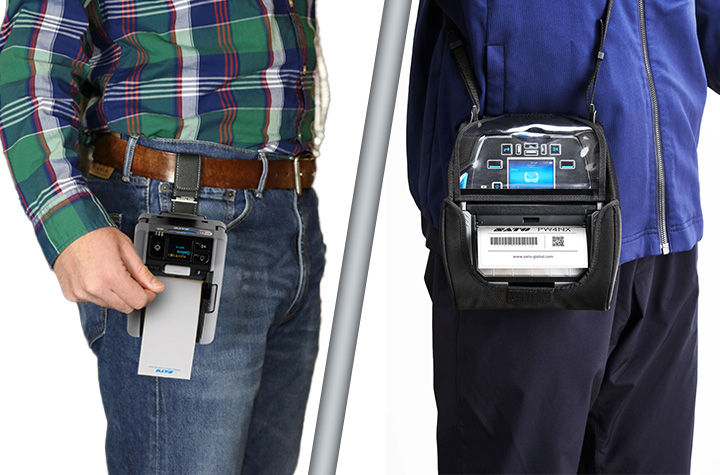
SATO PW2NX: Compact Power in a 2-Inch Printer
Small in size but big on capability, the SATO PW2NX is designed for workers on the go. Weighing under a pound, it’s lightweight enough to carry all day, yet rugged enough to withstand drops up to 8.2 feet. Its polycarbonate body and impact-absorbing elastomer edges give it the durability required in fast-paced environments.
But portability doesn’t mean compromise. The PW2NX delivers:
- Full 2.16″ print width with high-speed output up to 6 ips.
- Smart battery management that powers full-shift operation for up to 16 hours.
- Robust connectivity with Bluetooth, USB, WLAN, and NFC for seamless pairing with mobile devices.
- Application Enabled Printing (AEP) support, enabling smart, customizable apps for enterprise workflows.
- SATO Online Services (SOS) for remote IoT-based monitoring and maintenance, reducing downtime.
- Ideal for retail, healthcare, and logistics environments needing fast, precise labeling such as price markdowns, shelf labels, specimen tracking, and receipt printing.
- Linerless labels reduce waste and supporting sustainability goals.
Quick Product Review of the SATO PW2NX: The PW2NX is ultra-compact, lightweight, and perfect for quick, on-the-go tasks where portability is paramount.
SATO PW4NX: Rugged Performance for 4-Inch Printing
For organizations that need a larger format without sacrificing mobility, the SATO PW4NX 4-inch mobile label printer is engineered for speed, durability, and efficiency.
Key strengths include:
- Consistent 6 ips print speeds, reducing print time by more than 30% compared to typical mobile devices.
- Durable design, built to survive 7-foot drops and rated IP54 for dust and water resistance.
- Vibration resistance, making it reliable even when mounted on forklifts.
- User-friendly upkeep, with easy-to-replace printheads and platen rollers, cutting maintenance downtime and cost.
- Smart connectivity, supporting Apple iOS, Android, and Windows with Bluetooth 5.0, Wi-Fi, and advanced AEP features for standalone printing.
- Remote management via SOS and SOTI for predictive maintenance and centralized device control.
- Ideal for warehousing, logistics, manufacturing, and retail, supporting operations like inventory/raw materials management, cross-docking, receiving/shipping inspections, picking/put-away, cycle counts, and order fulfillment.
Quick Product Review of the SATO PW4NX: delivers a larger format and higher speed, designed for heavy-duty applications where uptime and throughput matter most.
The Bottom Line: Mobility Moves Business Forward
As workflows continue to evolve, the ability to print anytime, anywhere is redefining how enterprises approach efficiency, accuracy, and cost savings. SATO’s mobile printers give organizations the tools they need to stay agile in an increasingly mobile world. The SATO PW2NX lends that power to lighter, more compact workflows labeling, while the PW4NX delivers desktop-grade speed, ruggedness, and connectivity.
Contact Barcodes Inc. today to learn more about how mobile printers can boost your team’s productivity on the floor.
Real ROI with RFID Asset Tracking: Watch Video
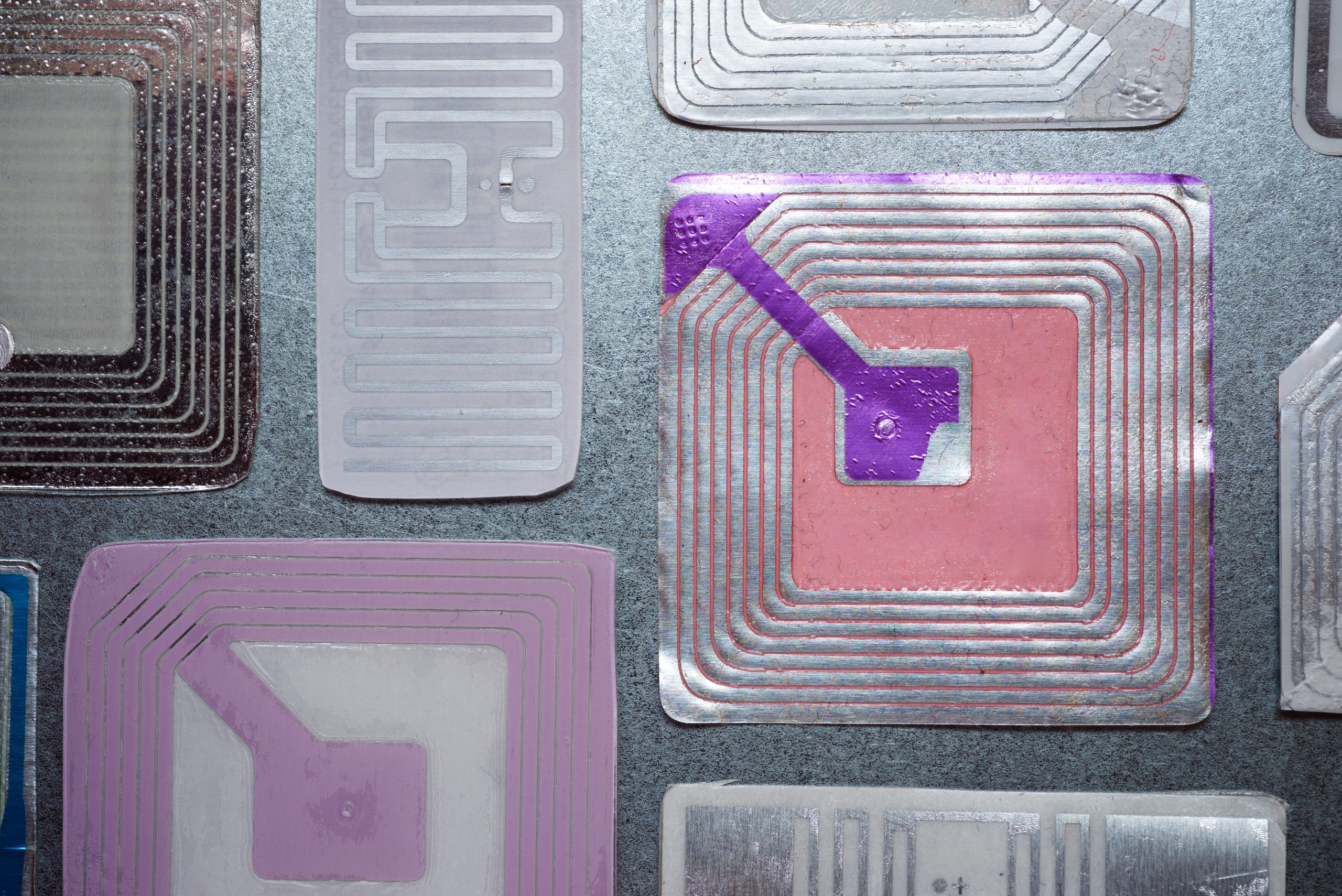
In today’s asset-heavy industries, real-time visibility has become essential for efficiency and resilience. Levata, parent company to Barcodes Inc., recently partnered with RFID specialists from HID Global and ARK Business Systems to host a webinar showcasing how RFID asset tracking reshapes the way organizations manage equipment, inventory, and valuable resources.
The discussion explored deployment strategies, technology choices, and customer success stories, giving attendees a clear picture of how RFID delivers operational control and measurable returns. If you didn’t catch it live, the on-demand recording is available.
The Three Building Blocks of RFID Success
The speakers highlighted that achieving success with RFID requires alignment of three critical elements:
1. Devices and Tags
From rugged tags that endure extreme environments to highly sensitive ones for delicate applications, HID alone offers thousands of RFID tag types. Hardware choice is equally important—mobile readers may be best for field use, while fixed readers are ideal for continuous monitoring.
2. Software Intelligence
Effective RFID systems go beyond capturing tag data. The software layer transforms raw reads into actionable insight—tracking locations, supporting audits, scheduling maintenance, and even managing financial depreciation across the asset lifecycle.
3. Services & Expertise
RFID isn’t a simple plug-and-play solution. Partnering with experts like Levata and Barcodes Inc. ensures smooth integration—covering device selection, configuration, staff training, and long-term support.
Why RFID Outperforms Manual Tracking
Traditional spreadsheets and manual audits are slow, inaccurate, and resource intensive. RFID changes the game by:
- Reducing audits from hours to minutes
- Assigning each asset a unique digital ID
- Automating data collection with real-time updates
- Creating complete usage and history logs
- Supporting pre- and post-event assessments
One customer example involved wildfire response efforts, where RFID enabled instant tracking of hundreds of thousands of assets—something spreadsheets could never achieve.
Greater Accuracy, Speed, and Ease of Use
With advancements in tag design and reader sensitivity, today’s RFID systems achieve read accuracies in the high 90s. But performance is not just about precision; it’s also about speed and usability. Field workers, finance teams, and administrators all benefit from systems that are fast, consistent, and simple to operate.
Customer Success in Action
The webinar spotlighted diverse real-world applications:
- Enterprise Tracking: A company previously dedicating nine months of labor to manual audits cut the time by 50% after adopting RFID, allowing staff to focus on strategic work.
- Scientific Research: Dinosaur fossils were tagged with RFID to capture excavation details, photos, and species data—simplifying cataloging and enabling cross-site comparisons.
- Higher Education: A university reduced classroom audit times from 25 minutes to 5 using RFID handheld readers, with training that took less than 10 minutes per staff member.
Why the Right Partner is Critical
Technology alone doesn’t guarantee success—expert guidance ensures ROI. Barcodes Inc., a Levata company, helps organizations:
- Define objectives and success criteria
- Select the right mix of tags, devices, and software
- Test and fine-tune technology for optimal performance
- Train teams for sustained results
With the right approach, many organizations see payback in as little as six months.
Take the Next Step
Whether you’re seeking better control in day-to-day operations or need rapid visibility during emergencies, RFID asset tracking provides the visibility you need. Barcodes Inc. has the expertise to help you implement a strategy that delivers long-term value.
>> Watch the free webinar recording
>> Contact Levata to start building your business case and to receive an ROI analysis.
Linea Pro Rugged for iPhone 15/16/16e: Enterprise-Grade Mobility Without Limits
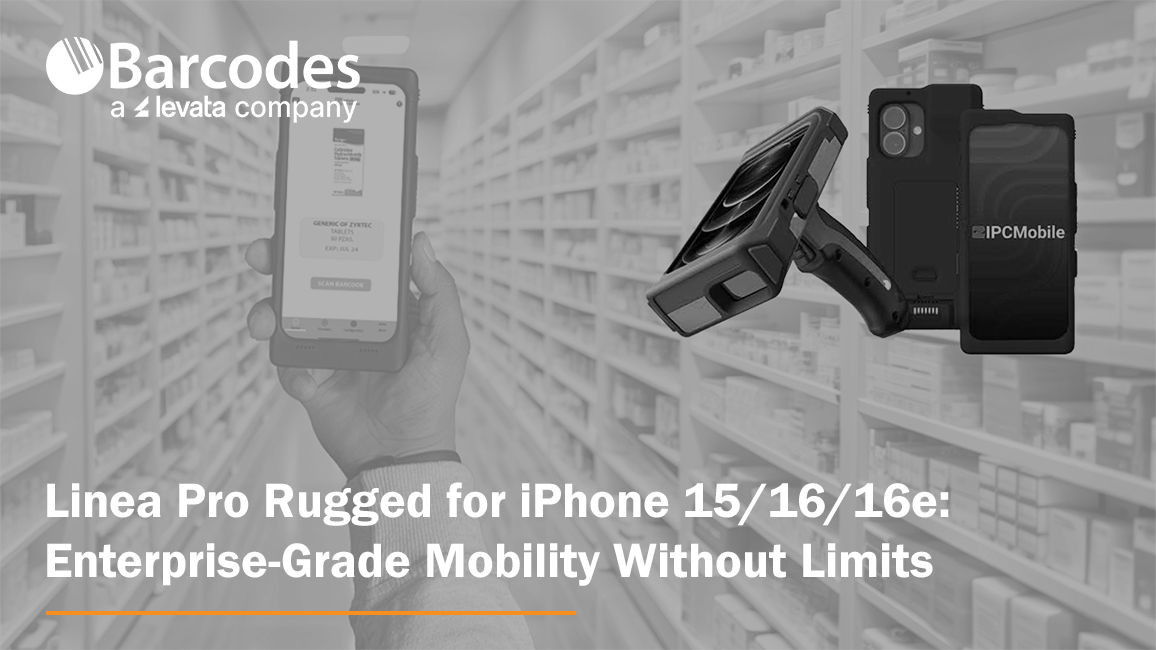
In 2009, IPCMobile became the first to introduce mobile scanning and payment solutions designed specifically for iOS devices. That move didn’t just launch a product—it helped kickstart a mobile revolution. By working with Apple, IPCMobile gave enterprises the power to break free from the limitations of traditional hardware, empowering workforces to expand business operations with greater speed, accuracy, and mobility.
Fast forward to today, and that innovation continues with the Linea Pro Rugged for iPhone 15, 16, and 16e. Purpose-built for industries where performance and reliability are non-negotiable, this device combines advanced data capture, flexible integration options, and enterprise-grade durability—all in a mobile form factor that aligns with the technology your teams already know and use.
Rugged Performance in Real-World Conditions
Field operations are rarely predictable. Devices need to withstand not just everyday handling but also drops, shocks, water, dust, and temperature extremes. The Linea Pro Rugged was engineered for exactly these conditions. Whether in a warehouse freezer, a dusty manufacturing plant, or the loading docks of a transportation hub, it delivers reliable performance where standard devices fail.
It’s hot-swappable battery design means teams can keep working across multiple shifts without downtime, even in remote locations where charging options are limited. This keeps operations running smoothly and reduces the risk of missed scans or lost productivity due to dead devices.

Designed for Accuracy, Built for Efficiency
For organizations processing thousands of transactions or tracking inventory across multiple sites, manual entry isn’t just inefficient—it introduces costly errors. The Linea Pro Rugged automates data entry, pairing powerful barcode scanning with RFID and NFC capabilities to streamline high-volume workflows.
With programmable buttons, workers can tailor device functions to their roles, reducing complexity and speeding up task completion. Real-time data transmission means that information captured in the field is immediately available for decision-making, eliminating delays common with paper-based or batch reporting methods.
The result is improved efficiency, greater accuracy, and enhanced visibility across the supply chain.
Seamless Integration with Existing Workflows
A new hardware rollout doesn’t have to disrupt operations. The Linea Pro Rugged was designed with comprehensive SDK and wedge app support, making it simple for IT teams to integrate into existing systems. Whether you’re running ERP, WMS, or retail POS platforms, the device slots in with minimal friction.
Deployment is cost-effective, fast, and flexible. Businesses can also customize the device housing to reflect their brand identity, ensuring that functionality and corporate image go hand in hand.
Proven Longevity, Trusted by Enterprises
Durability isn’t just about resisting a single drop or exposure to moisture—it’s about long-term reliability. IPCMobile has customers still using the same mobile scanning solutions purchased more than a decade ago, even after daily use in harsh industrial environments. That kind of track record proves the value of investing in enterprise-grade devices built to last.
The Linea Pro Rugged carries that legacy forward. By combining rugged hardware with the flexibility of iOS, it ensures enterprises get the best of both worlds: consumer-driven ease of use paired with enterprise-grade durability.
Industry Applications
The versatility of the Linea Pro Rugged makes it ideal for a wide range of industries:
- Transportation & Logistics: Streamline package tracking, inventory control, and driver workflows. Real-time updates eliminate delays and provide customers with more accurate delivery information.
- Manufacturing: Keep production lines moving with efficient material tracking, work order updates, and equipment monitoring—all while ensuring devices stand up to heat, dust, and vibration.
- Retail: Empower associates with mobile POS, inventory lookups, and rapid product scanning, creating a faster, more seamless customer experience.
- Field Services: Give mobile workers a rugged device capable of handling unpredictable conditions while keeping them connected and productive wherever the job takes them.

Key Features at a Glance
- Advanced Data Capture – Barcode scanner plus RFID/NFC reader
- Programmable Buttons – Tailor workflows to your team’s needs
- Hot-Swappable Battery – Power through multiple shifts without interruption
- Rugged Protection – Built to resist drops, water, dust, and temperature extremes
- Comprehensive SDK – Simplifies integration with existing enterprise systems
- Real-Time Updates – Eliminate reporting delays and improve visibility
- Customizable Branding – Align hardware with company identity
The Bottom Line
The Linea Pro Rugged for iPhone 15/16/16e isn’t just another scanning device—it’s a comprehensive enterprise solution built for the realities of modern business. With the flexibility of iOS, the durability of industrial hardware, and the power of IPCMobile’s proven design, it delivers the performance mobile workforces need to stay productive, accurate, and connected.
For organizations seeking a device that combines power, flexibility, and performance, the Linea Pro Rugged is more than a tool—it’s a long-term investment in operational excellence.
Contact Barcodes Inc. today to find the right mobile barcode scanning solutions for your operations.
eBook: The Risks of an Underperforming Wireless Network in Warehousing Environments

Why Your Warehouse’s Wireless Network Might Be the Weak Link
Modern warehouses and distribution centers rely on connected devices, automation, and real-time data—but none of it works without a strong wireless foundation. If your current network is aging or underperforming, it could be dragging down your entire operation.
Slow connections, dropped signals, and poor coverage aren’t just technical annoyances—they translate into costly delays, errors, and employee frustration. As more systems rely on constant connectivity, having a robust wireless network is no longer optional.
The Critical Role of Wireless Connectivity in Warehousing
Your wireless infrastructure links everything together—from handheld scanners and tablets to cloud-based WMS platforms and IoT devices. It allows your teams to move freely, access real-time data, and maintain efficiency across every shift. In high-interference environments like warehouses, your network needs to be specifically designed to overcome physical and operational challenges.
What’s at Stake When Your Network Falls Short?
- Efficiency Loss: Lagging devices or constant reconnecting wastes valuable time across shifts.
- Data Issues: Spotty connectivity can result in duplicate scans, missed reads, and order fulfillment errors.
- Safety Risks: Voice-over-Wi-Fi systems support safety protocols—until the signal drops.
- Employee Turnover: Tech that doesn’t work leads to frustrated workers and higher attrition rates.
Upgrade Your Network, Unlock New Possibilities
Emerging technologies like Wi-Fi 6/6E/7, cloud-managed networks, and private 5G are designed for high-demand environments like yours. A modern wireless network supports more devices, enables faster response times, and scales easily with your business.
Levata designs and delivers warehouse-grade wireless solutions tailored to your space. From heatmapping and access point placement to complete network installs and private 5G rollouts, we help you build a network that drives long-term performance.
Want the Full Breakdown?
Learn how a reliable wireless network can transform productivity, reduce downtime, and prepare your warehouse or distribution center for the future. Download our free eBook: The Critical Role of Wireless Networking in Warehousing & Distribution.
What You’ll Learn:
- The real risks of poor wireless performance vs. the benefits of a high-performing network
- The rapidly evolving trends in enterprise wireless networking
- Critical hardware considerations for warehouse-grade wireless
- Why network lifecycle management and certified field experts matter
- When to consider a private 5G cellular alternative
- The strategic advantage of working with an end-to-end partner
Unitech RT112: The Ultra-Light, Rugged Tablet That Works Where You Do
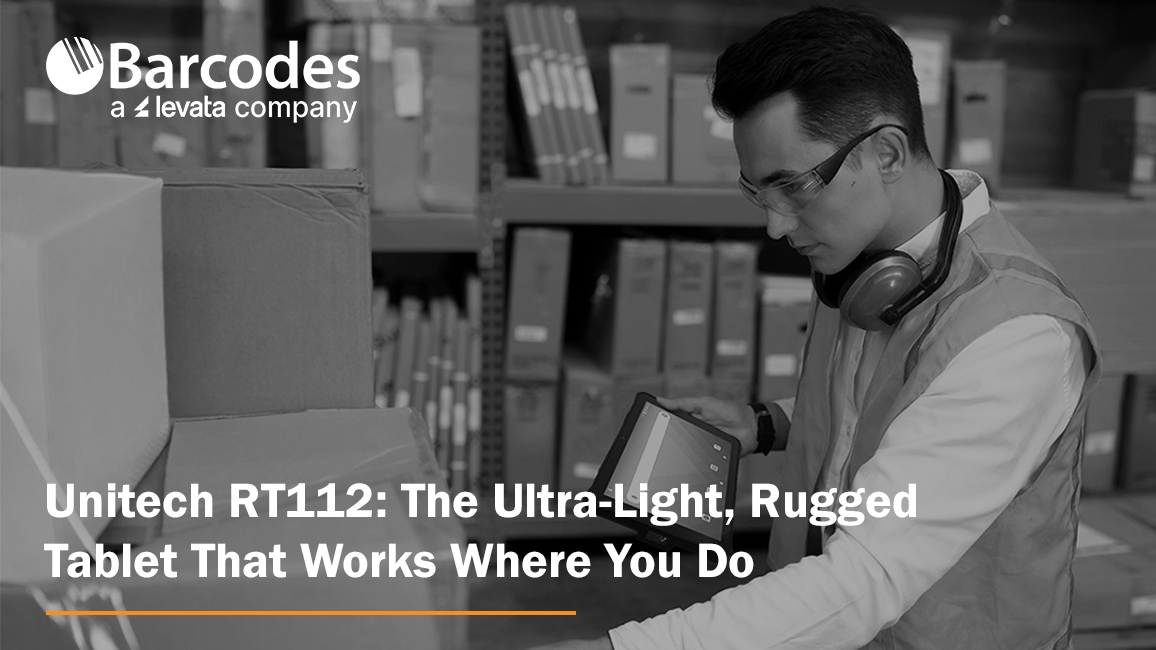
When it comes to powering critical workflows in retail, logistics, manufacturing, or field service, having a reliable, tough, and user-friendly tablet is a must. The Unitech RT112 Rugged Tablet series—available in both Android and soon-to-be-released Windows versions—delivers precisely that. With its slim design, industrial-grade durability, long-lasting battery, and enterprise-ready features, the RT112 keeps your teams connected, productive, and protected, wherever the job takes them.
Mobility Devices: Transforming Business Workflows
Mobility is more than a convenience — it’s a competitive edge. Equipping your workforce with rugged mobile devices like tablets ensures that critical information, scanning, and task management happen where the work actually gets done — on the warehouse floor, at the checkout counter, in the field, or on the road.
Organizations across industries are rapidly embracing mobility solutions to replace fixed workstations and paper-based processes. This shift unlocks real-time data access, faster decision-making, and improved accuracy, all of which boost productivity and reduce costly errors. Enter the Unitech RT112 Rugged Tablet. Combining best-in-class durability, an ultra-slim lightweight design, powerful performance, and reliable 5G and Wi-Fi 6E connectivity, the RT112 empowers teams to work smarter, move freely, and stay connected.
Ultra-Lightweight Yet Rugged for Demanding Environments
One of the standout features of the Unitech RT112 is its exceptional balance between portability and durability. Weighing just 1.5 pounds with a slim 0.5 inch profile, it’s easy for workers to carry all day without fatigue—whether moving inventory on a warehouse floor, managing checkouts at a busy retail counter, or conducting maintenance inspections outdoors.
Despite its lightweight design, the RT112 doesn’t compromise on toughness. It’s IP67 certified, protecting it from dust and immersion in water, and can withstand drops of up to nearly 5 feet onto concrete. With compliance to the rigorous MIL-STD-810H standard, you can trust the RT112 to perform reliably even in harsh industrial conditions.
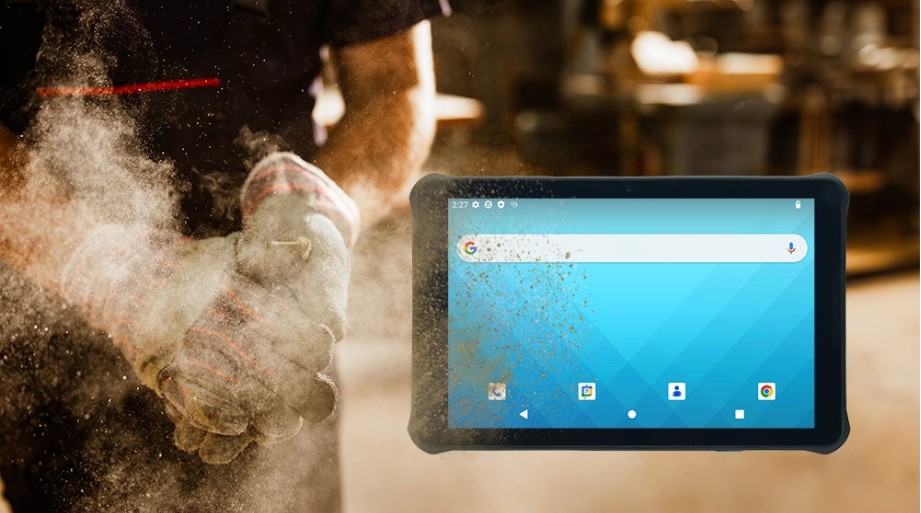
High Performance Meets Seamless Connectivity
Fast, reliable connectivity is critical for any modern operation, and the RT112 delivers. It supports 5G and Wi-Fi 6E, providing lightning-fast downloads, low latency, and robust connections, even in dense environments like warehouses and retail stores.
The Android 13 OS is Google Mobile Services (GMS) and Android Enterprise Recommended (AER) certified, ensuring smooth operation, high security, and simple remote management.
For businesses that rely on Windows-based software, the RT112 Windows variant (launching this September) will offer seamless integration with familiar enterprise tools like ERP, WMS, and POS systems, streamlining your IT infrastructure without compromise.
All-Day Battery Life and Worker-Friendly Features
Downtime is the enemy of productivity. That’s why the RT112 comes with a high-capacity 8800mAh removable battery, capable of powering the tablet for up to 24 hours on a single charge.
The 10.1-inch full HD display is protected by durable Gorilla® Glass and offers 450 nits brightness for clear visibility indoors and outdoors. It supports glove and wet-touch operation, making it easy for workers to use in cold storage, rainy weather, or while wearing protective gloves.
Built-In Barcode Scanning for Smarter Inventory and Asset Management
The RT112 features an integrated high-performance 2D barcode scanner that reliably reads even damaged or poorly lit barcodes. Whether tracking parts on a production line, scanning packages for delivery, or managing stock at retail checkouts, this capability reduces errors and speeds up workflows.
Versatile Accessories for Flexible Deployments
The RT112 can be adapted to multiple work scenarios thanks to its range of accessories, including a rotatable hand strap, shoulder strap, screen protector, vehicle and office cradles, and a capacitive stylus pen. This flexibility makes it the perfect companion for mobile workers, forklift drivers, or in-vehicle computing.
Engineered for Your Industry
- Retail & Hospitality: Mobile POS, membership management, and instant price checks enhance customer experience and speed up service.
- Logistics & Warehouse Management: Rugged tablet for inventory tracking, forklift-mounted order picking, and in-vehicle route updates.
- Manufacturing & Industrial Automation: Supports production monitoring, material scanning, and real-time quality control on the factory floor.
- Field Service & Outdoor Operations: Durable for pipeline inspections, infrastructure maintenance, and reliable data capture in any weather.
Discover more about the Unitech RT112 Android today. Contact Barcodes, Inc. today for personalized help with solutions to your needs.
Meeting RFID Labeling Mandates: 5 Critical Factors to Consider When Selecting a Printer
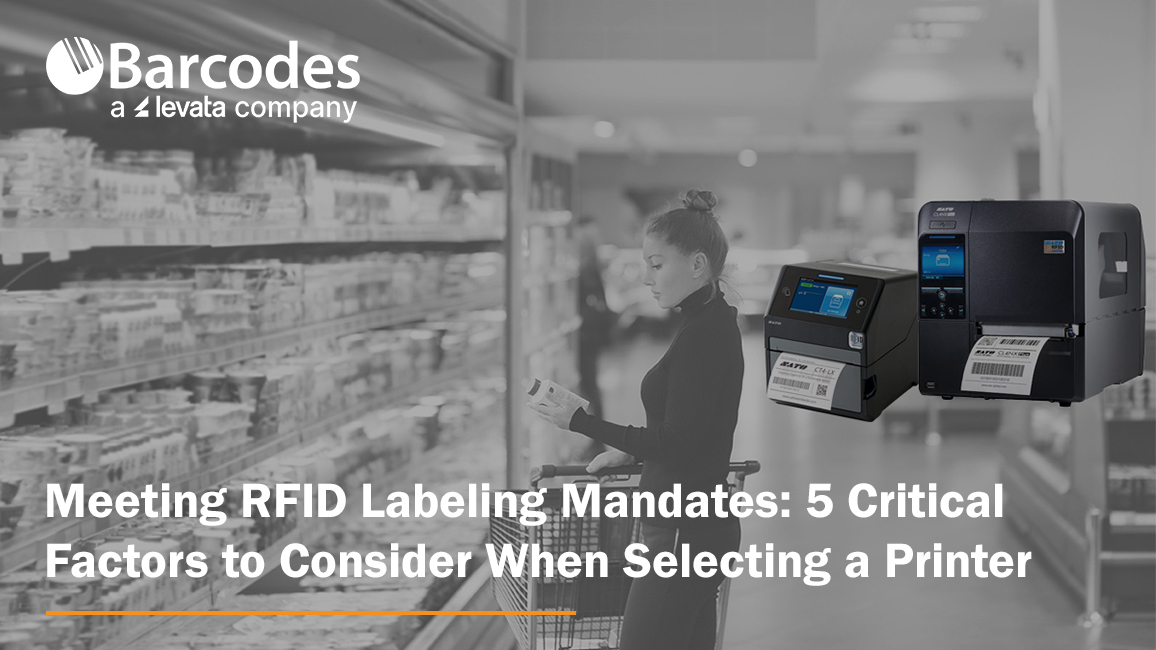
If you’ve recently received a mandate from a customer or partner requiring RFID tagging on product shipments, you’re not alone. Many major retailers are increasingly pushing their suppliers to adopt RFID labeling standards—often through the ARC program—to improve inventory accuracy and supply chain visibility. What is the ARC program? The ARC program, standardizes RFID tagging requirements across industries such as retail, aviation, and manufacturing. Failing to comply with ARC-certified tagging requirements can lead to costly chargebacks, rejected shipments, and a breakdown in supply chain trust—putting supplier relationships and business continuity at risk.
Using the right RFID tag is only part of the equation. Selecting the right RFID printer and software is just as critical. The printer not only applies data to the label—it encodes the RFID inlay with a digital identity.
You might ask, how do I select the right RFID printer? Here are five essential considerations to help you choose the right RFID printer for a successful RFID labeling protocol.
1. RFID Compatibility: UHF vs. HF
RFID tags typically fall into two categories: UHF (Ultra-High Frequency) and HF (High Frequency). Depending on the specifications or ARC certification requirements, your printer must support the correct standard.
- UHF: Offers longer read ranges (up to 10 feet), making it suitable for carton-level tagging, dock door scans, and high-speed conveyor systems.
- HF: Best for short-range reads (up to 3 feet), such as item-level tracking in retail or healthcare.
Pro Tip: Make sure the printer you select is compatible with the frequency range you need—and ideally, one that supports both HF and UHF if you serve multiple markets.
2. Flawless Encoding Capabilities
Encoding is not just about writing data to a tag—it’s about writing it accurately and reliably. Look for RFID printers that provide:
- On-screen menus for antenna position optimization
- The ability to store presets and settings, so you can print and encode multiple tag types from a single device
Pro Tip: Flawless encoding reduces the risk of errors that lead to unreadable tags or failed scans during transit or at receiving docks.
3. Speed and Label Precision
You may be required to print small-format RFID labels for individual items. The printer you select needs to be able to handle small label sizes with high accuracy—without slowing down your production line.
Pro Tip: Choose a model that balances speed with precision, ensuring it can keep up with your label volume while maintaining clarity in both print and encoded data.
4. Duty Cycle and Media Capacity
If you’re printing hundreds or thousands of RFID tags daily, a desktop model may not suffice. Industrial-grade printers with high-duty cycles are designed to handle continuous use and offer:
- Larger ribbon and label roll capacities
- Fewer supply changeovers
- Reduced downtime and greater efficiency
Pro Tip: A printer like the SATO CL4NX Plus RFID is specifically designed for heavy-duty environments with high-volume output.
5. Cloud-Based Printing & Data Management
Modern RFID printers should do more than print. Look for solutions that offer cloud-based software integration to:
- Allow multi-site printing from a centralized system
- Maintain a record of encoded EPCs
- Prevent duplication of serialized data
- Send real-time alerts for print errors or anomalies
Pro Tip: This centralized control is especially important for suppliers with distributed operations or those scaling RFID labeling across multiple facilities.
SATO’s RFID Printing Solutions: Purpose-Built for Performance and Compliance
SATO is a leader in RFID tag and label printing, offering advanced solutions that meet the growing demands of supply chain traceability, compliance, and item-level visibility. Let’s review two popular SATO RFID printers engineered to ensure reliable encoding, high-speed performance, and compatibility with industry standards.
SATO CL4NX Plus RFID – Industrial Strength, Maximum Flexibility
Designed for high-volume, high-duty cycle environments, the CL4NX Plus RFID printer delivers robust performance for demanding operations:
- Supports HF and NFC Standards: ISO 15693 compatibility for short-range applications
- UHF Encoding: EPC Class 1, 0+, and Gen 2 support for long-range tracking
- Dual Antenna Design: Enables bottom and top encoding for enhanced tag compatibility
- Printhead-Antenna Integration: Features a second antenna for short-pitch and top-side encoding, essential for printing on metal tags—ideal for asset tracking in industrial, IT, and healthcare applications where traditional tags fall short
SATO CT4-LX RFID – Compact Powerhouse for Desktop Use
For businesses needing desktop-size versatility without sacrificing RFID capability, the CT4-LX RFID printer is a compact yet powerful solution:
- HF and UHF Support: Complies with ISO/IEC 15693, ISO/IEC 14443 (HF), and ISO/IEC 18000-6C (UHF Gen 2) standards
- Dual Antenna System: Combines a front fixed-position antenna with a standard encoding antenna to support diverse media types and encoding positions
- User-Friendly Interface: Ideal for decentralized or smaller-scale operations needing consistent RFID tag output without industrial footprint
Whether you’re printing thousands of pallet labels a day or managing RFID tagging at the item level, SATO provides scalable, standards-compliant solutions that meet today’s RFID labeling requirements and future-proof your supply chain operations.
Final Thoughts
Compliance with an RFID labeling mandate doesn’t have to be overwhelming. By selecting the right RFID printer—one that’s compatible with your tags, delivers precise and fast encoding, and integrates with cloud-based management software—you can streamline compliance and unlock additional value in your supply chain.
Contact Barcodes Inc. today to learn more about robust RFID printers like the SATO CL4NX Plus RFID and CT4-LX RFID that will help you build an efficient RFID tagging program.
Barcodes Inc. Parent Company, Levata, Becomes First Honeywell Global Partner
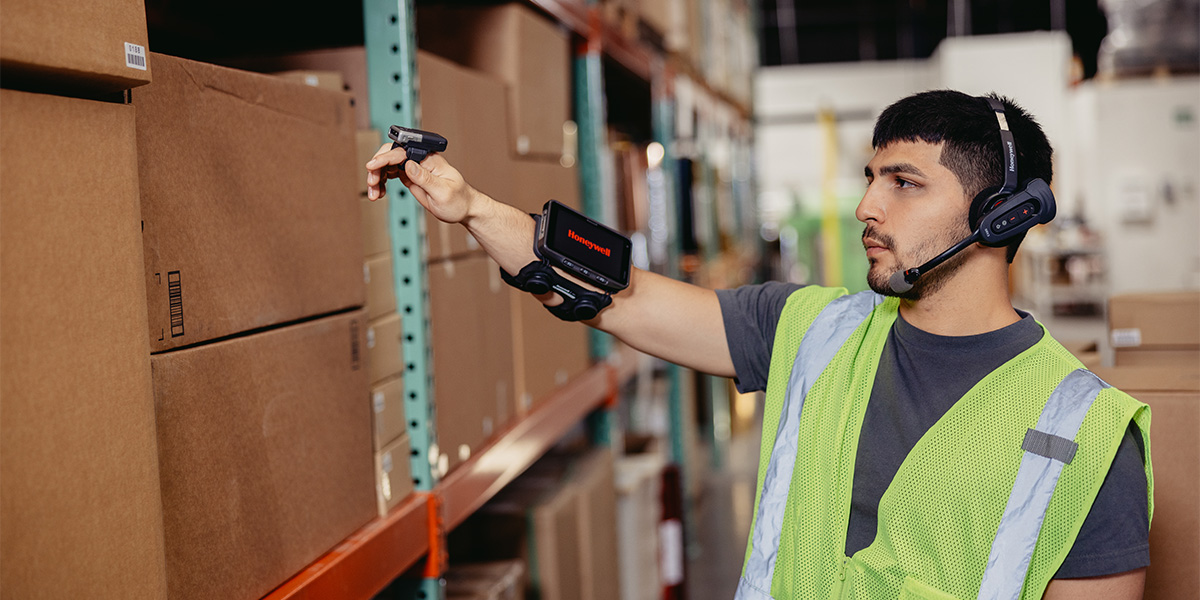
Levata, parent company to Barcodes, Inc., is proud to announce that we have been named Honeywell’s first and only Global Tier Partner—a prestigious designation that marks a major step forward in our mission to support customers with consistency, reliability, and excellence across the globe.
This elevated partner status positions Levata to deliver an even more seamless Honeywell experience for our customers across North America and EMEA (Europe, the Middle East, and Africa). Whether you’re a multinational organization with locations in multiple countries or a regional operation with global aspirations, this partnership ensures you can count on Levata for trusted expertise and streamlined access to Honeywell solutions—wherever your business operates.
What This Means for Levata Customers
As a Global Tier Partner, Levata is uniquely equipped to provide enhanced value and support across borders:
- Consistent Service Across Regions: Our new status aligns Levata with the highest level of Honeywell benefits, enabling more consistent service delivery for global customers.
- Global Visibility and Collaboration: We now have visibility to approved global opportunities through Honeywell’s partner portal, allowing us to support multi-region projects with improved speed, coordination, and transparency.
- Enhanced Brand Trust: As Honeywell’s sole Global Tier Partner, Levata will proudly carry the exclusive partner branding that reflects our shared commitment to innovation, integrity, and global reach.
- Expansive Product Portfolio: Levata’s entrance into the Honeywell Global Partnership unlocks access to Honeywell’s extensive product portfolio across multiple regions, enabling expanded solutions for customers worldwide.
Expanding Our Global Capabilities
Our deepened partnership with Honeywell strengthens our ability to offer tailored solutions that scale with your needs—whether you’re optimizing a warehouse in Germany, deploying mobile devices in the UAE, or upgrading your access control infrastructure in Canada.
At Levata, we believe that technology partnerships should simplify operations, not complicate them. Our new global alignment with Honeywell allows us to deliver the same reliable service, pricing consistency, and technical excellence—no matter where your business takes you.
About Levata
Levata is a trusted end-to-end technology solutions provider helping businesses enhance operational efficiency, secure their environments, and power performance with purpose-built hardware, software, and services. Now, with Honeywell Global Tier Partner status, we’re taking our ability to support customers worldwide to the next level.
Keep Business Rolling with Epson® OmniLink® TM-L100 Liner-Free Thermal Label Printers
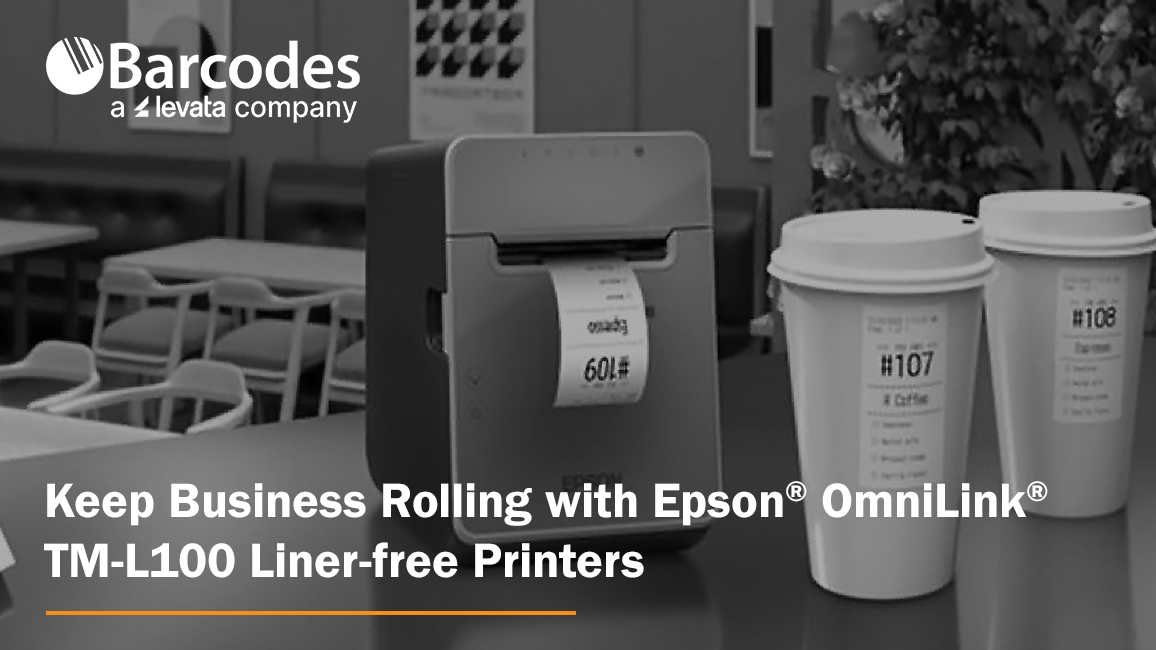
When it comes to label printing in high-paced environments, thermal label printers are the backbone of operational speed and accuracy. Whether you’re printing item labels for quick-serve restaurant orders, packaging labels for curbside pickup, or shipping labels in a retail warehouse, thermal printers streamline the process without the need for ink or toner. A versatile solution with extensive liner-free media support and flexible connectivity options is the Epson® OmniLink® TM-L100 Liner-Free Compatible Thermal Label Printer. With a long printhead and auto cutter life, plus a 1-year limited warranty, it offers reliability you can count on.
Why Thermal Label Printers?
Thermal label printers are an ideal choice for businesses that need fast, clean, and reliable printing in high-demand environments. Instead of using ink or ribbons, thermal printers use heat-sensitive media to produce labels, reducing maintenance and minimizing consumables.
Epson OmniLink TM-L100: Durability Meets Flexibility
The Epson OmniLink TM-L100 Liner-Free Compatible Thermal Label Printer is one of the most adaptable liner-free thermal label printers yet, offering advanced connectivity, paper-saving features, and high-adhesive media support that makes it suitable for nearly any business environment. Engineered for use with a wide range of devices in virtually any industry—such as hospitality, retail and more—the Epson OmniLink TM-L100 Liner-free Printer can also be simultaneously shared with legacy POS terminals, tablet and mobile devices with multiple interfaces with the ability to print from cloud servers.
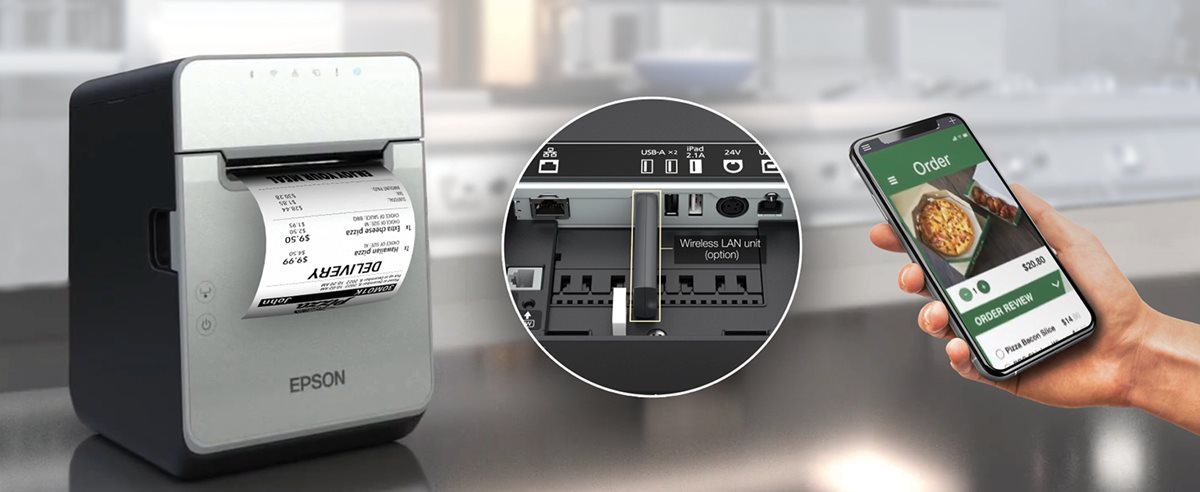
Key Features of the OmniLink TM-L100 Liner-free Printer
1. Extensive Liner-Free Media Support
Not all label printers handle liner-free labels well, especially those with high adhesive strength. The OmniLink TM-L100 Liner-free Printer is engineered for this exact purpose. It handles Epson-tested media that performs flawlessly in environments where labels are frequently applied to items like cups, containers, or bags.
2. Flexible Connectivity for Virtually Any Setup
This printer comes with built-in USB and Ethernet plus options for Serial port, wireless and Bluetooth. USB Network Tethering provides network connectivity from the printer to a tablet.
3. Smart Online Ordering Integration
Through Server Direct Print, the TM-L100 can retrieve print jobs directly from a web server—no POS software required. This is perfect for online ordering environments in QSRs, retail stores, and remote kiosks.
4. Paper-Saving Technology
Built-in white space reduction and character height adjustments can cut media usage by up to 47%, helping businesses lower costs and reduce environmental impact.
5. Reliability You Can Count On
The TM-L100 is built for continuous operation with a long-lasting auto cutter and printhead life. A label-taken sensor prevents overlapping labels by ensuring one label is printed at a time—even when multiple jobs are queued.
Use Cases Where the OmniLInk TM-L100 Liner-free Printer Excels
- Hospitality: Cup labeling, food item tagging, and order tracking in quick-service restaurants (QSRs). Benefit: improve order accuracy and speed even at the busiest times.
- Retail: Price tags, shelf labels, and shipping labels for eCommerce and BOPIS (Buy Online, Pick Up In Store). Benefit: enable seamless in-store pickup and delivery with fast, high-adhesive item labeling.
- Healthcare: Patient ID bands, prescription labels, and specimen tracking. Benefit: Create clean, reliable labels for patient tracking and medication management.
- Logistics and Delivery: Route labeling, package tracking, and proof-of-delivery labeling. Benefit: fast, reliable label printing on the go, helping drivers stay organized and ensuring packages are accurately tracked from origin to destination.
Final Thoughts
The Epson OmniLink TM-L100 Liner-free Printer is a future-ready label printer built for today’s demanding, mobile-first retail and hospitality environments. With its blend of durability, connectivity, and media efficiency, it’s one of the smartest investments you can make to improve labeling workflows. To start enhancing your operations with the TM-L100, contact Barcodes, Inc. today.
Critical Components of a Total Warehouse Solution

In today’s fast-moving, high-demand supply chain world, warehouses are evolving into complex, data-driven ecosystems. The traditional patchwork of disconnected systems and vendors just doesn’t cut it anymore. The most effective way forward? A Total Warehouse Solution approach.
What Is a Total Warehouse Solution?
A Total Warehouse Solution integrates all key technologies and services under a single, strategic framework. Instead of managing multiple vendors for wireless design, barcode scanners, RFID systems, access control, and device support, you work with one provider that delivers everything you need to modernize and scale your facility.
Why It Matters
The pressure on warehouses has never been greater. From next-day delivery expectations to labor shortages and tighter margins, operations leaders need real-time visibility, automation, and device reliability to stay competitive.
A Total Warehouse Solution simplifies operations and eliminates the gaps caused by fragmented systems. It’s how you streamline workflows, connect your infrastructure, and scale performance.
What should I look for in a Total Solution?
Here’s a quick breakdown of the technologies and services typically included:
Infrastructure & Wireless Networking
- Wi-Fi and private cellular coverage throughout the warehouse
- Low-voltage cabling, routers, switches, and UPS systems
- Rack labeling, digital signage, and smart lockers for device storage
Material Handling
- Conveyor-mounted machine vision systems
- Print-and-apply labelers and scan tunnels
- Material handling AMRs
Mobility & Data Capture Hardware
- Rugged mobile computers and tablets
- Handheld barcode scanners and wearable devices
- Vehicle-mounted computers for forklifts
- Powered carts for mobile workstations
- RFID handhelds, fixed readers, and dock door portals
- Industrial and mobile label printers
- Preprinted and color-coded warehouse labels
- Onsite signage and labeling installation
- ID card printers
- Self-service kiosks for visitor/employee check-in
- Smart lockers and device charging cabinets
- Security cameras and badge-based access systems
Support & Lifecycle Management
- Project management and installation
- Device staging, kitting, and software configuration
- Ongoing support, spare pool programs, and RMA services
The Customer Impact
A well-executed total solution delivers more than just upgraded tech—it transforms warehouse performance. You can:
- Reduce manual errors and improve inventory accuracy
- Optimize labor with wearable and voice-pick technologies
- Speed up receiving, picking, packing, and returns
- Improve asset tracking and theft prevention
- Scale seamlessly as business needs grow
Solutions like these allow you to keep pace with customer expectations while maintaining efficiency and profitability.
Final Thoughts
A Total Warehouse Solution isn’t just about checking boxes on a technology list—it’s about creating an integrated, intelligent operation that’s ready for what’s next. Whether you’re building a new facility, expanding your footprint, or modernizing existing infrastructure, contact Barcodes Inc. to learn how we can help you design, deploy, and support a complete system that works as hard as your team does.
Reimagining Retail: CheckMate Mobile POS Stations Drive Sales and Customer Service
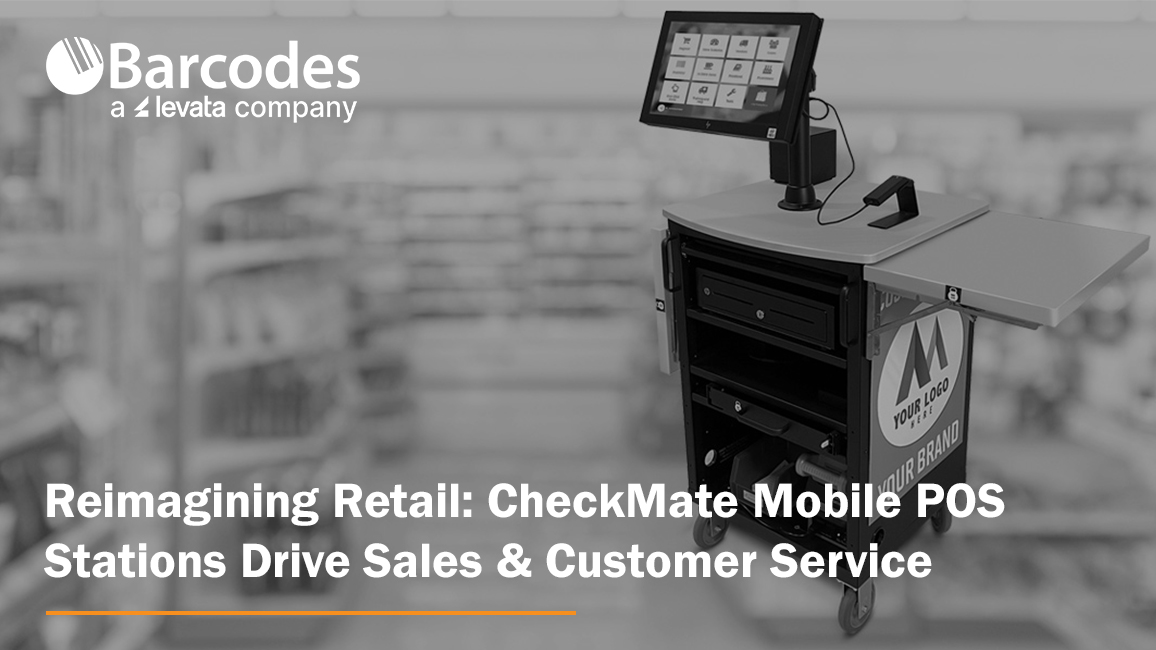
With store space at a premium and customer expectation higher than ever, mobile point-of-sale stations offer a smart, cost-effective way to optimize retail operations and enhance the in-store experience.
Mobile POS carts, such as the CheckMate 1000 Mobile POS Station from Newcastle Systems, give retailers the freedom to meet customers where they are—literally. These mobile stations bring full POS capabilities onto the shop floor, empowering retailers to rethink how, when, and where they process transactions. POS stations by location, count, seasonality, and more to maximize checkout speed and convenience, while eliminating wasted space and lost sales.
Why Mobile POS Matters for Retail
Speed Up Checkout, Reduce Walkaways. Nothing kills a sale faster than a long line. During peak shopping periods, mobile POS carts act as rapid-response checkout stations. Whether positioned near high-traffic areas or deployed as line-busting tools, they help reduce waiting times, prevent abandoned purchases, and improve overall service speed.
Scale Without Construction. Traditional fixed POS terminals require significant investment—construction, permits, electrical work, and downtime. Mobile POS carts like the CheckMate 1000, by contrast, can be deployed instantly. This makes them ideal for seasonal surges or pop-up retail without the overhead of a permanent installation. No need to train your team if you’re using the same hardware as your current fixed registers. Less complexity, less stress—for everyone.
Use Your Space Smarter. Every square foot of retail floor space is valuable. Rather than expanding fixed registers that lock you into one layout, mobile POS stations can be stored when not in use—freeing up room for merchandise or displays. During the holidays or clearance events, they can be quickly rolled out to accommodate increased demand.
Bring Checkout to the Customer. Mobile POS carts can transform underused areas—like fitting rooms, garden centers, or outdoor displays—into instant checkout points. This makes it easier for customers to complete their purchases right where decisions are made, especially for large or awkward items.
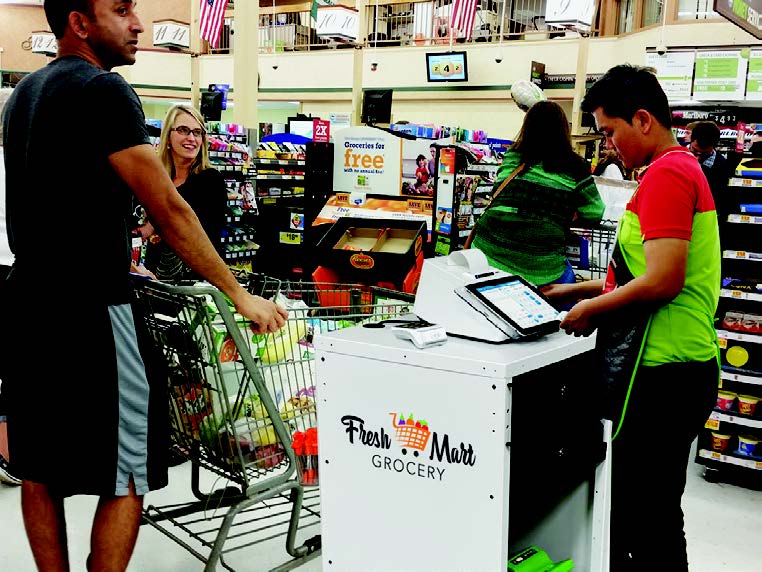
The CheckMate 1000: A Mobile POS Station Build for Retail
The CheckMate 1000 is the epic sidekick retail has needed! Check out how the CheckMate 1000 is in a class of its own.
- Customizable to fit your brand. Plenty of real estate to add company branding and make it yours.
- Never-quit swappable power: The most advanced systems to support printers, tablets, scanners, and cash drawers—cash or cashless
- Purpose-built and designed to last. Compact, lightweight, sustainable, and loaded with features like drawers, winged shelves, and storage galore!
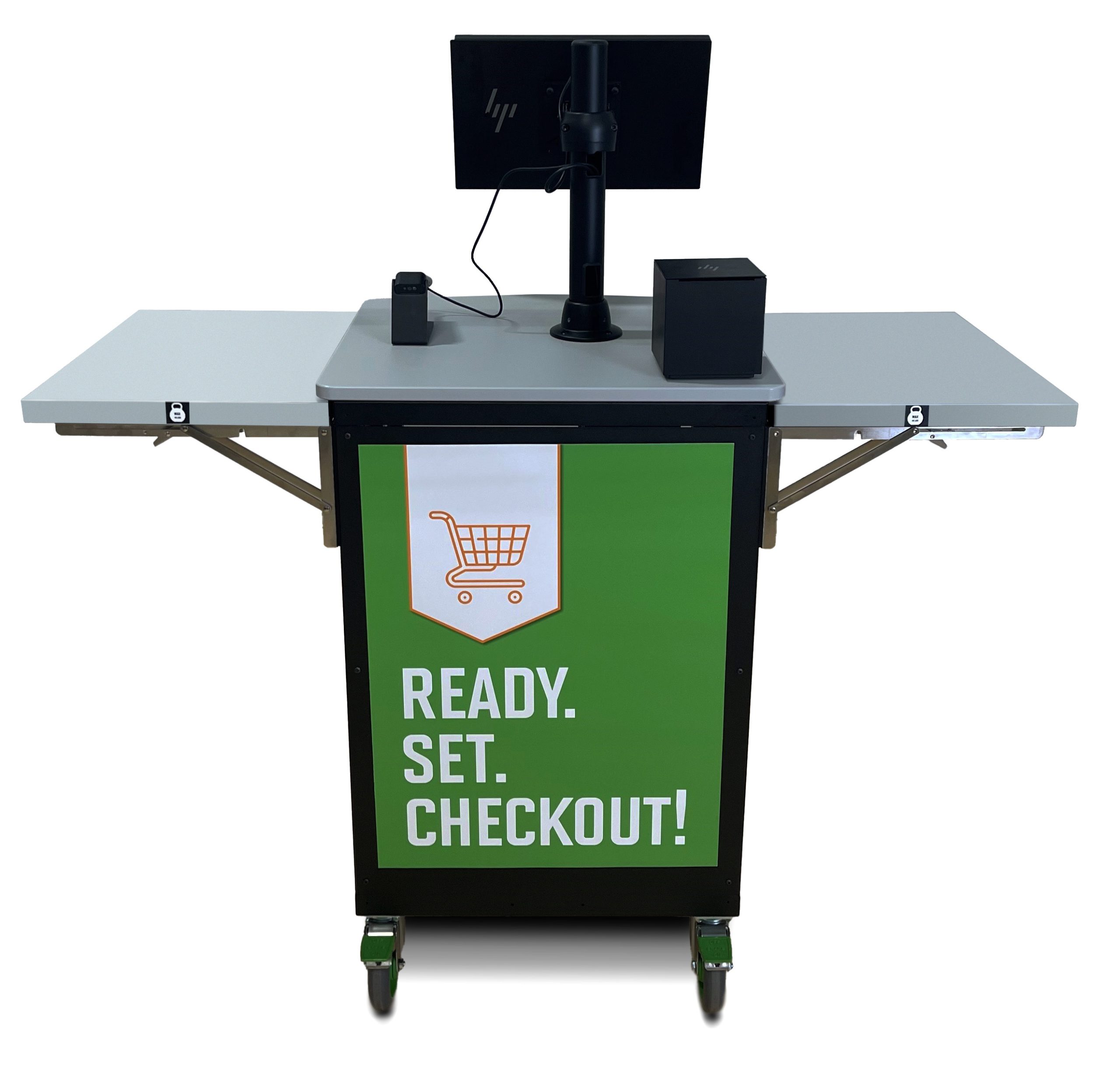
The CheckMake 1000 POS Mobile Station offers a true all-in-one retail utility. Beyond checkout sales, use your POS mobile station to complete:
- Inventory counts and cycle checks
- Returns and exchanges
- Loyalty signups and promotions
- Mobile markdowns and restocking
This versatility allows retailers to do more with less—keeping associates productive, operations agile, and customers satisfied.
Final Thought
Mobile POS solutions like the CheckMate 1000 are helping retailers unlock new ways to serve customers and streamline operations—without the cost, complexity, or inflexibility of traditional registers. Whether you’re aiming to reduce lost sales, adapt to peak periods, or simply offer a better in-store experience, ask Barcodes Inc. how we can help you get mobile POS carts rolling in your retail environment.
Why Industrial Barcode Label Printers Are Essential
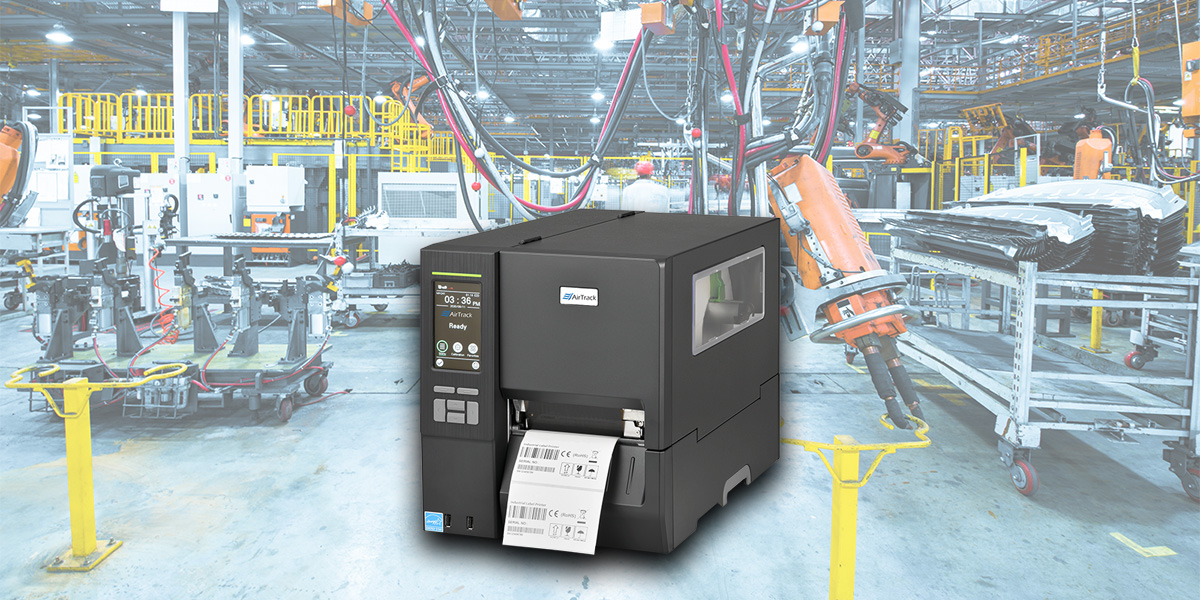
In today’s fast-paced, data-driven world, efficient labeling is critical for organizations across numerous industries. Industrial barcode label printers provide the performance, durability, and reliability that high-demand environments require. Whether you’re managing a sprawling warehouse, overseeing a bustling production floor, or coordinating complex logistics operations, an industrial-grade printer can keep your business moving.
Among the trusted brands in this space, AirTrack printers—available on Barcodesinc.com—are earning a reputation for delivering performance and value. Let’s explore the environments that benefit from industrial barcode label printers and why AirTrack is a smart choice.
Who Needs Industrial Barcode Label Printers?
Industrial barcode printers are built for high-volume, high-speed label printing in demanding conditions. Here’s where they shine:
1. Warehousing and Distribution
In warehousing, accurate labeling is vital for inventory control, picking efficiency, and shipping accuracy. Industrial barcode printers help:
- Print durable shipping and inventory labels.
- Handle large label batches with speed and precision.
- Integrate with warehouse management systems (WMS).
AirTrack printers, such as the AirTrack IP-1, are rugged enough for 24/7 warehouse operations. They feature fast print speeds and support for a wide range of media types—perfect for dynamic fulfillment needs.
2. Manufacturing and Production
From parts tracking to quality assurance, manufacturing environments rely on industrial labels to streamline workflows. Use cases include:
- Work-in-progress (WIP) labeling.
- Asset tracking and part identification.
- Compliance labeling with durable, heat- or chemical-resistant labels.
AirTrack models like the AirTrack IP-2 offer industrial-strength performance with the flexibility to print labels of various sizes, making them ideal for automotive, electronics, or food manufacturing plants.
3. Transportation and Logistics
Fast-moving supply chains demand reliable labeling to avoid costly delays. In logistics, industrial printers are used for:
- Shipping labels with real-time tracking data.
- Pallet labels for freight handling.
- Compliance labels (e.g., GS1, UCC/EAN).
AirTrack printers support the barcoding standards required for transportation labeling and offer connectivity options for seamless integration into shipping platforms.
4. Healthcare and Pharmaceuticals
In healthcare, label integrity can be a matter of patient safety. Industrial printers are used to:
- Print prescription and specimen labels.
- Ensure legibility and adhesive reliability in refrigerated conditions.
- Comply with industry regulations like FDA and HIPAA.
AirTrack offers high-resolution printing and long-term durability—ideal for pharmacy and lab environments where precision is critical.
5. Retail and Inventory Management
Retail businesses use barcode labels for shelf tags, product labeling, and backroom inventory. With AirTrack, retailers can:
- Print high-quality, scannable labels.
- Keep up with seasonal inventory changes.
- Easily integrate with existing POS and inventory systems.
Why Choose AirTrack from Barcodes, Inc.?
AirTrack printers are a smart investment for businesses that need industrial-strength label printing without the premium price tag. Benefits include:
- Rugged Reliability: Built for tough environments with metal frames and long-duty cycles.
- High-Speed Printing: Fast throughput helps avoid bottlenecks in production or fulfillment.
- Flexible Media Support: Handles various label sizes, materials, and types (thermal transfer and direct thermal).
- Easy Integration: Supports multiple connectivity options (USB, serial, Ethernet) for quick deployment into your existing infrastructure.
- Affordable: AirTrack offers a cost-effective alternative to other industrial printer brands without sacrificing quality.
When you buy from Barcodes, Inc., you also benefit from:
- Expert customer support.
- Competitive pricing.
- Fast shipping and easy reordering options.
Final Thoughts
From the warehouse floor to the retail backroom, industrial barcode printers are foundational tools for keeping operations running smoothly. If you’re looking for a durable, high-performing printer that offers excellent value, AirTrack industrial printers from Barcodes, Inc. is a name worth considering.
Invest in efficiency, accuracy, and durability—because your labels deserve industrial-strength reliability. Contact us today to learn more!
How Shorr Packaging Transformed Delivery Operations with Digital Routing and Proof of Delivery

The Challenge: Inefficiency and Lack of Visibility
Shorr Packaging, a leading distributor of packaging solutions, faced significant logistical hurdles in managing its deliveries across the U.S. With thousands of shipments departing from seven facilities, the company struggled with:
- Manual delivery routing – Every truck’s route was planned by hand, consuming valuable time.
- No real-time visibility – Once trucks were on the road, there was no way to track their status or progress.
- Lack of proof of delivery – Customer service had no quick way to verify completed deliveries, leading to inefficiencies.
Each facility managed logistics differently—some relied on spreadsheets, others on paper, and some just “figured it out” daily. On average, two hours per day were wasted manually planning routes.
The Solution: Going Digital
Recognizing the need for an overhaul, Shorr’s logistics leaders partnered with Levata, parent company of Barcodes, Inc., and Descartes to implement a fully digital routing and delivery management solution.
- Automated Routing – Descartes’ advanced software replaced manual planning, optimizing routes in real time.
- Full Visibility – Every truck, driver, and delivery became trackable in a single solution.
- Proof of Delivery – Zebra mobile devices allowed drivers to capture photos, signatures, and real-time updates.
To ensure seamless execution, Levata also helped integrate a smart cellular management solution. This ensured Shorr’s delivery team stayed connected across different locations without service interruptions.
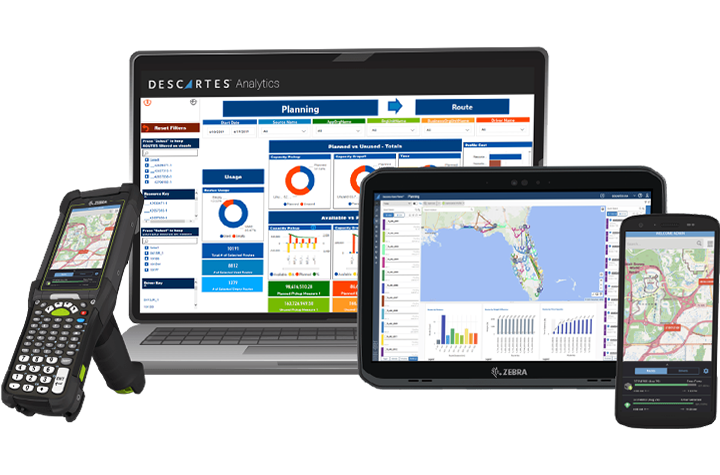
The Results: A Game Changer for Efficiency
The impact of digital transformation was immediate and powerful:
- 87% reduction in routing time – What used to take two hours per day now takes just 10-15 minutes.
- Fewer routes, fewer miles – Deliveries that previously required 12 drivers now take only six or seven.
- Faster customer service – Real-time proof of delivery eliminated back-and-forth calls.
As Nick Matuck, Senior Director of Global Logistics, put it:
“We went from zero to 100% visibility overnight. Productivity increased, costs went down, and our teams now have real-time insight into our entire delivery network.”
Seamless Adoption & Driver-Friendly Tech
While digital transitions can sometimes be challenging, Shorr’s rollout was smooth. The Zebra handheld devices made the system easy for drivers to use, and the step-by-step training ensured everyone adapted quickly.
“I’ve only received positive feedback,” said Ashley Astley, Corporate Logistics Manager. “Drivers love how simple it is, and customer service is thrilled with the proof of delivery feature.”
Final Thoughts: Digital Tools, Real-World Impact
By adopting digital routing and proof of delivery technology, Shorr significantly improved its logistics operations—reducing costs, increasing efficiency, and enhancing the customer experience.
For businesses aiming to optimize delivery management, Shorr’s success story highlights how the right technology can drive meaningful operational improvements.
Contact us to learn more.
Hybrid Automation: The Human-Centered Revolution Reshaping Modern Warehouses
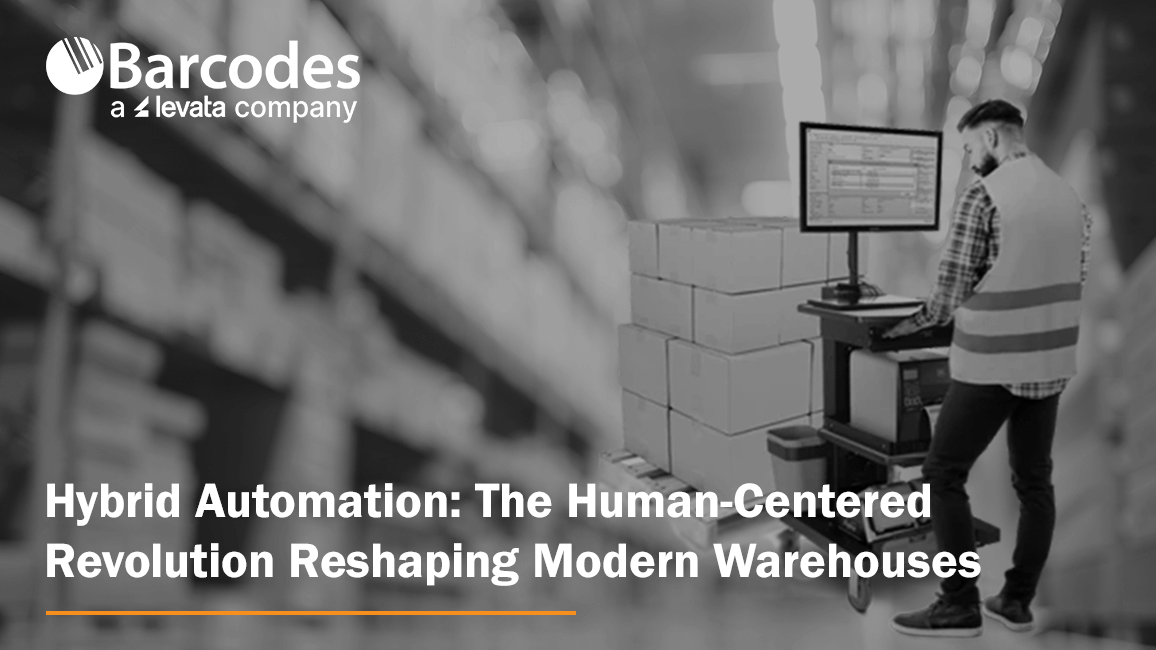
In the past decade, automation has transformed the way warehouses operate. From conveyor systems to robotic picking arms, automation technologies have brought new levels of efficiency to supply chains. But as impressive as fully automated systems can be, the most successful warehouses today aren’t eliminating the human worker—they’re empowering them.
Welcome to the era of hybrid automation—where smart technology and skilled people work side by side to boost productivity, agility, and morale from day one. Read on to learn how technology leaders like Newcastle Systems enhance warehouse operations by engineering solutions that exponentiate real worker potential.
What Is Hybrid Automation?
Hybrid automation combines automation tools and systems with human labor, allowing each to do what they do best. The technology side excels at speed and accuracy, while people bring flexibility, critical thinking, and problem-solving skills that technology can’t replicate.
This model isn’t just a compromise between man and machine—it’s a powerful synergy. According to Newcastle Systems’ 2023 Industry Report on Automation in Warehousing, “Warehouses that leverage automation to support—not replace—their workforce see higher productivity gains and improved employee satisfaction.”
Why It’s Not About Replacing People
While it’s tempting to chase the dream of a fully automated, human-free warehouse, the reality is more nuanced. Technology can’t replicate the adaptability, judgment, and decision-making abilities of a well-trained team. In fact, 81% of warehouse operators surveyed by Newcastle Systems agreed that keeping the human element in operations is crucial to maintaining flexibility and customer satisfaction.
Rather than viewing automation as a replacement for workers, leading operations are now using it to enhance human potential.
Mobile Powered Workstations: A Smarter Path to Productivity
A perfect example of hybrid automation in action is the use of Newcastle Systems’ mobile powered workstations. These units allow workers to bring power and computing directly to the point of task, eliminating the need to walk back and forth to a fixed workstation.
The results? Doubling productivity—without doubling the cost.
Unlike complex robotic systems that require heavy infrastructure, lengthy implementation, and big budgets, mobile powered carts are affordable, flexible, and scalable. They instantly boost efficiency by reducing wasted movement and downtime, and they support employees instead of replacing them.
As the Newcastle report highlights, “Technologies that enhance workers’ effectiveness are more readily adopted and create less friction within the workforce.”
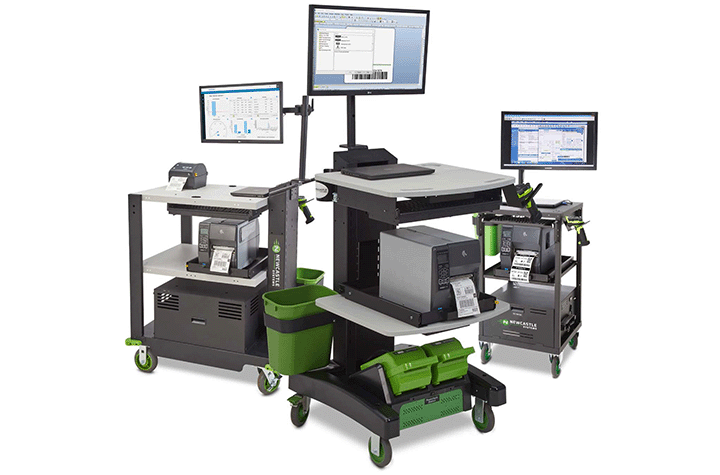
Empowered Workers Are Happier Workers
Hybrid automation doesn’t just improve operations—it also improves job satisfaction. By removing tedious tasks and minimizing unnecessary travel, tools like mobile workstations help workers feel more in control and more valued.
The Newcastle study found that employees using powered carts reported higher job confidence and satisfaction. Workers using the Newcastle Mobile Workstations felt empowered with tools that make their jobs easier—not harder—making them more likely to stay engaged and less likely to leave their current employer.
The Bottom Line: Humans + Automation = Better Warehouses
The future of warehousing isn’t one where robots take over—it’s one where people are equipped to do their best work with the help of smart automation.
Mobile powered workstations are a standout example of hybrid automation done right: low cost, easy to implement, and impactful from day one. They deliver the best of both worlds by boosting productivity while keeping the human touch that warehouses still need to thrive.
If you’re looking for a way to modernize your operations without sacrificing flexibility or your workforce’s well-being, hybrid automation is the answer—and Newcastle Systems is leading the way.
Explore the full report: How Automation Is Transforming the Modern Warehouse – Newcastle Systems Industry Report
Contact Barcodes Inc. today to learn more about mobile workstations and other warehouse automation solutions for your operations.
Case Study: Premier Guard Transforms Inventory Management with RFID Solutions
Premium Guard Inc. (PGI) is a leading global manufacturer of aftermarket automotive products, including filters and wiper blades. Since its founding in 1996, PGI has focused on designing, manufacturing, and distributing high-quality products for automotive, diesel, power-sports, and specialty filter markets. Offering complete turnkey private label programs to retailers, buying groups, and independent warehouse distributors, PGI faced operational challenges in supply chain accuracy and efficiency. To address these challenges, PGI partnered with Levata, parent company to Barcode’s Inc., to implement a cutting-edge RFID-based inventory tracking and shipment accuracy system.
Business Challenge
Premium Guard’s supply chain is complex, with a high expectation of accuracy from auto parts retailers, distributors and aftermarket businesses. Ensuring the right part and the right quantity shipped to the correct destination on time are critical, as delays or errors can result in customer dissatisfaction and costly chargebacks.
“We ship high volumes weekly to multiple automotive aftermarket retailers, often filling entire truckloads with each order. Manually double-checking and auditing every pallet is overwhelming, yet missing products can lead to costly chargeback fees. After discovering the capabilities of RFID technology, we partnered with Levata to implement a smarter solution—enhancing visibility, improving accuracy, and elevating customer service,” said Jim Allosso, Director of Warehouse Operations at Premium Guard.
Key challenges included:
- Mis-shipments leading to chargebacks and return freight payments.
- Inventory discrepancies impacting operational efficiency.
- Lack of real-time visibility in warehouse operations.
Recognizing the need for improvement, PGI’s leadership committed to a solution that would ensure customers received exactly what they ordered, leading to the adoption of an RFID-based workflow.
The Solution
Premium Guard needed a partner that could provide customized, cutting-edge technology that addressed key challenges in supply chain management. Levata’s RFID systems, such as RFID tunnels, dock doors, and mobile readers, offer accurate inventory tracking and real-time visibility, which are critical for reducing mis-shipments, lowering chargeback costs, and improving operational efficiency.
With Levata, PGI has launched a phased RFID implementation. PGI sought to enhance customer service through enhanced inventory management operations for its largest customer, a leading national retailer of automotive parts and accessories. The solution involved multiple components tailored to PGI’s unique operational needs. PGI committed to an extensive relabeling project to fully integrate RFID technology effectively, involving the relabeling of over 600,000 boxes. Additionally, ten vendors began incorporating RFID labels into their shipments, further streamlining PGI’s receiving process.
RFID Infrastructure & Technology
A custom-built RFID Tunnel (SLS T-Series) was integrated with PGI’s ERP system to count pallet content accurately and validating that shipments include the right materials. RFID Dock Doors (SLS D-Series) were installed to ensure shipments were loaded onto the correct trucks, while RFID Mobile Readers (SLS M-Series) supported cycle counting of pallets in the warehouse. To provide real-time tracking and data insights, PGI leveraged the SLS View RFID cloud software.
To further streamline operations, PGI deployed powered mobile carts powered mobile carts equipped with RFID label printers and AirTrack Performance label supplies, allowing for efficient RFID labeling right on the warehouse floor. Additionally, handheld mobile RFID readers and mobile computers enabled mobile scanning and verification, creating seamless interaction with the RFID system powered by cloud-based software.
“From day one, we’ve worked with a dedicated Levata team deeply involved in every phase of our project,” said Jim. “Their solution architects designed a highly customized system, field experts collaborated directly with our floor teams, and specialists guided our manufacturing partners through new processes. No matter the challenge, Levata has been there with reliable support we can count on.”
Benefits and Results
Premium Guard has already seen significant improvements with the new system:
- Highly accurate scanning, with both the RFID tunnel and dock doors performing exceptionally well.
- Enhanced insights from customized reporting.
- Stronger supply chain visibility, reducing inefficiencies and ensuring greater accuracy in shipments.
With the success of the initial phase, PGI is planning to expand their RFID implementation. It will roll out the new process for other large customers, resulting in a dedicated dock door for each customer for smooth, efficient order verification. The expansion will include more vendor participation, too. Having vendors ship parts with RFID labels enables seamless integration with the warehouse’s RFID system, improving inventory accuracy, accelerating processing times, and enhancing overall supply chain efficiency.
By leveraging Levata’s advanced RFID solutions, PGI has significantly improved its supply chain efficiency, reduced operational costs, and strengthened its reputation as a reliable partner in the automotive aftermarket industry. To learn more about our RFID technology solutions, contact us today!
Simplifying Mobile Device Management and Security With Managed Services

As mobile devices increasingly drive business operations, securing and managing them efficiently has become a critical challenge. Mobile Device Management (MDM) solutions offer a centralized approach to deploying, securing, and monitoring all types of mobile endpoints—including mobile computers, tablets, laptops, and IoT devices—across an enterprise network. With MDM, businesses can enhance security, boost productivity, and reduce operational downtime.
What is Mobile Device Management?
Mobile Device Management enables IT administrators to control and monitor devices from a single admin console. It plays a central role in Enterprise Mobility Management (EMM), which also covers application, identity, and access management. MDM simplifies device setup, enforces security protocols, pushes software updates, and ensures compliance with regulatory standards.
For industries like healthcare, transportation and logistics, retail, warehousing and distribution, and manufacturing, the ability to manage a diverse array of mobile assets is crucial. MDM tools allow for consistent policy enforcement, including password complexity requirements and remote wipe capabilities in the event of device loss or theft.
What Should a Full-featured Mobile Device Management Solution Include?
As a Levata company, Barcodes, Inc. offers MDM solutions that begin with the installation of an agent on each device. This agent communicates with a centralized server that allows IT administrators to apply corporate security policies, distribute applications, and monitor compliance in real-time. Devices are grouped into a secure sandbox to isolate corporate data from personal apps—ensuring sensitive information stays protected.
The specialized software includes a dynamic dashboard for tracking device health, OS versions, and app usage. This visibility helps IT teams identify vulnerabilities and act swiftly to prevent potential breaches.
Why Businesses Need MDM
With mobile threats on the rise—particularly attacks targeting IoT devices—organizations can’t afford to be passive. The General Data Protection Regulation (GDPR), Sarbanes-Oxley (SOX), and similar regulations further necessitate robust security controls. Companies should ask:
- Are mobile devices business-critical and expensive to replace?
- Is rapid onboarding essential for mobile staff?
- Is managing app versions and device updates difficult?
- Is infeasible to hire additional IT staff to support a heavily manual device management protocol?
If the answer is yes to any of these, implementing an MDM solution is no longer optional—it’s essential.
Key Benefits of MDM
1. Remote Management: MDM enables administrators to manage, configure, and update hundreds of devices remotely, significantly improving security responsiveness and operational agility.
2. Security Policy Enforcement: Organizations can apply consistent password policies, identity controls, and security settings across all endpoints.
3. Consistent User Experience: All users, regardless of device or platform, receive a uniform interface, improving usability and reducing support needs.
4. Instant Data Deletion: In case of a lost or compromised device, confidential information can be wiped instantly to safeguard business data.
5. Automatic Data Backup: Corporate applications and associated data are automatically backed up, reducing the risk of data loss.
6. Streamlined Onboarding: New employees can be set up with pre-configured devices in minutes, allowing them to start work immediately.
7. Application Control: Administrators can manage which apps are installed, enforce role-based access, and remove unauthorized applications on demand.
8. Regulatory Compliance: Centralized tracking ensures businesses stay compliant with privacy laws and industry-specific regulations.
Why Choose Us?
Our strength lies in our tailored mobile device management approach, extensive expertise, and commitment to delivering transparent, reliable, and innovative solutions. By partnering with us, businesses can enhance their mobile strategies while keeping data secure, devices functional, and teams productive.
Looking to procure the latest mobile device technology? Barcodes, Inc. offers the widest selection of mobile devices, such as mobile computers, barcode scanners, and POS equipment.
Ready to transform your mobile device strategy? Contact us to discover how their MDM solutions can empower your workforce and protect your enterprise.
Unlocking the Full Potential of Enterprise Mobility

Many organizations deploy mobile devices expecting instant boosts in productivity, efficiency, and decision-making. But without a clear strategy, these deployments often fall short.
Why Mobility Plans Fail
Simply connecting devices to your network doesn’t ensure success. IT teams get overwhelmed managing updates, support, and repairs without the right tools and support in place.
What Makes Mobility Work?
A true enterprise mobility solution spans the entire lifecycle—planning, implementation, management, and decommissioning. Done right, mobility empowers teams, protects company data, and delivers real ROI.
Start with a Smart Plan
A mobility needs assessment reveals the best path forward, from fixing coverage gaps to selecting the right devices and evaluating ROI. With expert help, you can streamline procurement, implementation, and support.
Flawless Implementation
Deployments should be painless. Partnering with experienced providers ensures devices are pre-configured, shipped by role or site, and supported by training. For example, Levata, parent company to Barcodes, Inc, helped a Canadian supermarket roll out 15,000 devices in just 12 weeks.
Ongoing Management is Critical
Tools like Mobile Device Management (MDM), Telecom Expense Management (TEM), and RMA services reduce downtime, cut costs, and keep teams productive. Platforms like TrueView give leaders full visibility across all assets and contracts.
End-of-Life Doesn’t Mean End of Value
When devices reach retirement, secure data wipes and buy-back programs ensure a safe, responsible, and cost-effective transition.
Partner with Experience
With over 1 million devices deployed in five years, Levata, parent company to Barcodes, Inc., delivers full-service enterprise mobility—from planning to support and beyond. Our are built to elevate performance while reducing IT headaches. Contact Barcodes, Inc. today to learn more about our Enterprise Mobility end-to-end services, plus top-tier solutions in mobility devices like, mobile computers, barcode scanners, barcode label printers, POS systems, and more.
Streamlining Kitchen Operations: The Epson TrueOrder Kitchen Display System
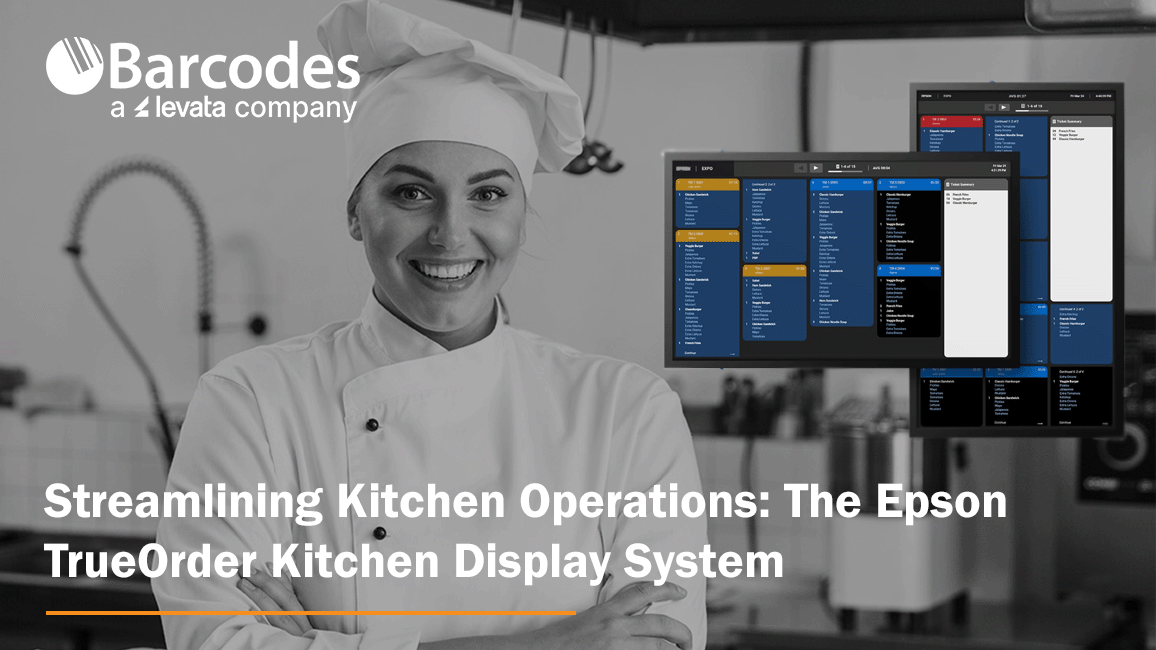
Accuracy and efficiency pitfalls can severely cripple a restaurant’s operations and reputation. Inaccurate orders lead to dissatisfied customers, wasted food, and increased costs. Delays caused by inefficient workflows result in longer wait times, impacting on customer experience and potentially driving diners to leave negative customer reviews or social media posts. So, what’s a restaurant to do? Enter Epson’s TrueOrder Kitchen Display System (KDS), a modern solution to streamline kitchen workflows, enhance order accuracy, and improve overall productivity.
Enhancing Food Service Operations with TrueOrder KDS
Designed specifically to address the challenges of quick-service restaurants (QSR) and small-restaurant environments, TrueOrder KDS integrates seamlessly with existing point-of-sale (POS) systems, providing a versatile and user-friendly experience.
By replacing traditional paper-based order systems, TrueOrder KDS digitizes the order process from entry to fulfillment, leading to significant improvements in efficiency and accuracy. Realize savings by cutting down waste from incorrect order input. The flexibility to add Epson label printers further enhances order accuracy, especially for take-out and delivery services, by clearly labeling items for easy identification. Seamless communication between front-of-house and kitchen staff minimizes confusion, leading to happier employees and improved customer service.
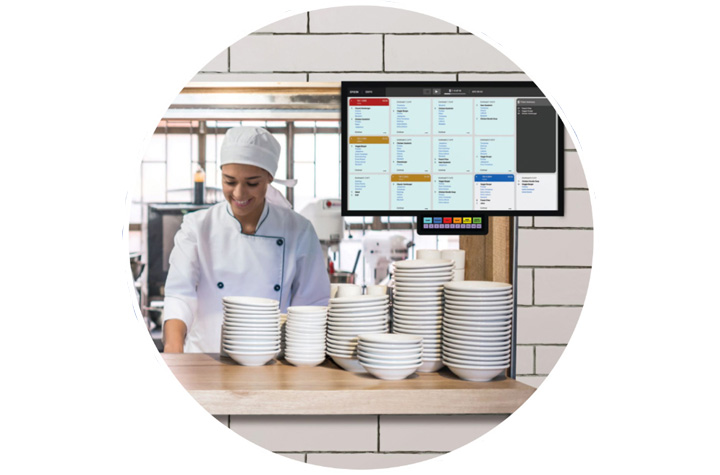
Key Features of TrueOrder KDS
1. User-Friendly Interface
TrueOrder KDS is designed with an intuitive touchscreen interface and offers customizable views for kitchen staff, expediter roles, and customer-facing stations. Considerable convenience comes from the system’s ability to adapt to a restaurant’s existing workflows.
2. Seamless POS Integration
Designed to be POS-agnostic, Epson’s TrueOrder KDS is compatible with a wide range of POS systems and POS devices, promising a smooth implementation process where restaurants can continue using their preferred POS solutions while benefiting from the advanced features of TrueOrder.
3. Customizable Workflow Support
The system offers extensive customization options to align with a restaurant’s unique workflow. Operators can preconfigure specific elements, such as station layouts and display settings, to match their operational requirements.
4. Easy Installation and Setup
TrueOrder KDS is designed for straightforward installation, connecting to local networks without requiring an internet connection. The system’s browser-based configuration utility is accessible from most devices with a web browser, simplifying the setup process and reducing the need for specialized technical support.
5. Monitoring, Reporting and Analytics
The software provides comprehensive reporting and analytics capabilities, allowing restaurants to track key metrics and identify areas for improvement. This allows managers to ensure kitchen efficiency is at peak performance. Some systems allow for remote monitoring, enabling managers to keep an eye on kitchen operations from anywhere.
Conclusion Epson’s TrueOrder Kitchen Display System represents a significant step forward in the evolution of food service technology. Affordable and easy to install, the Epson KDS modernizes kitchen operations by digitizing order processes and providing customizable workflow support. By embracing digital order management, restaurants can streamline their operations, improve efficiency, and enhance customer experience. Contact Barcodes Inc. to learn more!
Comparing RFID vs. Barcode Technology: Which is Best for Your Business?

In today’s fast-paced business environment, efficient inventory tracking and asset management are critical for success. Two of the most commonly used technologies for these tasks are RFID (Radio Frequency Identification) and barcode scanning. Both play essential roles in supply chain operations, retail, healthcare, and manufacturing, but they differ in functionality, cost, and efficiency. This article compares RFID vs. barcode technology to help you determine which is the best fit for your business.
Understanding Barcode Technology
Barcode technology has been a staple in inventory management for decades. It uses optical scanning to read printed barcodes, which store data in a linear or 2D format. Each barcode represents a unique identifier that corresponds to product or inventory information stored in a database.
Advantages of Barcode Technology:
- Cost-Effective – Barcodes are inexpensive to produce and print.
- Simplicity – Easy to integrate with existing inventory systems.
- Accuracy – Minimizes manual errors when scanned properly.
- Wide Adoption – Used globally across multiple industries.
Limitations of Barcode Technology:
- Requires Line of Sight – A scanner must be directly pointed at the barcode.
- Limited Data Storage – Traditional barcodes store minimal information.
- Manual Scanning – Each item must be scanned individually, which can be time-consuming.
View best-selling barcode scanners >>>
Understanding RFID Technology
RFID technology uses radio waves to transmit data between a tag (attached to an item) and a reader. Unlike barcodes, RFID tags do not require a direct line of sight and can be scanned from a distance. This technology is increasingly being adopted for real-time asset tracking, automated inventory counting, and supply chain visibility.
Advantages of RFID Technology:
- Faster Data Capture – Can scan multiple tags simultaneously.
- No Line of Sight Required – Readers detect tags even if they are hidden inside packaging.
- Greater Data Storage – RFID tags can store more detailed information.
- Improved Security – Can include encryption and authentication features.
Limitations of RFID Technology:
- Higher Initial Cost – RFID tags and readers are more expensive than barcodes.
- Interference Issues – Metal and liquids can disrupt signals.
- Integration Challenges – Requires specialized software and hardware.
| Feature | Barcode | RFID |
| Cost | Low | Higher initial investment |
| Scanning Speed | One at a time | Multiple at once |
| Line of Sight | Required | Not required |
| Data Storage | Limited | More storage capacity |
| Durability | Can fade or tear | More resistant to damage |
| Interference | No issues | Can be affected by materials like metal and liquids |
View best-selling RFID readers >>>
Which Technology is Best for Your Business?
The choice between RFID and barcode technology depends on several factors, including budget, operational needs, and industry requirements.
- Retail & Small Businesses – Barcodes are typically the better choice due to their low cost and ease of use.
- Warehousing & Logistics – RFID can streamline large-scale inventory tracking and reduce human labor.
- Healthcare & Pharmaceuticals – RFID ensures better tracking of medical supplies and patient records.
- Manufacturing & Automotive – RFID enables real-time asset tracking and quality control.
Conclusion
Both RFID and barcode technology have their unique strengths and limitations. Barcodes remain a cost-effective and widely used solution, while RFID provides faster, more efficient tracking with greater automation potential. Businesses looking for low-cost inventory control may prefer barcodes, whereas companies requiring high-speed, real-time tracking should consider RFID.
Choosing the right AIDC solution depends on your specific business goals, operational scale, and budget. Let Barcodes, Inc. help evaluate your needs carefully, so that you implement the best tracking system to enhance efficiency and accuracy in your operations.
Selecting the Ideal ID Card Printer for High-Quality Badges
Creating professional-grade ID badges starts with selecting the right printer. But what distinguishes an excellent ID card printer? From print technology to connectivity, each component plays a role in producing secure, high-quality credentials. Understanding these critical features will help you identify the ideal printer for your organization. Let’s break down the key elements of an ID card printer.
Printing Technology
Direct-to-card (DTC) printers apply ink directly onto the card’s surface for quick, cost-effective printing, while retransfer printers use an overlay process to enhance durability, deliver high-resolution images, and achieve full edge-to-edge coverage.
Printing Capability
Opt for a single-sided printer for basic requirements or a dual-sided model to incorporate additional details, barcodes, or advanced security elements.
Space-Saving Design
Make the most of your workspace with a compact printer that offers efficiency without sacrificing performance.
Card Hoppers
Easily handle multiple card prints with batch-processing features—ideal for organizations with high printing demands.
Modular Enhancements
Boost functionality with add-ons like lamination for durability, magstripe or smart card encoding for secure access, dual-sided printing, or UV printing to prevent counterfeiting.
Connectivity Options
Choose the connection type that fits your workflow, whether printing from a single workstation or across a network. Standard options include USB, Ethernet, and WiFi.
User-Friendly Interface
Look for intuitive LCD screens, LED indicators, and simple controls for effortless operation.
Expert Guidance for the Right Choice
Navigating ID card printer options can be complex. Consulting with professionals in People ID and Access Control solutions ensures you receive expert advice tailored to your organization’s needs. These specialists can help you evaluate security requirements, operational efficiency, and future expansion possibilities to find the right solution.

Conclusion
Selecting the perfect ID card printer is a valuable investment. By understanding essential aspects like print technology, scalability, and connectivity, you can confidently choose a model that fits your needs and budget.
Consider both current and future requirements when evaluating features such as card hoppers, modular upgrades, and printer size. The right ID card printer will not only produce high-quality, secure credentials but also streamline your badging process for greater efficiency and security.
Browse one of the industry’s most extensive selections of ID card printers and discover the perfect fit for your organization today!
Take Patient Identification to the Next Level With the Certis® C1-30 Printer
In healthcare, precision and efficiency are non-negotiable. The ability to accurately and quickly print patient ID wristbands is a critical first step of providing high-quality care. The Certis® C1-30 Thermal Patient ID Printer combines reliability, speed, and seamless integration, ensuring healthcare staff can focus on what matters most: their patients.
Keep reading to discover why the Certis® C1-30 is the ultimate choice for patient identification workflows in hospitals, clinics, surgery centers and other care environments.
What Makes the Certis® C1-30 Printer Stand Out?
1. Hassle-Free Performance
With its jam-free design and easy drop-in wristband loading, the Certis® C1-30 eliminates common printing frustrations. Its dependable operation ensures uninterrupted workflows, even in high-demand environments. This keeps your clinicians happy, allowing them to focus on patient care.
2. Seamless Integration
The Certis® C1-30 integrates effortlessly with major electronic health record (EHR) systems, including Epic, Cerner, and Meditech. Its user-friendly setup minimizes IT involvement, making implementation and maintenance a breeze. And, your IT team will love the Printer Utility App, packed with features to help them manage the printer throughout its lifetime.
3. Unmatched Durability
Built with healthcare-grade plastics, the Certis® C1-30 withstands repeated cleaning with harsh disinfectants. Its industrial grade printhead is designed for long-term reliability, ensuring consistent performance over time.
4. Enhanced Patient Safety
By reliably printing wristbands that resist fading, moisture, and alcohol, the Certis® C1-30 ensures accurate patient identification throughout their stay. It pairs with PDC’s industry-leading ScanBand® DR or ScanBand® Soft wristbands, to offer superior durability and comfort.
Ideal for: Busy hospitals, outpatient clinics, and emergency departments.
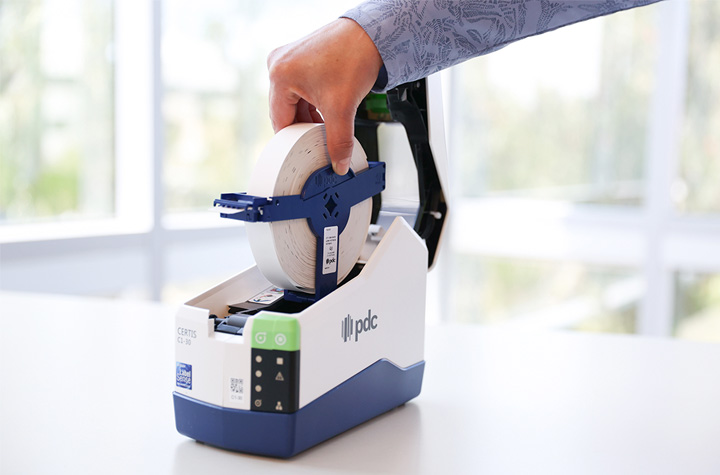
Product Review: The Certis® C1-30 Thermal Patient ID Printer
At Barcodes, Inc., we specialize in healthcare solutions designed to elevate your operations. The Certis® C1-30 Thermal Patient ID Printer stands out with its combination of innovative features and dependable performance:
- High-Resolution Printing: With 300 dpi resolution, wristbands are crisp, and easy to read and scan.
- Multiple Connectivity Options: USB, Wi-Fi, Ethernet, and Bluetooth ensure compatibility with your existing infrastructure.
- Compact Design: A small footprint (9.1” x 4.4” x 7.3”) makes it perfect for tight spaces. You can also place them on mobile carts or smaller workstations, ensuring your staff can print wristbands when and where they need them.
Conclusion
When it comes to patient identification, the Certis® C1-30 Thermal Patient ID Printer delivers reliability, efficiency, and seamless integration. By streamlining workflows, reducing errors, and enhancing safety, this advanced printer empowers healthcare providers to deliver the best possible care.
Upgrade your identification systems today. Barcodes, Inc. offers expert support to help you implement the Certis® C1-30 and maximize its potential in your organization.
Contact us now to learn more about the Certis® C1-30 Thermal Patient ID Printer.
The Value of RFID in Inventory Management & Supply Chain Visibility
Radio Frequency Identification (RFID) is revolutionizing inventory management and supply chain visibility. While barcodes have been the dominant tool for item identification for decades, RFID offers a powerful alternative with advantages like real-time tracking, non-line-of-sight reading, and faster automation. Although RFID implementation requires more planning and investment than barcoding, it can provide significant efficiency gains for businesses seeking to streamline operations and reduce errors.
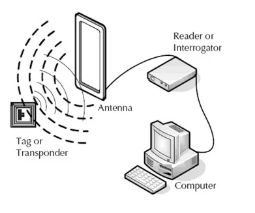
Why RFID is Worth Considering
To determine if RFID is the right fit for your business, it’s important to evaluate your needs and operational challenges. Unlike barcodes, RFID does not require line-of-sight to read tags, which makes it ideal for tracking items moving through conveyor systems or stored in hard-to-see locations. The technology also supports varied read ranges, from a few inches to over 10 feet, depending on the tag and reader setup. RFID can be particularly effective when items are traveling at high speeds or are fixed at certain checkpoints.
However, environmental factors must be considered. Items containing metal or liquids can interfere with RFID signals, impacting system performance. Similarly, the choice of fixed or mobile readers depends on whether you need automated scanning at warehouse entry points or manual inventory checks on the move.
Types of RFID Technologies
RFID operates in three main frequency ranges. Low Frequency (LF) systems work well for close-contact applications like ID badges or access control, but their range is limited to a couple of inches. High Frequency (HF) systems can read tags up to 3 feet away, making them ideal for small item tracking and applications like healthcare equipment management.
For supply chain and inventory purposes, Ultra High Frequency (UHF) is the most widely adopted RFID solution. UHF systems offer extended read ranges of up to 10 feet, making them highly effective for item-level and container-level tracking. UHF’s affordability and flexibility have made it a popular choice for businesses looking to manage large volumes of inventory efficiently.
RFID tags are also classified as active or passive. Active RFID tags have their own battery power, enabling long-range and high-speed scanning, but they are costly and bulky. Passive tags, on the other hand, rely on the reader’s signal for power, making them thinner, more affordable, and ideal for product-level tracking in inventory systems.
How RFID Works
A typical RFID system includes four key components: tags, antennas, readers, and host software. When a passive RFID tag enters the signal field of an antenna, the tag receives power from the reader. It then “backscatters” its stored data, which is captured by the antenna and processed by the host software. Unlike barcodes, RFID tags can be read even if they are not in direct view or perfectly oriented, enabling faster and more efficient inventory tracking.
The host software uses the captured data for applications such as asset tracking, inventory control, or logistics management. For example, fixed RFID readers can monitor inventory as it passes through warehouse doors, while mobile readers allow employees to conduct manual counts while on the move. Desktop RFID readers offer a plug-and-play option for situations that require reading tags next to a PC, such as retail checkouts or quality control stations.
Challenges and Limitations
While RFID is highly effective, it is not without limitations. Environmental factors such as metals and liquids can interfere with signals, reducing accuracy. Dense collections of items may also pose challenges, as tags in the center may not receive enough signal power to activate. These factors require extensive testing and system design to achieve optimal results.
Additionally, RFID systems involve higher upfront costs compared to barcode solutions. However, businesses that plan carefully and implement RFID effectively often achieve significant long-term savings through reduced errors, improved accuracy, and labor efficiency.
Components of an RFID System
An RFID system begins with the selection of the right tags, which are designed with a combination of chipsets and antennas to store and transmit data. The choice of tags depends on the environment, product type, and read requirements. For high-volume applications, RFID printers simplify the process by encoding tags and printing barcodes as a backup, ensuring data accessibility even if the RFID tag is damaged.
The RFID readers themselves come in various forms. Fixed readers are ideal for automated scanning at checkpoints, such as warehouse docks or conveyor lines. Mobile readers, which resemble handheld computers, are versatile tools for conducting inventory counts and asset tracking across facilities. Desktop readers, though limited in range, offer quick and easy data capture for localized applications.
Finally, middleware software ties the system together. Unlike barcode scanners, RFID readers do not output basic text data directly. Instead, middleware processes the RFID data and integrates it with inventory management or enterprise software. Systems supporting Low Level Reader Protocol (LLRP) ensure compatibility with most RFID readers.
The Benefits of RFID in Supply Chain Management
The greatest value of RFID lies in its ability to enhance efficiency, accuracy, and automation. It enables businesses to track inventory in real time without requiring manual scanning. By reading multiple tags simultaneously, RFID reduces the time and labor involved in inventory checks. Its non-line-of-sight capability allows for greater flexibility, especially in environments where items are stacked, moving, or difficult to access.
Conclusion
RFID technology is transforming the way businesses manage inventory and supply chains by offering faster, more accurate, and automated tracking solutions. While the technology presents challenges, such as signal interference and higher initial costs, the benefits far outweigh these limitations when implemented correctly.
For businesses exploring RFID, it is best to start with a small-scale pilot project, test its feasibility, and gradually scale up. With careful planning and the right resources, RFID can provide unparalleled visibility and efficiency in your inventory management processes, giving you a significant edge in a competitive market.
Revolutionizing Labeling: Latest Advances in Print-and-Apply Technology
Print-and-apply technology is transforming the way businesses handle labeling, offering unmatched efficiency and precision. By integrating a printer with an automated label applicator, this technology streamlines workflows by eliminating manual processes. No longer do employees need to print labels separately and load them into applicators or apply them manually. These all-in-one systems deliver consistent labeling with precise placement on products, envelopes, and packages, boosting productivity and accuracy.
Innovative Print-and-Apply Solutions for Diverse Industries
Today’s cutting-edge print-and-apply solutions are designed to meet the unique challenges of various industries. These advancements provide greater flexibility, speed, and precision to keep up with evolving operational demands.
Ecommerce: High-Speed Labeling for a Variety of Packages
Ecommerce companies must operate at lightning-fast speeds while maintaining accuracy to meet customer expectations. The diversity of package sizes—from slim mailers to oversized boxes—requires adaptable labeling solutions.
Modern print-and-apply machines accommodate a broad range of package sizes with innovative features like applicator tips with wider stroke ranges. These machines can label both flat mailers and tall boxes seamlessly on moving conveyors. Newer models use safer wheel-based designs instead of belts and rely on gravity for label application instead of air puffs, enhancing speed and throughput.
Precision Labeling: Enhanced Accuracy with AI Integration
For businesses where precision is critical, advanced systems ensure consistent labeling for items of the same size traveling on conveyors.
Many systems now incorporate AI-driven vision technology to verify label accuracy. These systems can check for correct serialization, expiration dates, and quality control, identifying and correcting issues like missing characters or damaged labels. The result? Near-perfect labeling accuracy for even the most sensitive use cases.
Automotive: Robotic Label Placement for Complex Surfaces
In industries like automotive, where interior labeling on engine or auto body parts is required, traditional labeling systems fall short. Print-and-apply solutions equipped with robotic arms provide the flexibility to label irregular surfaces or hard-to-reach areas with precision.
Robotic systems also excel at pallet labeling, offering extended reach to apply multiple labels to large, palletized items. Whether it’s the front, side, or both, these systems ensure proper labeling for streamlined operations.
Benefits of Barcodes, Inc Print-and-Apply Solutions
- Boosted Production Rates: Automating labeling and printing accelerates production lines, enabling higher output and efficiency.
- Lower Labor Costs: Automation minimizes manual labor, cutting expenses and optimizing resource allocation.
- Improved Accuracy: AI-driven inspections ensure error-free labeling, reducing costly mistakes and maintaining consistency.
- Unmatched Versatility: Systems handle a wide range of box sizes without manual adjustments, ideal for diverse packaging needs.
- Quality Assurance: Motorized guides deliver precise label placement, ensuring flawless results every time.
Find the Ideal Print-and-Apply System for Your Needs
At Barcodes, Inc. we provide a comprehensive range of automated labeling solutions tailored to your specific applications. Our vendor-neutral approach ensures you get the best system to meet your operational demands for speed, flexibility, and precision.
Take advantage of the latest advancements in print-and-apply technology to boost efficiency, handle diverse package sizes, and achieve robotic precision for interior labeling. Ready to optimize your labeling processes? Contact Barcodes, Inc. today to get started!
How Connected Packaging Powers the Circular Supply Chain
Connected packaging is revolutionizing supply chains, boosting efficiency, and driving sustainability. John Dwyer, Vice President of Digital Innovation at Smurfit WestRock, highlighted the transformative potential of Born-Digital packaging during a guest session hosted by Levata. Barcodes, Inc. is a Levata company.
By combining cutting-edge technologies like traceability, automation, and circular economy principles, Smurfit WestRock is redefining the role of packaging in modern business. Below is an overview of Dwyer’s insights and the impact of Born-Digital packaging on sustainability and supply chain efficiency.
Transforming Supply Chains with Connected Packaging
Traditional supply chains often face inefficiencies, including waste from overstocking. The pandemic exposed these vulnerabilities, emphasizing the need for smarter, connected solutions.
Smurfit WestRock’s Born-Digital packaging integrates advanced technologies like RFID, Bluetooth Low Energy (BLE), NFC, and serialized QR codes into packaging, creating digital identities for products. These innovations enable real-time tracking, improve inventory visibility, reduce waste, and optimize delivery timelines.
For instance, Smurfit WestRock collaborated with a quick-service restaurant chain to track fresh beef throughout its supply chain. By incorporating RFID technology into refrigerated packaging, the company ensured precise, scalable solutions for transitioning from frozen to fresh beef—an essential step for maintaining quality and meeting demand.
Driving Recycling and Sustainability
Sustainability is at the core of Smurfit WestRock’s operations. The company operates 32 recovery facilities in North America, collecting two-thirds of Walmart’s packaging waste and transforming it into new materials. This closed-loop system supports retailers’ ESG goals while reducing waste.
A standout example is Smurfit WestRock’s leadership in the pizza box market, producing approximately 3 billion boxes annually, covering 55% of the U.S. market. Domino’s has introduced QR codes on its boxes to educate customers about local recycling guidelines. Research conducted by Smurfit WestRock confirms that pizza boxes are recyclable, even with food residue, further reducing environmental impact.
Key Trends Shaping Born-Digital Packaging
Several key trends are driving the adoption of connected packaging:
- Real-Time Data Demand: Businesses require instant access to data for better decision-making, particularly in retail and logistics. Connected packaging improves inventory accuracy and supply chain visibility.
- Enhanced Connectivity: Innovations like Wi-Fi 6E and 5G ensure seamless data transfer in harsh environments.
- Circular Economy Integration: Businesses are prioritizing recyclable materials and digital traceability to minimize environmental footprints and meet regulatory standards.
Smurfit WestRock is leading the charge with advanced solutions like light-sensitive sensors that detect unauthorized package openings, enhancing security and trust. By creating scalable, end-to-end systems in partnership with companies like Barcodes, Inc. and SLS, the company ensures seamless integration of sensors, readers, and gateways to address complex supply chain challenges.
Maximizing ROI with Smart Packaging
Connected packaging offers businesses significant returns on investment, often within 12 months. Automating processes like cycle counting allows organizations to redeploy labor to higher-value tasks, reducing costs and improving efficiency.
For instance, smart packaging helps retailers avoid costly penalties for incomplete or late shipments by providing electronic proof of delivery.
A Vision for a Sustainable Future
John Dwyer concluded his presentation by reaffirming Smurfit WestRock’s dedication to the circular economy. Approximately 30% of old corrugated containers in the U.S. are recycled into new packaging, showcasing the company’s commitment to sustainability. As regulations like FSMA and EPR evolve, Smurfit WestRock’s ability to track and recycle packaging will remain a vital tool for achieving compliance and advancing sustainability.
Discover the Future of Packaging
By combining innovation, sustainability, and strategic partnerships, Smurfit WestRock is revolutionizing packaging and creating a smarter, more connected supply chain. Learn how your business can leverage connected technologies, recycling innovations, and sustainable practices to transform your operations and meet evolving market demands.
Contact us today to explore the power of Born-Digital packaging in driving a sustainable, circular economy.
The Critical Role of Accurate Labeling in Healthcare
In the intricate landscape of healthcare labeling is essential to ensure patient safety, streamline operations, and comply with industry regulations. From patient wristbands to medication bottles and lab samples, precise identification minimizes the risk of errors that could have serious consequences. With strict requirements from regulatory bodies, healthcare facilities must implement robust ID and labeling solutions to meet standards for patient care, privacy, and safety.
Label printers specifically designed for patient ID wristbands and healthcare labels offer numerous benefits. These specialized printers are built to handle the unique demands of healthcare environments, ensuring reliable and accurate label production. We’ll examine the top risks in healthcare labeling, and how top performing healthcare label printers play an important role in improved patient safety, streamlined workflows, and enhanced overall operational efficiency.
Top Risks in Healthcare Labeling
Without precise and traceable labeling, healthcare providers face risks that undermine patient outcomes, data integrity, and institutional trust.
- Patient Misidentification: Leading to wrong treatments, surgeries, or medications.
- Medication Errors: Increased risk of adverse drug reactions and treatment failures.
- Specimen Mislabeling: Compromising diagnostic accuracy and delaying treatment.
- Delayed or Lost Specimens: Disrupting laboratory workflow and affecting patient care.
- Regulatory Non-Compliance: Fines and penalties for not adhering to industry standards.
- Increased Liability: Potential for medical malpractice claims and lawsuits.
- Reduced Efficiency: Inefficient workflows and wasted resources due to errors and rework.
- Tarnished Reputation: Negative impact on the healthcare organization’s brand and credibility.
SATO Technology: A Top Performer in Healthcare Label Printing
SATO provides technology solutions that streamline processes from patient registration and discharge to specimen collection, laboratory tracking and verification, as well as pharmacy operations and asset management. Let’s examine three top performers from their lineup: the WS2, the CT4-LX-HC, and the CL4NX Plus.
The ultra-compact SATO WS2 is ideal for crowded healthcare spaces and workstations without sacrificing high performance. The WS2 is perfect for printing patient wristbands and medication labels, maintaining clear, crisp text and barcodes. Made with convenience in mind, the WS2 offers a simple touchscreen interface, and quick, easy media loading to keep patient care moving. Printer highlights include:
- Compact print width of 2.36”
- Up to 7 ips print speed at 203 dpi print resolution
- No-hassle, drop-in media loading
- Easy integration with existing HIS/EMR systems
- USB and Ethernet connectivity
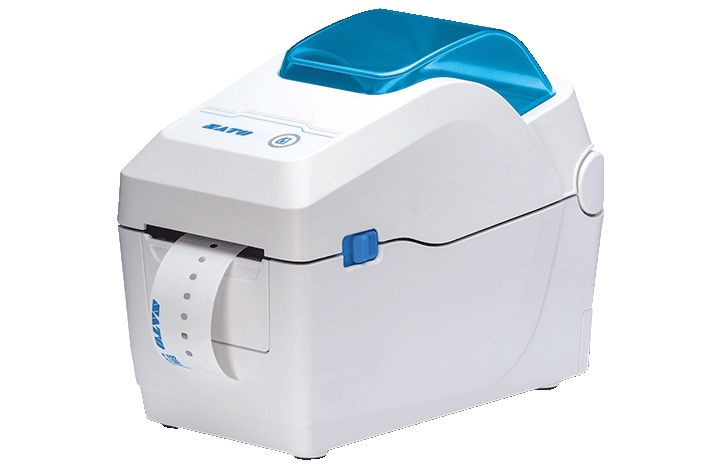
The CT4-LX-HC 4-inch thermal label printer is a powerhouse in a small package that fits seamlessly into even the most crowded healthcare setting. This healthcare printer is clinic-ready with its antimicrobial design and set-up and go connectivity options. The ease of the CT4-LX-HC with its touchscreen operation makes it easy to produce clear, precise labels ideal for patient identification, medication, and lab samples. Printer characteristics include:
- Antimicrobial plastic casing (disinfectant wipe-down ready)
- 4.3” full-color tough screen display
- 8 ips (203 mm/sec) print speed in high-quality 305 dpi print resolution
- Label waste prevention
- Standard USB and Ethernet connectivity, with optional Wi-Fi and BlueTooth
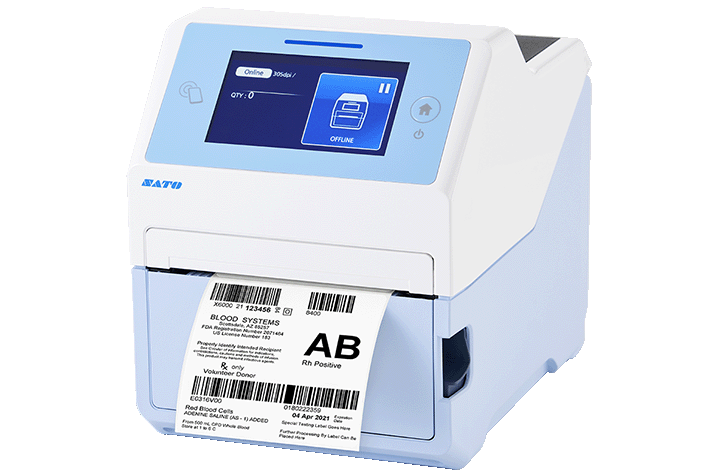
The speedy SATO CL4NX Plus healthcare label printer is designed to meet the rigorous demands of healthcare environments, providing reliability and precision in critical labeling tasks beyond other label printers’ capabilities. Engineered for advanced media efficiency, the CL4NX Plus is best-in-class when it comes to prints produced and minimal maintenance down-time. A unique capability for printing on extra small or RFID labels makes this healthcare printer a champion for a wide range of applications. The CL4NX Plus key features include:
- 14 ips (355 mm/sec) print speed at up to 305 dpi print
- Micro Label print mode (<53mm length)
- Print text and barcodes on RFID tags or labels (UHF, HF, and NFC) while encoding data at the same time
- Extra wide 60-degree print head opening for easy ribbon loading and roller maintenance
- 10-inch media supply and 600m ribbon capacity supported
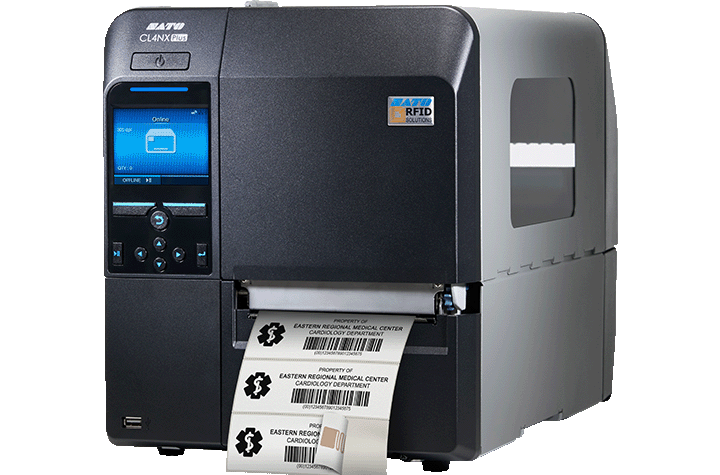
Conclusion
By prioritizing accurate and reliable labeling, healthcare organizations can significantly enhance patient safety, streamline operational efficiency, and mitigate risks. Investing in high-quality label printers, such as those offered by SATO, empowers healthcare providers to meet stringent industry standards and deliver exceptional patient care. By understanding the critical role of labeling in healthcare and selecting the right technology, healthcare facilities can build a foundation of trust and ensure the well-being of their patients.
Barcodes, Inc. is an expert in error-free data capture and management in the healthcare field. We understand that well implemented healthcare technology solutions can cut down on paperwork and human error, so that you can focus your time where it is needed most – with your patients. Call us today to learn more about all our healthcare technology solutions and how we can help your organization.
The Top 4 Advantages of Multi-functional POS Receipt Printers for Your Business
In an increasingly competitive consumer landscape, customer satisfaction is of paramount importance. If you are a grocery, retail or small business operation, having the right technology in place can make a world of difference. From processing sales transactions to managing inventory and customer service, multi-functional point of sale (POS) receipt printers have emerged as indispensable tools.
Top 4 Reasons to Use Multi-Functional POS Receipt Printers
- Streamline Transaction Processes: Multi-functional printers can significantly speed up checkout processes. Their ability to handle various tasks, such as printing receipts, labels, coupons, and processing checks, reduces the time spent on each transaction. This increased efficiency can lead to shorter wait times, improved customer satisfaction, and higher sales.
- Versatility and Flexibility: These printers are designed to accommodate diverse business needs. For example, multi-functional receipt printers give grocery stores the crucial ability to process various types of transactions, including cash, card, and check payments. In retail settings, features such as barcode printing and detailed transaction reports prove essential.
- Cost Savings: By utilizing highly productive technology, businesses eliminate the need for multiple devices, allowing them to reduce maintenance costs, save paper, maximise space, and simplify their operations. This benefit is especially important to small business operations.
- Improved Customer Experience: Fast and accurate transactions are essential for providing an excellent customer experience that fosters customer loyalty. Multi-functional printers contribute to this by reducing wait times, minimizing errors, and offering personalized receipts.
Product Highlight: Epson OmniLink TM-H6000VI
A perfect example of a cutting-edge, multi-functional POS receipt printer is the Epson OmniLink TM-H6000VI. This advanced printer offers a variety of features that are designed to support the ever-changing needs of modern businesses.
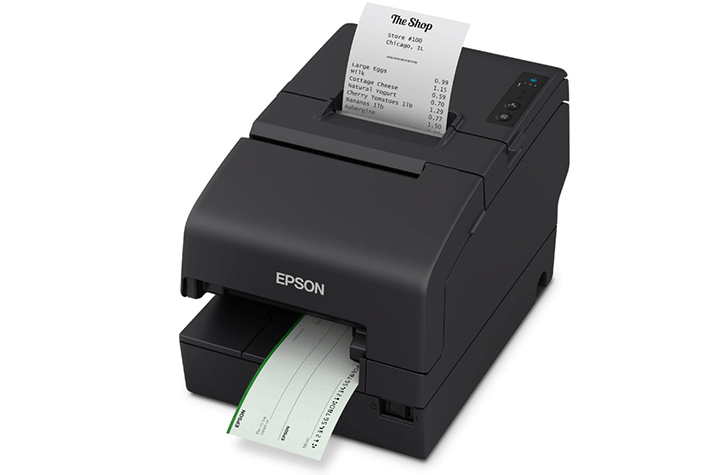
- Fastest In the Industry: The TM-H6000VI clocks-in the fastest print speeds of any multifunctional hybrid printer in the industry at 500 mm/sec, ensuring efficient checkout processes. Its ability to handle multiple payment methods makes it ideal for retail and grocery environments.
- Accurate Check Processing: The TM-H6000VI is capable of robust slip and endorsement printing. It possesses an impressive MICR accuracy of 99.9 percent.
- Durable & Efficient: This EPSON OmniLink printer is built to last with a long-life print head and auto cutter. head life, with printhead reliability of 200 km, as well as extended auto cutter life of 3 million cuts. This performance durability ensures that businesses spend less on maintenance and repairs – an important benefit for small businesses!
- Built Eco-responsible: Doing its part toward sustainability, the ENERGY STAR® qualified OmniLink TM-H6000VI printer is RoHS compliant, is a part of Epson America Inc.’s SmartWay Transport Partner program, and offers end-of-life options. Enjoy cost savings from a 49 percent reduction in paper usage.
- Real-time Remote Monitoring and Management: Ensure optimal performance and stay ahead of maintenance needs with remote access to the printer’s status, maintenance counters, part life expectancy, and settings.
- Multi-platform Support: The OmniLink TM-HV6000VI is compatible with traditional POS terminals, tablets and mobile devices, as well as POS peripherals such as payment terminals and customer displays. With various connectivity options, including USB, Ethernet, and Bluetooth, the HV6000VI is easy to integrate into existing POS systems.
- Online Ordering Capability: Elevate eCommerce operations by optimizing workflow efficiency, reducing errors in order processing, and ensuring timely and accurate deliveries with the Server Direct Print function. The EPSON TM-HV6000VI will retrieve orders from a Web server and print a receipt without requiring integration with POS software.
Conclusion
At Barcodes Inc., we’re more than just a supplier of POS equipment. We’re dedicated to understanding your unique business goals and providing tailored solutions that not only address today’s challenges but also position you for long-term success. If you’re looking for a POS receipt printer, Barcodes Inc. recommends the Epson OmniLink TM-H6000VI as a standout choice that can deliver exceptional performance and value for grocery, retail, and small businesses.
Hybrid Automation in Action: The Mobile Workstation
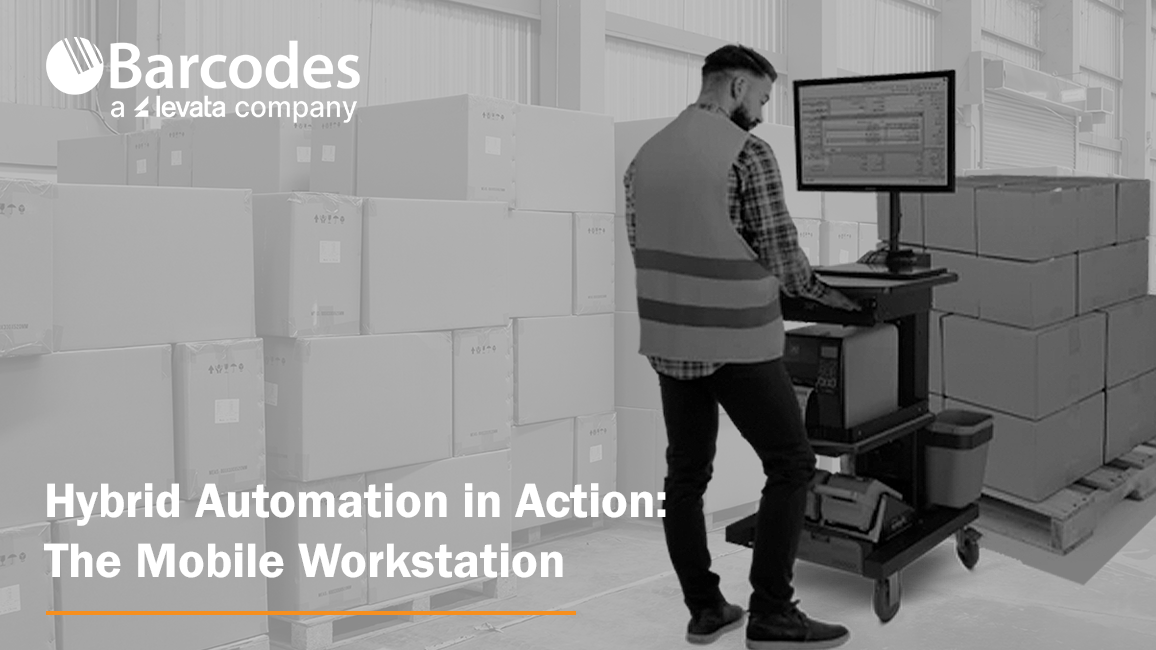
Hybrid automation has emerged as a powerful approach, blending the strengths of advanced technology and human expertise to create more resilient and efficient warehouse environments. A great hybrid warehouse is characterized by its ability to effectively combine the advantages of automation and human labor, leveraging technology and skilled workers to optimize operations. This synergy not only boosts operational productivity but also supports a workforce prepared for modern operations. Hybrid automation is redefining how workers and technology excel together in modern warehouses by unlocking new possibilities and propelling businesses into a future of unprecedented productivity and growth. Let’s look at the mobile workstation as a case study for how automation through mobility enhances the human workforce.
Why Mobile Workstations Are the Future of Warehouse Operations
Tired of seeing your workforce tied to stationary workstations? It’s time to break free from the chains of inefficiency. Traditional warehouse setups, with fixed computer and label printer stations, can significantly hinder productivity. Workers are forced to spend valuable time walking back and forth, interrupting their workflow and slowing down operations.
A solution like the Newcastle Systems Mobile Workstation is a prime example of mobile technology helping companies embrace hybrid automation. Rather than making the worker walk to and from a stationary workstation multiple times a day, Newcastle’s power carts are helping companies bring the workstation to the worker. Nothing combines productivity, convenience, and ease-of-use like Newcastle Powered Printer Carts. Printing and labeling inventory in warehouses can be a time-consuming process vulnerable to expensive mistakes. Imagine all the wasted time used repeatedly walking back and forth from a stationary label printer to the inventory disbursed across a warehouse, waiting to be labeled.
To truly harness speed and efficiency, a modern, mobile work environment is critical. The Newcastle mobile printer carts double worker output, so you can get the most out of your label printer and your workforce! Workers gain the power and flexibility to print labels where they are needed, while accomplishing more, faster.
The proof of potential:
- 92% Fewer Errors. Bringing print & apply labeling right to the warehouse dock drastically eliminates errors.
- 2X Productivity. By simply outfitting your workers with a mobile workstation, you’ll not only increase their productivity two-fold with no additional manpower needed, but you’ll also see job satisfaction and engagement rise.
- Quick Payback. Companies that invest in Newcastle mobile workstations consistently see a 6–10-month ROI. The benefits continue to grow from there!
- Trimmed Payroll. When print and labeling work is accomplished faster, standard payroll and overtime hours can be significantly reduced.
Leading by Example: How Newcastle Elevates the Human Element of Automation
Providers that value the synergy between human talent and automation technology are crucial in warehouse operations, as they enable a balanced approach that enhances productivity while leveraging the unique strengths of human insight and adaptability alongside automated efficiency. For this reason, Barcodes Inc. values a strong partnership with Newcastle Systems, whose commitment to elevating the human element of automation redefines what efficiency can look like on the warehouse floor and beyond.
Rather than simply focusing on task automation, Newcastle envisions a future where innovative solutions reveal untapped potential in day-to-day operations, bridging the gap between innovative technology and human-centered workflows. At the heart of this approach is their purpose–built mobile power workstations, which bring a flexible, powerful solution directly to workers, enabling them to operate more freely and efficiently.
Driven by a belief that automation should enhance rather than replace human capabilities, Newcastle integrates a “homegrown” philosophy. Their team is immersed in hands-on experience with their products, which helps to develop unique solutions tailored to real-world needs. This dedication ensures that Newcastle’s products go beyond basic functionality, fostering a workplace environment where both technology and human skill are maximized. By focusing on uncovering efficiencies in unexpected places, Newcastle’s vision is not just about meeting industry standards but about setting a new standard for operations that empower every person in the supply chain to thrive?.
Conclusion
Together, Newcastle Systems and Barcodes Inc. are more than just providers of hardware; we strive to be catalysts for operational transformation. By embracing hybrid automation and investing in innovative solutions like mobile workstations, businesses can unlock the full potential of their workforce. This strategic approach fosters a harmonious blend of human ingenuity and technological prowess, driving operational excellence and future-proofing warehouse operations. As we continue to witness the transformative power of hybrid automation, it’s clear that the future of warehouse efficiency lies in the seamless integration of human and machine capabilities.
To learn more about how automation solutions can meet the ever-growing demands for speed, scalability, and flexibility across the supply chain, talk to Barcodes Inc. about our next-generation technology and services. We can help you create next-level modern environments with autonomous mobile robots, machine vision systems, and automatic labeling solutions.
Unlocking Potential: The Impact of Android 13 & GMS on Your Business
The road to unlocking the potential of your business is often an uncharted journey. It can sometimes feel overwhelming to keep up with operations, stay organized, and maintain customer satisfaction and team communications. Luckily, with our technology rapidly evolving, positive impacts can be made on daily operations with Android 13 and GMS. With some automation and a clear road map, you’ll know exactly where you want to go next.
Meet GMS
Google Mobile Services (GMS) is a bundled suite of Google applications and APIs that enhance Android devices. It offers familiar tools like Google Maps, Gmail, and Google Play. Within our POS world, it also leverages tools like access to payment services with Google Pay or ML Kit which provides on-device machine learning APIs capable of barcode scanning or smart replies to suggestions. GMS works with powerful Android 13 to create robust, secure, and customizable solutions tailored to meet the specific needs of your industry.
Restaurants & QSRs
Running a restaurant or QSR takes more than just great food. Keeping everything running smoothly is a huge challenge that businesses face daily. Between orders piling up and miscommunication between front and back-of-house staff, a lot can go sideways. Plus, in our age of convenience, customers’ expectations for quick service are higher than ever. The Touch Dynamics Nexus and Quest Handheld, both powered by Android 13 with GMS, are designed to address these challenges to help businesses streamline operations and improve customer satisfaction to keep them coming back.
Conquer Daily Operations
Juggling the daily chaos of a busy restaurant is a difficult task. The Nexus All-in-One keeps it simple with its sleek, interactive touchscreen that does it all—menus, self-ordering kiosks, or kitchen displays. Mount it on the wall or on a podium to best suit your set-up. Its MediaTek CPU processor keeps things running fast, so orders reach the kitchen instantly, cutting down on wait times.
Streamline & Mobilize
When your restaurant or QSR is packed, your team needs to be able to mobilize. The Quest Handheld lets them take orders on the go and process payments at the table without breaking stride. Multiple payment options—like Ingenico Moby 5500 and ID Tech VP3350—allow for faster transactions and happier customers. Plus, with GMS connectivity, you can stay plugged in throughout the restaurant.
Gaming

The gaming industry comes with its own set of hurdles. Customers want fast service, zero downtime, and seamless experiences across the board. Android 13 with GMS is perfect for these fast-moving environments, giving you the reliability you need and the flexibility your customers expect.
Driving Engagement
Casinos know that lagging tech is frustrating for both customers and employees, and keeping players engaged is the priority. The Quest Gaming Tablet helps you switch between apps and assist customers without a hitch. It’s a real powerhouse—fast, efficient, and always reliable. With its API-driven status lightbar and all-new kickstand, it creates a fun and comfortable gaming experience that keeps players captivated. Wireless connectivity ensures that your favorite games run with no bumps.
Is GMS Right For You?
GMS can help take your business to the next level, especially when combined with a POS solution that suits your needs. If your business relies on mobile payments, Android 13 with GMS can help expedite these transactions while offering security. Businesses that require tailored solutions will find that Android 13’s customizable interface can be fine-tuned to your needs. Finally, if you prioritize being on the cutting edge, Google’s regular updates of Android 13 and GMS ensure you’ll always have access to the latest tech.
Android 13 with GMS presents a unique opportunity to conquer daily operations, streamline & mobilize, and drive engagement across a range of industries. Whether you’re in restaurants, gaming, or retail, these technologies provide the tools to overcome industry-specific challenges. By integrating devices like the Nexus All-in-One, Quest Handheld, or Quest Gaming Tablet, you can unlock the full potential of GMS and stay at the forefront of your field.
Get Started Today
Interested in how Android 13 with GMS on a Touch Dynamic system can transform your business? Contact us today to learn more about how the fully customizable Nexus 21.5″, Quest Handheld, and Quest Gaming Tablet can bring GMS to your fingertips.
Enhancing Warehouse Productivity With Brother’s Mobile Technology
Consider the typical workflow of a warehouse employee: picking items, verifying stock, and printing labels. Currently, employees must locate the item, go to a central location to print the shipping label and packing slip, and then return to the shelf to apply the labels. If this sounds like your warehouse workflow, it’s time to enhance mobility in your environment and improve efficiency.
By embarking on a mobility transformation that includes implementation of mobile printers, scanners, or tablets, employees can complete warehouse tasks directly at the item’s location, saving time and improving workflow. Alternatively, mobile workstations can be introduced to bring technology to more convenient locations, increasing overall productivity. Let’s explore mobile technology solutions that can enhance warehouse efficiency, increase productivity, and provide real-time visibility into inventory levels.
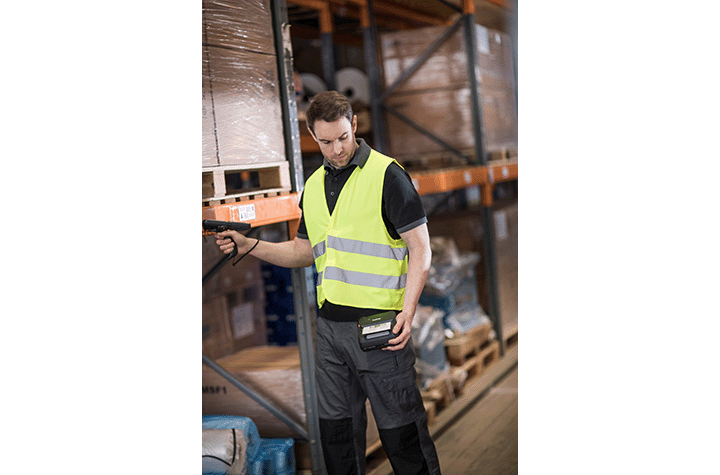
Durable, Portable, and Powerful: The Brother RuggedJet 4
The Brother RuggedJet 4 mobile label and receipt printer raises the industry standard with a smart new way to manage and deploy printers, housing design and market leading technology, performance, ruggedness and connectivity. Quickly print labels and tags up to four inches from handhelds, tablets, and smartphones. Mount these rugged mobile printers in forklifts and vehicles, carry them on shoulder straps, or hook them to belts. Key features of the Brother RuggedJet 4 barcode label printer:
- Remarkably compact design
- Ultra-rugged construction
- Enhanced print speeds of up to 5ips
- Remote updates and configuration
- Smart Li-ion battery lasts a full day shift
- Bluetooth and Wi-Fi connectivity options
- AirPrint using iOS
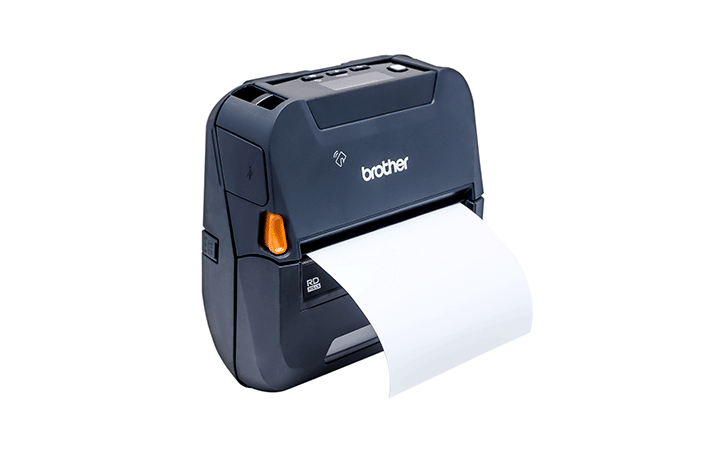
Flexible Printing Anywhere, Anytime with the Brother PocketJet 8
If portable, full-page thermal printing in the field is a requirements, consider a leader for its high quality prints, impressive speed, and expanded connectivity options, the Brother PocketJet 8. This versatile printer offers a broad range of paper and label capabilities, with everything you need to work efficiently backed by the confidence of lifetime technical support. The PocketJet 8 is smarter, faster, and up for the job wherever it takes you. Key features of the Brother PocketJet 8:
- Up to 300dpi high-resolution print technology
- Print speed up to 13.5 pages per minute
- Single USB-C connection for power and communication
- Operate cord-free via Bluetooth or Wi-Fi
- Print from existing systems with multiple OS compatibility
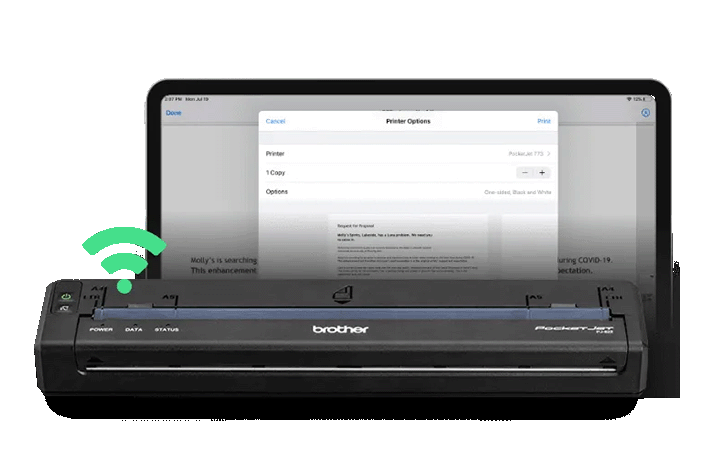
Conclusion
Mobile technology offers a comprehensive solution to enhance warehouse productivity and efficiency. By implementing mobile printers, scanners, or tablets, businesses can streamline workflows, reduce labor costs, and improve overall operations. With devices like the Brother RuggedJet 4 and PocketJet 8 mobile printers, organizations can enjoy the benefits of portable, high-quality printing wherever they need it. By embracing these innovative solutions, warehouses can stay competitive, meet customer demands, and drive growth.
As your true end-to-end solution partner, Barcodes Inc. has you covered from the assessment and planning phase of your mobility journey, to the support and renewal stages, and everything in between. Contact Barcodes Inc. today to learn more our mobility solutions and more!
Meeting the Challenges of Modern Warehouse Operations
Modernizing warehouse operations has become essential for staying competitive in today’s fast-paced and dynamic market. According to Zebra’s 2023 Warehousing Vision Study, supply chain leaders are increasingly focused on reducing unnecessary tasks and equipping workers with the right tools and technology to streamline operations. Let’s explore the key challenges warehouses face and how innovative solutions can address them.

Key Factors Driving Warehouse Modernization
The rise of e-commerce has significantly impacted warehouse operations, leading to higher shipping volumes, greater demand for inventory visibility, and more returns to manage. Along with this, customer expectations for fast shipping and accurate order fulfillment have soared, intensifying the pressure on warehouses to boost efficiency and stay ahead of the competition. These challenges are compounded by labor shortages, making it crucial for warehouses to offer a worker-friendly environment that retains talent while optimizing workforce productivity through automation.
Automating Repetitive Tasks: Print and Apply Technology
As labor shortages persist, automation is increasingly vital to ensure workers can focus on critical tasks. Barcodes Inc’s Print and Apply systems automate tasks like preparing and labeling boxes, enhancing accuracy and speed while reducing the burden of manual labor. AI-powered machines can take over these routine processes, allowing workers to focus on higher-value tasks that require human attention.

Enhancing Speed and Accuracy: Wearables and Vehicle-Mounted Computers
With increased shipping volumes and heightened consumer demands for quick and accurate order fulfillment, technologies like wearable and vehicle-mounted computers are transforming warehouse operations. These tools add mobility and efficiency to tasks such as order picking, sorting, packing, and put-away. They also prioritize ergonomics, ensuring workers can perform their jobs comfortably and productively, leading to greater job satisfaction.
Providing the Best Equipment: Rugged Tablets and Scanners
Equipping employees with the right technology is crucial for both attracting and retaining workers. Rugged tablets and barcode scanners, designed to withstand the harsh conditions of warehouse environments, are ideal for improving employee performance. These durable devices ensure operational continuity while helping employees work more efficiently.
Streamlining Warehouse Operations with Barcodes Inc’s Solutions
Investing in cutting-edge technology is essential for overcoming the challenges of modern warehouse operations, from managing customer expectations to addressing labor shortages. With decades of industry expertise, Barcodes Inc offers comprehensive solutions, from consulting and project management to procurement, deployment, and device configuration. Our end-to-end services ensure optimal performance, reducing downtime and enhancing your warehouse’s efficiency and competitiveness.
Navigating the Complexities of Wireless Networks with Barcodes Inc
In today’s fast-paced digital world, wireless networks are the backbone of enterprise communication, enabling seamless mobility by connecting devices, applications, and users. However, maintaining a strong wireless infrastructure comes with its own set of challenges. Many organizations face difficulties related to network design, equipment longevity, and performance, leading to frustration for both IT teams and end-users.
Are Your Devices Connecting Efficiently?
Understanding how devices connect to your network is crucial for identifying potential problems. With the rise of IoT devices, smartphones, and laptops, the demand on wireless networks has skyrocketed. Are these devices connecting without issues, or are there bottlenecks causing delays and dropped connections? Assessing device compatibility and performance is essential to meet your organization’s connectivity demands.
What Kind of Wireless Network Are You Running?
The type of wireless network you operate greatly influences its performance. Whether you’re using a legacy system or a more modern setup, your network’s design must align with your current and future business needs. Is your network built on outdated technology struggling to keep up with modern applications, or are you utilizing the latest advancements like Wi-Fi 6? An outdated network can hinder your organization’s ability to scale and adapt to new technologies.
When Was the Last Time Your Equipment Was Refreshed?
Network hardware has a limited lifespan, and outdated equipment can lead to poor performance, security risks, and increased maintenance costs. Networks typically get refreshed every 4-6 years. If it’s been longer since your last upgrade, now might be the time to evaluate whether your current equipment can still handle today’s demands. Modernizing your infrastructure can greatly enhance performance, security, and manageability.
Who Manages Your Network?
The management of your wireless network is crucial to its overall performance. Is your network managed internally, or do you rely on external support? Modern wireless networks often require specialized expertise to ensure optimal operation. Without dedicated resources or expert management, issues may go unnoticed until they disrupt business operations.
Do You Have Connectivity Issues?
Connectivity problems—such as slow speeds, dropped connections, or dead zones—are common for many organizations. These issues can disrupt business activities and frustrate users. Regular monitoring and troubleshooting are necessary to identify and fix these problems before they affect productivity. If connectivity issues persist, it may be time to re-evaluate your network’s design and configuration.
Have You Conducted a Recent Site Survey?
A wireless site survey is key to verifying coverage and spotting potential issues with your network’s performance. If it’s been a while since your last survey, you may lack a clear understanding of how well your network is functioning. A thorough survey can reveal areas with weak signals, interference, or insufficient capacity, helping you make informed decisions on necessary upgrades.
Planning for Expansion? Consider Network Design
If your organization is expanding or adding new locations, this poses unique challenges for your wireless network. How will you design, configure, and implement cabling to ensure seamless connectivity across all areas? Proper planning is critical to avoid disruptions and ensure your network supports future growth.
How’s Your Wi-Fi Experience?
User experience reflects your network’s overall performance. Are users consistently satisfied, or do they encounter issues that slow down productivity? A well-designed network should provide reliable, high-speed connectivity with minimal downtime or disruptions across your entire facility.
Is It Time for a Network Refresh?
If your network is struggling to keep up with current demands, it may be time for a full refresh. Upgrading your infrastructure can address many of the issues mentioned above, giving your organization a future-proof wireless network built for growth.
How Barcodes Inc Can Help
At Barcodes Inc, we understand the challenges of managing a high-performance wireless network. Our comprehensive services cover everything from planning and procurement to deployment and ongoing support. Our team works closely with you to ensure your network architecture aligns with your business goals, optimizing your wireless network for today’s needs and tomorrow’s growth.
Networking Architecture
We design scalable, robust network architectures that meet both current needs and future technological advancements. Our engineers specialize in a range of services including active, passive, and predictive WLAN site surveys, wireless bridging, cellular network solutions, and WAN & LAN planning. With Barcodes Inc, your network will empower your business to thrive in the fast-evolving digital landscape.
Wireless Site Surveys
Our technicians conduct detailed surveys of your facility, analyzing coverage, user density, data rates, and network capacity and security. This allows us to optimize hardware and strategically position access points for a secure, high-performing network. If a recent survey has been done, we’ll review the results to ensure they meet your business requirements.
Tailored Solutions for Every Need
Barcodes Inc offers a versatile range of services tailored to your specific needs. Whether you need full-service management from point-of-manufacture to point-of-sale or assistance with a particular project component, we provide the expertise and flexibility to help you achieve your goals.
Take Barcode Scanning Speed and Accuracy to New Heights

In all aspects of business, it’s no surprise that efficiency is paramount. The ability to quickly and accurately scan barcodes is a fundamental component of streamlined operations, especially in the retail, warehousing, manufacturing, and logistics industries. While traditional scanners have served their purpose well, the emergence of advanced scanning technology has significantly enhanced their capabilities, especially when dealing with damaged or poorly printed barcode labels. Keep reading for our review of the top four reasons to choose newer generation barcode readers, and why the Code Reader CR2100 is a top scanner choice for any industry.
What Makes Advanced Barcode Scanners Better?
Barcode scanners with advanced scanning capabilities bring significant advantages to businesses that often deal with damaged or poorly printed barcode labels. These scanners utilize sophisticated imaging technology designed to accurately interpret barcodes that are scratched, smudged, faded, or otherwise compromised. In environments where barcode labels are frequently exposed to harsh conditions, this ability to reliably scan even the most degraded codes ensures uninterrupted data capture and minimizes operational disruptions..
What Makes Advanced Barcode Scanners Better?
Barcode scanners with advanced scanning capabilities bring significant advantages to businesses that often deal with damaged or poorly printed barcode labels. These scanners utilize sophisticated imaging technology designed to accurately interpret barcodes that are scratched, smudged, faded, or otherwise compromised. In environments where barcode labels are frequently exposed to harsh conditions, this ability to reliably scan even the most degraded codes ensures uninterrupted data capture and minimizes operational disruptions.
- Enhanced Efficiency and Speed. Traditional scanners may struggle with barcodes that are partially damaged or printed on challenging surfaces. In contrast, advanced scanners can read these difficult labels with ease, eliminating the need for manual data entry or barcode rescanning.
Ideal for: High-traffic environments, retail checkout counters, warehouses, assembly lines. - Improved Accuracy and Reduced Errors. Errors in data entry can lead to costly mistakes, such as incorrect inventory counts, misplaced shipments, or billing inaccuracies. Advanced scanners that can consistently read poorly printed or damaged labels reduce these risks by ensuring that data is captured correctly the first time. For businesses, this translates to fewer returns and better stock management.
Ideal for: Environments with large volumes of goods to be tracked quickly. - Better Overall Customer Satisfaction. Customers expect fast, reliable transactions, and scanners that can handle difficult barcodes deliver precisely that. Whether scanning loyalty cards, shipping labels, or product codes, these devices ensure seamless interactions by reducing delays and errors at the point of sale or during order processing. In turn, this leads to improved customer satisfaction and loyalty.
Ideal for: retail stores, warehouses, manufacturing facilities. - Elevated Inventory Management and Control. With real-time data capture, businesses can instantly update inventory levels, track product movements, and generate accurate reports on stock levels. For businesses with complex supply chains, having up-to-date information on stock levels enables better decision-making and improves the overall efficiency of logistics and warehouse operations.
Ideal for: warehouses, retail locations.
Product Review: The Code Reader CR2100 — A Standout in Scanning Performance
Now that you know the undeniable benefits to high-speed, reliable scanning, what is the best barcode scanner? At Barcodes Inc., we offer a wide selection of barcode scanners to meet a variety of function and budget requirements. But when it comes to superior scanning capability at an affordable cost, the Code Reader CR2100 is a stand-out performer.

- Superior Scanning Performance. The CR2100 took unparalleled scanning performance and stepped it up a notch for tough scanning situations. A fourth-generation barcode reader, the CR2100 combines over twenty years of experience with features like multi-directional 1D and 2D barcode reading for the improved flow of information to keep business moving.
- BlueTooth Technology for Security and Endurance. Enhance your workflow with Bluetooth® 5.0 technology, ensuring secure data transmission. Equipped with a Bluetooth Low Energy radio, the Code CR2100 offers extended battery life, minimizing downtime. A built-in battery gauge provides timely alerts for battery replacement, allowing for quick swaps and uninterrupted productivity.
- Durability in Demanding Environments. A rugged construction with high IP ratings for protection against dust, moisture, and drops ensure long-term reliability and reducing downtime for repairs or replacements. With the introduction of wireless (inductive) charging, Code has eliminated any exposed metal. Combined with seamless construction, an IP52 rating and top-of-the-line CodeShield® Level 1 plastics, the CR2100 can be quickly and completely wiped down.
- Seamless Integration with Existing Systems. One of the key strengths of the CR2100 is its flexibility when it comes to integration. Whether your business uses point-of-sale systems, warehouse management software, or electronic health records systems, the CR2100 can easily integrate with these platforms, offering seamless data capture and transfer.
Conclusion
Advanced barcode scanners, like the Code Reader CR2100, offer a significant advantage by enabling businesses to accurately and quickly scan barcodes, even when they are damaged or poorly printed. This technology improves accuracy, reduces errors, enhances customer satisfaction, and streamlines operations, ultimately leading to increased productivity and profitability. By investing in advanced barcode scanners, businesses can future-proof their operations and stay ahead of the competition.
At Barcodes Inc. we design our solutions and services around the customer first. Lean on Barcodes Inc. for fully managed device services and technology lifecycle support that provides a true end-to-end service solution.
Boost Your Warehouse Efficiency and Employee Satisfaction

Warehouse work is often physically demanding, requiring long hours, repetitive tasks, and enduring fluctuating temperatures. To better understand what contributes to job satisfaction and burnout in this crucial industry, Newcastle Systems conducted its first-ever Worker Satisfaction Survey, gathering insights from over 200 U.S. warehouse employees. The results provide a window into the challenges these workers face and what can be done to improve their work environment.
The Physical Demands of Warehouse Work
Many warehouse workers struggle with the intense physical requirements of their jobs. In the survey, 22.5% of workers said the physical demands caused significant fatigue, while 21% cited long hours as the main source of burnout. With 1.85 million people employed in the warehousing and storage sector across the U.S., these findings reflect the heavy toll this line of work can take on employees.
Do Warehouse Workers Feel Valued?
Employee morale is vital for an efficient warehouse, and feeling valued is key to job satisfaction. The survey revealed that while 39% of workers feel “somewhat valued,” 5% feel “not valued at all.” This highlights a clear opportunity for warehouse managers to focus on creating a work environment where employees feel appreciated.
Compensation plays a major role in satisfaction, with 33% of respondents pointing to fair and competitive pay as the most important factor. As labor shortages persist and eCommerce demands rise, employers must prioritize pay and working conditions to retain a dedicated workforce.

Addressing Workforce Needs: Tools and Equipment
A significant finding from the survey is the lack of adequate tools and equipment. Ten percent of respondents noted they lack the necessary tools to do their jobs effectively. This concern extends to critical areas like safety equipment, warehouse automation, and heating and cooling systems.
To improve worker satisfaction and efficiency, employers must invest in modernizing equipment, upgrading safety protocols, and improving environmental controls. These investments can enhance productivity and morale while creating a safer, more comfortable work environment.
Embracing Technology and Ergonomics
The survey shows that warehouse workers are generally open to new technology, particularly if it improves efficiency and reduces physical strain. Many respondents expressed moderate comfort with the idea of integrating robotics into operations. This openness presents a valuable opportunity for employers to introduce ergonomic solutions such as mobile-powered workstations, wearable barcode scanners, and collaborative robots (cobots).
Ergonomic tools were especially praised for their positive impact on job enjoyment. While automation is important, it’s clear that ergonomic solutions, which reduce physical strain, resonate strongly with workers and can significantly boost productivity.
20% of respondents expressed that ergonomic and productivity tools (like mobile-powered workstations and wearable barcode scanners) make their jobs more enjoyable, suggesting that small technological enhancements can significantly impact worker satisfaction.

The Benefits of Ergonomic Workstations
Mobile-powered workstations are one of the most effective solutions for bridging the gap between manual labor and automation. These workstations enhance efficiency without the complexity of full-scale robotic systems. By simplifying tasks and reducing physical demands, they offer a practical solution to improve both productivity and employee satisfaction.
The survey also highlighted generational differences in what workers value most. Younger employees (ages 18-25) prioritize workplace safety, growth opportunities, and leadership style. Workers aged 26-40 emphasize fair pay, growth opportunities, and work/life balance, while older workers (41+) focus on work/life balance and competitive pay.

Maximizing Employee ROI
To maximize the return on investment (ROI) in their workforce, warehouse managers should focus on key areas: compensation, ergonomic tools, and supportive work environments. Enhanced pay packages, engaging incentive programs, and improved communication can go a long way in increasing worker satisfaction and loyalty. Addressing environmental concerns, such as temperature control, also plays a significant role in improving well-being.
Conclusion: Investing in Warehouse Workers
Warehouse workers are essential to the success of the logistics and eCommerce industries. The Newcastle Systems Worker Satisfaction Survey reveals that fair compensation, better tools, and improved working conditions are crucial to maintaining a happy and productive workforce.
Contact us today to learn how Newcastle Systems’ purpose-built mobile power workstations enhance on-floor productivity, allowing workers to focus on value-added tasks. This approach not only boosts efficiency but also enhances the working experience, delivered through a team of people vested in business success and worker happiness.
The Impact of iOS in Retail
Barcode scanning challenges have long hindered retail efficiency, often slowing down operations and frustrating employees. Modern barcode scanning apps on iOS devices frequently struggle with speed, accuracy, and handling damaged barcodes. However, integrating sleds with iOS devices offers a promising solution to these issues. With trends indicating significant investments in retail technology to enhance efficiency and employee satisfaction, advanced solutions like iOS sleds are critical for meeting retail demands and driving productivity.
The evolution of mobile technology in retail has been driven by the urgent need for rapid, high-quality customer service, especially amid persistent labor shortages. While basic handheld barcode scanners and POS systems streamlined some operations, they failed to meet the needs of mobile POS systems, inventory management, and real-time data access. To stay competitive in this fast-paced industry, retailers have begun leveraging iOS for efficient, secure operations that elevate retail capabilities and customer engagement.
The Future of iOS in Retail
Future trends in iOS are set to significantly impact the retail industry by enhancing operational efficiency and boosting employee satisfaction. According to a Scandit study, 41% of workers believe that user-friendly technology is crucial for fostering workplace loyalty, with iOS’s intuitive design being a key advantage. Additionally, over two-thirds of store associates globally rate their devices as important or very important for their jobs, indicating that the adoption of iOS solutions can enhance productivity and engagement. Gartner predicts global retail spending on technology will reach $262.6 billion by 2027, showcasing the strong investment in iOS solutions for inventory management, mobile POS systems, and personalized customer interactions. This surge in technology investment is likely to boost employee satisfaction and operational performance across the retail sector.
The Challenges of Barcode Scanning on iOS Devices
Despite the advantages of iOS in retail, barcode scanning on these devices presents several challenges, such as:
- Speed & Accuracy
- Field-of-View & Distance Reaches
- Inability to Read Damaged Barcodes
Additionally, iPhones lack side trigger buttons, essential for expediting tasks like restocking, and require users to rely on the screen to ensure the barcode is within view.
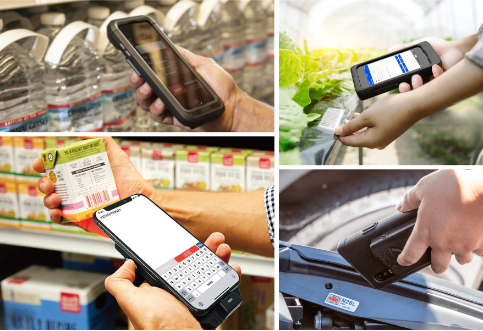
Enhancing iOS with Mobile Phone Sleds
Mobile phone sleds significantly improve efficiency and accuracy in retail environments by providing physical trigger buttons and advanced scanning capabilities. According to Zebra’s comparative analysis, using an integrated scan engine with a physical trigger button saves workers 41.36 minutes per day compared to using a consumer device with a camera and virtual button. This 30% time savings allows associates to be repurposed for other tasks, increasing picking and fulfillment scans.
With the demand for a swift upgrade to existing iOS devices, mobile device sleds that transform iPhones into enterprise-ready tools are more essential than ever. These sleds provide instant usability, efficient operation, and quick scanning of both linear and 2D barcodes, meeting the high demands of retail environments and boosting productivity.
The Barcodes, Inc Advantage
Barcode scanning challenges have long hindered retail efficiency, but integrating mobile phone sleds with iOS devices offers a robust solution. These sleds enhance scanning by offering physical trigger buttons, dedicated scanners with longer reach, and the ability to scan barcodes without viewing the screen. This has proven to save workers time and energy, allowing them to focus on higher-value tasks and boosting overall productivity.
If you’re ready to enhance your retail operations and improve efficiency, Barcodes, Inc is here to help. Our team specializes in integrating enterprise mobility solutions that transform your iOS devices into powerful, enterprise-ready tools. From streamlining barcode scanning to increasing productivity and customer satisfaction, we’re committed to providing the technology and support you need. Contact us today to get started!
From Challenges to Triumph: Yamaha G3 Boats’ RFID Journey
When Yamaha G3 Boats faced challenges with visibility, efficiency, and tracking in their production process, they turned to Barcodes, Inc to implement an RFID solution. This strategic move aimed to increase production capacity and streamline operations, ultimately paving the way for significant growth and improved productivity. Their success was recognized with the ‘Best Manufacturing Implementation of RFID’ award at the 2024 RFID Journal Live, demonstrating the impact of advanced technology in overcoming operational bottlenecks.

About Yamaha
Yamaha G3 Boats is renowned for producing high-quality aluminum fishing boats and recreational pontoon boats. With a strong commitment to craftsmanship and innovation, they’ve earned a reputation for delivering durable and reliable vessels. Their product range caters to both avid anglers and recreational boaters, offering top-notch performance and comfort on the water. Yamaha G3 Boats is also known for their continuous improvement initiatives, consistently integrating advanced technologies to enhance both manufacturing processes and product offerings.
Barcodes, Inc Advantage
To tackle the challenges of visibility, efficiency, and tracking in their manufacturing process, Yamaha turned to Barcodes, Inc’s cutting-edge RFID systems, which delivered an ideal solution. By deploying RFID technology, Yamaha was able to:
- Enhance Visibility: Barcodes, Inc’s RFID technology provides real-time visibility into the production line. RFID tags attached to each boat and key components allow Yamaha to track their location and status at every stage of production. This real-time data enables the company to quickly identify and resolve issues, ensuring smoother production processes.
- Improve Efficiency: With comprehensive tracking capabilities, RFID technology optimizes workflow on the shop floor. Identifying bottlenecks and streamlining operations allows Yamaha to meet production schedules more accurately and efficiently. Additionally, automated data entry and ERP system integration further boost operational efficiency.
- Accurate Tracking: RFID tags enable precise tracking of each boat throughout the manufacturing process. This accuracy minimizes errors and improves resource allocation. Real-time tracking of every component and work order ensures production stays on schedule, leading to improved throughput.
Looking Ahead
Yamaha G3 Boats continues to expand its RFID capabilities with future phases planned. By partnering with Barcodes, Inc, Yamaha remains poised to meet market demands and maintain their competitive edge.
The success of Yamaha G3’s RFID implementation is a milestone for Barcodes, Inc, and we look forward to continuing this partnership to achieve even greater accomplishments. Congratulations to everyone involved in this project!
Boosting Efficiency in Packaging: The Power of Print and Apply Technology
In today’s fast-paced manufacturing and packaging industries, manual processes and rising labor costs can significantly hinder efficiency and increase operational expenses. Traditional methods of applying labels and printing product information on unfolded boxes require considerable manpower, leading to both higher labor costs and a greater potential for human error. Barcodes, Inc’s Print and Apply solution tackles these challenges head-on, offering an advanced system that automates and streamlines these crucial tasks.
What is Print and Apply?
Print and Apply technology automates the labeling and printing process on unfolded boxes. Traditionally, these tasks required manual effort, but Barcodes, Inc’s solution incorporates a sophisticated, AI-powered system that not only enhances speed but also ensures greater accuracy, boosting production efficiency across the board.
How It Works
- Preparing Boxes: Boxes ranging from 4×4 inches to 40×60 inches are automatically separated for labeling.
- Labeling or Printing: Depending on the print job, the system applies labels using a labeler with a print engine or directly prints product information onto the boxes with an inkjet system.
- Inspection: An AI-powered system inspects each box to verify correct application of labels or printed data. This step ensures accuracy, eliminates production errors, and only allows correctly labeled or printed boxes to proceed.
- Restacking: Labeled or printed boxes are moved to an automatic restacking bin, ready for transport to their designated locations.
Benefits of Barcodes, Inc’s Print and Apply
- Increased Production Rates: Automating the labeling and printing process accelerates production lines, resulting in higher output and enhanced efficiency.
- Reduced Labor Costs: Automation minimizes the need for manual labor, cutting labor expenses and allowing businesses to allocate resources more effectively.
- Enhanced Accuracy: AI-powered inspections prevent production errors, ensuring only correctly labeled or printed boxes move forward, reducing costly mistakes.
- Versatility: The system accommodates a wide range of box sizes without requiring manual adjustments, providing flexibility for various packaging needs.
- Quality Assurance: Motorized guides ensure the precise positioning of labels and printed information, further reducing the likelihood of errors.

Applications Across Industries
- Packaging: Automates labeling and printing processes, improving efficiency and reducing errors.
- Pharmaceuticals: Ensures accurate labeling for regulatory compliance and product safety.
- Food and Beverage: Manages diverse packaging needs with speed and accuracy, maintaining high-quality standards.
- Warehousing: Facilitates efficient inventory processing, improving overall warehouse operations.
By implementing Barcodes, Inc’s Print and Apply system, companies can overcome the challenges associated with manual processes and rising labor costs, leading to improved production efficiency, cost savings, and enhanced product quality. This innovative technology not only meets the demands of today’s dynamic industries but also lays a strong foundation for future growth and innovation.
From Farm to Fork: Ensuring Food Safety with Effective Labeling

Food safety is a top priority for everyone involved in the food supply chain, from farmers and manufacturers to distributors, retailers, and ultimately, consumers. Contaminated food can cause serious illness, and preventing these outbreaks requires a multi-pronged approach. One critical element in this strategy is effective food safety labeling. The best food label printers are designed to meet the specific requirements of the food industry, offering advanced features that enhance food safety practices. Read further to learn the importance technology plays in ensuring accurate and efficient labeling practices.
Why Food Safety Labeling Matters
Food safety labeling plays a crucial role in safeguarding consumers from potential hazards. It allows for accurate tracking of food products throughout the supply chain, facilitating swift and targeted action in case of recalls or contamination concerns. Clear and consistent labeling also empowers consumers to make informed choices about the food they eat.
Here are some specific ways food safety labeling contributes to a safer food system:
- Traceability: Labels with essential information like batch numbers, expiration dates, and processing facilities enable tracing in the event of recalls.
- Allergen Awareness: Clear and accurate allergen labeling on food packaging allows consumers with allergies to make safe choices.
- Ingredient Transparency: Detailed ingredient lists on labels help customers with specific dietary needs or preferences make informed choices.
- Best-Before Dates: Best-before dates advise consumers when food maintains its optimal quality and safety.
- Instructions and Warnings: Labels can include instructions for proper handling, storage, and preparation of food.
Technology’s Role in Food Safety Labeling Accuracy and Efficiency
Label printer technology plays a vital role in ensuring the accuracy and efficiency of food safety. As North America’s leading provider of barcode and product labeling, mobile computing, and RFID solutions, Barcodes Inc. partners with the most trusted brands in the food service and grocery industry that offer unique food labeling features.
- Digital Printing Solutions: Advanced digital printing technologies facilitate on-demand printing of labels, allowing for real-time updates and increased flexibility. This reduces waste and ensures the most recent information is included on labels.
- Variable Data Printing: This technology allows for printing unique information like lot codes and expiration dates on each individual label, enhancing traceability and facilitating targeted recalls if needed.
- Label Management Software: Centralized software solutions streamline the creation, approval, and printing of food safety labels, fostering consistency and reducing errors.
- RFID (Radio Frequency Identification) Technology: RFID tags embedded in food packaging offer enhanced traceability as they can track food products throughout the supply chain in real-time.
SATO: Empowering Businesses with Food Safety Labeling Solutions
Not all label printers are created equal. SATO food safety label printers are a top-shelf choice in the food and grocery industry for their durability, resistance to moisture and temperature fluctuations, and crisp, clear label printing. Here are a few reasons SATO printers remain a top choice for food manufacturers and retailers:
Improved Efficiency: High-speed printing and easy integration with existing systems streamline labeling processes, reducing bottlenecks and improving overall productivity.
Enhanced Traceability: Accurate and legible labels facilitate effective tracking of food products throughout the supply chain, ensuring compliance with regulatory requirements.
Durability and Reliability: SATO printers are built to withstand tough conditions, ensuring uninterrupted operation in food production environments.
Versatility: The printers can accommodate a wide range of label materials and printing applications, meeting the diverse needs of the food industry.
SATO is the innovator behind DateRight™ Rotation Labeling, a solution to streamline food storage and rotation in food service outlets. The label incorporates seven color indicators that represent the days of the week, allowing for easy visual identification of expiring products and promoting FIFO (First-In, First-Out) inventory management.
Let’s explore two popular food label printer models by SATO, the CL4NX Plus and CT4-LX printers.
SATO CL4NX Plus RFID Label Printer:
High-Speed Printing: The CL4NX Plus delivers rapid printing speeds up to 10 ips, reducing labeling bottlenecks and improving overall production efficiency.
UHF RFID Module: Print text and barcodes on UHF tags/labels and encode data in their embedded chips at the same time. The CL4NX Plus is even capable of checking RFID chips prior to encoding to verify their readiness to use and to prevent failures.
Flexible Media Handling: The printer can accommodate a wide range of label materials, including those with special coatings or adhesives, ensuring compatibility with various food packaging applications.
Advanced Connectivity Options: The CL4NX Plus offers seamless integration with existing systems, enabling efficient data transfer and label printing.
Learn more about the SATO CL4NX Plus.
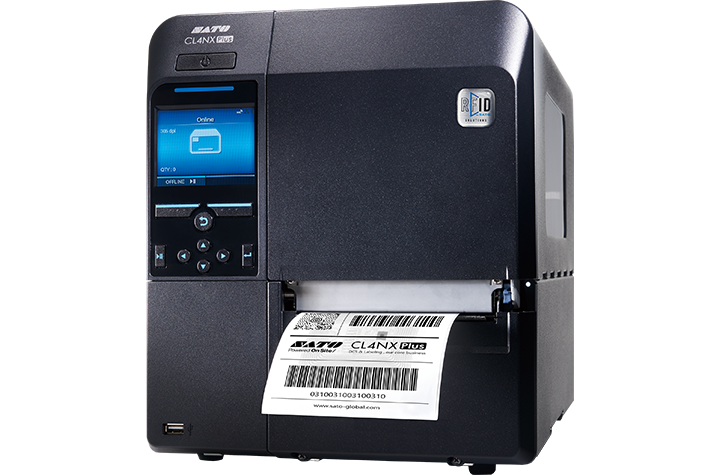
SATO CT4-LX Label Printer:
- Compact and Portable: The CT4-LX is a 4-inch compact and portable printer, making it ideal for mobile labeling applications in food production facilities.
- Patented Label Waste Prevention: SATO’s patented label waste prevention feature helps minimize label waste, contributing to cost savings and environmental sustainability.
- High-Resolution Printing: The printer delivers clear and legible labels, ensuring accurate product information and traceability.
- Wireless Connectivity: The CT4-LX offers wireless connectivity options, enabling mobile workers to print labels from remote locations.
Learn more about the SATO CT4-LX.
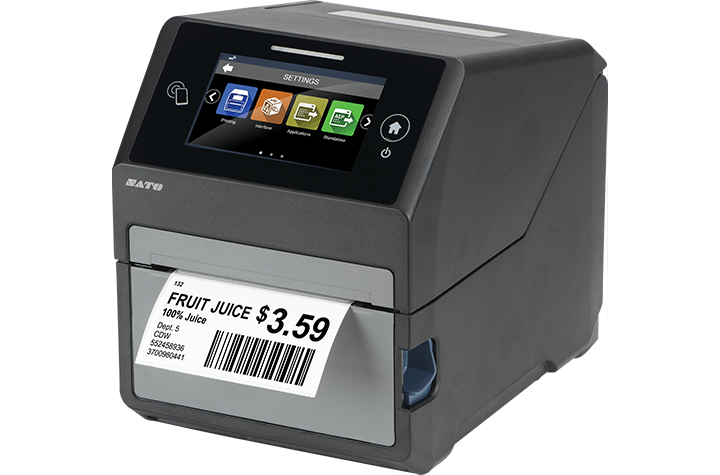
By incorporating high-quality food label printers like the SATO CL4NX Plus RFID and CT4-LX printers into their operations, businesses can enhance food safety labeling practices, improve efficiency, and ensure compliance with regulatory standards. Barcodes, Inc. is a leader in supply chain solutions, offering high-quality thermal printers and compatible labels specifically designed for unique industries. For help finding the right labeling solutions for your business, contact Barcodes Inc. today.
Mobile Devices Revolutionizing Retail & Manufacturing
Enterprise mobility has rapidly evolved, driven by technological advancements and changing business needs. Organizations are increasingly embracing mobile solutions to streamline operations, enhance productivity, and improve customer experiences. Thanks to strong relationships with partners who share a passion for innovative technology trends in modern environments, Barcodes Inc. can share insights on the best mobile devices for retail and manufacturing industry operations.
Unitech’s Android-powered mobile tablet RT112 and EA660 rugged handheld computer are leading the charge in the mobility transformation. These ultra-portable devices offer the durability, flexibility, and functionality needed to meet the challenges of modern retail and manufacturing environments. With 1D/2D scanning that enables barcode reading at distances of up to 10m (12m for the EA660 smartphone) with 5G and Wi-Fi 6E connectivity, users capture real-time data collection that instantly connects to backend systems that confirm in-stock quantities or process online customer orders. From the rigors of retail to the harsh elements introduced on the manufacturing floor, the versatility and durability of Unitech mobile computing devices deliver the performance retail and manufacturing businesses need.
A Rugged Mobile Tablet Built for Demanding Use
When it comes to mobile devices designed for efficiency and reliability, the Unitech RT112 rugged mobile tablet won’t disappoint. Its durable construction with IP67 protection and drop test resilience up to 1.5 meters earned it MIL-STD810H certification. It is uniquely designed for field service and industries such as manufacturing and retail.
Retail Applications:
- Inventory Management: Real-time stock tracking, cycle counting, and price audits can be efficiently performed using the RT112. Its large 10.1-inch display and intuitive interface facilitate quick data entry and retrieval.
- Point of Sale (POS): By integrating the RT112 with POS software, retail store employees are empowered to streamline checkout processes and reduce wait times on the shop floor with the ability and take payments anywhere.
- Customer Service: Equipped with barcode scanning capabilities, the RT112 can quickly access product information, check inventory levels, and process returns, improving overall customer service.
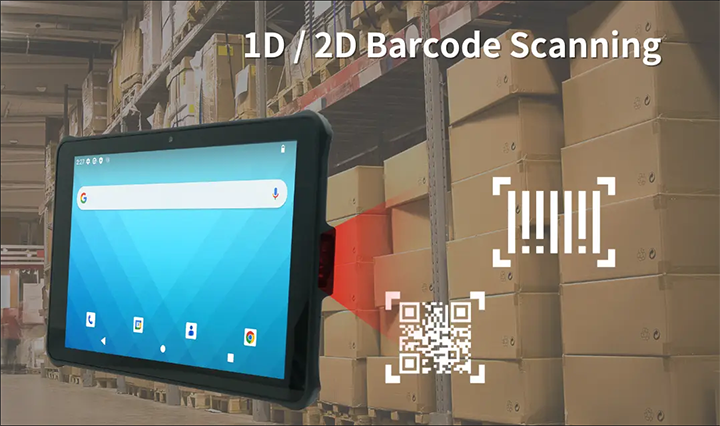
Manufacturing Applications:
- Warehouse Management: The RT112 can be used for tasks such as picking, packing, shipping, and improving order accuracy and efficiency. Its data capture capabilities ensure seamless integration with warehouse management systems.
- Quality Control: Inspection processes can be streamlined with the RT112, allowing for real-time data collection and analysis. Its rugged design enables it to withstand harsh manufacturing environments.
- Asset Management: Tracking and managing assets is simplified with the RT112. Its barcode scanning functionality and data collection capabilities ensure accurate asset information.
A Compact, Rugged Handheld Smartphone Mobile Workers Will Love
The Unitech EA660 rugged smartphone with 6-inch display is a powerful solution with similar functionality to its mobile tablet counterpart. It offers an even more compact solution for mobile workers in retail and manufacturing, enhanced by an ergonomic design and durable build that lends well to various applications.
Retail Applications:
- Mobile Sales: Sales associates can access product information, pricing, and inventory levels on the go, enhancing customer engagement and closing deals faster.
- Price Checks: The EA660 can be used to quickly verify product prices, preventing errors and improving customer satisfaction.
- Loss Prevention: Equipped with advanced data capture capabilities, the EA660 can assist in loss prevention efforts by tracking inventory and identifying discrepancies.
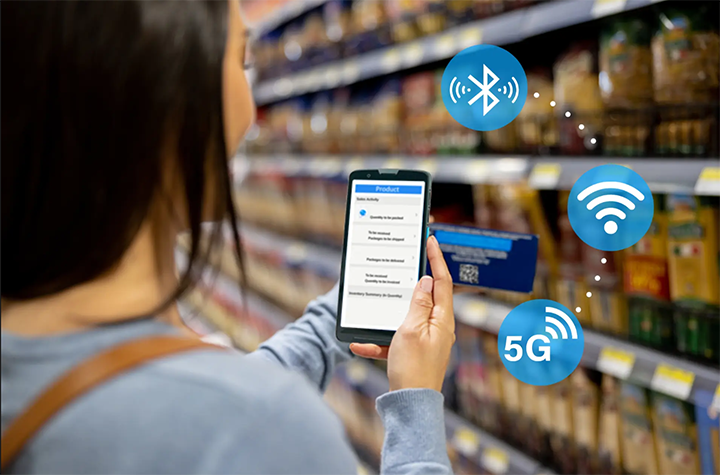
Manufacturing Applications:
- Work Order Management: Mobile workers can access work orders, update progress, and capture data on the EA660, improving operational efficiency.
- Maintenance Management: Field service technicians can use the EA660 to access equipment information, troubleshoot issues, and schedule repairs.
- Supply Chain Management: The EA660 can be used to track shipments, manage inventory, and optimize logistics operations.
- Safety and Compliance: push-to-talk capabilities offer critical communication in emergencies, and safety applications monitor environmental conditions and alert workers to hazards.
Mobile Devices: The Backbone of Retail and Manufacturing Success
As the retail and manufacturing industries continue to evolve, the role of durable, high-performance mobile devices will only become more critical in driving success and innovation. In retail, mobility devices streamline inventory management, improve customer service, and offer flexible POS solutions. In manufacturing, rugged tablets and handheld computers deliver the durability, reliability, and functionality required to manage workflows, collect data, and ensure safety in challenging environments.
If you’re interested in exploring the Unitech RT112 tablet or EA660 handheld mobile computer, plus other mobile solutions from Barcodes Inc., contact us today.
Modernizing Manufacturing: Leveraging Mobile Technology for a Smart Factory Transformation
The manufacturing industry is undergoing a digital transformation, driven by the need for increased efficiency, productivity, and quality. The transition towards modernized manufacturing is not just a trend, but a necessity for manufacturers aiming to stay competitive. At the heart of this revolution lies the adoption of advanced technologies, including rugged tablets designed to withstand the demanding conditions of the factory floor. As an industry leader in modern mobility-enabled environments, Barcodes Inc. understands the pivotal role that mobile tablets like the Samsung Galaxy Tab Active5 contribute to accelerating the smart factory transformation.
Understanding the Smart Factory Concept
A smart factory represents the pinnacle of manufacturing modernization, where advanced technologies, cloud computing, and artificial intelligence (AI) converge to create a highly connected and automated production environment. These factories ensure continuous improvement and optimization.
A recent report by CapGemini underscores the potential benefits of smart factories, noting that early adopters have already realized a 20 percent gain in production. The report also predicted significant improvements in on-time delivery, productivity, and labor rates in the coming years.
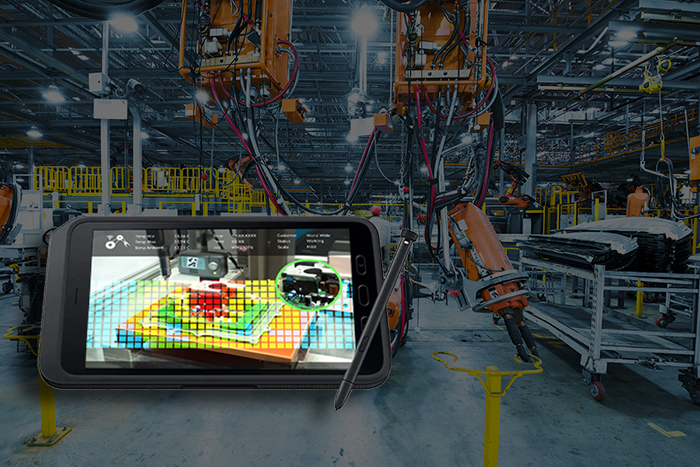
The Role of Mobile Technology in Manufacturing Modernization
Mobile technology, like rugged mobile tablets, serves as the linchpin for modernizing manufacturing operations. These devices connect staff to essential business applications, distribute intelligence and insights across the production floor, and facilitate real-time data processing. Here’s how mobile tablets like the Samsung Galaxy Tab Active5 can be leveraged to drive smart factory initiatives:
Built for the Factory Floor
The Samsung Tab Active5 is engineered to excel in the harsh environments prevalent in manufacturing facilities. Its rugged design, featuring IP68 water and dust resistance as well as MIL-STD-810H certification, ensures durability and reliability even in the toughest conditions. Whether it’s exposure to liquids, dust particles, or accidental drops, this tablet can withstand the rigors of the manufacturing floor without compromising performance.
Enhancing Productivity and Efficiency
One of the most significant advantages of the Samsung Tab Active5 is its ability to boost productivity and efficiency. By equipping frontline workers with this mobile device, manufacturers can streamline various processes, from quality control and inventory management to maintenance and repair. For example, quality control inspectors can use the Galaxy Tab Active5 to capture high-resolution images and videos of product defects, facilitating root cause analysis and corrective actions. Maintenance technicians can access digital work instructions and maintenance records, enabling them to troubleshoot issues more efficiently and minimize downtime. Additionally, the tablet’s ability to support barcode scanning and RFID technology can accelerate inventory management processes and reduce errors.
Improving Data Collection and Analysis
In today’s data-driven manufacturing environment, the ability to collect and analyze real-time data is essential for optimizing operations. The Samsung Tab Active5 excels in this area, providing manufacturers with a powerful tool for data capture and analysis. Its integrated cameras, sensors, and connectivity options allow for the collection of a wide range of data, including production metrics, equipment performance, and environmental conditions. This data can be used to identify bottlenecks, optimize workflows, and improve overall plant performance.
Enhancing Collaboration and Communication
Effective communication and collaboration are crucial for successful manufacturing operations. The Samsung Tab Active5 facilitates seamless communication between team members, regardless of their location within the facility. With features like video conferencing and instant messaging, employees can easily share information, coordinate tasks, and resolve issues in real time. By breaking down communication silos, manufacturers can improve teamwork and responsiveness, leading to increased efficiency and productivity.
The Future of Manufacturing with Mobile Technology
Utilizing rugged tablets for modern manufacturing is filled with opportunities. Manufacturers can streamline operations, boost productivity, and maintain high-quality results that lead to increased efficiency and profitability. Equally important, the integration of mobile technology like the Samsung Galaxy Tab Active5 empowers your workforce to access information and tools that create a more engaged and skilled workforce.
If you’re interested in exploring the Samsung Galaxy Tab Active5 further, or if you have any questions about modernizing your manufacturing floor, feel free to contact Barcodes Inc. Our team is here to help you find the perfect mobile computing solutions for your business.