

Barcoding News
Data tracking news, product updates, tips, and more
AirTrack Printers Printer Drivers Certified with Seagull Scientific
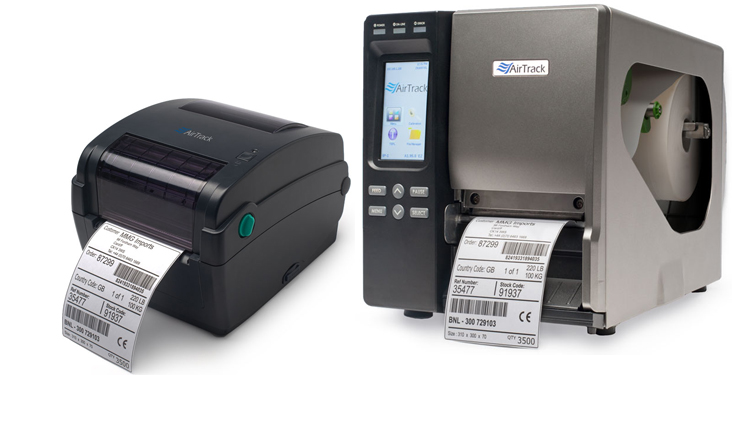 AirTrack printers, DP-1 and IP-1, have just been certified by Seagull Scientific for fully integrated use with their BarTender label design software.
True Windows printer Drivers by Seagull can be used with any true Windows program, including BarTender software for label design, label printing, barcode printing, RFID encoding and card printing. However, although BarTender will work with any properly written Windows driver, using Drivers by Seagull and BarTender together offers a variety of special performance advantages.
You can download the current driver here.
Android Lollipop for the Zebra TC70/TC75
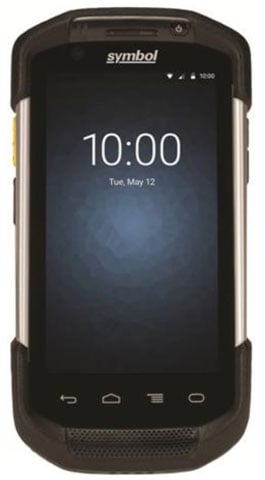 Ever since the initial release, the Zebra TC75/TC70 Series has become one of the most popular mobile computers due to its convenient form factor and robust feature set. With over 200,000 unit deployed the TC75/TC70 are helping businesses of all types improve daily efficiencies and empower their workforce.
In order to better serve their customers Zebra has announced that Android v5.1 Lollipop will soon be available for the TC7x Series. The upgraded Android OS is expected to be available for download on Zebra’s Support site on approximately August 22, 2016 for TC70 and August 30, 2016 for TC75.
All future devices will have the newest Android OS installed but for customers preferring the older OS versions a simple ‘back-rev’ to their OS version will be available.
Zebra’s Complete Data Collection Portfolio
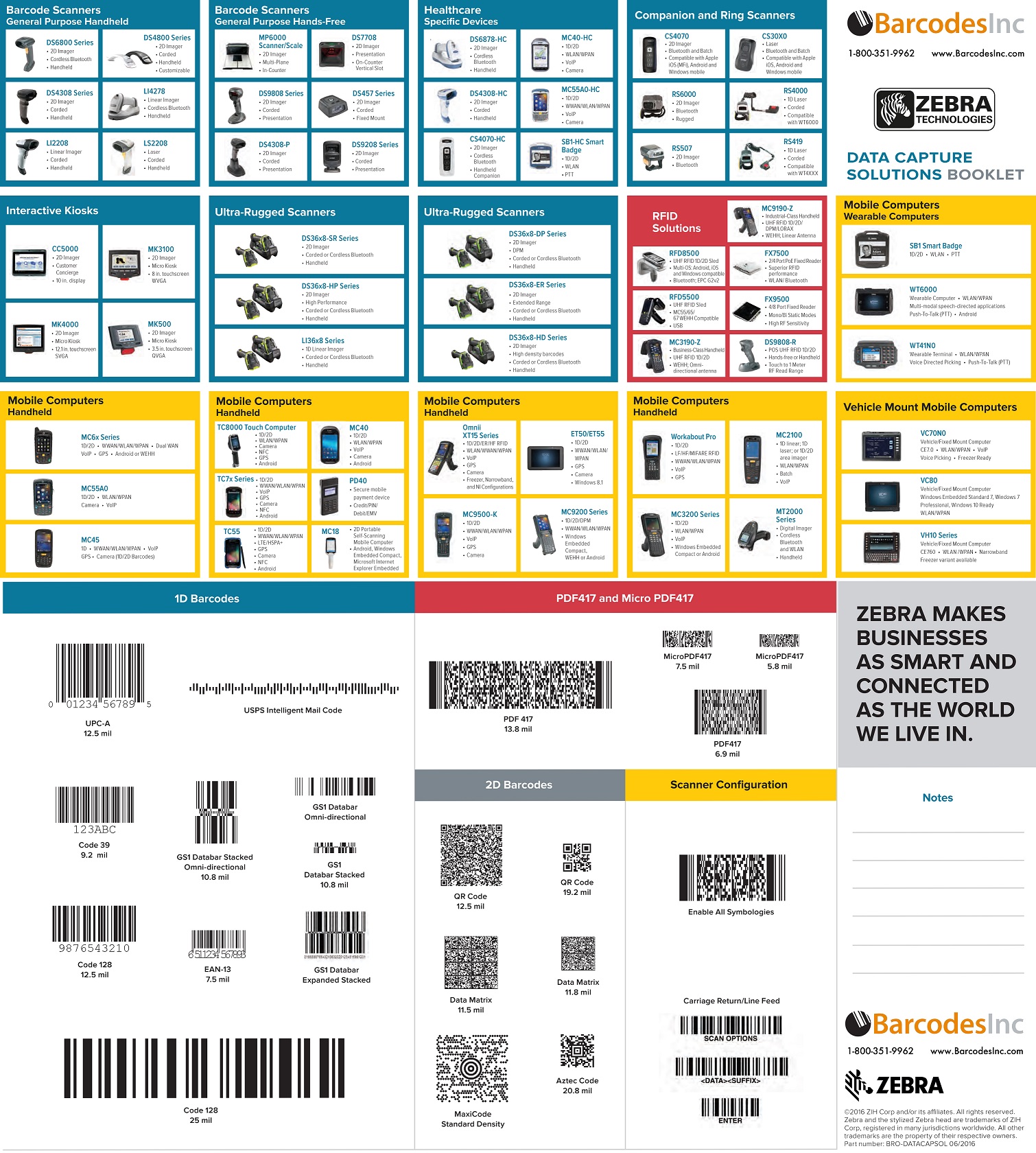
Zebra has been a leader in the Auto-ID industry for decades now and continues to expand their product offering for complete end-to-end solutions. Zebra has every type of data collection covered from any barcode symbology to RFID. With multiple fixed, handheld, or mobile device solutions, Zebra has a device designed specifically for your application needs
Why Automate Your Picking Solution?
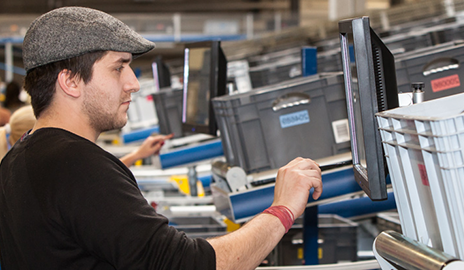 Being right 99% of the time seems like a quality percentage – until you calculate what that 1% actually costs an organization.
- Babies born annually in the United States = 3,932,181
- At 99% accuracy 39,322 babies are sent home to the wrong parents
- Prescriptions filled annually in the United States = 4.27 billion
- At 99% accuracy 42.7 million Rx are filled incorrectly
- Distribution Centers pick 250 million units annually
- At 99% accuracy 2.5 million units are picked incorrectly
- That’s almost 7,000 units picked incorrectly every day if working 365 days/year
- At 99% accuracy 2.5 million units are picked incorrectly
New Printing Solutions with AirTrack’s DP-1 and IP-1
With a strong entrance into the barcode label printer space, AirTrack’s new DP-1 and IP-1 offer the perfect combination of superior performance with a cost point that can work into any budget. The desktop model DP-1 easily fits into any environment for professional on-demand label printing at lighter volumes. For applications that require printing all day, the industrial IP-1 has been designed to keep up with the most demanding warehouses and manufacturing environments.
- Perfect size – space saving design
- USB 2.0, serial, parallel and Ethernet interfaces are standard
- High quality double-walled clamshell design
- Fast 200 MHz Processor
- Standard memory of 4 MB Flash, 8 MB SDRAM
- SD card reader for memory expansion up to 4 GB
- Easy ribbon loading & media loading
- Powerful AirTrack firmware includes popular Zebra languages, file manager, BASIC programming, stand-alone programming
- 2-year limited warranty
- AirTrack Smart Print Control technology produces cleanest, high quality barcodes
- Up to 356 mm (14â€) per sec. print speed
- 4.3†color touch LCD panel with 6-button control
- 128 MB Flash and 128 MB SDRAM memory standard (Factory option for 512 MB Flash/256 MB SDRAM)
- Heavy duty die-cast aluminum design
- USB host interface for stand-alone application
- Available in 203 dpi, 300 dpi and 600 dpi resolutions
- 600 meter ribbon supply
- SD Flash memory expansion up to 32 GB
- Ribbon capacity monitor widget
- Auto TPH resolution switch detection
- Firmware supports common Zebra printer languages for plug-n-play ease
- Options include: peel-off kit & 6†OD internal rewinding kit, General purpose IO connectivity, Bluetooth module, external 802.11 b/g/n Wireless module, knife & rotary cutters
AirTrack’s S1 and S2: High Performance, Affordable Barcode Scanning
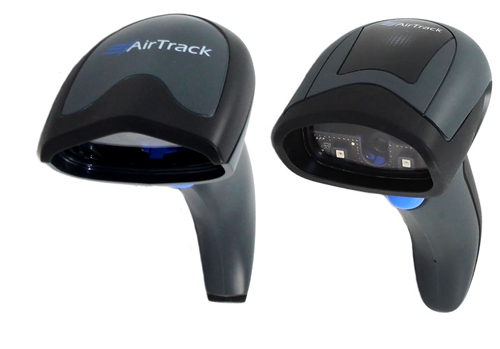 AirTrack has entered the barcode scanner market with the S1 1D linear scanner and a full 2D area imager with the S2. Designed with a focus on high performance at an affordable cost, the S1 and S2 are the perfect solutions for retail, manufacturing, and logistic applications. Both scanners are corded models and are available as complete USB kits with stand and cable.
AirTrack S1
Multi-Purpose 1D Linear imager
- Reads linear or most 1DÂ barcodes
- Wide angle scanning
- Laser-like thin, extended scan line
- Green Spot technology for good-read feedback
- Reduced operator stress with LED-based aiming system
- IP42 water and particulate sealing rating
- Withstands repeated drops from 5 feet onto a concrete surface
AirTrack S2
High Performance 2D Are Imager
- Reads linear or 2D barcodes off of smartphones and loyalty cards
- Omnidirectional reading
- Green Spot technology for good-read feedback
- Reduced operator stress with LED-based aiming system
- IP42 water and particulate sealing rating
- Withstands repeated drops from 5 feet onto a concrete surface
- Advanced motion tolerance optics
Desktop Printing Made Easy with Honeywell’s PC42t
With over 4 decades of barcode printer design behind it, Honeywell’s PC42t is the easiest to use and most affordable printer on the market today. With a 4.3″ print width and its compact size, the PC42t is the most reliable solution for a small or medium business looking to improve productivity in label making operations. It is also the easiest printer for those looking to deploy thermal label printing for the first time, or for those transitioning away from more expensive inkjet- or laser-based label printing methods.
Easy to install and ready to print quickly, the PC42t supports a wide range of media and features a quick-opening design for easy media replenishment. The PC42t also offers industry-standard connectivity with USB, Ethernet, parallel and serial interface options.
Available Now! BarTender 2016 R3 Update
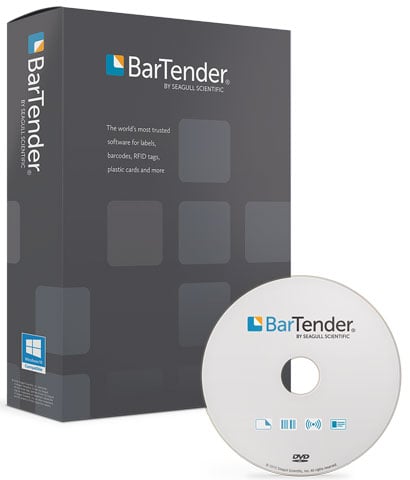 Seagull Scientific’s BarTender software is the industry leading label deign application due to how easy it is to use and it’s ever evolving feature set. As customer requirements change, BarTender is constantly improving to fulfill these needs.
The most recent update to BarTender 2016 includes these new additions and improvements:
- New database support for Firebird, MySQL and PostgreSQL
- Ability to add metadata to BarTender documents, viewable in both BarTender and Windows Explorer
- New “duplicate†options allow easy copy/pasting of selected objects
- New scaling options allow easy bulk modification of selected objects
- Better print performance when using Rich Text objects — up to 20x faster rendering
- Support for selecting the encoding for IDoc files
- User interface language can now be set per user
- More options added for label and image export, such as quick export and the ability to set default export options
- New Integration Builder advancements, including new actions, new cloud storage support for Amazon S3 and Microsoft OneDrive, as well as the ability to add attachments using the Send Email action
- Medical device compliance tools: HIBC 2D barcode and UDI sample label
You can download R3 immediately from www.DownloadBarTender.com
Selecting a WebScan Verifier Calibration Card
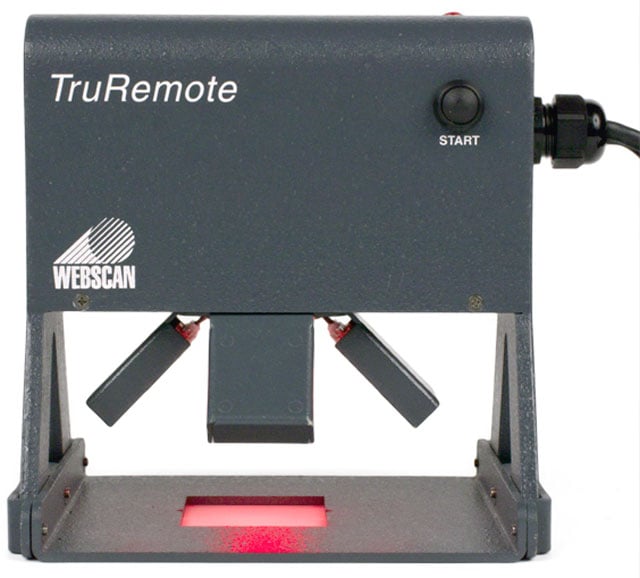 Accurate barcode verification is key to avoiding issues with large customers like Walmart and the DoD as well as the costly fines involved with non-compliance. In addition to having the right verifier, regular calibration of your verifier is essential to consistent performance.
All of the verifiers from Webscan are easily maintained with their various calibration cards but for many people the cards are somewhat of a mystery. In the following some of the key questions that come up with verifier calibration are covered to get you started on your way.
Why do I need to calibrate?
Calibration is the process of the adjusting Reflectance levels. Checking these levels routinely will ensure that you’re getting the most accurate results.
Do I need to calibrate more than once?
Every company has their own policy on how often you should calibrate, at Webscan we recommend you do it every 30 days.
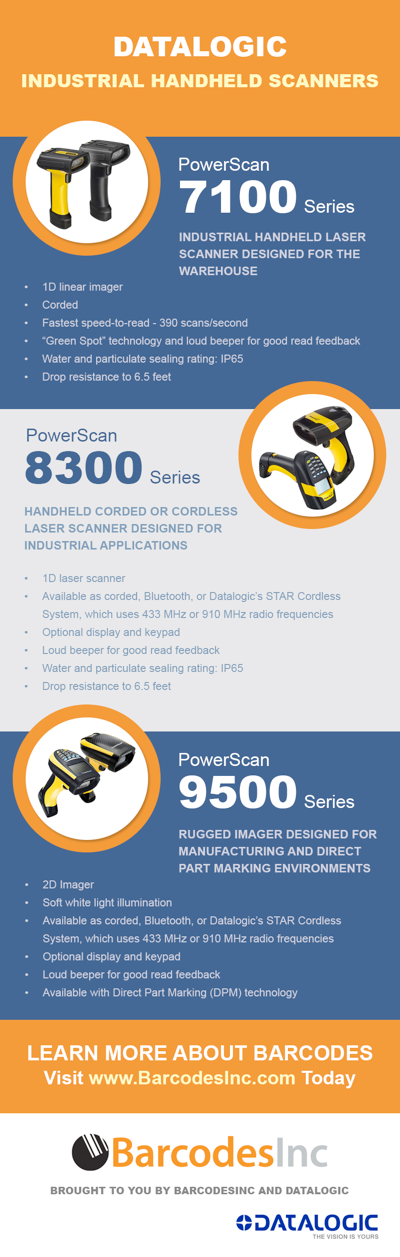
Infographic: Datalogic Industrial Scanners
When you need a scanner that can handle the rigors of a warehouse, manufacturing floor, or even outdoors, the standard handheld unit will never last very long. Datalogic’s PowerScan line of industrial scanners have been designed to take on ever drop, tumble, and environmental exposure. Whatever you put them through, the PowerScan series will keep on scanning..