


Key Attributes To Identify When Shopping For The Right Printer
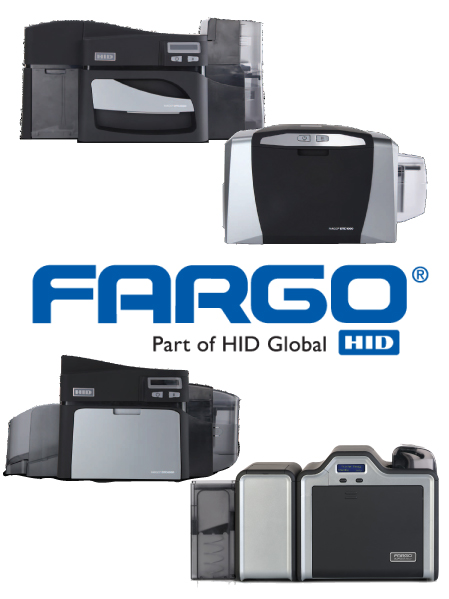 There are wide variety of manufacturers and printer options for your ID Card needs. BarcodesInc carries all the top models from Fargo, Datacard, Zebra and a host of others and can help direct you to the ID solution that best fits your needs. When looking for an ID Card Printer, answering the following questions can limit your number of choices
1)Â Â Â Â Â Single vs. Dual Print Side:
2)Â Â Â Â Â Volume
- How many cards do you print per day? Larger volumes may warrant a more premium printer
3)Â Â Â Â Â Print Technology
- Does your ID solution require a complete edge to edge print (Reverse Transfer) or can a small border be acceptable (Direct to Card)?
Understanding Datacard Ribbon Types
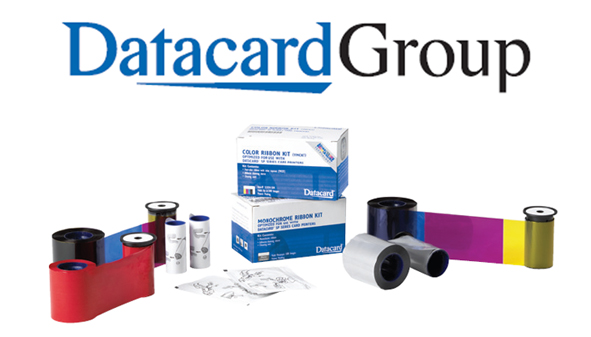 Making sure you have the right type of ribbon for your Datacard ID Card printer is crucial to getting the most out of it. That said, it is not always very clear what the types of ribbon are for especially when acronyms like YMCKT and YMCKT-KT are used. Having the right type of ribbon for your specific needs will help reduce media costs and increase your printing efficiency.
The first concern when choosing a ribbon is if you are doing monochromatic(single color) or full color printing. Monochromatic printing is easy since the only concern is making sure the ribbon cartridge is matched to your printer model and the color you want.
Most applications, however, need to print full color cards and this is where all the acronyms start coming into play. Most commonly, cards are printed in full color on the front and are either blank on the back or only printed in black. In both of these cases there are different ribbons that should be used to print accurately and efficiently.
Continue reading »
Top 5 Tips for Choosing Mobile Printers
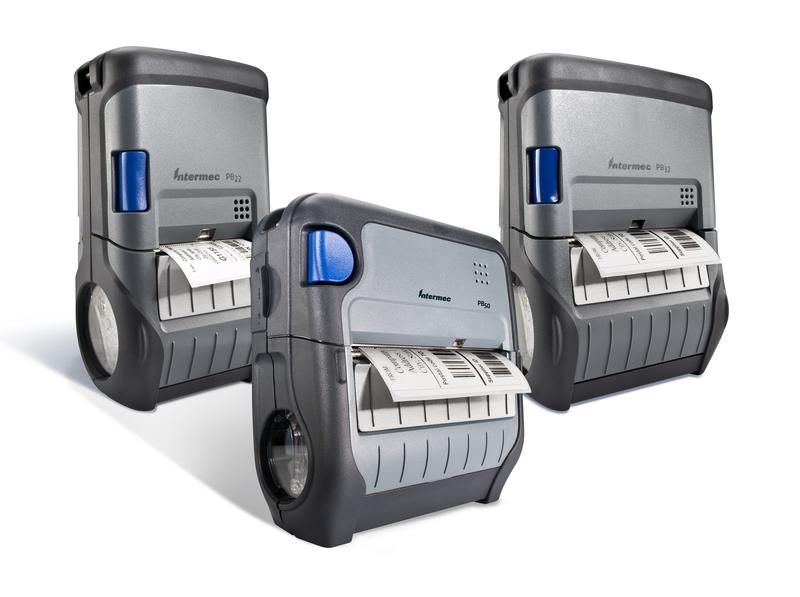 Mobile printers are deployed primarily to improve productivity. By giving users a tool to produce labels and receipts exactly when and where they’re needed, enterprises save the steps required to travel to a stationary or vehicle-mounted printer, pick up the print output, and bring it back to where it is needed. These steps build unnecessary labor cost into printing operations. Therefore, the value a mobile printer provides depends directly on how it supports productivity.
“Productivity enhancement†isn’t a line item on mobile printer spec sheets that organizations can use to easily compare different models. Instead, spec sheets list printer sizes and weights, print widths, media compatibility, wireless connectivity support, I/Os, power sources and other configuration options that add up to thousands of potential choices. Understanding how these features and options relate to mobile printer productivity and reliability is essential for choosing the best printer for your operations.
There are five fundamental tips for finding the mobile printer that provides the best fit:
- Respect the work environment.
- Understand user needs.
- Don’t deviate from enterprise security and integration standards.
- Match the mobile printer to its computer.
- Consider operating cost as part of total cost.
Top 10 Barcode Scanner Apps for iPhone and Android Smartphones
 With a free or inexpensive app you can turn the Android or iPhone smartphone in your pocket into a powerful data-collecting barcode scanner for basic inventory management, asset tracking, and ticketing needs.
Most apps you will find in iTunes and Google Play only focus on reading barcodes for checking product prices, but there are also many apps ideal for small business and enterprise users.
We reviewed hundreds of apps to bring you the 10 of the most useful barcode scanner apps.
Buying a Barcode Scanner : 4 Questions Before You Buy
Scanners may have become easier to use than ever but choosing one from the long list of models out there is a challenge. Â Luckily, you don’t need to know all the technical ins and outs of scanner technology to find a good fit for your business. Â With the following 4 questions you’ll be able to narrow down your options to the right one for you.
Question #1 : What type of barcode are you reading?
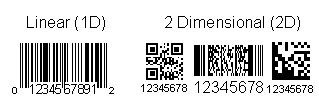
This is one of the most important questions since you can end up paying too much for a scanner or get one that doesn’t work at all. Â There are essentially 2 types of barcodes:
Scanning at the Point-of-Sale: Keys to Improving the Customer Experience
Industry Need
What can customers get in your stores that they can’t get online?
Retailers who cannot easily answer this question risk losing business to e-commerce competitors – more than 3,100 U.S. retail stores closed in 2011 and more than 5,000 more are projected to close in 2012, according to published industry reports. Retailers who are answering the question successfully are focusing on creating an excellent customer experience. They are creating and enhancing customer loyalty programs, offering new services, seamlessly merging sales channels and providing exceptional customer service.
Creating a positive customer experience also requires satisfying the desire for immediacy. Successful retailers have products available for customers to touch, try and take home right away, without having to wait for shipment.
To create this experience, retailers need to keep their products on the shelves and their staff on the floor. It requires a workforce that is knowledgeable, flexible and highly responsive. Retailers should demand the same from their equipment.
5 Tips To Maximize Your Printhead
All thermal label printers have 3 basic consumables: labels, ribbon (if thermal transfer printer), and printheads. Even though it is part of the printer itself as opposed to a media item the printhead is still considered a consumable due to the fact that it does wear down over time and will need to be replaced. When you take into account the fact that replacing your printhead will cost you up to almost half of what you paid for your printer it is something we will want to get the most out of. Printheads don’t just stop working one day either so along the way you will see a drop in your print quality which can cause a host of problems beyond just the cost of a replacement. We’ll take a look at what your printhead is and how it works along with 5 things you can do to ensure a long use-cycle to avoid problems and extra costs to your print application.
Continue reading »
Linear, Stacked, 2D: Barcode Types Decoded
Everywhere You Look
At this point most everyone knows what a barcode is, right? When I tell people I work for a company that deals with barcodes they pause for maybe a second but then immediately go “Oh yeah, the black and white lines on pretty much everything!†No longer the subjects of suspicion or conspiracies, barcodes have become an indispensible tool for tracking pretty much anything. Look on any retail product and you will find a UPC code. On the back of your driver’s license you’ll find a PDF417. Open up your favorite magazine and you will find QR codes in advertisements taking you to websites and special offers. They literally are everywhere!
Given the wide range of applications to use a barcode more than one type has been developed throughout its history and several dozen are currently in use. Most of us see the bars or gridded boxes and just think ‘barcode’ but depending on what you are tracking and how much information you need it may not be clear what is the best code to go with. We’ll take a look at the 3 types of codes and some of their common uses to help get a better idea of how to get the most out of barcodes.
Code39 Barcode Control For Windows Applications
Sample C# source code for generating and printing Code39 barcodes in a Windows application is now available from Microsoft.
The code can be incorporated into Visual Studio 2010 to create new applications.
Explanation of Many Different Windows Mobile Operating System Versions
Microsoft has created a great deal of confusion with it’s many versions of Windows for mobile devices: Windows Mobile, Windows CE, Windows Embedded Handheld 6.5, Windows Phone 7, Windows Embedded Compact 7, etc.
What are the current Windows operating systems for handheld devices?
Mobile device manufacturers like Motorola, Honeywell, Intermec and Datalogic handheld mobile computers using Windows Embedded Handheld 6.5 and Windows Embedded Compact 7 solutions. Windows Embedded Handheld 6.5 and Windows Embedded Compact 7 are great platforms to power the wide range of Enterprise Handheld Devices used by enterprise customers today.
Microsoft recommends Windows Embedded Handheld 6.5 as the platform when:
- Application compatibility across a wide range of devices is desired
- The device requires advanced security (remote wipe, password enforcement) and device management capabilities
- Voice telephony is desired (Windows Embedded Handheld 6.5 provides Cellcore and Dialer capabilities for enterprise handheld devices)
Microsoft recommends Windows Embedded Compact 7 when:
- A high degree of customization and flexibility is required for the device
- The device focuses on a on a dedicated task
Why would I use Windows Embedded Handheld versus Windows Phone 7?
Windows Embedded Handheld is targeted at enterprise handheld devices that run line-of-business (LOB) applications. It’s intended for enterprise users who need a device that integrates with existing enterprise infrastructure, is compatible with Windows Mobile 6.5 applications, and leverages current device management and security solutions.
Windows Phone targets smart phones with a new UI, tools, and application marketplace. It is not compatible with Windows Mobile 6.5 applications.