


How to Choose a Food Label Printer for Retail and Food Prep
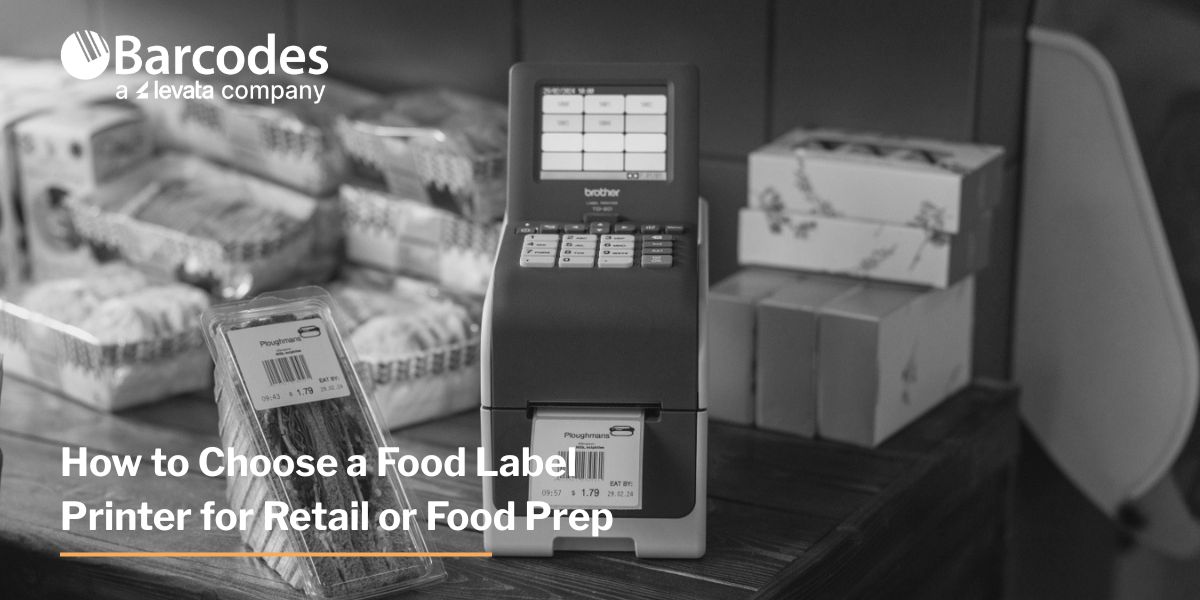
A food label printer should match the information you print, the container you label, and the conditions that label must survive. For grocery delis, convenience stores, restaurants, and meal-prep businesses, choosing the right combination of printer, labels, and software helps keep product information readable and daily workflows consistent.
Start with your operation’s labeling tasks, then compare equipment.
Which food labels does your operation need?
Separate customer-facing food labels from internal prep labels and order labels. Each serves a different purpose and may need a different template, size, or adhesive.
| Application | Information to plan for | Selection priority |
| Grab-and-go meals | Product name, ingredients, allergens, net quantity, business details, nutrition when applicable | Room for readable consumer information |
| Kitchen prep and rotation | Item name, preparation/opening date, discard date, employee or batch reference | Quick printing; removable or dissolvable media for reusable containers |
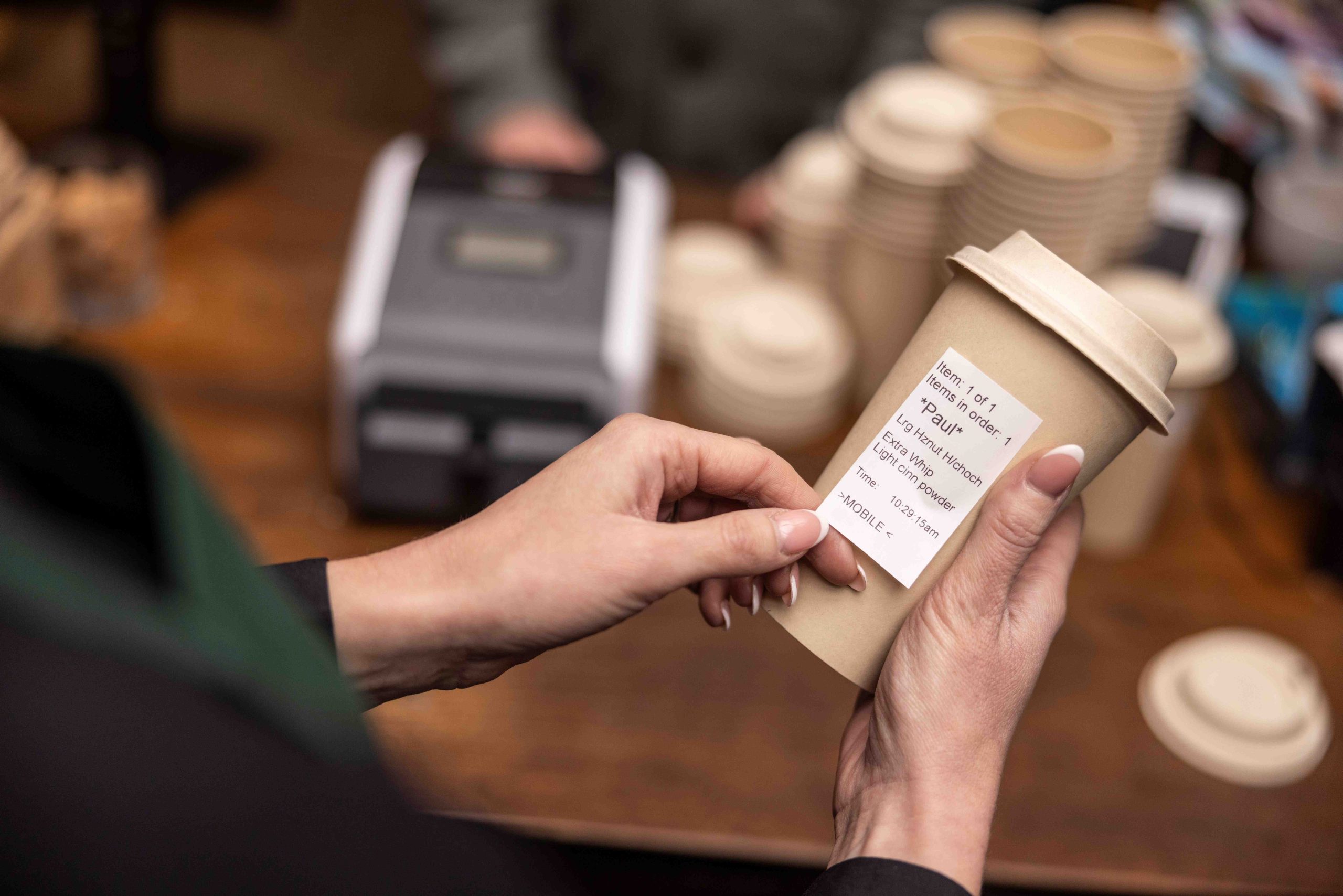
| Pickup and delivery | Order identifier, customer name, modifiers, handling instructions | Printing at the packing station; suitable packaging adhesive |
| Retail markdowns | Product identifier, revised price, relevant date information | Alignment with POS pricing and inventory records |
This table is a planning aid; required information varies by product and jurisdiction. In the U.S., FDA guidance on retail allergen labeling confirms that foods packaged at retail for sale must declare major allergens they contain, including sesame.
Which printing method and label format should you choose?
Print method and label format are separate decisions. Direct thermal and thermal transfer describe how an image is produced; die-cut and linerless describe the label stock.
| Option | Practical fit | What to verify |
| Direct thermal printing | Short-use prep, order, and fresh-food labels; no ribbon needed | Readability throughout the label’s life and exposure conditions |
| Die-cut labels | Consistent sizes for batch printing and packaged-food templates | Label dimensions, adhesive, and peeler compatibility |
| Linerless labels | Variable-length labels with no backing liner to discard | A linerless-capable printer and approved media |
Refrigeration alone does not determine the print method. Cold-rated direct thermal media can work in appropriate applications; evaluate the complete printer-and-label combination.
Check both minimum application temperature—when the label is attached—and service temperature range—conditions after application. Also test condensation, container texture, grease, and removal requirements. A label rated for frozen storage may still need application to a warmer, dry surface.
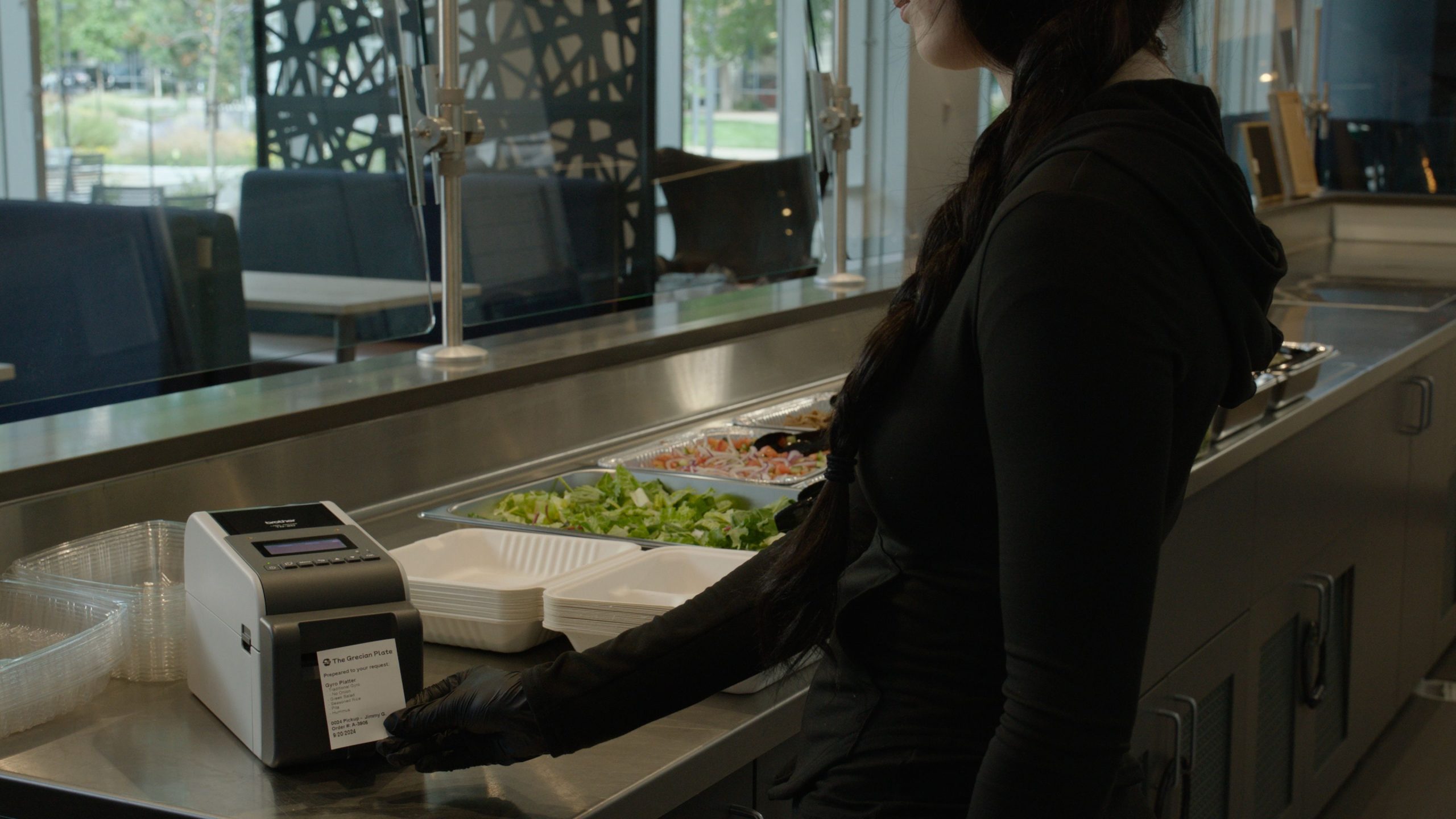
How do Brother TD 2300 and TD 4 Direct Thermal Desktop series printers compare?
The Brother TD 2300 Desktop Thermal Printer series suits compact prep stations and smaller labels. The Brother TD 4 Desktop Thermal Printer series provides more space for ingredient lists and other packaging information, with fast speeds to keep up with your workflow.
| Selection factor | Brother TD 2300 Series | Brother TD 4 Series |
| Label-size class | 2-inch class | 4-inch class |
| Print method | Direct thermal | Direct thermal |
| Resolution | 203 or 300 dpi, by model | 203 or 300 dpi, by model |
| Maximum series speed | Up to 6 inches/second | Up to 8 inches/second |
| Connectivity choices | USB; network and wireless options on selected models | USB; network and wireless options on selected models |
| Workflow fit | Smaller prep, rotation, and order labels | Larger packaged-food labels and broader media needs |
The TD 2300 series supports direct thermal printing with resolutions up to 300 dpi and offers USB, Wi-Fi®, and Bluetooth® connectivity options. Depending on the configuration, features can include a battery base, cutter, tablet mount, or peeler.
With a compact footprint and a splash and spill resistant keypad, these printers can be integrated into a variety of food-preparation and retail environments.
For applications requiring larger labels or fast print speeds, 4-inch thermal printers provide additional capacity and flexibility.
Brother’s TD 4 series supports direct thermal printing, with print speeds of up to 8 inches per second and resolutions up to 300 dpi. USB, Wi-Fi®, and Bluetooth® connectivity options allow the printers to integrate with existing systems and devices.
Both the TD 2300 and TD 4 are available as linerless models and media. Brother linerless media improve productivity and environmental impact – reduce waste, accelerate labeling, and improve workplace efficiency all while helping lower costs.
Their compact design and modular options can also make it easier to deploy printers throughout a workplace or share them among multiple users.
How can you prevent incorrect allergen and date labels?
Control the data feeding the printer. A sharp label can still contain the wrong recipe, allergen statement, price, or date.
Build these controls into your food labeling solution:
Use approved recipe records. Review ingredient and allergen information whenever recipes or supplier ingredients change.
Control templates. Restrict edits to approved users and remove outdated versions from every station.
Validate date calculations. Configure prep and discard dates using approved food-safety procedures.
Retain batch references. Connect printed identifiers to records that help staff locate affected ingredients or products.
Keep consumer quality dates separate from kitchen discard instructions. USDA explains that “Best if Used By” indicates quality; it is not a safety date. A printer cannot establish safe shelf life or replace temperature control and allergen-management procedures.
What should you test before buying a food label printer?
Run a pilot using your actual containers, software, staff, and busiest labeling period. Measure the entire process from selecting an item to applying its label.
Readability: Print your longest ingredient list and scan barcodes with the devices used at checkout or receiving.
Adhesion: Check labels after refrigeration, condensation, handling, and the intended storage period.
Integration: Verify item data, prices, dates, drivers, and connections from your existing application.
Placement: Keep equipment away from direct heat, steam, and cleaning spray; confirm power or optional battery arrangements.
Operating cost: Compare labels, ribbons where applicable, cleaning, reprints, roll changes, and staff time.
Sustainability: If your organization seeks out eco-friendly solutions, consider a linerless label printer model to reduce landfill waste by eliminating the label backing.
Track labels per minute, reprint rate, roll changes per shift, and labeling time per item. These measures provide a clearer buying comparison than print-engine speed alone. For detailed barcode layout guidance, use Barcodes, Inc.’s label design best practices.
Where can you find the right food labeling solution?
Barcodes, Inc. can help match Brother printers, compatible labels, and software to your workflow. Contact our team with your label dimensions, daily volume, container samples, and storage conditions to discuss a suitable configuration.
FAQ: What else should you know about food label printers?
Can one printer handle several food label templates?
Yes, if its software and media support them. Standardizing label sizes can reduce roll changes between tasks.
Can you print food labels without a PC?
Selected Brother TD 2300 configurations support standalone operation. Confirm the exact model and template workflow.
Are ordinary sticky labels tamper-evident?
Not necessarily. Select packaging labels designed to reveal interference and test them on your actual container.
Does linerless printing eliminate label waste?
It eliminates backing-liner waste. Incorrect prints, unused labels, and roll cores still require management.
Keep Food Moving Safely From Prep to Plate
Food labeling is a critical part of the food-safety process. The right labeling solution can help businesses provide customers with important information while supporting traceability, regulatory compliance, operational efficiency, and brand consistency.
As food retail and preparation models continue to change, flexible on-demand printing can help businesses adapt without sacrificing accuracy or efficiency.
With experience in supporting food-labeling applications, Brother offers a range of desktop, mobile, die-cut, and linerless printing solutions designed to meet different operational requirements.
Looking to improve food labeling in your operation? Contact Barcodes, inc. to explore food-labeling solutions that can help you print clear, accurate labels where and when you need them.