


Printers for Transportation and Logistics Workflows
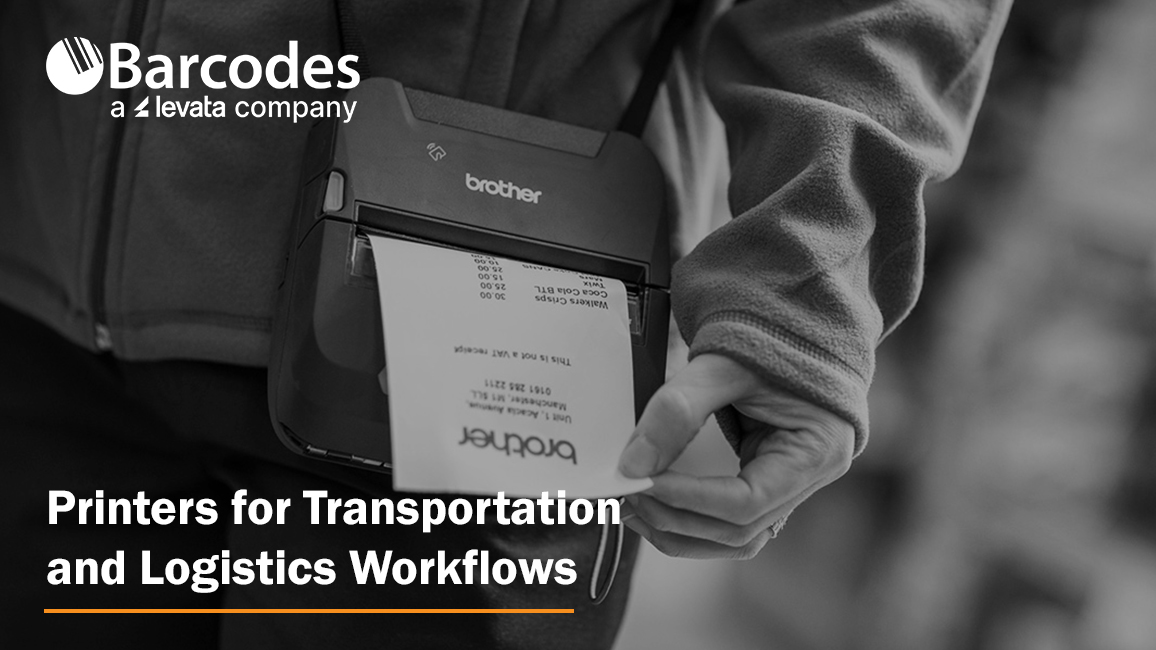
Transportation and logistics companies are navigating a challenging road. E-commerce continues to increase demand for fast, cost-effective delivery, while driver shortages, rising operating costs, supply chain disruptions, and evolving safety and compliance requirements put additional pressure on fleets and logistics operations.
For carriers, distributors, and delivery organizations, doing more with fewer resources requires more than simply adding vehicles or workers. It requires greater visibility, streamlined workflows, and technology that helps drivers and warehouse teams complete essential tasks quickly and accurately.
A delivery driver needs a receipt at the customer site; a warehouse associate needs a scannable shipping label at the dock. Printing in the wrong place can slow both handoffs. Brother offers different printers for each job: a mobile printer for field labels and receipts, a portable printer for full-page documents in a vehicle, and desktop or industrial printers for warehouse labeling. The right choice depends on output size, print volume, label life, and the devices that send the print job.
Addressing the Transportation and Logistics Labor Challenge
The driver shortage remains a significant concern for the transportation industry. Retirements, turnover, and growing fulfillment demands are putting pressure on companies to get more productivity from every driver and vehicle.
At the same time, drivers face physically and emotionally demanding jobs. Technology that eliminates unnecessary administrative work can help make their jobs easier while allowing them to spend more time focused on the road and the delivery itself.
Benefits of Mobile and Industrial Thermal Printers
Mobile printers from pickup to delivery
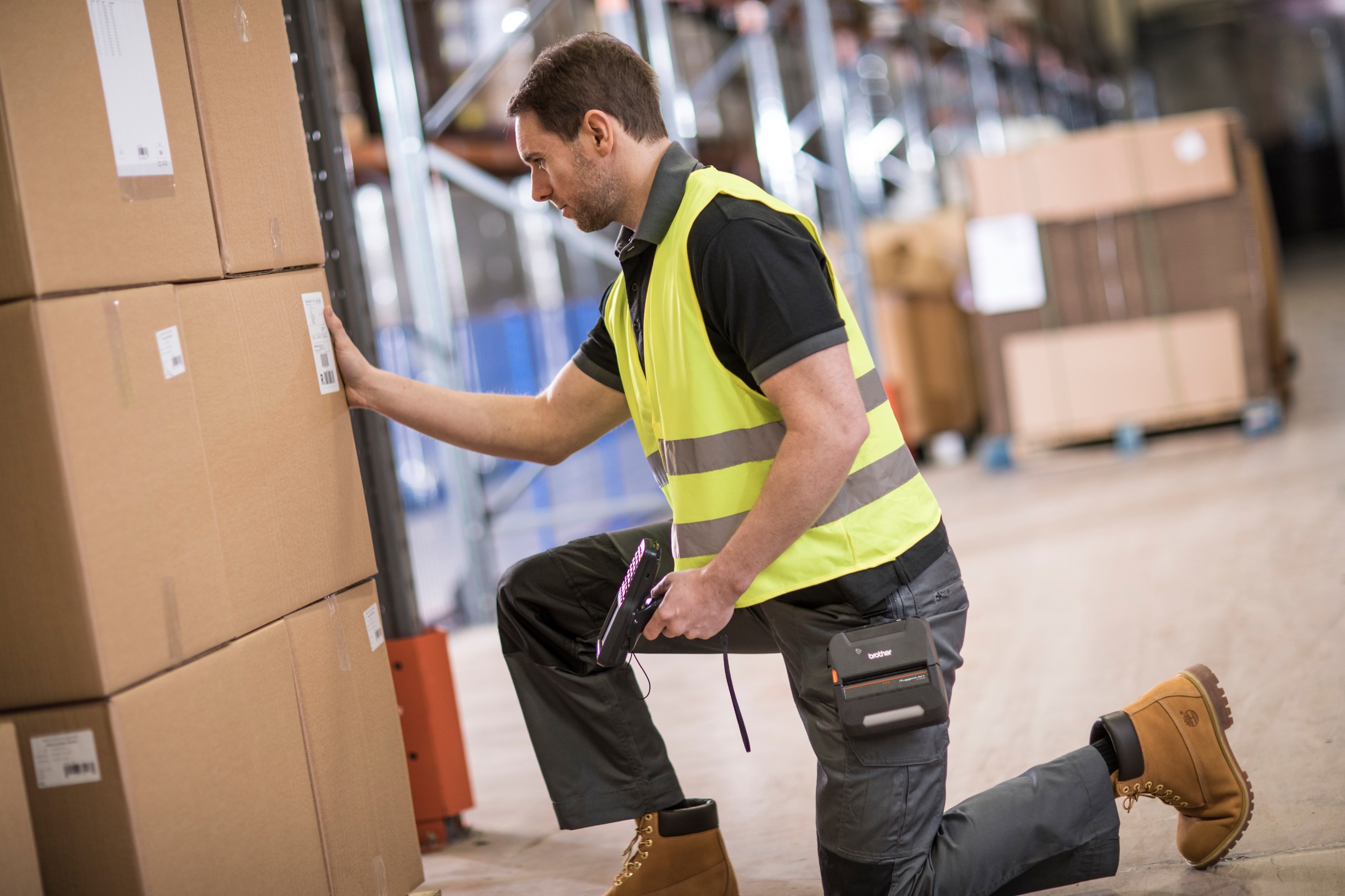
- Visibility: When connected to transportation systems, mobile printers produce labels and receipts from current shipment records at each handoff, giving drivers and customers a physical reference.
- Fewer errors and delays: Print return labels, proof-of-delivery receipts, and delivery paperwork at the stop, reducing manual transcription and trips to a fixed workstation.
- Compliance and safety: Make manifests, bills of lading, incident forms, and appropriate warning labels available on the road. Verify the printed format against applicable requirements.
Desktop and industrial printers in the warehouse
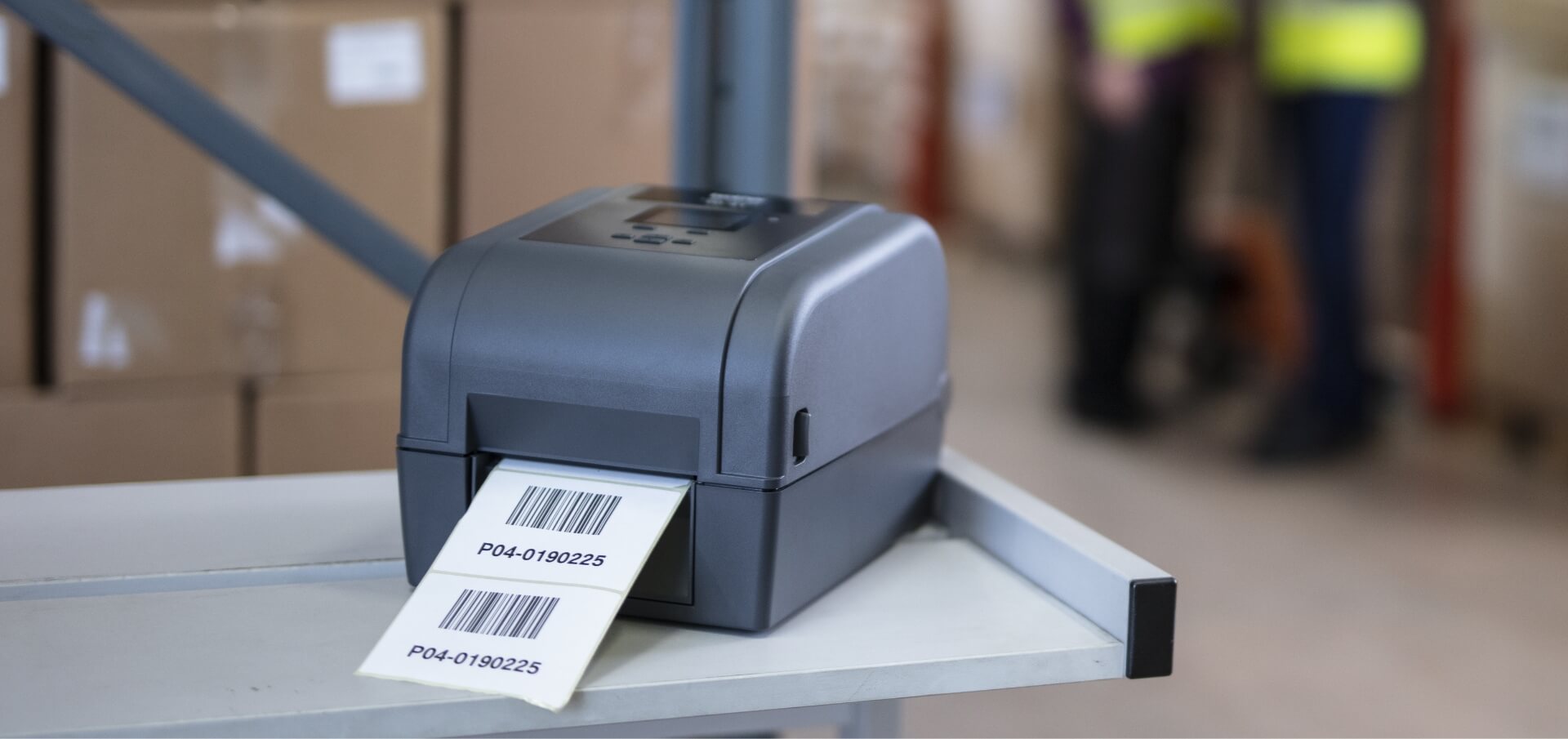
- At warehouse and distribution stations: Print high-volume shipping, inventory, and barcode labels near packing benches and docks so associates can identify goods as work progresses.
- For high-volume demand: Industrial printers support continuous label production on busy lines; compact desktop units provide on-demand output at smaller or distributed stations.
Which Brother Printer Fits Your Logistics Workflow?
Start with the document or label you need to produce, then match the printer to where and how often it will be used.
| Brother series | Best fit | Output and method | Main buying consideration |
| RuggedJet 4 | Mobile pickup, delivery, route dsd work | Labels, receipts; direct thermal | Portable and rugged; optional wireless and mounting options by model |
| PocketJet 8 | In-cab full-page mobile paperwork | Up to 8.5-inch-wide documents; direct thermal | Full-page output; optional power, battery, and paper bundle |
| TD 4 | Packing stations, smaller docks | Four-inch-class labels; direct thermal or thermal transfer by model | Choose the right print method and connections |
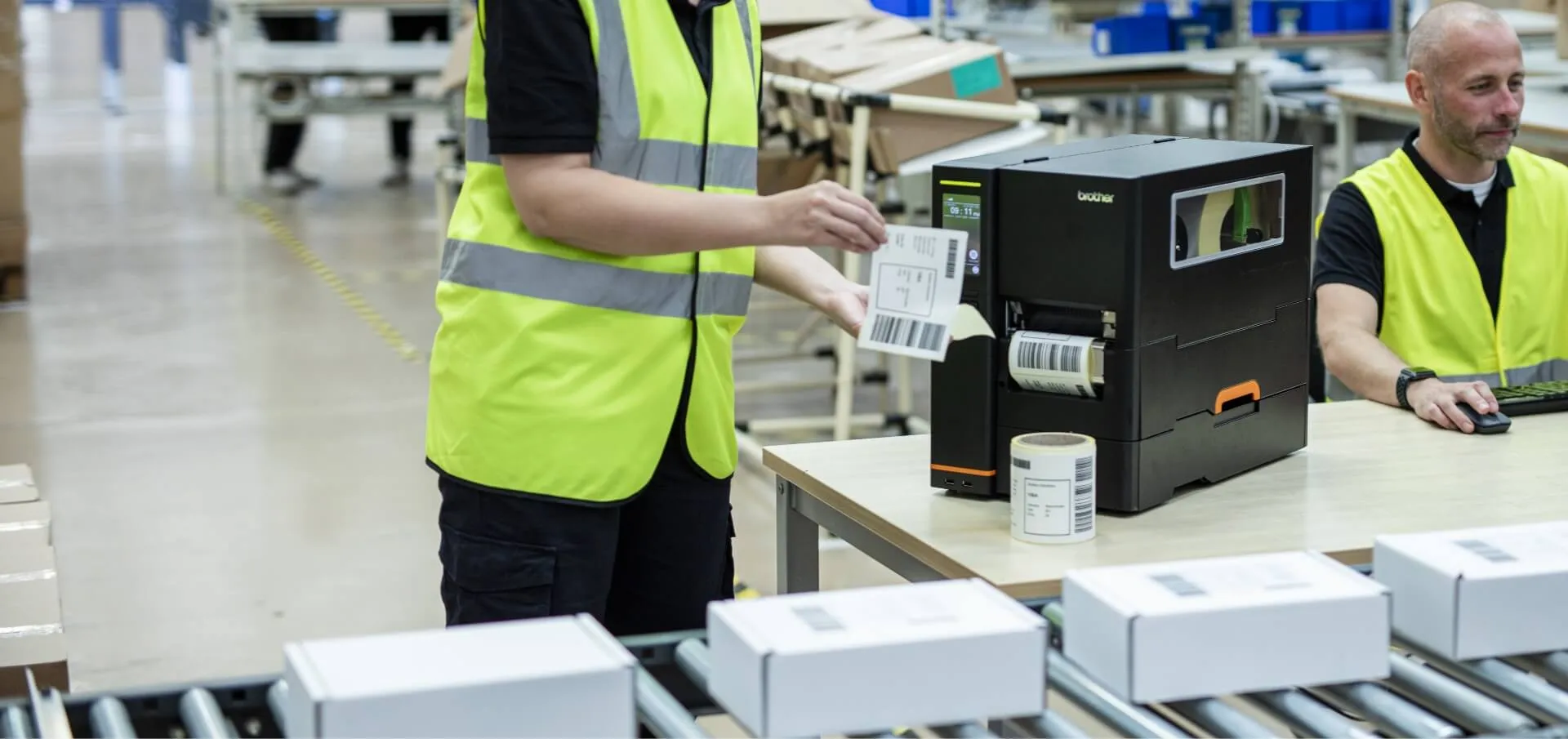
| Brother Titan Industrial Printer | Busy shipping lines, distribution centers | Industrial high-volume labels; direct thermal or thermal transfer dual printing ability | Built for sustained volume; allow space for media and ribbons |
A fleet may need more than one format. For example, a driver can print a proof of delivery receipt at dropoff, while a shipping station prints fresh carton labels and an in-cab unit handles full-page customer paperwork. Map those handoffs before choosing hardware for every location.
Brother Printer Reviews for Fleets and Warehouses
RuggedJet 4 for labels and receipts at the point of work
The Brother RuggedJet 4 is the practical choice when drivers need a label or receipt at a pickup or delivery stop. A driver could scan a returned parcel and print its identifier before leaving the customer site. Its direct thermal design avoids ink and ribbons, and its rugged housing suits route work. Selected models offer Bluetooth, Wi-Fi, and NFC pairing; check the specific configuration against your handhelds and vehicle mounts. Our assessment: it brings four-inch-class label printing to the field, but its thermal media and compact format do not replace full-page paperwork or longer-life warehouse labels. Test battery life and rugged design on a typical route.
PocketJet 8 for full-page documents in the cab
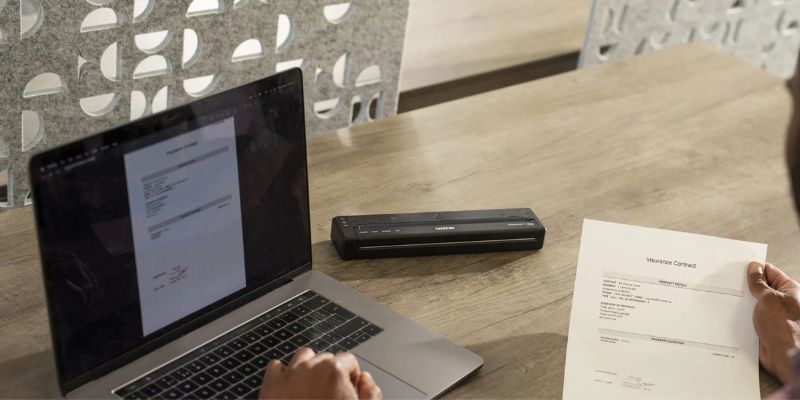
The Brother PocketJet 8 serves a different purpose: full-page invoices, delivery records, manifests, or other documents up to 8.5 inches wide. The slim portable printer uses thermal paper, so drivers do not carry ink cartridges. USB-C is available across the line, with Bluetooth and Wi-Fi on selected models. Our assessment: it is a strong in-vehicle option where a full-page physical document is necessary. Review the bundle carefully; some printer-only SKUs require a separate battery or vehicle power accessory. Confirm your document template and paper format before installing it in a cab.
TD 4 for desktop shipping and inventory labels
The Brother TD 4 series puts label printing at a packing bench or smaller shipping station. Choose a direct thermal model for routine, short-use shipping labels, or a thermal transfer model when compatible media and ribbons are needed for longer-lived identification. Network, wireless, cutter, and peeler options vary by SKU. Our assessment: TD 4 is a flexible middle ground when labels should print near the operator, though buyers must specify the exact print method rather than assume every TD 4 has ribbon capability. It suits distributed stations that do not need an industrial printer at each bench.
Titan for higher-volume industrial labeling
The Brother Titan Industrial Printer series is intended for busy distribution and shipping lines. Titan thermal transfer printer models can use ribbons with suitable label stock for durable barcodes, and representative models also support direct thermal printing. The TJ-4021TN, for example, offers 203 dpi and up to 10 inches per second; 300 dpi options prioritize finer detail. Ethernet is standard on that model, with optional accessories such as a peeler or cutter. Our assessment: Titan is the stronger fit for sustained label production and varied media, while a TD 4 may be simpler for a lighter-duty station.
Frequently Asked Questions
Can a Brother mobile printer print from a driver handheld?
Yes, when the selected printer, handheld, app, and connection are compatible. Verify Bluetooth or Wi-Fi support on the exact RuggedJet and PocketJet configuration and test your production workflow before deployment.
Does PocketJet 8 require ink or a battery?
It does not need ink or toner; it uses compatible thermal media. A battery is optional on some configurations, so check whether your order includes one or instead uses vehicle or external power.
Does printing a receipt update the transportation management system?
No. A printer creates the physical output; the application and its integration must record the transaction and synchronize delivery data. Test both steps together.
What labels work for cold or outdoor conditions?
Choose media and adhesive rated for the surface, temperature, moisture, and expected lifespan. For longer-lived labels, evaluate thermal transfer stock and ribbon, then test barcode readability in the actual environment.
How should we compare total printing cost?
Calculate printer and accessory costs alongside media, ribbons, batteries, maintenance, and staff time. Use expected volume and a short pilot to compare cost per usable label or document.
Ready to equip the route and the dock? Compare the four Brother printer series above, then bring your print volumes, media needs, devices, and sample labels to Barcodes, Inc. We can help identify the configuration that fits each handoff in your transportation and logistics operation.
Build a More Efficient Transportation Operation
The transportation and logistics industry face growing pressures. Mobile and industrial printing solutions can offer relief by reducing administrative work, improving documentation accuracy, supporting compliance, and helping drivers and warehouse employees complete tasks without unnecessary trips back to a fixed workstation.
Brother offers printing solutions across the transportation and logistics workflow—from RuggedJet mobile printers for portable labels and receipts, to PocketJet mobile printers for full-page documents, TD 4 desktop thermal printers for everyday warehouse labeling, and Titan industrial printers for high-volume label production.
Ask Barcodes, Inc. how to bring reliable printing capabilities closer to where work actually happens.