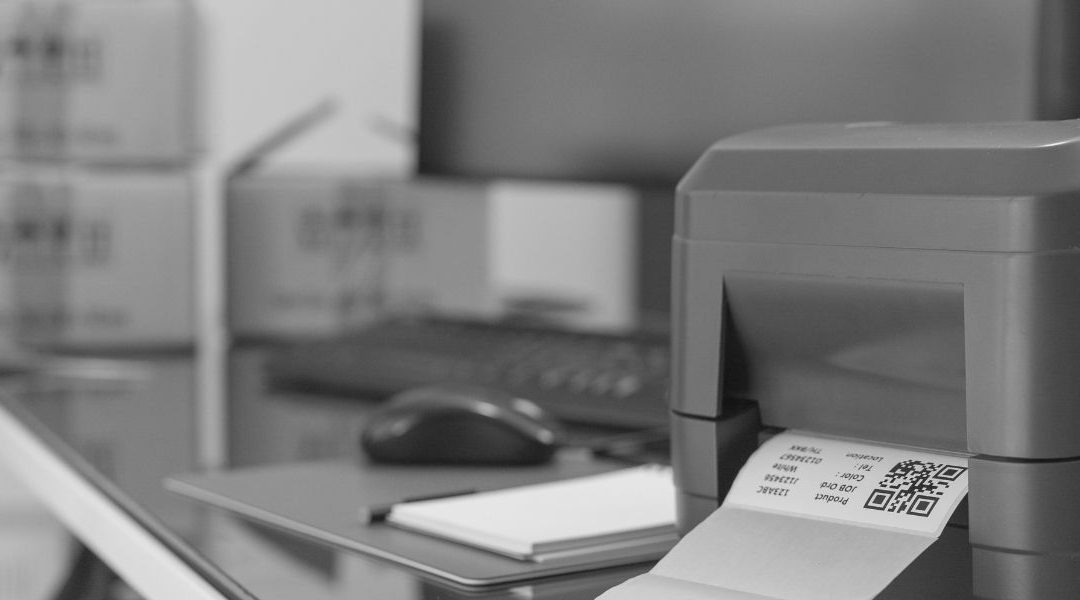
A barcode label may look simple, but small design choices can determine whether it scans instantly—or causes delays, errors and repeated attempts. Effective barcode label printing requires more than generating a barcode and placing it on a label. The barcode’s size, contrast, surrounding space, print quality and label material must all support the intended application.
Use these barcode label design best practices to improve readability and performance across inventory, shipping, asset tracking and other workflows.
- Choose the Right Barcode Symbology
Start by selecting a barcode type that fits the data and scanning environment. One-dimensional barcodes, such as Code 128 and UPC, are commonly used for product identification, inventory and shipping. Two-dimensional barcodes, including QR codes and Data Matrix codes, can store more information in a smaller area.
Consider the amount and type of data required, industry standards, available label space and the scanners used in your operation.
- Leave Enough Quiet Zone
A quiet zone is the blank space surrounding a barcode. Scanners use this area to distinguish the barcode from nearby text, graphics and label borders.
Avoid placing logos, lines or other design elements too close to the barcode. Cutting into the quiet zone can make an otherwise accurate barcode difficult or impossible to scan.
- Use Strong Color Contrast
Black bars on a white background generally provide the most dependable scanning performance. If brand colors are necessary, use dark bars against a light, solid background.
Avoid low-contrast combinations, patterned backgrounds and reflective finishes that may interfere with a scanner’s ability to identify the bars or modules. Always test custom color combinations before producing labels in volume.
- Select an Appropriate Barcode Size
Reducing a barcode to fit a crowded label can make its individual bars too narrow to reproduce clearly. Barcode size should account for printer resolution, scanning distance and the capabilities of the scanner.
Higher-resolution printers can produce smaller, more detailed barcodes, but the label still needs to remain readable in real operating conditions. Allow enough space for the barcode instead of resizing it at the end of the design process.
- Include Human-Readable Information
Important information should not exist only inside the barcode. Include readable text such as a product number, asset ID, lot number or shipping reference below or near the barcode.
Human-readable information gives employees a backup identification method if the label becomes damaged or a scanner is temporarily unavailable.
- Keep Barcode Data Consistent
Create clear rules for how information is encoded. Unnecessary spaces, inconsistent capitalization or changing number formats can create duplicate records and disrupt inventory systems.
Barcode data should follow a standardized structure that aligns with the software receiving the scan. Test the complete workflow—from label creation through scanning and database entry—before deployment.
- Match the Label to Its Environment
Barcode design also includes the physical label. Consider whether labels will encounter moisture, chemicals, abrasion, sunlight, refrigeration or extreme temperatures. The label material, adhesive and printing method should be selected together.
Direct thermal printers are often well suited for short-term applications such as shipping labels and receipts. Thermal transfer printers use ribbons to produce more durable labels for assets, inventory and demanding environments.
- Test Labels Under Real Conditions
A barcode that scans successfully from a computer screen may not perform the same way after printing. Test labels using the actual printers, scanners, surfaces, lighting and distances found in the workplace.
Check for smudging, fading, wrinkles and poor placement. For business-critical applications, barcode verification can also help confirm that printed symbols meet defined quality standards.
Choose the Right Printer for the Application
Consistent barcode label printing depends on equipment that matches the required volume, location and durability. Barcodes Inc. offers a broad selection of barcode label printers for different operational needs:
- Desktop barcode printers for compact, lower-volume applications
- Midrange barcode printers for growing or moderately demanding operations
- Industrial barcode printers for high-volume printing and rugged environments
- Mobile barcode printers for labels produced at the point of activity
- RFID barcode printers for printing and encoding smart labels
By combining a well-planned label design with the right printer, media and testing process, organizations can create barcodes that scan reliably and keep workflows moving.
Recent Comments