


Speed Up Checkout With the Epson TM-m50II POS Receipt Printer
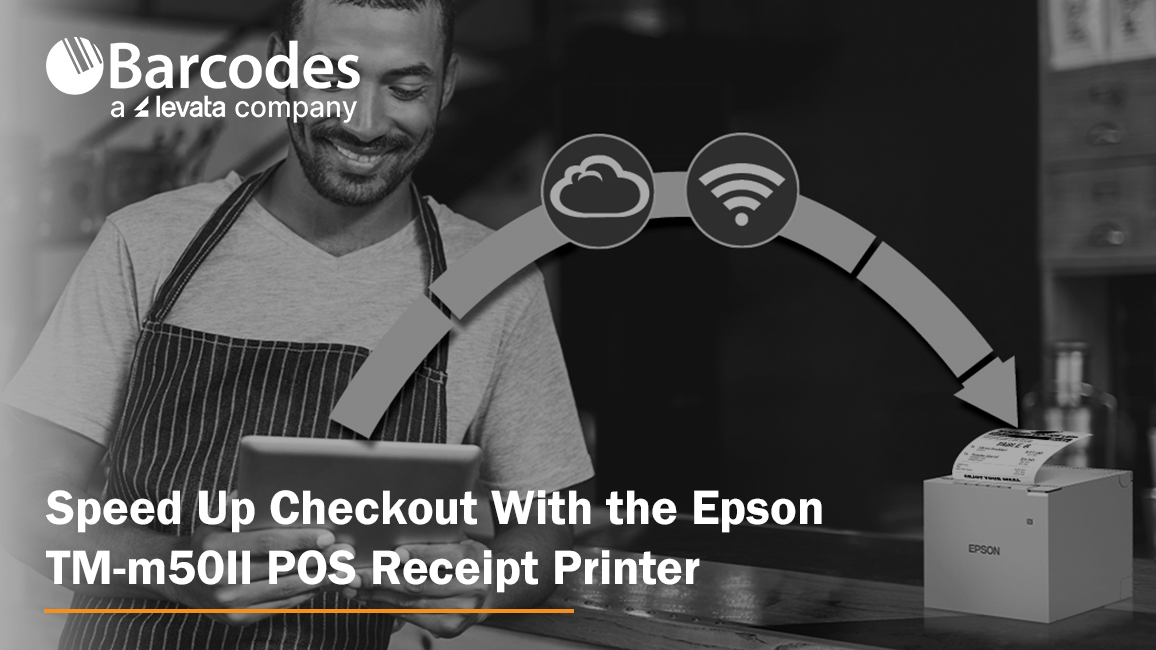
A reliable POS receipt printer keeps retail and hospitality transactions moving. When checkout gets busy, businesses need a printer that prints fast, connects to modern POS systems and holds up to daily use.
The Epson OmniLink TM-m50II brings speed, connectivity and a compact design to point-of-sale environments. It prints at up to 500 mm/sec, works with traditional and mobile POS systems and offers flexible connectivity options. That makes it a strong fit for high-volume retail, restaurant and hospitality counters.
High-Speed Receipt Printing for Faster Transactions
Slow receipt printing adds time to every transaction. During busy periods, even small delays can mean longer lines and frustrated customers.
The TM-m50II is a 3-inch direct thermal receipt printer that prints at speeds up to 500 mm/sec. It suits businesses where fast checkout and high transaction volume are top priorities. Epson bases that top speed on approved Epson paper, so use recommended media to get the most from it.
Direct thermal printing also means no ink or toner. Paired with its speed, that keeps receipt printing simple in demanding POS environments.
Compact POS Receipt Printer for Tight Counters
Checkout areas keep getting smaller. Tablets, barcode scanners, payment devices and other peripherals all compete for counter space.
The TM-m50II measures approximately 127 x 128 x 129 mm and weighs 2.87 pounds. Its small, modern design fits tablet-based mobile POS setups and traditional counters alike.
It also supports front-exit and top-exit receipt configurations. That gives businesses more flexibility in deciding where the printer sits and how receipts come out. The IPX2-rated enclosure offers basic protection against dripping water, which helps in busy retail and hospitality settings.
Flexible Connectivity for PC-POS and mPOS Systems
POS environments are not one-size-fits-all. Some businesses still run PC-based POS systems. Others are moving to tablets, mobile devices and cloud-based applications.
The TM-m50II supports both with built-in serial, USB and Ethernet connections, plus an optional Wi-Fi interface. That makes it a fit for traditional POS installations and modern mobile POS environments.
The printer also includes a USB host port for connecting compatible USB devices. For businesses upgrading their POS hardware, that flexibility can make it easier to tie the receipt printer into the rest of the checkout system.
Support for Cloud-Based POS and Online Ordering
POS no longer stops at the checkout counter. Web-based POS applications, online ordering and remote printing are becoming standard parts of retail and hospitality operations.
The TM-m50II supports Epson ePOS Print, which lets businesses print from web-based applications. It also supports Epson Server Direct Print, which can pull print jobs directly from the internet.
That helps businesses that take online orders. Instead of relying only on a locally connected POS computer, they can build receipt and order printing into more connected workflows.
Built for High-Volume Retail and Hospitality
A POS receipt printer has to perform all day, every day. The TM-m50II is built for that kind of use in high-volume retail, restaurant and hospitality settings.
Epson rates the printhead for up to 200 km of printing and the auto cutter for up to 2.2 million cuts. The printer also comes with a 4-year limited warranty, which adds support for a critical piece of POS hardware.
At a busy checkout, restaurant counter or hospitality workstation, the goal is the same. Receipts that print when they should.
Reduce Receipt Paper Usage
Operating costs add up fast in high-volume POS environments. According to Epson, the TM-m50II paper-saving technology can reduce paper usage by up to 49%.
Less paper means fewer roll changes and lower paper consumption over time. For businesses printing thousands of receipts, even modest savings add up.
Epson TM-m50II Specifications at a Glance
| Feature | Epson OmniLink TM-m50II |
| Print method | Direct thermal |
| Print speed | Up to 500 mm/sec with approved Epson paper |
| Resolution | 180 x 180 dpi |
| Paper width | 80 mm (3-inch) |
| Connectivity | Built-in serial, USB and Ethernet; optional Wi-Fi |
| Receipt exit | Front or top |
| Size and weight | Approx. 127 x 128 x 129 mm; 2.87 lb |
| Durability | Printhead rated up to 200 km; auto cutter rated up to 2.2 million cuts |
| Water resistance | IPX2-rated enclosure |
| Paper savings | Up to 49% less paper usage, according to Epson |
| Warranty | 4-year limited warranty |
Why Choose the Epson TM-m50II POS Receipt Printer?
The OmniLink TM-m50II packs the features businesses want from a modern POS receipt printer into a compact design. It is a strong option for businesses that want:
- High-speed printing: Print receipts at up to 500 mm/sec.
- Compact design: Save counter space with a small, modern enclosure.
- Flexible connectivity: Connect through serial, USB, Ethernet or optional Wi-Fi.
- mPOS compatibility: Support tablet-based and mobile POS environments.
- Cloud printing: Use Epson ePOS Print and Server Direct Print.
- High-volume reliability: Rely on a durable printhead, auto cutter and 4-year limited warranty.
- Paper savings: Reduce paper usage by up to 49%.
- Flexible installation: Choose front- or top-exit receipts to fit your workstation.
Best for: High-volume retail, restaurant and hospitality counters that need fast printing in a small footprint.
Buyer’s tip: Match the connection to your POS setup. Serial, USB and Ethernet are built in, but Wi-Fi is an optional interface. Confirm your POS software works with the printer before you buy.
Frequently Asked Questions
Does the Epson TM-m50II need ink or toner?
No. It uses direct thermal printing, so it prints on heat-sensitive paper and needs no ink or toner.
Does the TM-m50II work with tablet-based POS systems?
Yes. Epson designed it to support both traditional PC-POS and mPOS systems. Check that your POS app supports the printer and the connection type you plan to use.
Does the TM-m50II have Wi-Fi?
Wi-Fi is available as an optional interface. The printer includes serial, USB and Ethernet connections built in.
Can it print online orders and web-based POS receipts?
Yes. It supports Epson ePOS Print for web-based applications and Epson Server Direct Print for online ordering and remote printing.
What warranty comes with the TM-m50II?
Epson backs the printer with a 4-year limited warranty.
Upgrade Your POS Receipt Printing
Your receipt printer should not be the bottleneck at checkout. The Epson OmniLink TM-m50II delivers the speed, connectivity and reliability that modern retail and hospitality environments need. Its compact design also makes it easy to fit into existing workstations.
Ready to speed up checkout? Explore the Epson OmniLink TM-m50II POS receipt printer at Barcodes, Inc.
Contact Barcodes, Inc. to learn more and get help finding the right POS printing solution for your business.