


The Rise of Mobile Robotics: Exclusive Webinar
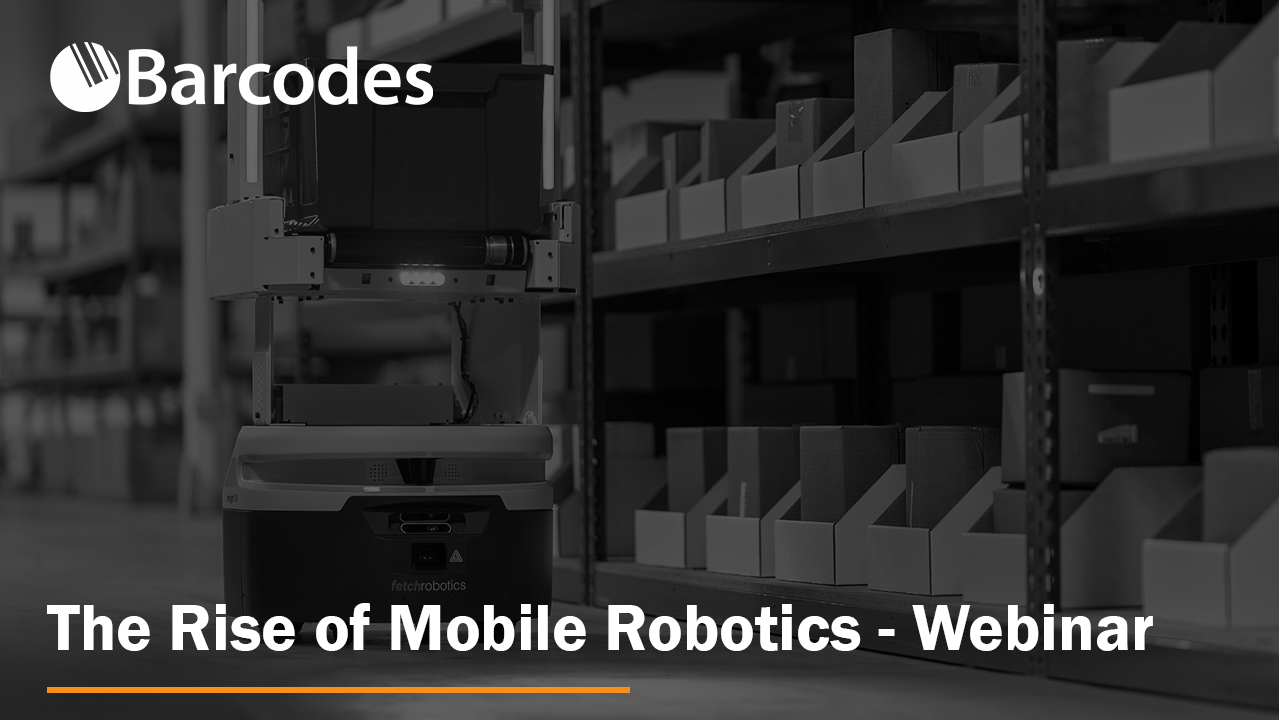
Exclusive Webinar
The Rise of Mobile Robotics
Wednesday, November 9th, 12:00 PM ET
Presented By
David Lin – Product Manager, Robotics Automation at Zebra Technologies
Manthan Pawar – Product Manager, Autonomous Mobile Robotics at Barcodes Group
About this Robotics Webinar
Labor shortage and an increase in consumer demand continue to surge the need for technological innovations that improve and automate processes. Autonomous Mobile Robots (AMRs) are the latest advancement in automation to deliver the speed and flexibility needed to fill the gaps. This webinar will demonstrate the benefits of AMRs and how they empower organizations to utilize their labor resources more efficiently.
During this webinar, we’ll be covering the following AMR topics:
- Industry drivers and trends generating the demand for AMRs
- How AMRs can help achieve higher operational speed and throughput
- AMR use cases and workflows within warehousing and distribution, eCommerce, 3PLs, and manufacturing
Watch the Full Robotics Webinar Recording
Please reach out to our team of robotics experts today.
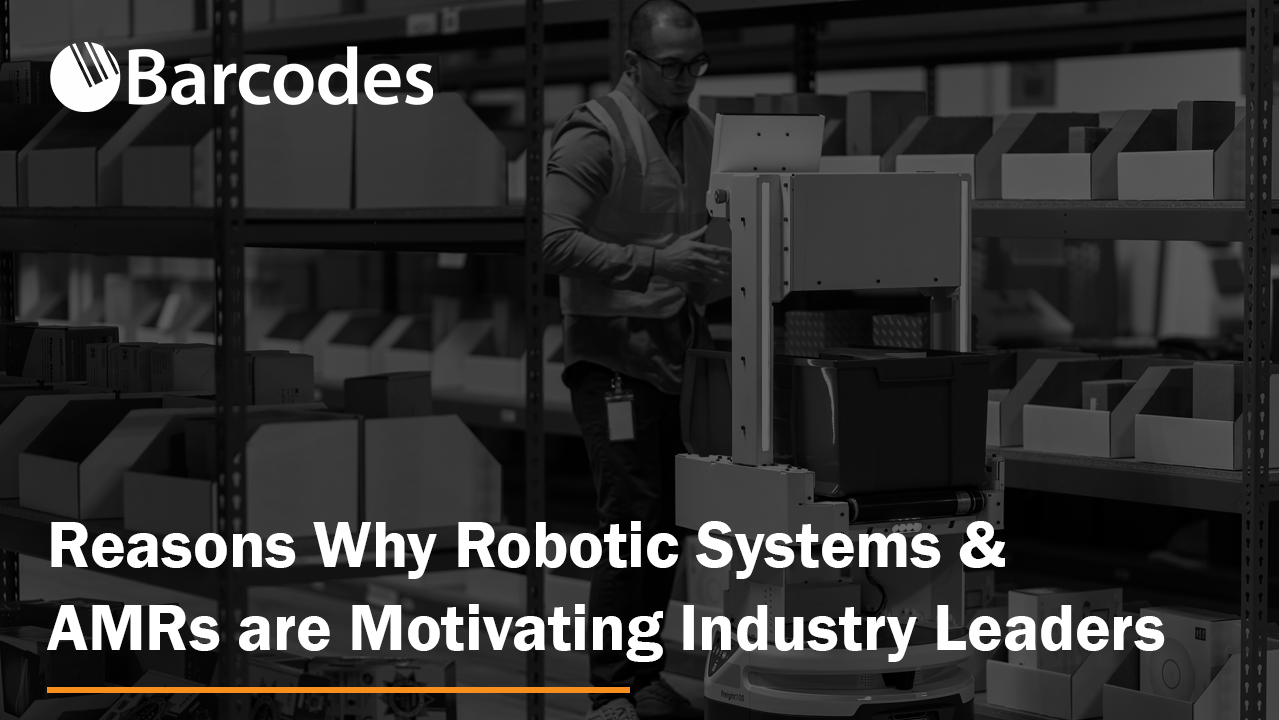
Reasons Robotic Systems and Autonomous Mobile Robots Are Motivating Industry Leaders
Businesses and enterprises are exploring robotic systems to help them overcome challenges. Finding the balance between meeting demands and controlling costs is familiar for Fulfillment and e-commerce, distribution centers, and manufacturing. However, since the onset of the COVID-19 pandemic in 2020, companies have found that the information technology and operational technology (IT and OT) that helped them operate effectively in 2019 no longer allow them to keep up.
Robotic systems, including autonomous mobile robots (AMRs), support the intelligent, automated operations that enterprises need to stay competitive and profitable.
The Challenges Driving the Move to AMRs
Robotic systems and autonomous mobile robots give operations solutions to some of their most serious challenges.
Labor
Job openings in the U.S. have totaled more than 10 million each month from 2021 to 2022. More than 800,000 of those positions are in retail trade, and 795,000 are in manufacturing – and industry growth is outpacing available labor by a 6:1 ratio. Furthermore, businesses are not only struggling to fill positions. They are also finding it difficult to retain them.
AMRs can easily accomplish tasks in the warehouse or distribution center, such as transporting freight, replenishing parts to manufacturing lines, and transporting items or consumables to packing stations. As a result, robotic systems allow enterprises to make the best use of their labor as they automate basic tasks.
Supply Chain Disruptions
The pandemic also disrupted and slowed the supply chain worldwide. Fulfillment centers, warehouses, and distribution centers have had to respond with greater efficiency and visibility into inventory movements.
Robotic systems enable operations to move materials, cargo, or merchandise effectively to keep the supply chain moving and make the best use of warehouse capacity.
Customer Expectations: While labor shortages and supply chain issues increased, customers became more demanding. Expectations of instant, flawless service drive a greater need for speed and agility in operations.
Robotic systems work consistently and quickly to move materials, deliver them where needed, and fulfill orders accurately, increasing throughput and customer satisfaction.
The Added Benefits of Robotic Systems
Operations are deploying autonomous mobile robots to address some of today’s monumental challenges, but they’re discovering that they also provide additional advantages.
- Cost savings: With AMRs moving inventory and materials, replenishing processes, transporting recycling, and performing simple –yet time-consuming and necessary – tasks, businesses can more easily control labor and overtime costs. Operations can see significant ROI from deploying robotic systems.
- Scalability: With less dependence on labor, operations can scale with the volume of work.
- Space optimization: Many robotic systems require only a small footprint, enabling operations to utilize their space efficiently.
- Enhanced safety: Autonomous mobile robots minimize unproductive travel and are designed to prevent accidents in a busy industrial environment.
- Operational data: Because robotic systems are connected to the enterprise’s network, they can provide real-time data on their tasks, information that allows operations to digitize and catalog workflows, and insights that can help improve processes.
- Employee satisfaction: Assisted by AMRs, employees can focus on higher-value tasks and quickly complete their work.
Learn More About Robotic Systems
If deploying robotic systems and AMRs is new to your team, you can watch our full webinar with Fetch Robotics and Zebra Technologies from earlier this week.
Stages of a Successful RFID Deployment – Webinar

Webinar
Stages of a Successful RFID Deployment: From Discovery to Implementation
Thursday, October 27th, 2:00 PM – 2:30 PM ET
Presented By
Christopher Vassilos – Senior Solutions Architect, Barcodes Group
Nat Hillary – Solutions Engineer for Strategic Accounts, Impinj
About this RFID Webinar
Nearly 80% of attendees to our RFID webinars have not implemented the technology yet but are interested in exploring this. How do you determine if RFID is right for you and what steps are part of a deployment?
During this webinar, you will learn the answers to the following questions:
- Based on your unique needs, how do you determine if RFID can improve the flow of goods and inventory accuracy, and at what cost?
- Does RFID fit your organization considering your people, processes, and technology?
- How do you test reading RFID tags at your facility?
Watch the Full RFID Webinar Recording
Interested to learn more about our RFID deployment solutions and services? Contact us today for a consultation and see if it’s the right fit for your organization.
Is It the Device or the Network? A New Connectivity Webinar
About the Webinar:
Is It the Device or the Network? Gain real-time visibility into connectivity issues with Extreme Intuitive Insights.
When:
Thursday, October 13th, 2:00 PM – 2:30 PM ET
Presented By:
Paul Zastrow, Sr. Pre/Post Sales Systems Engineer | Barcodes Group
Doug McDonald, Director of Technology | Extreme Networks
Yury Ostrovsky, Senior Product Manager | Extreme Networks
About this Webinar
Connectivity issues with handheld devices plague organizations of all sizes. How do you quickly isolate and proactively flag problems affecting Wi-Fi connectivity, roaming, application performance and voice execution? New cloud-based applications, such as Extreme Intuitive Insights, provide operational insights without the need to chase down physical devices to test and troubleshoot.
This webinar and demonstration will teach you how IT teams:
- Gain visibility into issues caused by the network versus the Zebra devices using the network
- Leverage the cloud to reduce time to analyze with limited staffing and resources
- Identify devices that may have left the facility, been lost, or stolen with Geofencing
Watch the Full Webinar Recording
The RS5100 Bluetooth Ring Scanner is Comfortable, Lightweight, and Powerful
Your workers need technology that delivers superior ease-of-use and adaptable functionality to meet the needs of their environments.
For maximum productivity, without compromising employee comfort, Barcodes, Inc. implements wearable devices like Zebra’s RS5100 Bluetooth scanner to provide unmatched scanning performance.
Simplify barcode scanning with a device that requires virtually no training and is practically weightless to prevent obstructions. The barcode scanner also has five interchangeable wearing styles to maximize user comfort.
As consumer demands continue to evolve in a world in motion, capture data with intelligent imaging faster.
Don’t be fooled by the ring scanner’s small form factor – Zebra’s RS5100 series is uncompromising when it comes to durability. Wherever you do business, count on the ring scanners from Zebra to achieve better uptime and perform better than ever before.
When you need efficient operations in tough environments, Barcodes dedicated service from design to deployment, and ongoing support are here to assist. As a dedicated Zebra partner, we’re committed to your operational success.
See the RS5100 Ring Scanner in Action
Cost-effective, cordless scanning. Easy deployment. Download the RS5100 spec sheet for a detailed list of features and capabilities.
Contact Barcodes, Inc. today for your own customized solution.
The LI4278 Barcode Scanner: Cordless, Economical, and Retail-Ready
You shouldn’t have to compromise on intelligent data capture when it comes to cost-effective barcode scanning.
Empower your workforce to scan faster and farther with Zebra’s LI4278 handheld barcode scanners. Experience cordless power while you capture UPC barcodes as far as 55 inches away with superior motion and angular tolerance.
All set in the ultra rugged design your teams need to minimize downtime and device failure.
Capture over 500 scans per second with a 72hour battery lifespan for over 50 thousand scans per charge.
Leverage Zebra’s 123Scan and Remote Scanner Management tools for easier day-to-day device management. Plus, with Batch Mode, automatically upload 500 UPC barcodes to your memory, even if scanned outside your communications range.
Barcodes, Inc.’s experienced technicians will deploy and support both your cordless scanners from Zebra, and any other technology your storefronts need to thrive.
See the LI4278 Barcode Scanner in Action
Cost-effective, cordless scanning. Easy deployment. Download the LI4278 spec sheet for a detailed list of features and capabilities.
Contact Barcodes, Inc. today for your own customized solution.
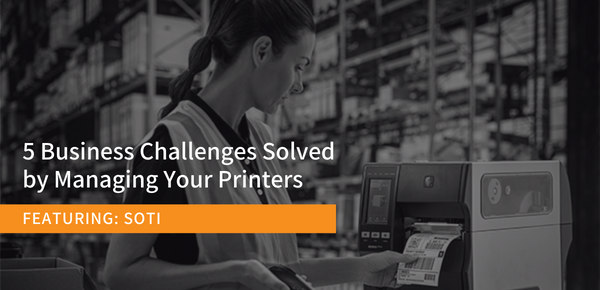
5 Business Challenges Solved by Managing Your Printers (Webinar)
About This Webinar
5 Business Challenges Solved by Managing Your Printers
Wednesday, September 21st 2022, 2 P.M. ET
Presented By:
Nick Cimbur, Regional Sales Manager, SOTI
Neel Patel, Senior Account Manager, SOTI
Managing a mixed fleet of printers can be challenging without the right tool. Having a centralized view of all your printers regardless of make or model, along with remote access to them, is critical to your business. At this webinar presented in partnership with SOTI, you’ll learn how managing printers can solve common business challenges and keep your business-critical printers online, reduce security risks, minimize downtime and workflow disruptions, and help make data-based decisions.
Key Takeaways
- The value that reducing printer downtime and improving the time-to-market can have on your business operations
- Best practices for securing printers and why improving printer security measures is incredibly important
- Why remote access is critical to maintaining printer uptime and productivity
Watch 5 Business Challenges Solved by Managing Your Printers Webinar
Challenges in Omnichannel Fulfillment for Modern 3PLs: Webinar
About This Webinar
Challenges in Omnichannel Fulfillment for Modern 3PLs
Wednesday, September 14 at 12:00 pm ET
Presented By
Vivek Singh – Co-Founder and Chief Operating Officer at Hopstack, Inc.
Doug Moll – Director Solutions Architecture at Barcodes Group
What This Webinar Covers
A discussion on the most pressing challenges faced by third-party logistics (3PL) providers while serving omnichannel brands.
In this webinar, Vivek and Doug discuss the problems modern 3PLs face due to evolving economic conditions and consumer preferences, and the part they play in enabling brands to have excellent post-purchase experiences.
Key Takeaways
- The challenges and roadblocks 3PLs face in catering to the unique needs of omnichannel brands
- 3PLs’ role in helping brands deliver Amazon and Walmart-like fulfillment experience
- How 3PLs can better cater to their clientele while being cost-effective in their operations
Watch the Full Omnichannel 3PL Barcodes and Hopstack Webinar
The Brother QL-1100 Barcode Label Printer is What Your Warehouse Needs
Print Professional Barcode Labels for the Warehouse with Ease
The Brother QL-1100 series professional label printers offer unrivalled versatility not only in the office, but also in warehouse, postal, facilities management, and many more industries.
Create labels with black print up to three feet in length, from PC, Mac, iOS or Android devices.
All models allow easy connection to desktop computers using USB. The flagship Brother QL-1110NWB also adds Wireless, Ethernet and Bluetooth wireless connectivity.
Benefits of the Brother QL-1100 Barcode Label Printer
- Rapid, beautiful print output – 69 standard address labels can be printed in a minute at 300 dpi
- Flexible wireless connections include Ethernet, Wireless (802.11b/g/n), and Bluetooth
- Versatile, wide range of label printing capabilities (up to 4″ wide)
- Automatic crop feature – quickly print product labels and other barcodes from A4/Letter size label sheet templates (Windows only)
- USB Host interface may be used with a other peripherals and barcode scanners
- Using Brother’s network administration tools and open software development kits, networks are simple to connect and administer
- For Windows, iOS, and Android operating systems, SDKs are readily available
For a truly excellent barcode label printer that was made for the warehouse, look no further than the Brother QL-1100. Download QL-1000 detailed specs. If you’d like, contact us today for a quote and deployment plan customized to your unique warehouse needs.
The RPe Series Printers from Honeywell are Rugged, Versatile, and Lightweight

Today, we’re covering the RP2e and RP4e Series of industrial mobile receipt printers from Honeywell.
Look no farther than the RPe Series if you need an extremely durable and dependable mobile receipt printer for route accounting, direct retail delivery, citation printing, auto rental return receipts, and other similar applications.
How Durable are the RPe Series Printers?
The RPe Series mobile printers are designed to withstand the worst conditions imaginable, as seen by their extensive temperature range and IP54 classification, which protects against the entrance of dust and moisture. Mobile printers are subjected to a variety of forms of routine abuse, some of the most common of which are repeated drops, vibration, and exposure to dust and water.
These arduous conditions are no match for the RPe printers, which are built to resist them and provide you with years of reliable thermal receipt and label printing. Both the RP2e and RP4e rugged printers endure drops to concrete, exposure to dust and water, and continuous high volume printing throughout the day with a battery life that can last an entire shift.
How is the Battery Charge of the RP2e and/or RP4e?
Speaking of battery life, all models include a rechargeable battery that can be charged either inside or outside the printer. This battery was made to last most of an entire field worker’s shift for the majority of possible applications. The RP2 has a 4 hour charge, while the RP4e has a max charge around 7 hours. It’s also possible to change the battery in a high-discharge current lithium-ion cell battery without having to reset the printer or lose communication.
The latest RPe printers can operate without a battery for up to one hundred and twenty seconds (depending on whether or not it uses wireless connections) without dropping its connection or requiring a restart.
In addition to long battery life and hot swapping convenience, your field workers will also have no trouble handling the printer easily over the course of a busy workday, thanks to its lightweight construction and ergonomic layout. Weighing in at just 2.2 pounds or lighter depending on the model, and a very compact 6″ x 4″ x 3″ size – it’s incredibly easy to handle Honeywell’s latest mobile printer.

What are the Printing Capabilities of the RPe Series Printers?
The RP2e / RP4e printers are optimized to print labels and receipts continuously throughout the day at a rate of up to five inches per second.
The printer has a large media capacity and can accommodate labels with or without a liner. Additionally, it has the ability to detect gaps between labels as well as black lines on the top or bottom of the media.
Each version of the RPe Series is capable of printing a variety of print widths, and the RPe Series itself comes in a variety of print widths to accommodate your specific need.
A battery eliminator option is offered for use in situations in which the printer will be permanently installed in a vehicle and connected to a power source. The printer is also capable of monitoring its own health and providing analytics pertaining to the age of the battery, the quality of the printhead, and any odd environmental circumstances that the printer may have been exposed to. This enables you to manage your whole fleet of printers and ensures that you have the highest possible uptime.
The Operational Intelligence solution offers insights to assist with the management, tracking, and optimization of printer assets, which enables preemptive repair and replacement.
Comparing the RP2e vs. the RP4e Printer
The main difference is size, with the RP2e mobile printer being a slightly lighter and compact version. The RP4e mobile printer is just a bit larger and heavier, but allows for slightly larger media rolls and receipt sizes.
For a detailed comparison between the RPe Series printers, download the spec sheet.
See the RPe Mobile Printer from Honeywell in Action
It’s time to deploy the RPe Series. Your mobile workforce, as well as your bottom line, will thank you for it. Contact us to discuss the best mobile printing solutions for your organization.