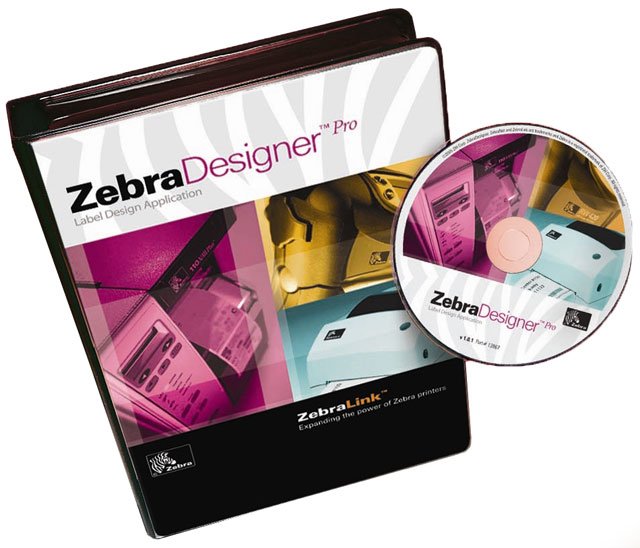
Zebra Designer Software empowers businesses to streamline their label creation process, enabling users to design and print professional-looking labels effortlessly. With a user-friendly Windows® interface, Zebra Designer accommodates both simple and intricate designs, providing flexibility for various applications. Whether you need basic text labels or complex formats that incorporate RFID or variable data, Zebra Designer offers tailored solutions with its Essentials and Professional editions, ensuring compatibility with the latest Zebra printers. Key Features
Zebra Designer Essentials: A complimentary version for basic barcode label design tools.
Zebra Designer Professional: Advanced features for complex label designs, including database connectivity and field concatenation.
Intuitive Interface: Simplified design and editing for efficient workflow.
Broad Connectivity: Supports USB, Bluetooth®, and other connection types for versatile printing options.
Backwards Compatibility: Maintains usability with existing label formats.
Specifications
Supported Files:
Zebra Designer Version 2: .LBL format
Zebra Designer Version 3: NLBL format
Printer Compatibility: Windows® 7 SP1 and later, supporting Link-OS® printers with newest drivers.
Advanced Features:
GS1-128 & RFID wizards
Print to file & Simple VB script
Pick database records at print time
Connectivity:
Parallel, Serial, IP, USB, Bluetooth
Zebra 13831-001 Software Overview
Extending the power of ZebraLink, ZebraDesigner Pro bar code label design software brings new ease of use and power to the desktop. Featuring an intuitive, Windows-based interface and a WYSIWYG label designer, plus new Design and RFID Wizards, this application makes creating complex labels based on fixed or variable data click simple. With new printer configuration tools, gain greater control over printer settings and memory for simplified printer management.