Power your day with Surface Pro 9 | Immerse yourself
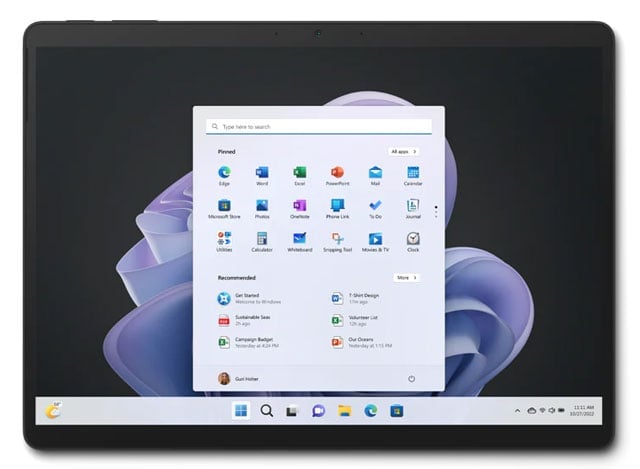
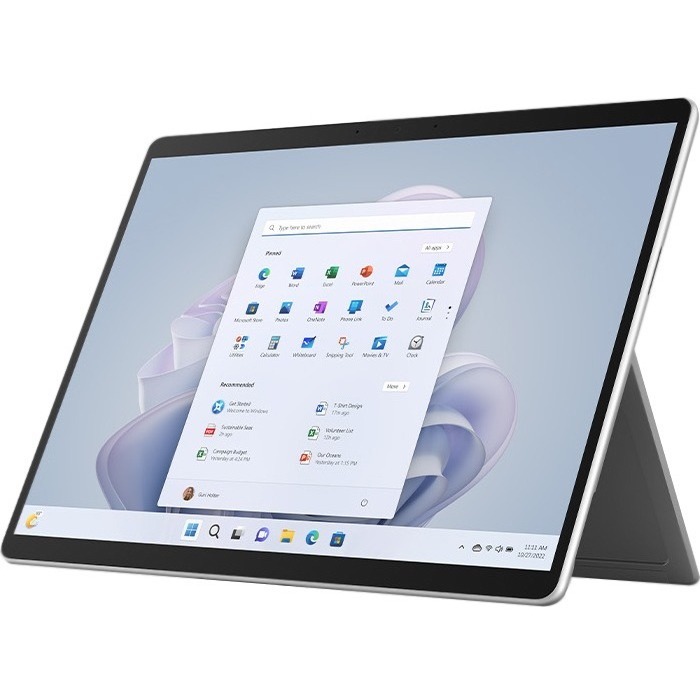
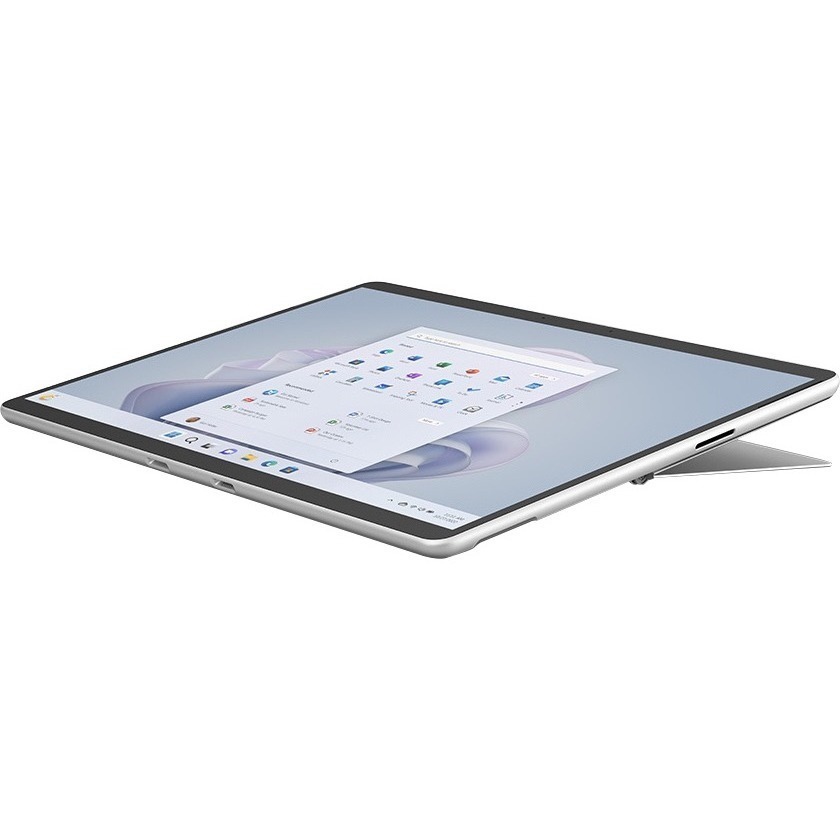
Think big with a virtually edge-to-edge 13" PixelSense™ touchscreen.
Flex from zero to hero
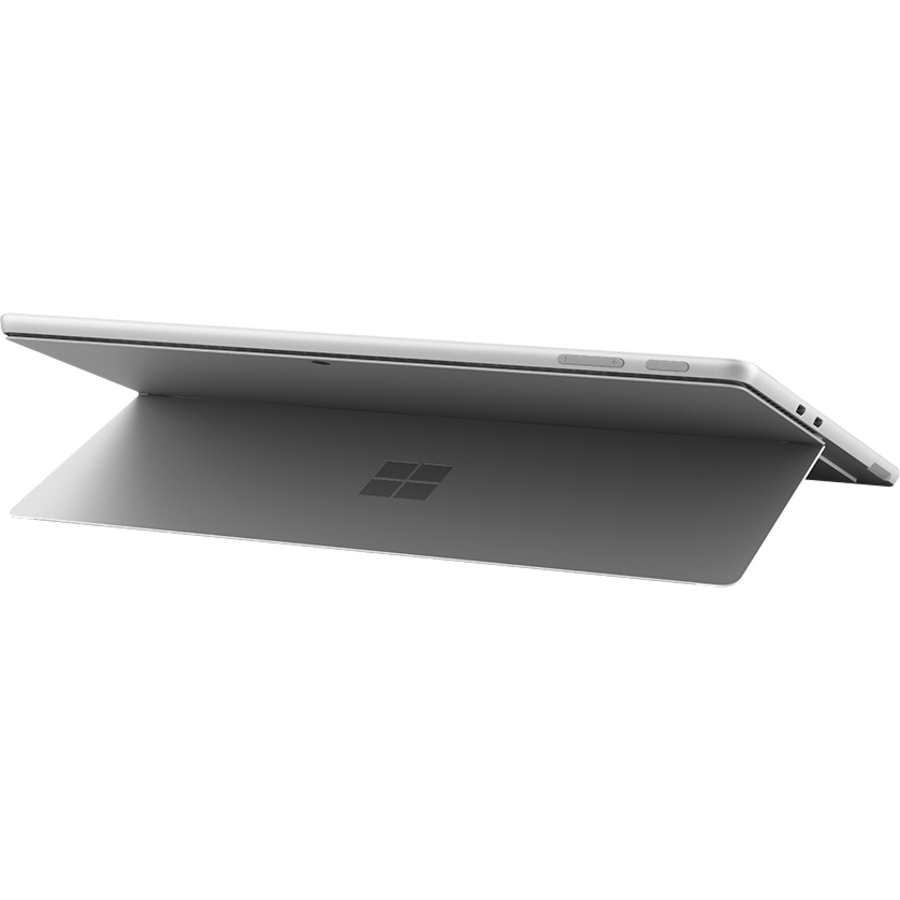
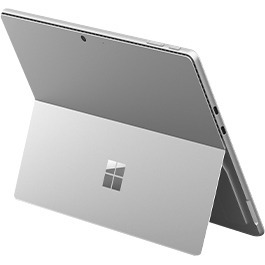
Get your perfect viewing angle with the adjustable built-in kickstand.
Adjust and pivot
Jump from tablet to laptop with a Surface Pro Signature Keyboard.
Adapt to any space
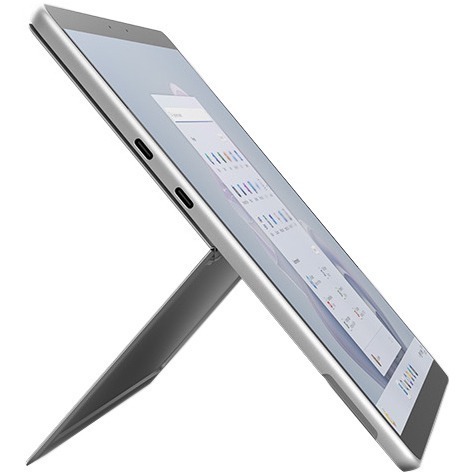
Charge accessories, dock to monitors, and transfer files with two USB-C® and Thunderbolt™ 4 ports on select models.
Feels like pen on paper
Surface Slim Pen 2 provides natural feedback for note taking-always securely stored and charging wirelessly in the keyboard.
Built for everything you do, anywhere you do it | Experience next generation video calls enabled by AI
On Surface Pro 9 with 5G, you (not your barking dog) are at the center of every call with Automatic Framing. Take video calls to the next level with Windows Studio, powered by the Neural Processing Unit.
What processor and memory does the Microsoft Surface Pro 9 tablet include?
The Microsoft Surface Pro 9 features an Intel Core i5 12th Gen i5-1245U Deca-core processor running at 1.60 GHz with 8 GB of RAM and 256 GB SSD storage. This configuration delivers solid performance for business applications, document editing, and everyday computing tasks available from us.
How long does the battery last on the Microsoft Surface Pro 9?
The Microsoft Surface Pro 9 offers up to 15.50 hours of maximum battery run time, making it suitable for full workdays without requiring frequent charging. The device includes a 48 Wh battery with a 39W power supply included in the box.
What display specifications does this Surface Pro 9 tablet have?
The Microsoft Surface Pro 9 features a 13-inch PixelSense touchscreen display with a resolution of 2880 x 1920 pixels, providing sharp visuals and excellent clarity for detailed work. The high-resolution display is ideal for professionals who need precise color accuracy and crisp text rendering.
Is the Microsoft Surface Pro 9 compatible with keyboards and styluses?
Yes, the Microsoft Surface Pro 9 is designed for use with the Surface Pro Keyboard and is compatible with the Surface Slim Pen, which features integrated storage and wireless charging. The device also supports Surface Adaptive Kit and other Microsoft Adaptive Accessories for enhanced accessibility.
What connectivity options are available on the Microsoft Surface Pro 9?
The Microsoft Surface Pro 9 includes Surface Connect for charging and docking, along with standard connectivity features. For detailed information about USB ports and wireless capabilities, contact us today for complete technical specifications.
What sustainability features does the Microsoft Surface Pro 9 include?
The Microsoft Surface Pro 9 is ENERGY STAR® certified and features an enclosure made with a minimum of 72% recycled content, including 100% recycled aluminum alloy and 100% recycled rare earth metals. This makes it an environmentally responsible choice for organizations focused on sustainability.
The Microsoft S1W-00001 Tablet is also known as
S1W-00001