Products and parts from Microsoft.
Meet Surface Go 3
See the most portable Surface touchscreen 2-in-1 in action, and discover the perfect way to tackle everyday tasks, run your favorite apps, jot down ideas, and enjoy a little down time.
Built for everyone, ready anywhere
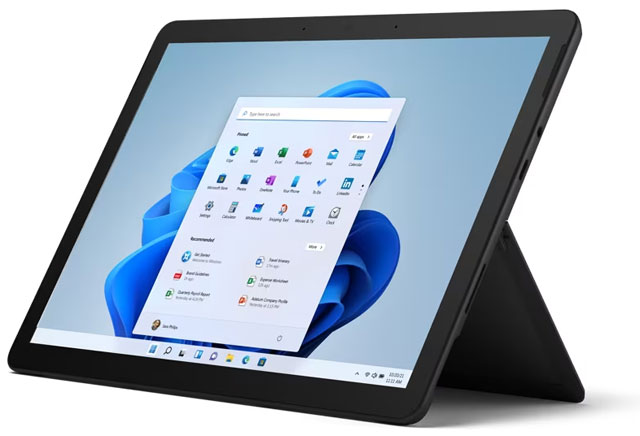
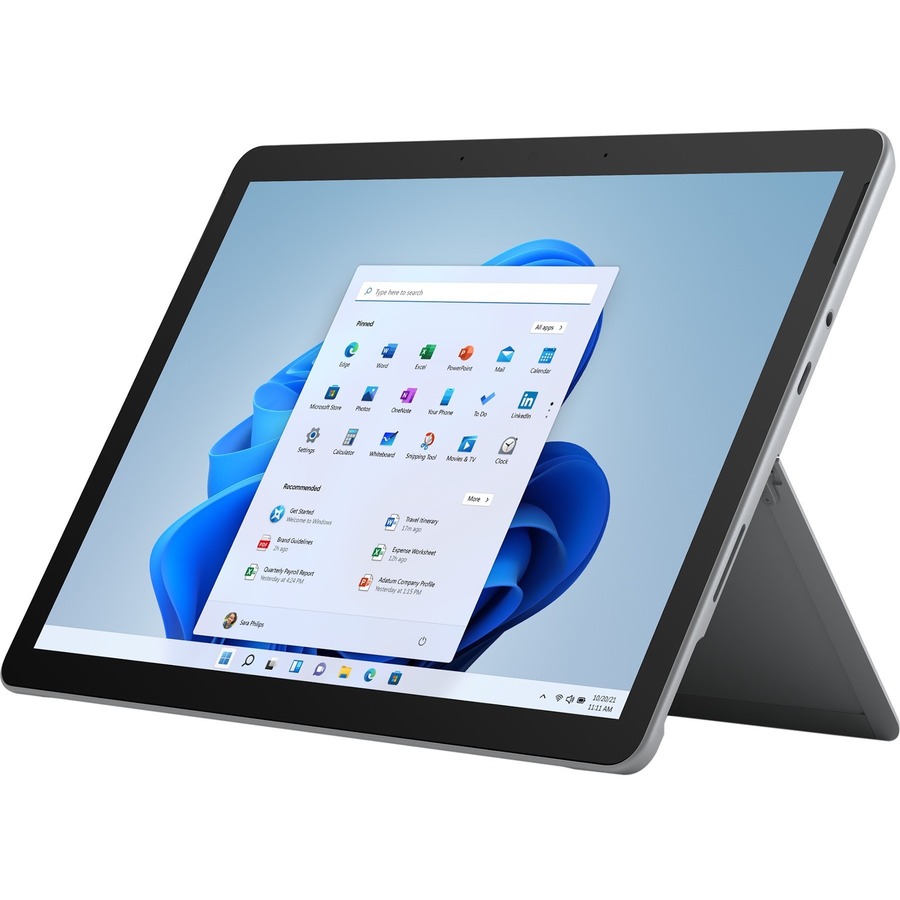
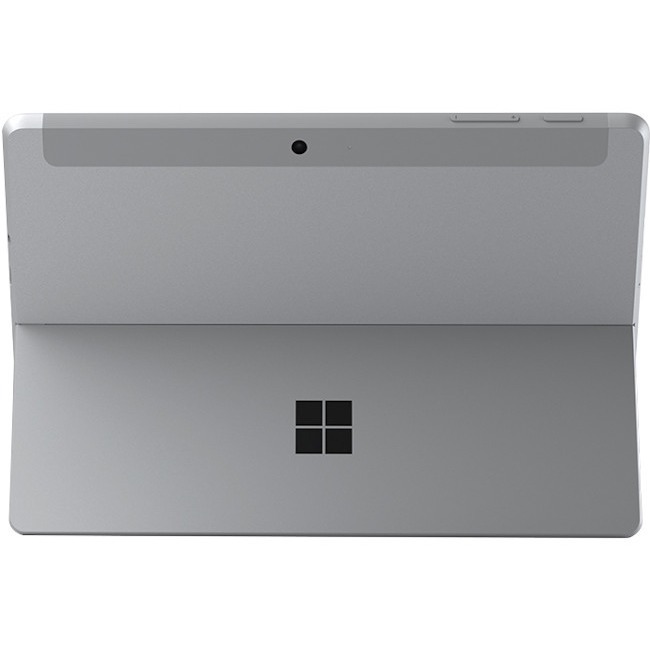
Browse, work, play, learn, and binge watch anywhere on a high-res 10.5" PixelSense™ touchscreen with adjustable Kickstand. Our most portable Surface PC is optimized for note-taking, sketching, and touch with Windows 11, and is an outstanding 2-in-1 value that can replace both your tablet and laptop.
Go-anywhere tablet with laptop productivity
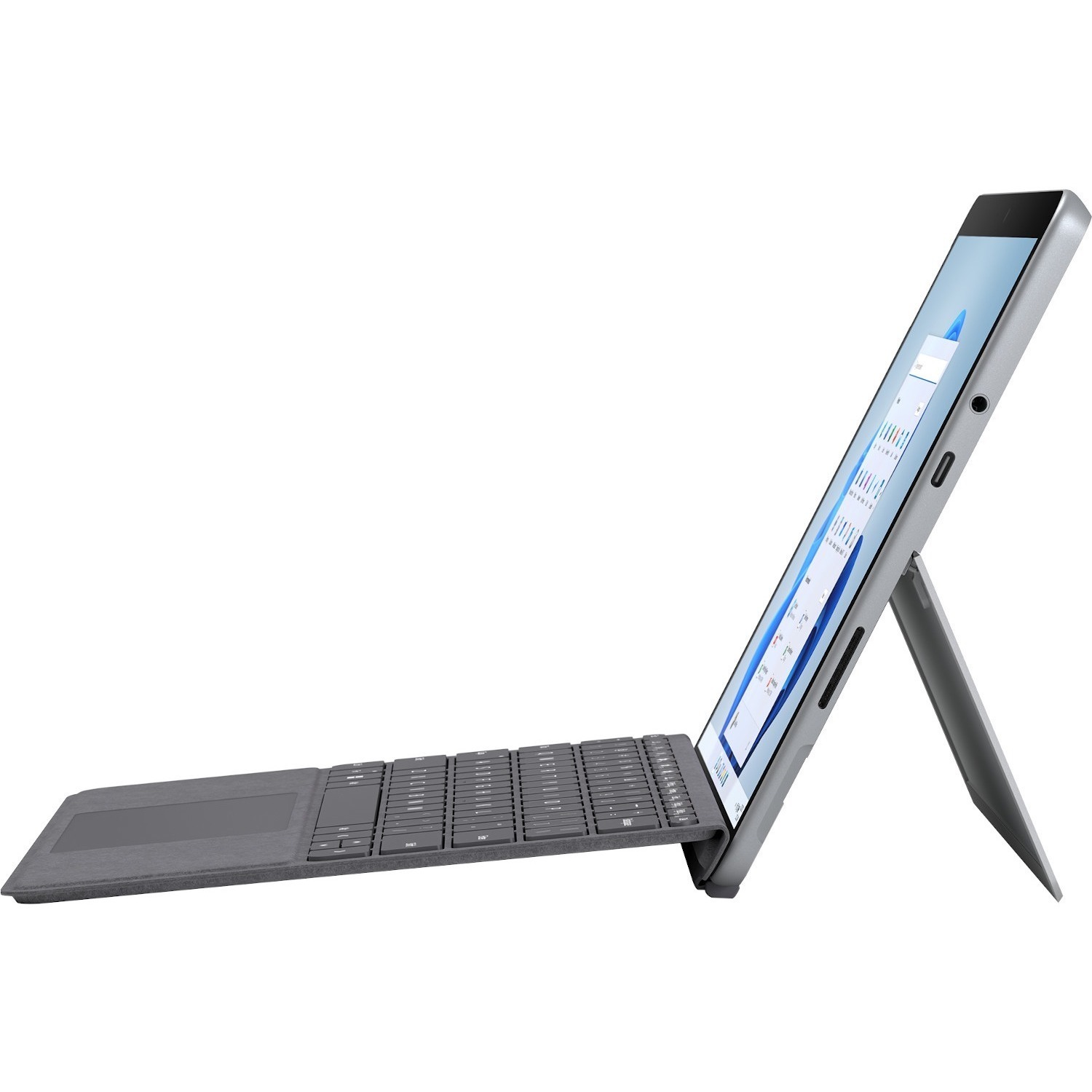
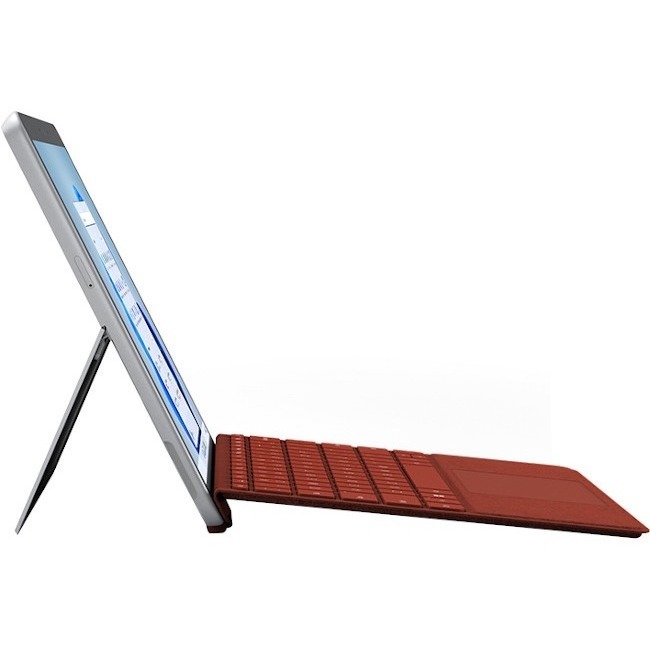
Perfect for the whole family, Surface Go 3 starts at just 1.2 pounds, with high-res 220ppi touchscreen and adjustable Kickstand. Optional Type Cover sold separately.
Got an idea? Capture it fast
Wherever inspiration strikes, jot down a quick note or draw a diagram using Surface Pen and Microsoft Journal.
Connect fast
Stay connected with fast, reliable Wi-Fi 6 for better performance around the house.
Connect in more ways
Plug in the accessories you use today with the included USB-C® port, headphone jack, Bluetooth 5.0, and MicroSDXC Card Reader.
The fast way to turn thoughts into text
Speak into the built-in Studio Mics to see your words transcribed into text with Voice Typing for Windows 11. It can even detect pauses and inflections to add to the necessary punctuation.
10.5" touchscreen
See more, do more, and browse better with Surface signature 3:2 ratio that gives you the most vertical screen real estate on a laptop for getting it all done.
Up to 11 hours battery
All-day power on the go, plus Fast Charging.
1080p HD cameras
Stay connected with front- and rear-facing 1080p HD cameras, plus dual Studio Mics.
Faster processors
Speed through email, homework, browsing, shopping, and more with faster Intel® Pentium® Gold or Intel® Core™ i3 processor.
More speed for everyday tasks
Run the apps you rely on, from Outlook email, Word, and PowerPoint to Minecraft, Disney+, and more. (coming soon to Microsoft Store on Windows)
Learn Anywhere
Amazing remote learning experiences come to life on Surface Go 3 with Surface Pen, Surface Mobile Mouse, and Microsoft Teams in Together mode.
Keep everyone safe and organized
Get the best Microsoft experiences working together, including Windows 11 and Microsoft 365 apps, optimized for Surface Pen and touch, and backed by Microsoft security with secured OneDrive cloud storage.
Multiple profiles for your family
Windows lets you create multiple-user profiles so each member of your family can login securely using Windows Hello and get access to their own files.