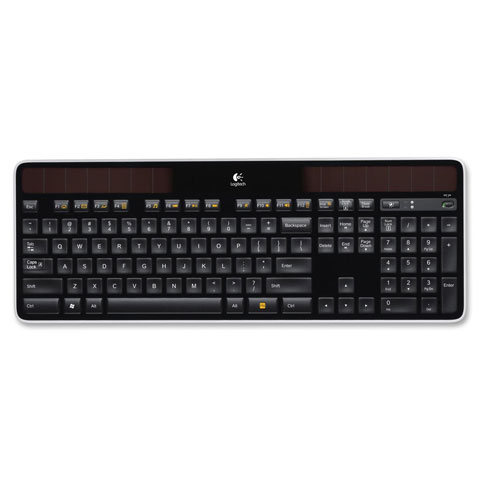
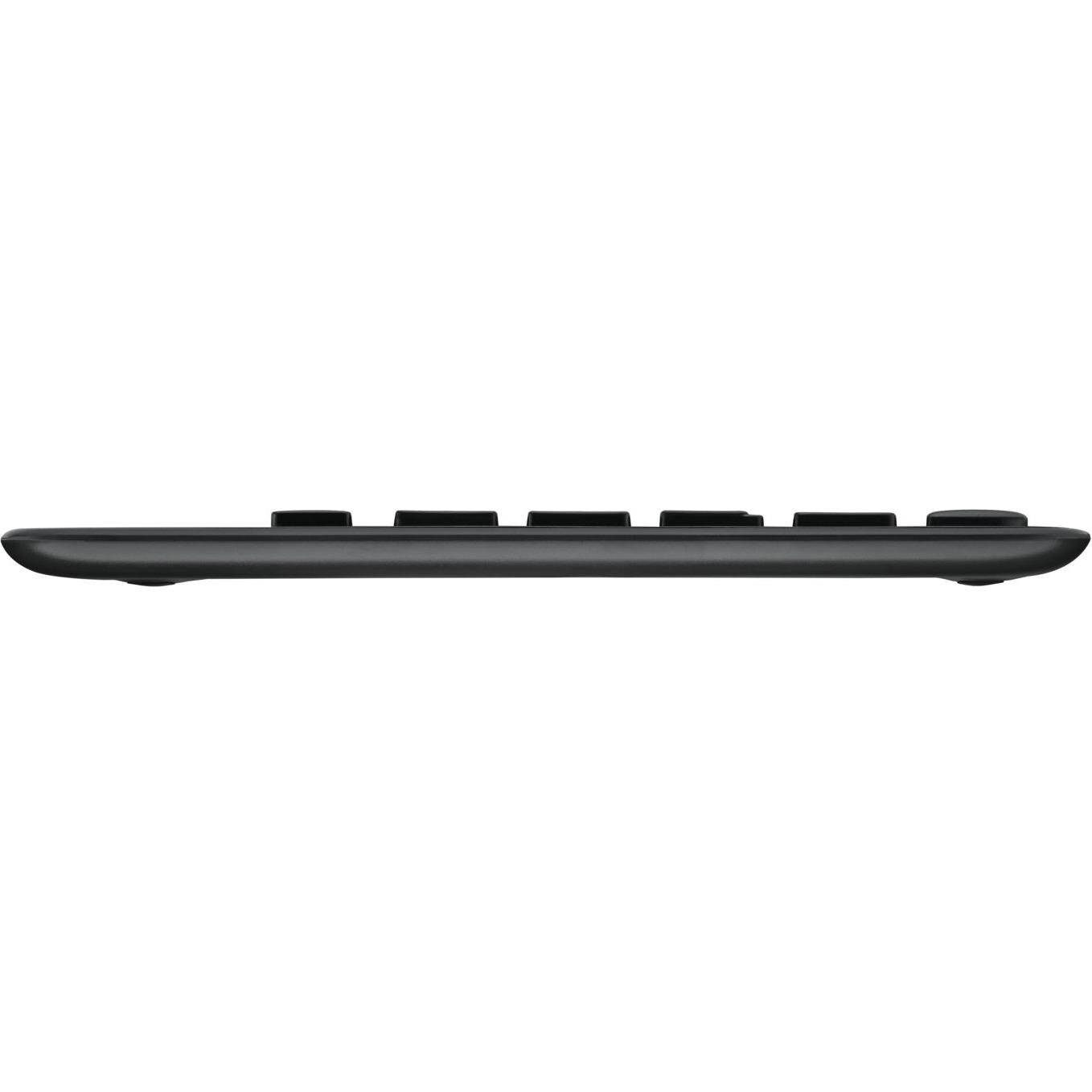
Solar-powered wireless keyboard charges itself whenever there's light and stays charged for at least three months in total darkness, eliminating the need for batteries, power bricks and charging cables. Thin keyboard features advanced 2.4 GHz wireless connectivity that gives you the reliability of a cord plus wireless convenience of fast data transmission, virtually no delays or dropouts, and 128-bit AES encryption. The included tiny Logitech Unifying receiver is small enough to stay in your laptop so no need to unplug it. Plug-and-play receiver also allows you to add compatible mice and keyboards without the hassle of multiple USB receivers. Wireless Solar Keyboard K750 features a concave key cap design and compatibility with Windows XP, Windows Vista and Windows 7. Keyboard includes a wireless extender and cleaning cloth.
What are the key features of the Honeywell PD43 barcode label printer?
The Honeywell PD43 is a light industrial thermal printer designed for compact spaces with print speeds up to 200 mm/s (8 ips). It features a color graphic display for easy setup and configuration without a host computer, Smart Printing capabilities to run apps directly inside the printer, and an all-metal chassis with cast-aluminum print mechanism for reliable performance. The printer supports both thermal transfer and direct thermal printing modes, making it ideal for warehouse and distribution center operations.
What are the main advantages of the Honeywell PD43CTA300421S12 for warehouse operations?
The PD43 delivers industrial-grade printing performance in a compact footprint, making it ideal for tight spaces, shallow countertops, and pull-out cabinets common in warehouse environments. Its all-metal chassis and cast-aluminum print mechanism provide reliable performance with minimal downtime, while tool-free printhead and roller replacement reduce maintenance needs. With print speeds up to 200 mm/s (8 ips) and support for various media types, the PD43 scales efficiently with dynamic warehouse operations.
Is the PD43 suitable for warehouse and logistics operations?
Yes, the PD43 is specifically suited for distribution centers and warehouse environments, as well as airline passenger service operations. Its compact footprint makes it ideal for tight spaces, shallow countertops, and pull-out cabinets, while its fast print speeds and reliable performance help scale with dynamic operational needs. The tool-free printhead and roller replacement also minimize downtime and maintenance requirements in high-volume settings.
Can the PD43 operate without a connected computer?
Yes, the PD43 features Smart Printing capabilities that allow it to run applications directly inside the printer, eliminating the need for a connected PC entirely. The color graphic display makes setup, configuration, and fine-tuning of settings intuitive without requiring a host computer, simplifying deployment in warehouse and distribution center environments.
What printing speeds and resolution does the PD43 offer?
The Honeywell PD43 delivers print speeds up to 200 mm/s (8 ips) with 203 dpi resolution, providing fast time-to-label performance for industrial applications. This combination of speed and resolution ensures quality barcode output while maintaining efficiency in warehouse and logistics environments. We offer the PD43 configured to meet various operational requirements.
What connectivity options does this model include?
The Honeywell PD43CTA300421S12 is a direct thermal printer without Ethernet connectivity. It's designed as a standalone unit that can operate independently with its onboard Smart Printing capabilities, making it suitable for locations where network connectivity may be limited or unnecessary.
Can the PD43 operate without a connected PC?
Yes, the PD43 features Smart Printing capabilities that allow it to run applications directly inside the printer, eliminating the need for a connected PC entirely. The color graphic display enables users to set up, configure, and fine-tune settings independently, making it easier to manage printer operations without host computer dependency. This standalone functionality is particularly valuable for warehouse environments where computer connectivity may be limited.
What print resolution and speed specifications does the PD43 offer?
The PD43 operates at 203 dpi print resolution and delivers print speeds up to 200 mm/s (8 ips), providing fast time-to-label performance. This combination of resolution and speed makes it suitable for high-volume barcode label printing in distribution centers and warehouse operations.
What media options and ribbon sizes does the PD43 support?
The PD43 supports a wide variety of media types and can accommodate both ink-in and ink-out ribbons with half-inch or one-inch core sizes. This flexibility allows operators to maximize time between media resupply and choose the most cost-effective consumables for their specific application. The variety of door options ensures the PD43 can adapt to different operational requirements.
What types of media and ribbon configurations does the PD43 support?
The PD43 supports a wide variety of media types with multiple door options and can accommodate both ink-in and ink-out ribbons with half-inch or one-inch core sizes. This flexibility allows you to maximize time between media resupply and adapt to different labeling requirements across your operation.
Is the PD43 compatible with existing ZPL-II printer environments?
Yes, the PD43 features friendly and complete ZPL-II emulation, making it a straightforward upgrade path for operations currently using compatible printers. This compatibility simplifies the transition process and reduces the need for software or workflow modifications. Contact us today to discuss how the PD43 can integrate into your existing printing infrastructure.
Is the PD43 compatible with existing Zebra ZPL-II printer environments?
Yes, the PD43 features friendly and complete ZPL-II emulation, making upgrades from Zebra printers straightforward with minimal configuration changes. This compatibility simplifies migration for organizations already using ZPL-II based printing workflows. Contact us today to discuss how we can support your transition to the PD43.