Jabra Evolve2 30 Telecommunication Equipment Model Overview
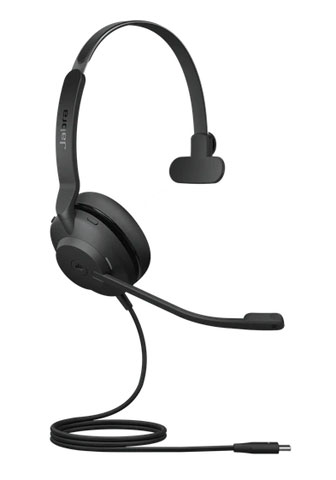
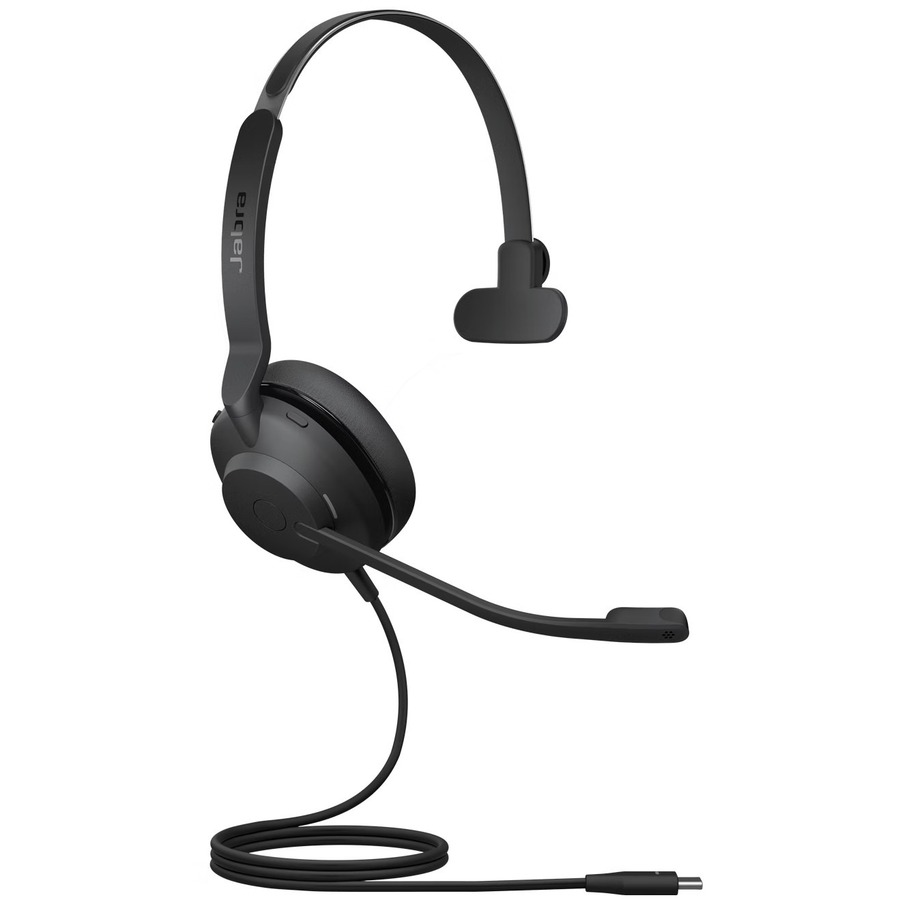
Jabra Evolve2 30 is engineered for productivity with its lightweight design and exceptional comfort. At 27% lighter than its predecessor, this headset features a reinforced steel headband and innovative design that ensures gentle, evenly distributed pressure for all-day wear. Enjoy clear, collaborative calls thanks to its advanced 2-microphone audio system that captures your voice while cutting background noise. With Microsoft Teams certification, the Evolve2 30 integrates seamlessly into your workflow, while its noise-isolating design enhances focus in any environment.
Key Features
Lightweight and Comfortable: At 27% lighter for extended use.
What noise cancellation features does the Jabra Evolve2 30 offer?
The Evolve2 30 delivers 48% more noise cancellation than previous models through noise-isolating foam oval ear cushions and an angled earcup design for passive noise isolation. It also features an advanced 2-microphone audio system that analyzes and reduces background noise, resulting in 12% less background conversation noise on calls for clearer communication in dynamic work environments.
Is the Jabra Evolve2 30 compatible with Microsoft Teams?
Yes, the Evolve2 30 meets premium Microsoft Teams Open Office requirements and is available in both UC and MS Teams variants. The headset offers plug-and-play connectivity via USB-A or USB-C, making it easy to integrate with your Microsoft Teams setup without additional configuration.
What connectivity options are available for the Jabra Evolve2 30?
The Evolve2 30 connects via USB-A or USB-C directly to your computer for plug-and-play setup. It is available in stereo and mono variants, allowing you to choose the configuration that best fits your communication needs and workspace setup.
What is the busylight feature and how does it work?
The Evolve2 30 includes an integrated busylight that automatically turns on when you're on a call, signaling 'do not disturb' mode to colleagues and protecting your focus. You can also manually activate the busylight when you need uninterrupted concentration, even when not actively on a call.
What audio quality specifications does the Evolve2 30 provide?
The Evolve2 30 features professional-grade 28mm speakers that deliver exceptional audio quality for both calls and music. Combined with its 2-microphone technology and noise-isolating design, it ensures clear voice capture while minimizing background distractions during conversations.
What call management controls are included on the Jabra Evolve2 30?
The Evolve2 30 provides easy call management functions including the ability to answer and reject calls, increase or decrease speaker volume, and mute the microphone. These controls make it simple to manage your communications without needing to touch your computer or device.
The Jabra 23089-889-879 Headset is also known as
GNN-23089889879







 Full specifications (PDF)
