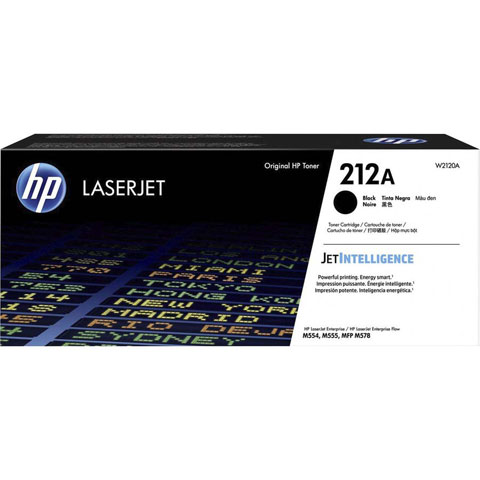
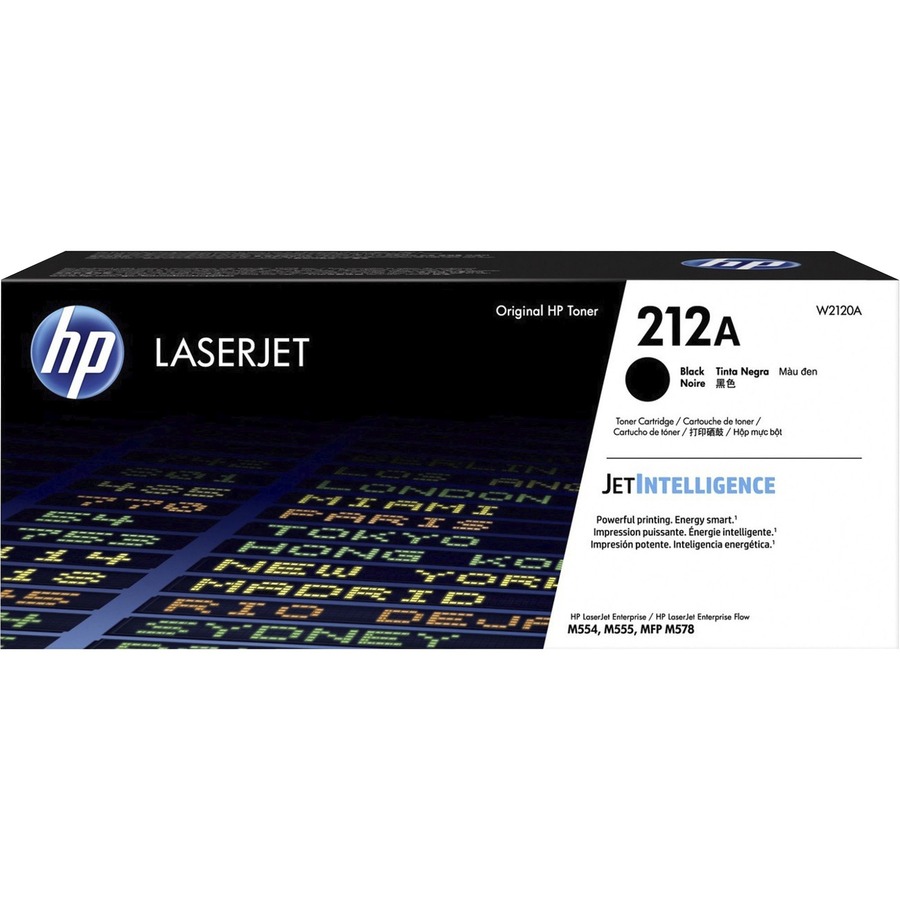
Print all your business documents quickly and efficiently and match the performance of your HP Color LaserJet Pro with Original HP Toner Cartridges with JetIntelligence. Rely on HP quality and reliability for impressive printing results in your HP Color LaserJet Enterprise M554 and M555 series as well as HP Color LaserJet Enterprise Flow MFP M578 series. Innovative anti-fraud technology of these cartridges helps ensure that you're getting authentic HP quality. Continue to count on consistent, professional quality at high speeds with HP ColorSphere 3 toner. Print for longer and get more pages. Look professional on every page with vibrant, high-quality color prints that stand the test of time. Get the most from your cartridge with page maximizer technology that manages efficient toner use and cartridge performance. Quickly replace your cartridges with auto seal removal and easy-open packaging. Cartridge yields approximately 5,500 pages.
What is the page yield for the HP W2120A toner cartridge?
The HP W2120A Original Toner Cartridge delivers a standard yield of 5500 pages, making it an economical choice for moderate-volume printing environments. This yield is based on ISO testing standards for black laser printing. We offer this cartridge as part of our comprehensive HP supplies inventory available from barcodesinc.com.
Is the HP W2120A compatible with Windows and Mac operating systems?
Yes, the HP W2120A is compatible with a wide range of operating systems including Windows 10, 8.1, 8, 7, Vista, and XP SP3 (32-bit versions), as well as OS X v10.8 Mountain Lion through OS X v10.10 Yosemite on Mac systems. This broad compatibility ensures seamless integration into most enterprise and warehouse printing environments. Contact us today to verify compatibility with your specific system configuration.
What are the minimum system requirements for using the HP W2120A toner cartridge?
For Windows systems, you'll need 2 GB of available hard disk space, a CD-ROM/DVD drive or internet connection, USB port, and Internet Explorer. Mac systems require OS X v10.11 El Capitan or later, 1 GB of hard drive space, internet access, and a USB port. Visit barcodesinc.com for detailed setup assistance and driver downloads.
What operating temperature range is recommended for the HP W2120A?
The HP W2120A operates optimally in a recommended temperature range of 59 to 86°F, with a maximum operating range of 41 to 104°F. For warehouse and logistics environments, maintaining temperatures within the recommended range ensures consistent print quality and cartridge performance. We recommend consulting with our team if you have environmental concerns specific to your facility.
What software is included with the HP W2120A toner cartridge?
The HP W2120A comes with HP Printer Software, HP Update, and HP Photo Creations utilities to optimize your printing experience. Additional driver and management software is available for download through HP's support portal. Contact us today if you need guidance on software installation or configuration for your warehouse operations.
Does the HP W2120A support wireless connectivity?
The HP W2120A supports WiFi, WiFi Direct, and Web Services connectivity options, allowing flexible network integration for distributed warehouse printing environments. These connectivity features enable remote print job management and monitoring across your facility. Visit barcodesinc.com to explore our full range of HP printing solutions with advanced connectivity features.