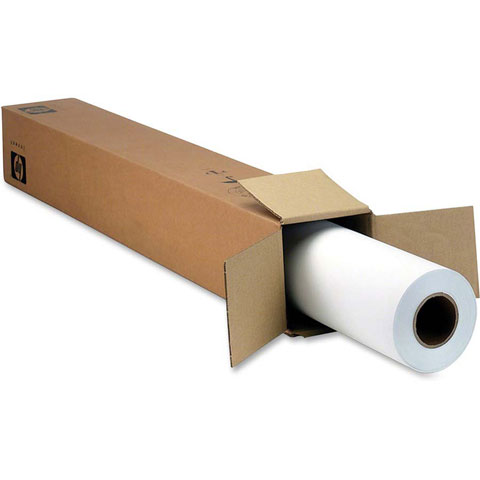
Look to this Universal Satin Photo Paper to provide a high-quality choice. Produce vivid colors ideal for presentation graphics and indoor displays from posters and presentations to photo enlargements and art reproductions. Enjoy reliable, trouble-free, HP large format printing with HP photo papers designed together with HP inks and HP Designjet printers.
What operating systems are compatible with the HP Q1422B Barcode Label printer?
The HP Q1422B is compatible with Windows Client OS (32/64 bit) including Windows 10, Windows 8.1, Windows 8, and Windows 7, as well as macOS Sierra v10.12, macOS High Sierra v10.13, and macOS Mojave v10.14. It also supports mobile operating systems including iOS and Android, making it versatile for modern warehouse and logistics environments.
What are the minimum system requirements for installing HP Q1422B printer software?
For Windows systems, you'll need Windows 10, 8.1, 8, or 7 (32-bit or 64-bit) with 2 GB available hard disk space, a CD-ROM/DVD drive or Internet connection, USB port, and Internet Explorer. For Mac systems, you'll need OS X v10.11 El Capitan or later with 1 GB of hard disk space, Internet access, and a USB port.
What software is included with the HP Q1422B?
The HP Q1422B comes with HP Connected, HP Device Experience (DXP), HP PCL 6 (XPS) Printer Driver, HP Software Installer/Uninstaller, and online user manuals. For Mac users, a Welcome Screen is included that directs to 123.HP.com or the OS App Source for additional printer software.
What are the operating temperature and storage requirements for the HP Q1422B?
The HP Q1422B operates best in a temperature range of 59 to 86°F, with an acceptable operating range of 41 to 104°F. For storage, the unit can be kept in temperatures ranging from -40°F and above, making it suitable for various warehouse and logistics facility environments.
What power requirements does the HP Q1422B have?
The HP Q1422B features an internal power supply requiring input voltage of 100 to 240 VAC (±10%), 50/60 Hz (±3 Hz). Power consumption is minimal at 0.06 watts when off, 2.2 watts in standby mode, and 0.69 watts in sleep mode, helping reduce operational costs.
Does the HP Q1422B support network connectivity and security features?
Yes, the HP Q1422B includes a password-protected network embedded web server with the ability to enable or disable network ports and SNMPv1 community password change functionality. It also supports 802.1x authentication for enterprise-level security in warehouse and logistics operations. Contact us today to learn how we can integrate this printer into your existing network infrastructure.