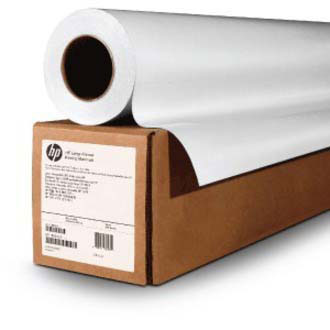
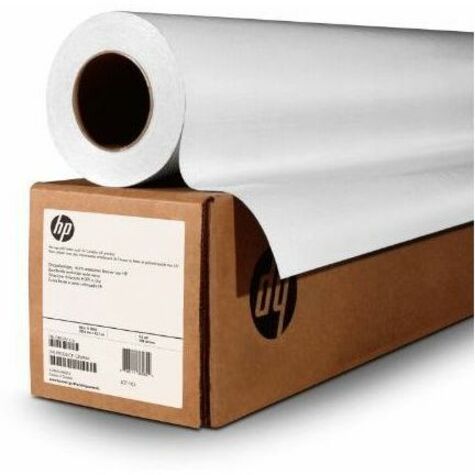
See exquisite, museum-quality results, print after print. Enjoy a consistent base fabric capable of a large color gamut with a uniform matte finish.
Make a lasting impression
Your works of art withstand the test of time. HP Professional Matte Canvas and Original HP pigment inks produce durable, water-resistant, long-lasting prints. Stretch, fold and mount this flexible material-without cracking the image.
Easy top coating for enhanced image quality
You can save time and materials with this canvas that only needs one top coat. Compatible with a wide variety of popular liquid laminates.
What operating systems are compatible with HP E4J60B products?
The HP E4J60B supports a wide range of operating systems including Windows Client OS (32/64 bit) versions from Windows 7 through Windows 10, as well as Mac operating systems including macOS Sierra v10.12, macOS High Sierra v10.13, and macOS Mojave v10.14. Mobile operating systems iOS and Android are also supported, making this solution flexible for diverse IT environments.
What are the minimum system requirements for using HP E4J60B?
For Windows systems, you'll need 2 GB of available hard disk space, a CD-ROM/DVD drive or Internet connection, USB port, and Internet Explorer. Mac systems require OS X v10.11 El Capitan or later, 1 GB of hard disk space, Internet access, and a USB port. These modest requirements make deployment straightforward across most warehouse and logistics operations.
What software is included with HP E4J60B products?
Windows installations include HP Software Installer, HP PCL6 Printer Driver, HP Device Experience (DXP), HP Connected, HP Printer Assistant, HP Scan Driver, and online user manuals. Mac systems receive a Welcome Screen that directs users to hp.com or the OS App Source for LaserJet Software. This comprehensive software suite supports full device management and operation out of the box.
What security features does HP E4J60B offer for network environments?
The HP E4J60B includes password-protected network embedded Web server access, the ability to enable or disable network ports, SNMPv1 community password change capabilities, and 802.1x authentication support. Additionally, HP Printer Assistant and HP JetAdvantage Security Manager provide centralized security management for enterprise deployments.
What are the power consumption specifications for HP E4J60B?
The device operates on input voltage of 100 to 240 VAC (±10%) at 50/60 Hz, with power consumption of 0.06 watts in Off mode, 2.2 watts in Standby, and 0.69 watts in Sleep mode. This energy-efficient design helps reduce operational costs in warehouse and logistics environments.
What operating temperature range is recommended for HP E4J60B?
The recommended operating temperature range for HP E4J60B is 59 to 86°F, with a broader operating range of 41 to 104°F and storage temperatures from -40°F. These specifications ensure reliable performance in typical warehouse and indoor logistics facilities when maintained within recommended conditions.