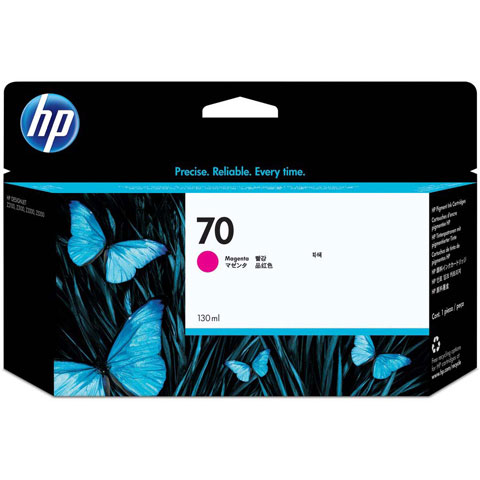
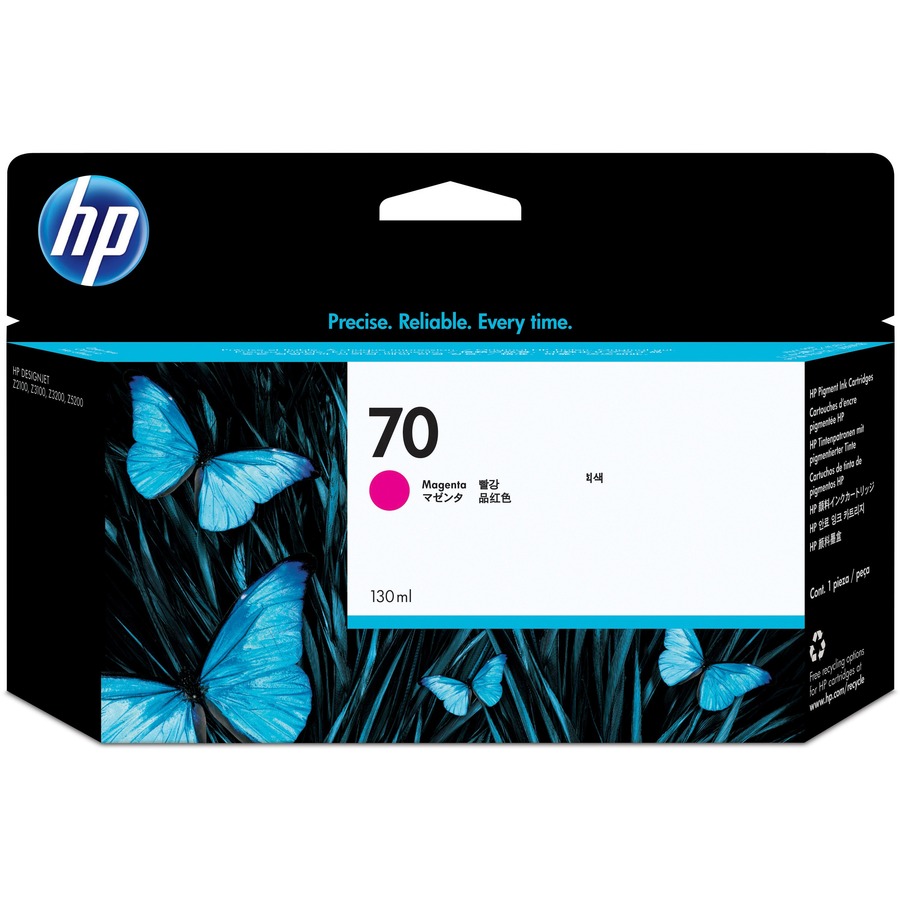
HP C9453A InkJet Cartridge
HP Parts Accessory Model Overview
HP 70 ink cartridge is designed for use with HP Designjet Z2100, Z3100, Z3100ps GP, Z3200, Z3200ps, and Z5200. HP Vivera pigment inks are specifically engineered to deliver consistent results every time you print. Carefully selected ultra-pure pigments and exclusive ink formulation technology ensure that pigment particles remain evenly dispersed and ink flows freely. This prevents settling and clumping of particles that can clog printhead nozzles and cause inconsistent print quality. HP Vivera pigment inks take the hassle out of getting brilliant, vivid color that you can repeat print after print. HP 70 Ink Cartridges are designed for reliable, cost-effective printing. When it's time to replace a cartridge, individually replaceable ink cartridges allow economical replacement of only the cartridge that is out.
Until the ink is depleted or until the end of warranty date, which ever occurs first. For details see www.hp.com/support/inkjet_warranty.
Frequently Asked Questions
What color is the HP C9453A ink cartridge and what type of printer does it work with?
The HP C9453A is an HP 70 Original Ink Cartridge in magenta color, designed for inkjet printers. This single-pack cartridge is an authentic HP product that delivers consistent color output for your inkjet printing needs. We offer genuine HP cartridges like this one to ensure optimal printer performance and print quality.
Is the HP C9453A compatible with Windows and Mac operating systems?
Yes, the HP C9453A cartridge works with HP printers that support a wide range of operating systems including Windows 10, 8.1, 8, 7, Vista, and XP SP3 (32-bit), as well as OS X v10.8 Mountain Lion through OS X v10.10 Yosemite. The cartridge itself is compatible with any HP printer designed to use HP 70 supplies, regardless of your computer's operating system. Contact us today if you need help identifying the right cartridge for your specific printer model.
What are the system requirements for using HP printers with the C9453A cartridge?
For Windows systems, you'll need Windows 10, 8.1, 8, or 7 (32-bit or 64-bit) with 2 GB available hard disk space, a USB port, and Internet Explorer. For Mac systems, OS X v10.11 El Capitan or later is recommended with 1 GB of hard drive space and an internet connection. We recommend reviewing your specific printer's documentation to ensure full compatibility with your system setup.
Does the HP C9453A cartridge come with any software?
HP printers that use the C9453A cartridge typically include HP Printer Software, HP Update, and HP Photo Creations with their installation packages. These tools help you manage printing, maintain driver updates, and create photo projects directly from your printer. For the most current software versions, visit HP's support website or contact us today for assistance.
What power specifications should I know about for HP printers using the C9453A cartridge?
HP printers compatible with the C9453A cartridge feature an internal power supply with input voltage of 100 to 240 VAC (±10%), 50/60 Hz (±3 Hz), with high voltage support at 200 to 240 VAC. Power consumption is minimal at 0.06 watts when off, 2.2 watts in standby, and 0.69 watts in sleep mode. This energy-efficient design helps reduce operational costs in warehouse and office environments.
What operating temperature range is recommended for HP printers using the C9453A cartridge?
The recommended operating temperature for HP printers using the C9453A cartridge is 59 to 86°F, with an acceptable operating range of 41 to 104°F and a storage temperature range of -40°F and below. Maintaining your printer within the recommended temperature range ensures optimal performance and cartridge longevity. Contact us today if you have questions about environmental conditions for your printing setup.