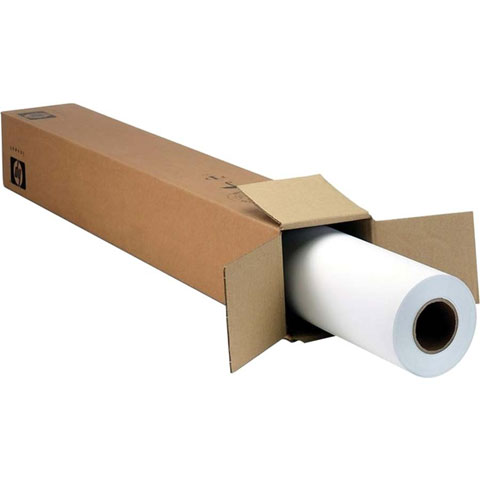
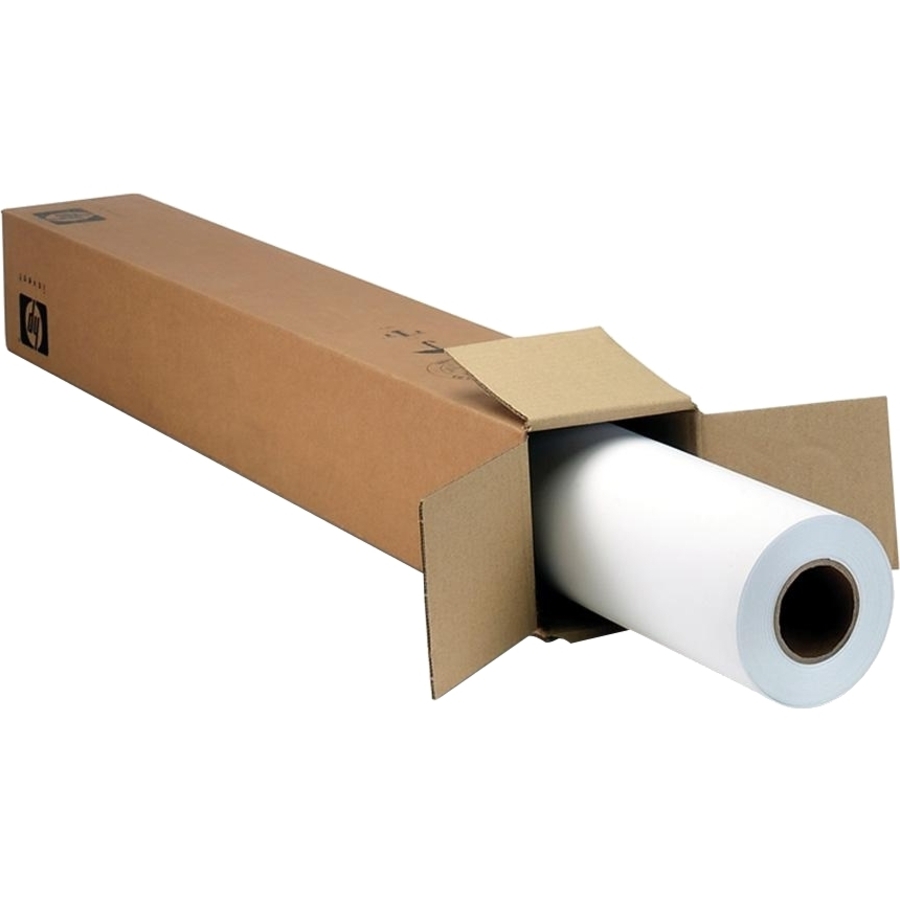
Deliver brilliant, photo-quality images in durable, resilient banners. Fast dry times and easy finishing keep your workflow running smoothly. Moderately water-resistant prints and tear-resistant banners remain vibrant-and they're recyclable.
HP warrants to you, the end user customer, that HP large format printing materials are free from defects in materials and workmanship. If HP receives notice of such defects during the warranty period (up to one year from date of purchase), HP will, at its option, either replace products which prove to be defective with the same or comparable product at HP’s option or HP may elect to refund your purchase price. (Proof of purchase required. Customers should retain a copy of the purchase order (PO). When submitting a claim, attach a copy of the PO including the name of the company the printing material was purchased from, the purchase date, and the PO number.) To obtain warranty service, please contact HP customer support. TO THE EXTENT ALLOWED BY LOCAL LAW, THE ABOVE WARRANT IS EXCLUSIVE AND NO OTHER WARRANTY OR CONDITION, WHETHER WRITTEN OR ORAL, IS EXPRESSED OR IMPLIED AND HP SPECIFICALLY DISCLAIMS ANY IMPLIED WARRANTIES OR CONDITIONS INCLUDING BUT NOT LIMITED TO WARRANTIES OF MERCHANTABILITY, SATISFACTORY QUALITY, AND FITNESS FOR A PARTICULAR PURPOSE. TO THE EXTENT ALLOWED BY LOCAL LAW, IN NO EVENT WILL HP OR ITS SUPPLIERS BE LIABLE FOR DIRECT, SPECIAL, INCIDENTAL, CONSEQUENTIAL (INCLUDING LOST PROFIT OR DATA), OR OTHER DAMAGE, WHETHER BASED IN CONTRACT, TORT, OR OTHERWISE. TO THE EXTENT ALLOWED BY LOCAL LAW, THE REMEDIES IN THIS WARRANTY STATEMENT ARE YOUR SOLE AND EXCLUSIVE REMEDIES. THE WARRANTY TERMS CONTAINED IN THIS STATEMENT, EXCEPT TO THE EXTENT LAWFULLY PERMITTED, DO NOT EXCLUDE, RESTRICT, OR MODIFY ANY MANDATORY STATUTORY RIGHTS APPLICABLE TO THE SALE OF THIS PRODUCT TO YOU.
What operating systems are compatible with the HP C0F14A?
The HP C0F14A is compatible with Windows 10, 8.1, 8, 7, Vista, and XP SP3 (32-bit and 64-bit where applicable), as well as OS X v10.8 Mountain Lion through OS X v10.10 Yosemite. We offer full driver support and software downloads for all these platforms to ensure seamless integration with your existing IT infrastructure.
What are the minimum system requirements for using the HP C0F14A?
For Windows systems, you'll need 2 GB of available hard disk space, a CD-ROM/DVD drive or internet connection, USB port, and Internet Explorer. Mac users require OS X v10.11 El Capitan or later with 1 GB of HD space and internet connectivity. Visit barcodesinc.com to confirm your system meets these requirements before ordering.
Does the HP C0F14A support wireless connectivity?
Yes, the HP C0F14A features WiFi and WiFi Direct connectivity, along with Web Services support for flexible network deployment. This wireless capability makes it ideal for warehouse and logistics environments where mobility and network flexibility are essential.
What is the power consumption of the HP C0F14A?
The HP C0F14A has minimal power draw with 0.06 watts in off mode, 2.2 watts in standby, and 0.69 watt in sleep mode, making it energy-efficient for continuous warehouse operations. The device requires input voltage of 100 to 240 VAC (±10%), 50/60 Hz, with an internal power supply.
What software is included with the HP C0F14A?
The HP C0F14A comes with HP Printer Software, HP Update, and HP Photo Creations pre-installed for immediate productivity. Additional scan software such as HP Scan and TWAIN drivers are available for download at hp.com/support to extend functionality.
What is the operating temperature range for the HP C0F14A?
The HP C0F14A operates reliably between 41 to 104°F, with a recommended operating temperature of 59 to 86°F for optimal performance. For storage, the device can be kept in temperatures ranging from -40°F and above, making it suitable for various warehouse environments. Contact us today if you need guidance on environmental placement for your facility.