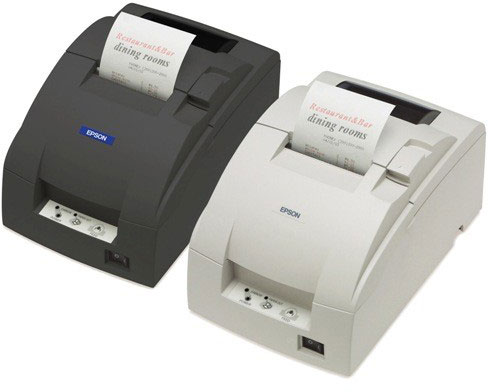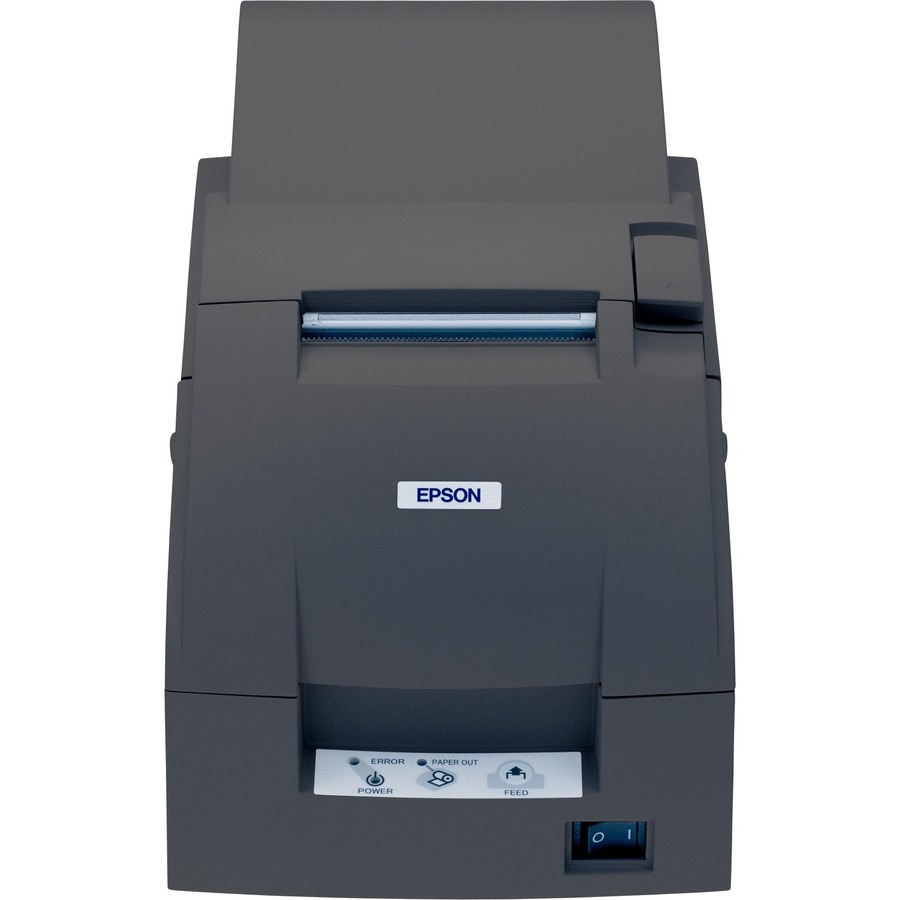
Epson C31C513A8681 Receipt Printer
Epson TM-U220 Receipt Printer Model Overview
The Intelligent POS printer and controller in one.
Recommended Accessories
Category
- Cables To Go (1)
- Cables, Connectors, and Adapters (1)
- Pole Customer Pole Display (3)
- Printer Accessories (8)
- Receipt Printer Accessories (6)
- Serial Adapters (1)
Recommended Accessories for Model: Epson C31C513A8681 Receipt Printer
Top Cables To Go Purchased With Epson C31C513A8681
-
Cables To Go 2798 Accessory6ft Parallel printer cable. Replaces (Part# PCM-1100-06).Item on backorder — chat for lead time$29.32
Top Cables, Connectors, and Adapters Purchased With Epson C31C513A8681
-
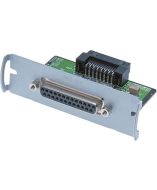
Epson C823361 Cables, Connectors, and AdaptersPrinter Spare Part, Epson Connect-IT Serial Interface Card, UB-S01 (1K Buffer)In Stock$48.55
Top Pole Customer Pole Display Purchased With Epson C31C513A8681
-
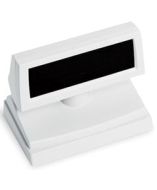
Epson B131101 Customer DisplayCustomer Display Stand, Epson DM-D110 Pole Display, Cool White Stand Alone Base Requires a displayItem on backorder — chat for lead time$129.88 -
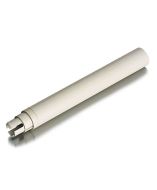
Epson B098101 Customer DisplayCustomer Display Pole Display Extension, Epson DDP110 and DP500 Pole Displays, P105, Cool-WhiteItem on backorder — chat for lead time$21.15 -
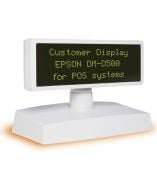
Epson B113101 Customer DisplayEpson DM-D500 Pole Display - Green - VFD - Serial - WhiteItem on backorder — chat for lead timePlease Call for Pricing or to Purchase
Top Printer Accessories Purchased With Epson C31C513A8681
-
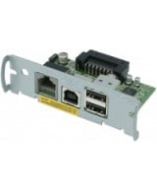
Epson C32C824111 AccessoryPrinter Spare Part, UB-U01III-111 Epson USB Interface Connect-IT Card with 2 port hubItem on backorder — chat for lead time$128.72 -
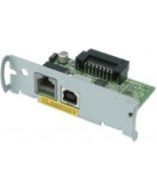
Epson C32C824121 AccessoryPrinter Spare Part, Epson Printers Except TansScan, UB-U02 USB Connect-IT Interface with DMD Port (for Pole Display), No HUBItem on backorder — chat for lead time$111.39 -
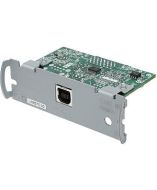
Epson C32C824131 AccessoryPrinter USB Interface, Epson all printers excecpt TransScan TM-T70, TM-T70, TM-T88V & TM-T88IV, UB-U03 USB Connect-IT Interface without display module or hub portIn Stock$103.86
Top Receipt Printer Accessories Purchased With Epson C31C513A8681
-
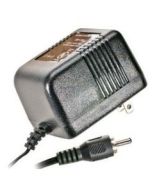
Epson 208178604 AccessoryAC Adapter C (for the U220, U325 and CaptureOne Series)Item on backorder — chat for lead timePlease Call for Pricing or to Purchase -
Epson 1235228 AccessoryESPON, TM-U220, PRINT HEAD UNIT AD FOR USE IN TM-U220, NON-CANCELABLE, NON-RETURNABLEItem on backorder — chat for lead timePlease Call for Pricing or to Purchase -
Epson PCM-1970-06 AccessoryEpson Null Modem Cable - DB-9 Female - DB-25 Male - 6ft - BeigeItem on backorder — chat for lead timePlease Call for Pricing or to Purchase
Top Serial Adapters Purchased With Epson C31C513A8681
-
Epson C823361 Cables, Connectors, and AdaptersPrinter Spare Part, Epson Connect-IT Serial Interface Card, UB-S01 (1K Buffer)In Stock$48.55
Frequently Asked Questions
What are the main differences between the TM-U220A, TM-U220B, and TM-U220D models?
The TM-U220A includes both a journal take-up device and auto-cutter for maximum functionality. The TM-U220B features an auto-cutter only without the journal device. The TM-U220D is the base model with neither option. All three models share the same core high-speed printing technology and two-color printing capability, so you can choose the configuration that best fits your operational needs.
What paper widths does the Epson TM-U220 support?
The TM-U220 series features an adjustable paper width capability that allows you to use 58mm, 70mm, or 76mm paper rolls. This flexibility gives you greater cost savings and operational efficiency by letting you select the paper size that works best for your specific receipts and kitchen orders.
Is the TM-U220 compatible with existing TM-U200 systems?
Yes, the TM-U220 series has been designed to be 100% compatible with existing systems currently using a TM-U200 printer. Because the external dimensions of the TM-U200 and TM-U220 are almost identical, transitioning to a new TM-U220 printer is as simple as removing the old unit and installing the new one without requiring system modifications.
What printing features does the TM-U220 offer for receipts and kitchen orders?
The TM-U220 series is optimized for high-speed throughput to print customer receipts and kitchen orders faster than ever. It offers two-color printing in black and red to highlight special offers and print more impactful logos, plus drop-in paper loading for maximum efficiency and ease of use in busy retail and food service environments.
Does the TM-U220B include an auto-cutter?
Yes, the TM-U220B comes with an auto-cutter that allows you to choose between a full or partial cut. It also features an Auto Status Back function that automatically transmits changes in printer status to your system.
Can I mount the TM-U220D on a wall?
Yes, the TM-U220B and TM-U220D both have a wall-mounting option that allows the printer to print receipts right side up for easy reading directly out of the printer. This makes them ideal for compact spaces or customer-facing installations where space is limited.