What printer models is the Dell YX24V cyan toner cartridge compatible with?
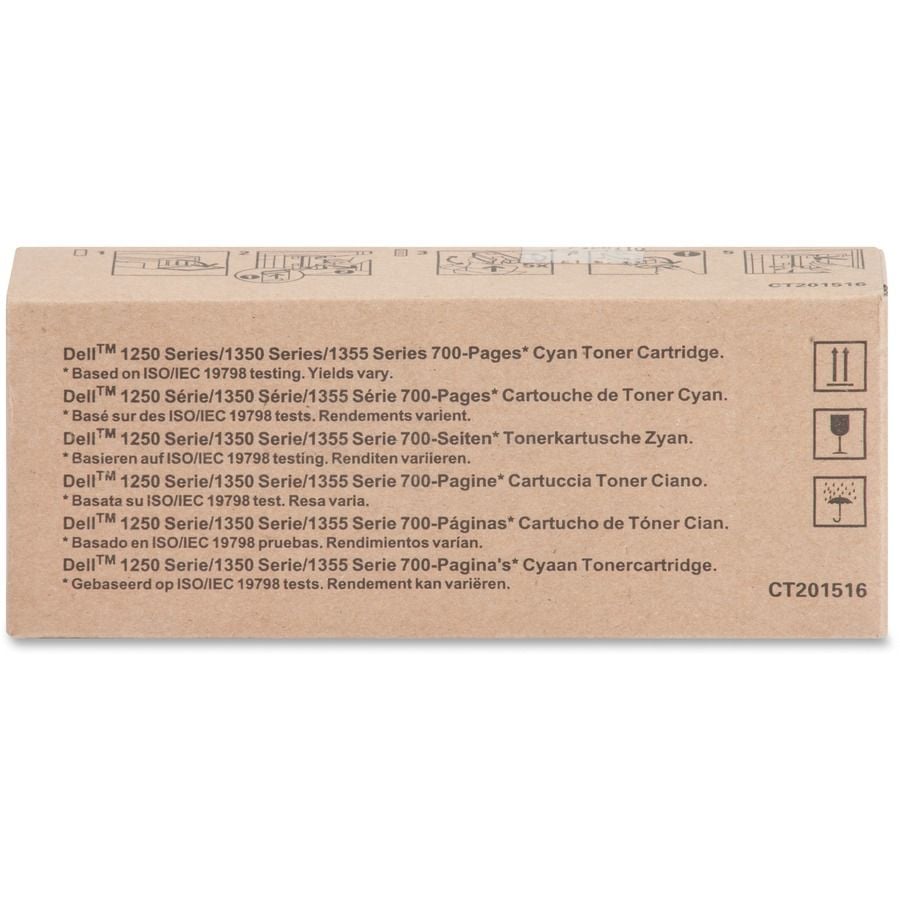
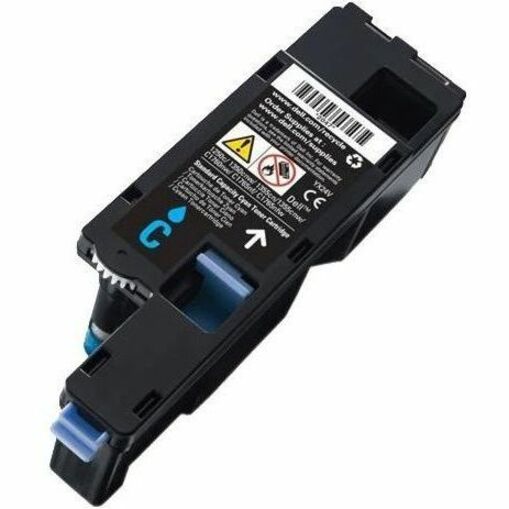
The Dell YX24V cyan toner cartridge (OEM# 332-0405) is compatible with Dell color laser printers including the 1250c, 1350cnw, 1355cn, 1355cnw, C1760nw, C1765nf, and C1765nfw models. This genuine Dell toner delivers a 700-page yield, making it an economical choice for high-volume printing environments. We offer this authentic cartridge to ensure optimal print quality and device performance.
Is the Dell YX24V toner an OEM or compatible cartridge?
The Dell YX24V is a genuine OEM (Original Equipment Manufacturer) cartridge, not a compatible or third-party alternative. Using authentic Dell toner ensures maximum print quality, reliability, and maintains your printer's warranty coverage. Contact us today to verify your specific printer model and order the correct genuine cartridge.
What is the page yield for the Dell YX24V cyan toner?
The Dell YX24V cyan toner cartridge provides a 700-page yield at standard 5% coverage, making it suitable for small to medium-sized workgroups and departments. This yield helps you calculate your cost per page and plan inventory more effectively. Visit barcodesinc.com to compare this cartridge with other Dell toner options for your fleet.
Can I use the Dell YX24V toner in both color and monochrome printers?
No, the Dell YX24V is specifically designed as a cyan (blue) toner cartridge for Dell color laser printers. It is not compatible with monochrome or black-and-white printer models. Our team can help you identify the correct cartridge type for your specific printer—contact us today with your model number.
How do I know if the Dell YX24V is the right toner for my Dell printer?
The Dell YX24V (OEM# 332-0405) is designed for Dell's 1250c, 1350cnw, 1355cn, 1355cnw, C1760nw, C1765nf, and C1765nfw color laser printers. You can verify compatibility by checking your printer's model number on the device itself or in your documentation. Contact us today if you need help identifying the correct toner cartridge for your printer.
What should I do if my Dell printer shows low toner warnings after installing the YX24V cartridge?
Low toner warnings are normal as the cartridge is used; they don't necessarily indicate a defective product. Ensure the cartridge is fully inserted and the protective tape has been completely removed. If you experience persistent issues or the cartridge fails to perform as expected, we're here to help—visit barcodesinc.com or contact our team for support and warranty assistance.