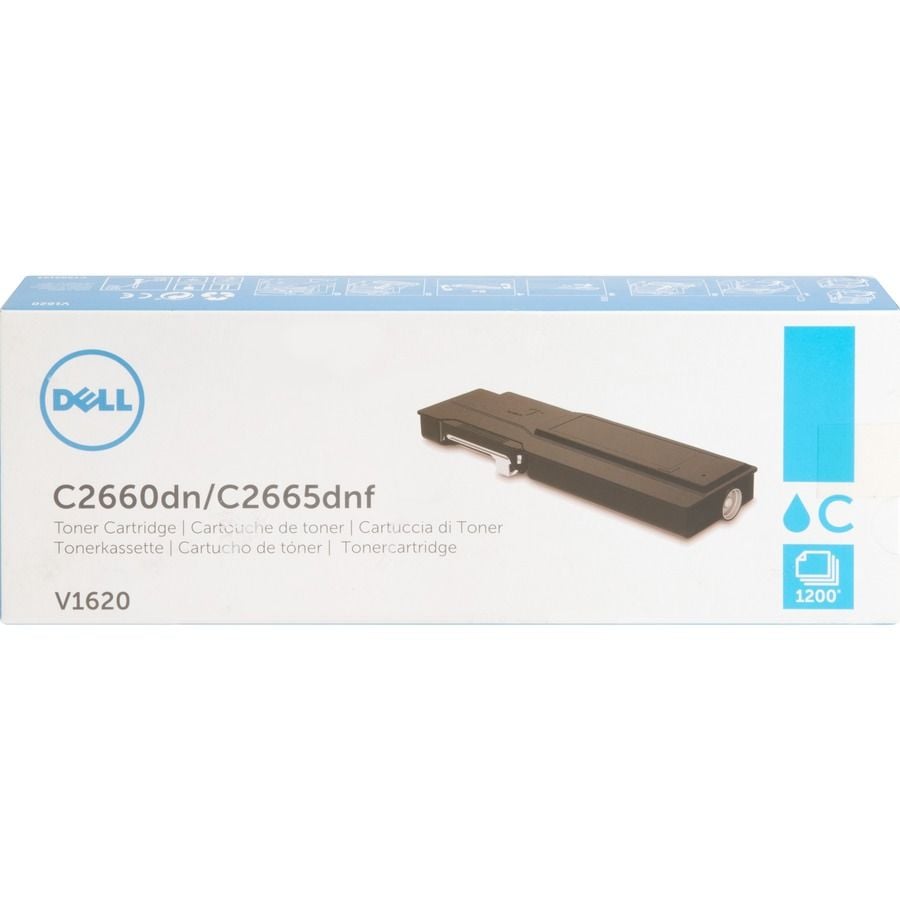
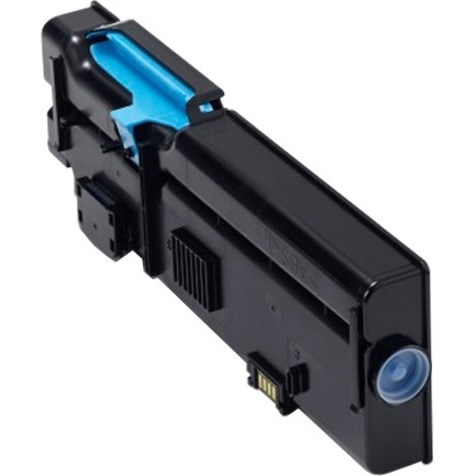
What is the page yield for the Dell V1620 Cyan Toner Cartridge?
The Dell V1620 Cyan Toner Cartridge (OEM# 593-BBBN) delivers a page yield of 1,200 pages, making it an economical choice for moderate-volume printing in warehouse and logistics environments. This yield is based on standard 5% page coverage, so actual results may vary depending on your print patterns.
Which Dell printers are compatible with the V1620 toner cartridge?
The Dell V1620 Cyan Toner Cartridge is compatible with the Dell C2660dn and Dell C2665dnf color laser printers. Both models are designed for high-volume document production in enterprise and logistics operations. We offer this genuine OEM cartridge to ensure optimal print quality and printer performance.
Is the Dell V1620 an OEM or compatible toner cartridge?
The Dell V1620 is a genuine OEM (Original Equipment Manufacturer) toner cartridge, not a compatible or remanufactured alternative. Using genuine Dell toner ensures reliable performance, consistent color output, and maintains your printer's warranty coverage. Contact us today for bulk ordering options if you manage high-volume printing operations.
What color is the Dell V1620 toner cartridge?
The Dell V1620 is a cyan (light blue) toner cartridge, one of the four color components in Dell's color laser printing system. It works alongside magenta, yellow, and black cartridges to produce full-color documents for professional warehouse and logistics documentation.
Can I use the Dell V1620 cartridge in other printer models?
The Dell V1620 Cyan Toner Cartridge is specifically engineered for the Dell C2660dn and C2665dnf printers only. Using it in other printer models may result in poor print quality, damage to the printer, or cartridge malfunction. If you need cartridges for different Dell printer models, visit barcodesinc.com to find the correct replacements for your equipment.
How should I store unused Dell V1620 toner cartridges?
Dell recommends storing toner cartridges in a cool, dry environment away from direct sunlight and humidity to maintain print quality and cartridge integrity. Keep cartridges in their original packaging until ready to install. For organizations managing multiple printers and supplies, our team can help you develop an inventory management strategy—contact us today for procurement assistance.