Dell Misc Parts ACCESSORIES & MISC. ITEMS Model Overview
Products and parts from Dell.
Dell DELL-SB-AE515M Computer Speaker Overview
Experience powerful audio clarity
Optimize your conference calls and multimedia streaming with the powerful and exceptional audio clarity of the Dell Pro Stereo Soundbar - AE515M, certified for Microsoft® Skype® for Business.
Experience rich and powerful audio from the 5W RMS front firing speakers while its wide frequency response range of 90Hz to 20kHz offers deep bass and exceptional sound quality.
Background noise will be minimized while you're on a call with the soundbar's dual mic array and echo cancellation feature.
Enjoy feature rich call functions
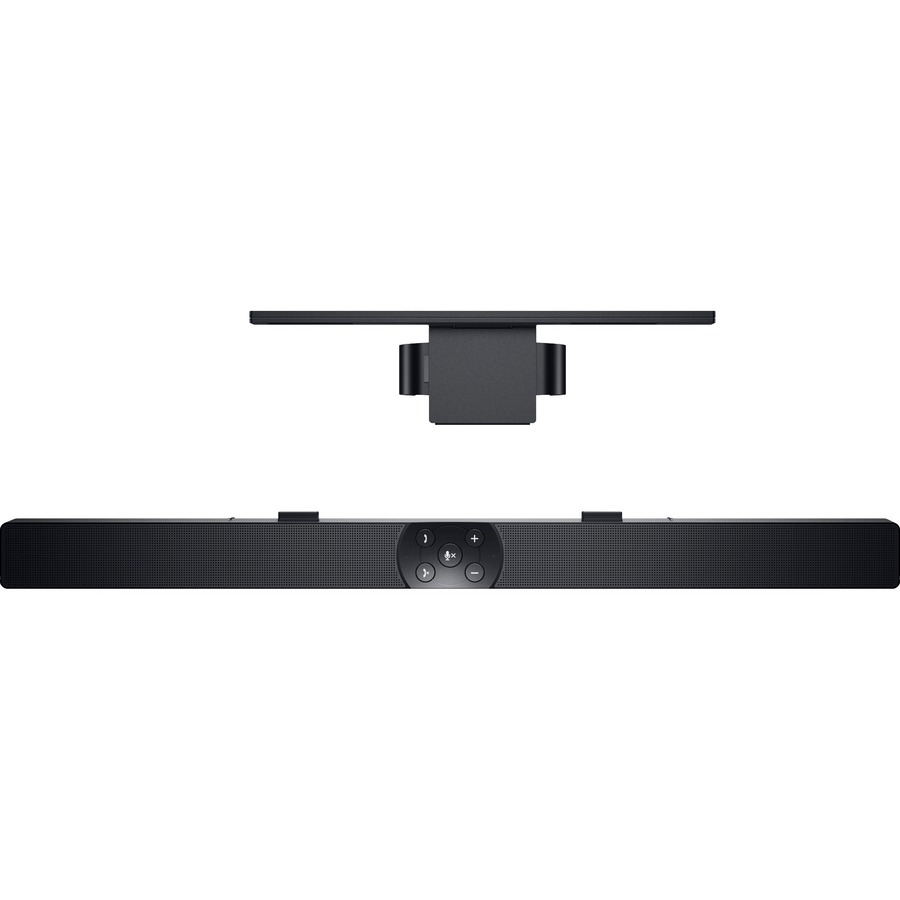
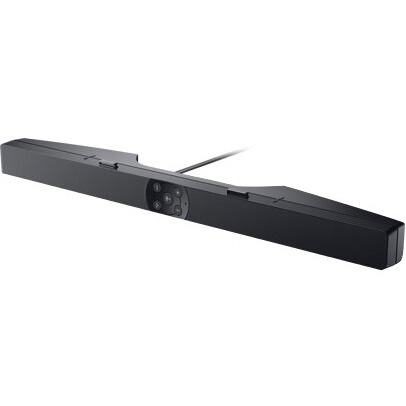
Front facing call controls and LED indicators make it easy to manage your calls. Use the audio mode button to flexibly toggle between two different modes like group call via the soundbar, or switch to a private listening experience with headphones.
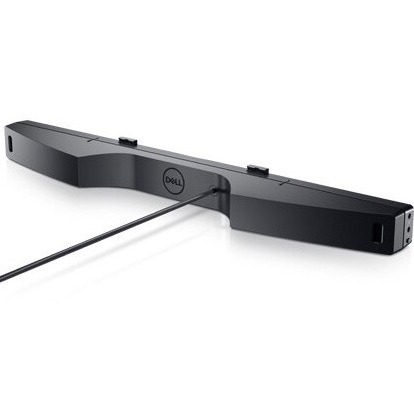
Instantly stream music from your smartphone via the 3.5mm jack, with minimum interference thanks to GSM shielding.
Quick set up with a space-saving design
An included soundbar mount offers easy attachment to the monitor, without affecting monitor adjustability. Simply plug it into any available USB port on your monitor or PC, and it's ready for action-no additional software required.
Enjoy peace of mind
The soundbar is certified for Microsoft® Skype® for Business, so you can rest easy, knowing your soundbar meets the highest specifications in the industry and comes with 3 years Limited Hardware Warranty.
What are the audio specifications for the Dell SB-AE515M sound bar?
The Dell SB-AE515M is a 5W RMS under-monitor sound bar with a frequency response range of 90 Hz to 20 kHz, delivering clear audio for desktop and workspace environments. It connects via USB and is designed to enhance audio output for Dell monitors and compatible systems. We offer this speaker as part of our comprehensive Dell accessory lineup available from barcodesinc.com.
Is the Dell SB-AE515M compatible with non-Dell monitors?
Yes, the Dell SB-AE515M can be used with most monitors that have USB connectivity and space beneath the display for mounting. The under-monitor design makes it ideal for workspace optimization, and its USB connection provides both audio and power. Contact us today if you need compatibility verification for your specific setup.
What connectivity options does the Dell SB-AE515M speaker provide?
The Dell SB-AE515M connects via USB, which serves as both the power source and audio input connection, eliminating the need for separate power adapters or audio cables. This single-cable solution simplifies desktop setup and reduces cable clutter in professional workspaces. We have this streamlined speaker solution available for immediate delivery.
Can the Dell SB-AE515M be used in warehouse or logistics environments?
While the Dell SB-AE515M is primarily designed as a desktop under-monitor speaker for office environments, its compact black design and USB connectivity make it suitable for control rooms and administrative workstations in logistics facilities. For specialized audio needs in warehouse environments, contact us today to discuss alternatives that better suit industrial requirements.
What is the physical design of the Dell SB-AE515M sound bar?
The Dell SB-AE515M is a black under-monitor sound bar designed to mount beneath compatible Dell monitors, providing space-efficient audio enhancement without taking up additional desk real estate. Its compact form factor makes it ideal for tight workspace configurations common in IT and warehouse management environments. Visit barcodesinc.com to view product images and dimensions.
Does the Dell SB-AE515M require any special drivers or software installation?
The Dell SB-AE515M operates as a standard USB audio device and typically requires no special drivers on Windows or Linux systems, as it uses native USB audio class protocols. Simply connect via USB and configure your operating system audio output to the speaker through standard system settings. Our team can provide setup guidance—contact us today for technical support.