What video resolution and sensor type does the Dell 8YK83 UltraSharp Webcam support?
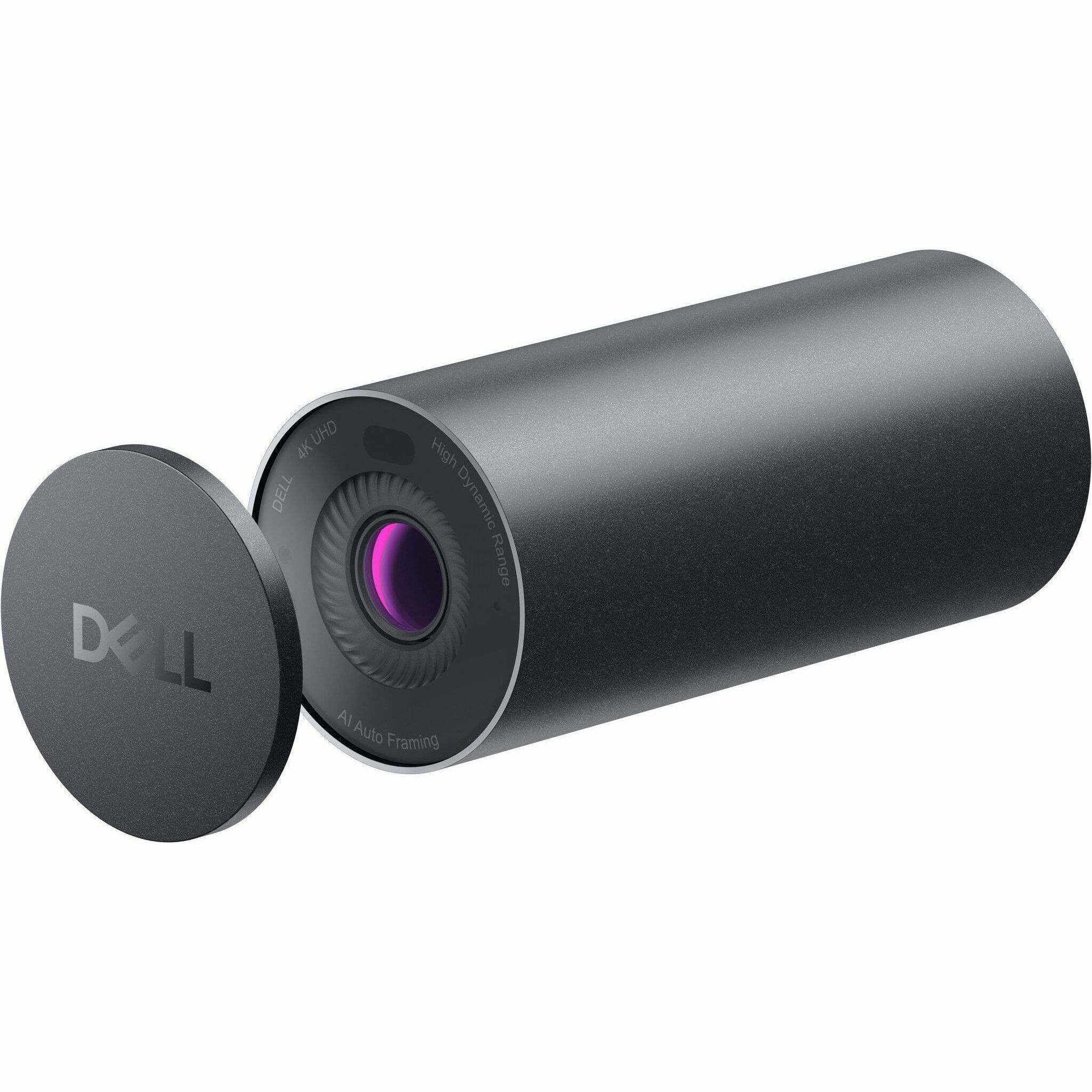
The Dell UltraSharp Webcam WB7022 (model 8YK83) captures 4K UHD video at 3840 x 2160 resolution using a CMOS sensor with auto-focus capability. This makes it ideal for high-definition video conferencing, content creation, and professional presentations where image clarity is essential.
Is the Dell 8YK83 webcam compatible with Mac and Windows systems?
Yes, the Dell 8YK83 is compatible with Windows 10, Windows 11, and macOS systems including Ventura, Monterey, and Big Sur. The webcam features plug-and-play installation, so no additional drivers are required for most systems, making setup straightforward across different operating environments.
What are the key optical features of the Dell UltraSharp Webcam WB7022?
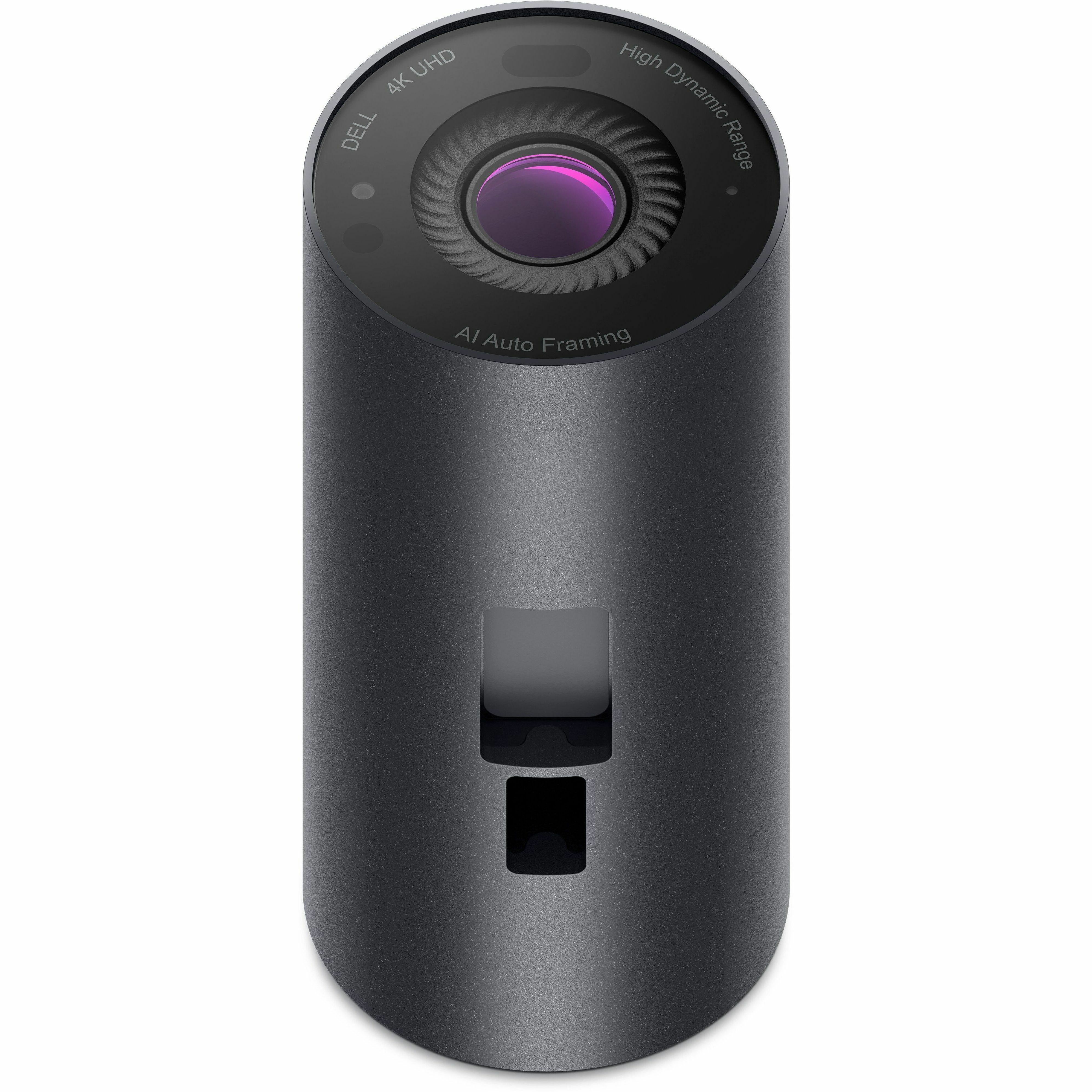
The Dell 8YK83 features a 90-degree viewing angle, 5x digital zoom, and auto white balance for adaptable lighting conditions. It also includes advanced image processing with 2D and 3D noise reduction, plus face detection technology to ensure clear, professional video output in various environments.
Can the Dell 8YK83 webcam be mounted on a monitor or tripod?
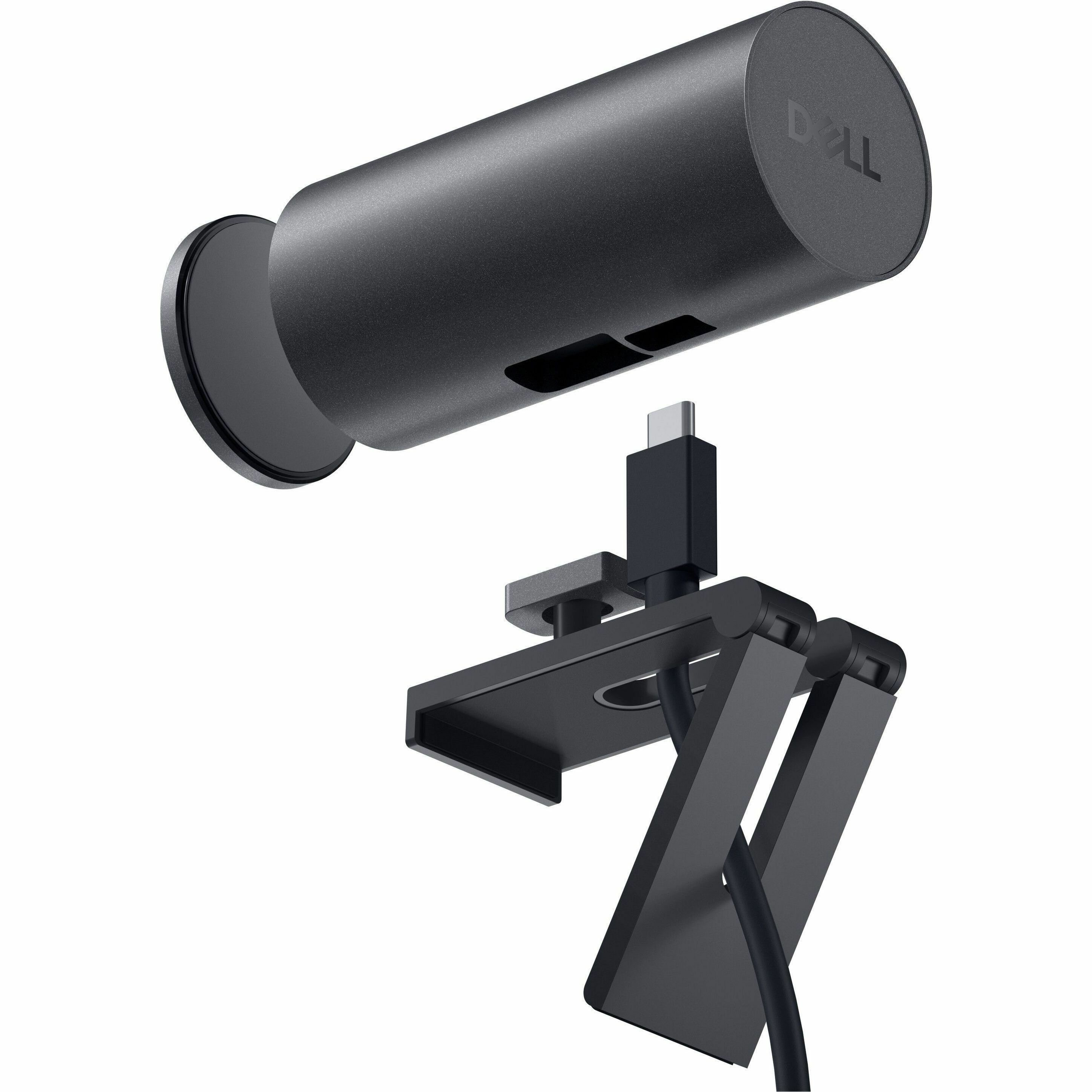
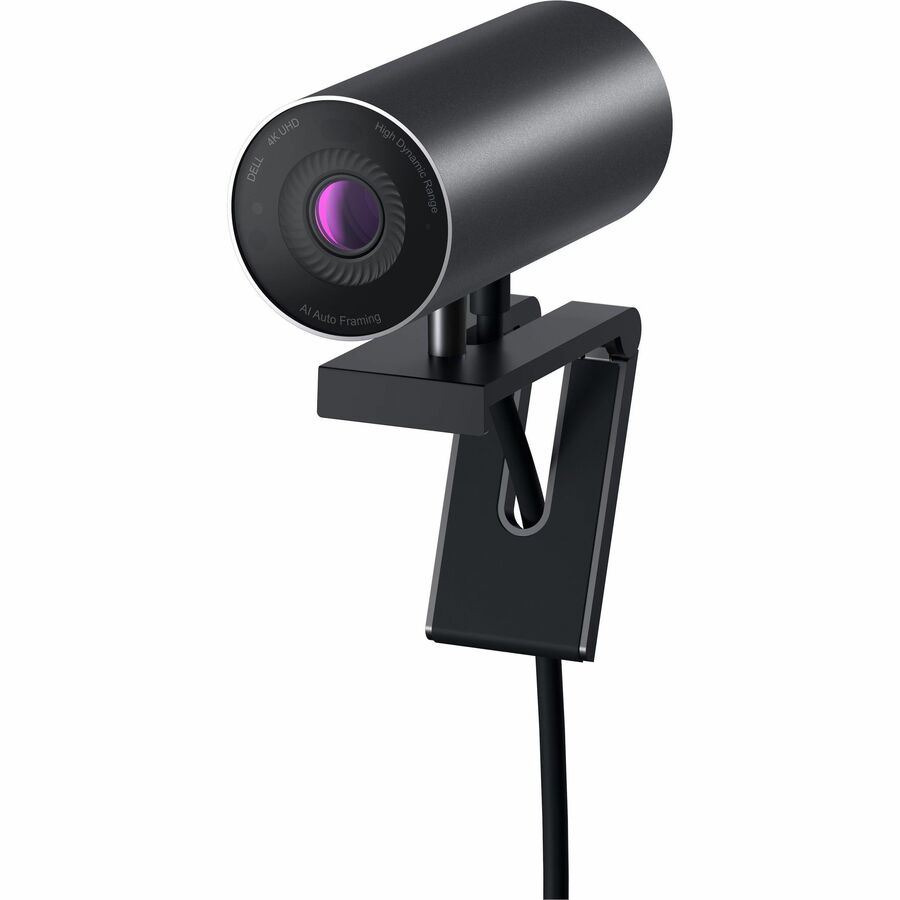
Yes, the Dell UltraSharp Webcam includes a tripod mount, allowing flexible positioning on stands, tripods, or monitor clips. This versatility makes it suitable for different workspace configurations, whether you're setting up a home office, conference room, or content creation studio.
What connectivity options does the Dell 8YK83 provide?
The Dell 8YK83 connects via USB, providing standard plug-and-play connectivity to computers and monitors. The USB connection supplies both data and power to the device, eliminating the need for separate power adapters or complex installation procedures.
Where can I purchase the Dell 8YK83 UltraSharp Webcam?
We offer the Dell 8YK83 UltraSharp Webcam through our comprehensive product catalog at barcodesinc.com. Contact us today for pricing, availability, and bulk ordering options if you need multiple units for your organization.