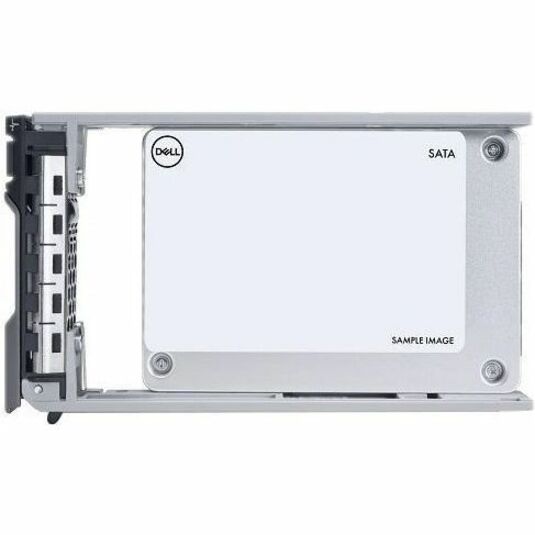
Storage Capacity:
3.84 TB
Features:
Durable



Increase the storage capacity of your Dell™ System with 3.84TB Solid State Drive from Dell. It boasts a storage capacity of up to 3.84TB, enabling users to store large amounts of data.
Benefits of SSD over spin drives:
Dell Servers:
The Dell 400-BKFR is a 3.84 TB rugged solid state drive featuring a 2.5" form factor with U.2 (SFF-8639) NVMe interface and read-intensive optimization for server environments. This enterprise-grade SSD is designed for high-performance storage in demanding data center and server applications. Contact us today to verify compatibility with your specific server configuration.
The Dell 400-BKFR is engineered as a server device-supported drive, making it suitable for enterprise server deployments requiring high-capacity NVMe storage. The U.2 (SFF-8639) interface ensures compatibility with modern server platforms that support this standard. Visit barcodesinc.com or contact our team to confirm compatibility with your specific server model and configuration.
The Dell 400-BKFR is built as a rugged solid state drive designed to withstand demanding operational conditions while maintaining reliability in enterprise server environments. As a solid state drive with no moving parts, it offers superior durability compared to traditional mechanical drives, making it ideal for mission-critical applications. We offer this drive for customers requiring enterprise-grade storage resilience.
The Dell 400-BKFR uses the U.2 (SFF-8639) NVMe interface, which provides high-speed data transfer capabilities for modern server architectures. This interface standard enables faster performance compared to traditional SATA connections, making it ideal for I/O-intensive workloads. Contact us today if you need guidance on NVMe compatibility with your infrastructure.
The Dell 400-BKFR provides 3.84 TB of storage capacity, offering substantial data storage for enterprise server applications requiring high-capacity NVMe solutions. This capacity level is optimized for read-intensive workloads common in data center environments. We have this model available from our inventory for immediate deployment.
Yes, the Dell 400-BKFR is specifically optimized for read-intensive workloads, making it ideal for applications that prioritize data retrieval performance over write operations, such as database queries and analytics platforms. This read-optimized design delivers consistent performance for server environments with heavy read demand. Visit barcodesinc.com to learn more about optimizing your storage configuration for your specific workload requirements.