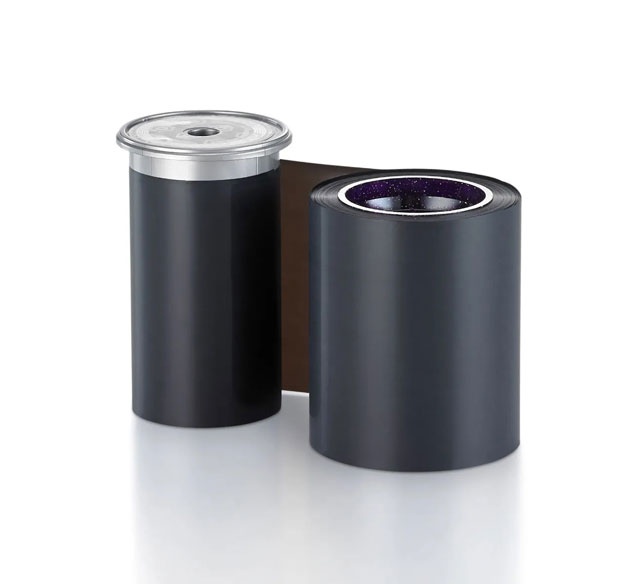
Print Color:
- Monochrome
- Gold Matte



The Datacard 525900-007 ID Card Ribbon is designed for use with Entrust Datacard SL1, SL2, and SL3 printers, as well as Entrust DS series printers. This ribbon is specifically engineered to work with these Datacard and Entrust printer models to ensure optimal print quality and performance.
The Datacard 525900-007 ribbon delivers up to 2500 prints per roll. This yield makes it a cost-effective supply option for mid-volume ID card printing operations available from us.
The Datacard 525900-007 is a Gold Matte Monochrome ribbon, which produces single-color ID card prints with a matte finish. This ribbon type is ideal for standard black-and-white ID card applications where a professional, non-glossy appearance is desired.
The Datacard 525900-007 with its 2500-print capacity is well-suited for moderate to mid-volume ID card production environments. For high-volume operations requiring continuous printing, you may want to evaluate your printing frequency and consider ordering multiple ribbons in advance. Contact us today to discuss your specific volume requirements.
Monochrome ribbons like the Datacard 525900-007 produce single-color prints, typically in black, and are ideal for basic ID card applications. Color ribbons, by contrast, enable full-color photo and graphics printing. The choice depends on your ID card design requirements and branding needs.
The Datacard 525900-007 is specifically designed for Entrust Datacard SL and DS series printers. Using ribbons outside their designated printer models may result in poor print quality or equipment damage. We recommend verifying compatibility with your specific printer model before purchase. Contact us today if you need help identifying the correct ribbon for your equipment.