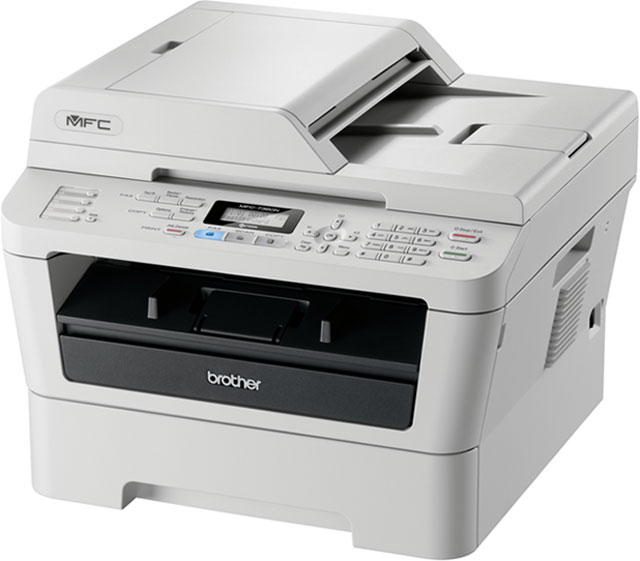
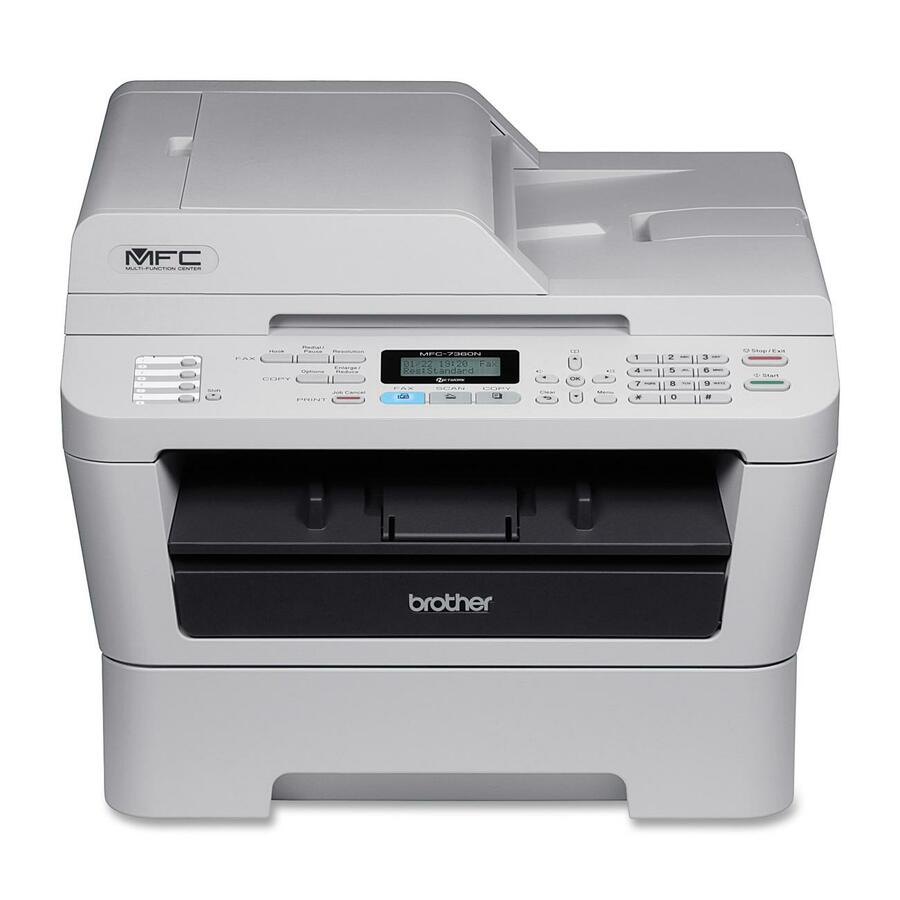

Brother MFC-7360N Multi-Function Printer
Brother MFC-7360N Products Model Overview
Compact, laser all-in-one printer produces fast, high-quality monochrome laser printing and copying at up to 24 pages per minute, as well as color scanning and faxing into one space-saving design. Built-in, Ethernet interface allows you to share it with others on your network. Or use the USB 2.0 interface to connect locally to a single computer. Flexible paper handling includes an adjustable, 250-sheet capacity tray and a manual by-pass slot for printing thicker media. The 35-page capacity automatic document feeder allows you to copy, scan or fax multi-page documents quickly and easily. Time-saving ID copy feature lets you copy both sides of your identification card onto one page, keeping the original card size. MFC-7360N also features 32MB memory, 14.4Kbps fax modem, color scanning up to 19200 x 19200 dpi, scanning to email, image, OCR and file, and up to 600 x 2400 dpi print resolution. Energy Star qualified
- Plain Paper
- Thin Paper
- Recycled Paper
- Thick Paper
- Bond Paper
- Label
- Envelope
- Poster Paper
- A4 - 8.27" x 11.69"
- Letter - 8.50" x 10.98"
- B5 - 6.93" x 9.84"
- B5 (JIS)
- A5 - 5.83" x 8.27"
- B6 - 4.92" x 6.93"
- A6 - 4.13" x 5.83"
- Executive - 10.51" x 7.24"
- Custom Size
- 1 x Output Tray 100 Sheet
- 1 x Input Tray 250 Sheet
- 1 x Automatic Document Feeder 35 Sheet
- 1 x Output Tray 1 Sheet
- GDI
- PCL 6
- Host-based
- Windows® 2000 Professional
- Windows® XP Home
- Windows® XP Professional
- Windows® XP Professional x64 Edition
- Windows Vista®
- Windows® 7
- Windows® 8
- Windows Server® 2003 (print only via network)
- Windows Server® 2003 x64 Edition (print only via network)
- Windows Server® 2008 (print only via network)
- Windows Server® 2008 R2 (print only via network)
- Mac OS® X 10.4.11, 10.5.x
- Mac OS® X 10.6.x and Higher
- MFC-7360N Compact Laser All-in-One with Networking
- 1 x Starter Toner Cartridge (yields approx. 700 pages?)
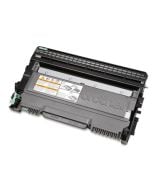
- 1 x DR420 Drum Unit (yields approx. 12,000 pages?)
- Quick Setup Guide and Basic User's Guide
- AC Power Cord
- Telephone Line Cord
- Installation CD-ROM
- Intel® Pentium® II or equivalent
- Minimum RAM 64MB
- Recommended RAM 256MB
- Hard Disk Space to install For Drivers 150MB
- Hard Disk Space to install For Applications 500MB
- Intel® Pentium® II or equivalent
- Minimum RAM 128MB
- Recommended RAM 256MB
- Hard Disk Space to install For Drivers 150MB
- Hard Disk Space to install For Applications 500MB
- 64-bit (Intel® 64 or AMD64) supported CPU
- Minimum RAM 256MB
- Recommended RAM 512MB
- Hard Disk Space to install For Drivers 150MB
- Hard Disk Space to install For Applications 500MB
- Intel® Pentium® 4 or equivalent 64-bit (Intel® 64 or AMD64) supported CPU
- Minimum RAM 512MB
- Recommended RAM 1GB
- Hard Disk Space to install For Drivers 500MB
- Hard Disk Space to install For Applications 1.2GB
- Intel® Pentium® 4 or equivalent 64-bit (Intel® 64 or AMD64) supported CPU
- Minimum RAM 1GB (32-bit)
- Minimum RAM 1GB 2GB (64-bit)
- Recommended RAM 1GB (32-bit)
- Recommended RAM 2GB (64-bit)
- Hard Disk Space to install For Drivers 650MB
- Hard Disk Space to install For Applications 1.2GB
- Intel® Pentium® 4 or equivalent 64-bit (Intel® 64 or AMD64) supported CPU
- Minimum RAM 1GB (32-bit)
- Minimum RAM 1GB 2GB (64-bit)
- Recommended RAM 1GB (32-bit)
- Recommended RAM 2GB (64-bit)
- Hard Disk Space to install For Drivers 650MB
- Hard Disk Space to install For Applications 1.2GB
- Intel® Pentium® III or equivalent
- Minimum RAM 256MB
- Recommended RAM 512MB
- Hard Disk Space to install For Drivers 50MB
- 64-bit (Intel® 64 or AMD64) supported CPU
- Minimum RAM 256MB
- Recommended RAM 512MB
- Hard Disk Space to install For Drivers 50MB
- Intel® Pentium® 4 or equivalent 64-bit (Intel® 64 or AMD64) supported CPU
- Minimum RAM 512MB
- Recommended RAM 2GB
- Hard Disk Space to install For Drivers 50MB
- 64-bit (Intel® 64 or AMD64) supported CPU
- Minimum RAM 512MB
- Recommended RAM 2GB
- Hard Disk Space to install For Drivers 50MB
- PowerPC® G4/G5 Intel® Core™ Processor
- Minimum RAM 512MB
- Recommended RAM 1GB
- Hard Disk Space to install For Drivers 80MB
- Hard Disk Space to install For Applications 400MB
- Intel® Core™ Processor
- Minimum RAM 1GB
- Recommended RAM 2GB
- Hard Disk Space to install For Drivers 80MB
- Hard Disk Space to install For Applications 400MB
- Mac
- PC
Recommended Accessories
Category
- Toner (3)
Recommended Accessories for Model: Brother MFC-7360N Multi-Function Printer
Top Toner Purchased With Brother MFC-7360N
-
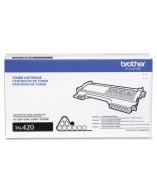
Brother TN420 TonerBrother Genuine TN420 Mono Laser Toner Cartridge - Laser - Monochrome Toner - Black - 1 EachIn Stock$46.34 -
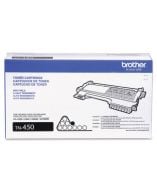
Brother TN450 TonerBrother Genuine TN450 Mono Laser High Yield Black Toner Cartridge - Monochrome Toner - Laser - High Yield - Black - 1 EachIn Stock$67.85 -
Brother DR420 TonerBrother Genuine DR420 Mono Laser Drum Unit - 1 Each - Monochrome Laser - BlackIn Stock$102.62
Frequently Asked Questions
What types of barcodes and marks can the Zebra DS3608-DPA scanner read?
The DS3608-DPA is optimized to capture virtually any direct part mark (DPM)—including laser etch, ink mark, chemical etch, inkjet mold, cast, thermal spray, and dot peen—as well as 1D/2D barcodes and wide 1D paper barcodes up to 4 inches wide. It can read marks from 1 mil high to 100 mil high in virtually any condition, including damaged, dirty, poorly printed, or under shrinkwrap, making it ideal for end-to-end track and trace across production lines and warehouses.
How durable is the DS3608-DPA for harsh industrial environments?
The DS3608-DPA is built to survive an 8 ft./2.4 m drop to concrete—23 percent more durable than any other scanner in its class—and operates reliably after 5,000 tumbles. It is dust proof, spray proof, and waterproof to IP67, meaning it can be sprayed down with jetting water and even submersed in water, making it suitable for the harshest manufacturing and automotive environments.
What battery performance does the DS3608-DPA offer?
The DS3608-DPA features the PowerPrecision+ battery, which delivers more than 100,000 scans per charge—more than three times the scans per charge than competitive models in this class. The battery also provides visibility into battery health data, including charge cycles consumed, current status, and a State of Health meter to identify if batteries are healthy and holding a full charge.
How does the DS3608-DPA connect to industrial networks?
The DS3608-DPA connects to your Industrial Ethernet network without third-party conversion equipment using Zebra's Network Connect for Automation. The solution supports a wide range of programmable logic controller (PLC) vendors, including EtherNet/IP for Rockwell Automation, PROFINET for Siemens, Modbus TCP, and standard TCP/IP, eliminating vulnerability points and improving security.
What management and configuration tools are included with the DS3608-DPA?
We offer complimentary DataCapture DNA software and tools including 123Scan and Scanner Management Service (SMS), which allow you to remotely configure scanners, upgrade firmware, format data for your backend systems, and monitor PowerPrecision+ battery statistics across your enterprise. These tools make it easier to deploy, manage, and troubleshoot your scanners at scale.
What illumination features does the DS3608-DPA have for reading marks on different surfaces?
The DS3608-DPA features an advanced illumination system with multiple lighting effects designed to capture marks on any surface type—including reflective, irregular, and curved surfaces. It includes a built-in diffuser for indirect light on shiny surfaces, proprietary edge lighting for curved barcodes, and a glancing direct light mode for low-contrast marks on polished materials.